MusicPad
MusicPad
다운로드: App Store

이 페이지는 앱이나 개발자의 공식 페이지가 아니며, 정보 제공 및 논평을 목적으로 작성된 독립 편집 간행물입니다. 명시적으로 달리 언급되지 않는 한, 해당 앱이나 개발자는 MWM, Apple, Google Play, 앱 퍼블리셔 또는 앱 개발자와 제휴, 보증, 후원, 승인 또는 공식적으로 연결되어 있지 않으며, 이 페이지의 어떤 내용도 해당 앱이 MWM의 서비스를 사용하여 개발되었음을 의미하지 않습니다. 모든 상표, 로고, 스크린샷 및 기타 콘텐츠는 해당 소유자의 자산입니다.


로고: MusicPad
다운로드: App Store

MusicPad

Apple Pencil의 정밀함으로 모든 멜로디를 포착하세요. 빠른 스케치부터 복잡한 손으로 그린 악보까지, 음악가를 위해 설계된 궁극의 디지털 스케치북에서 필기의 자연스러운 느낌을 경험하세요.

주요 수치

다운로드

6K+

사용자 평점

4.3/5

총 평가 수

100

개발사

Juan Andres Verdaguer

카테고리

Music

지원 언어

1

최신 버전

1.4.3

크기

14.1 MB

출시일

2022년 12월 31일
기능

제약 없이 작곡하기

손글씨의 촉각적 흐름과 전문적인 클라우드 통합의 힘을 소중히 여기는 음악가를 위해 설계된 디지털 스케치북입니다.

자연스러운 필기 경험

지연 없는 정밀함으로 복잡한 멜로디를 포착하세요. Apple의 PencilKit으로 구동되어 실제 악보 용지에 잉크로 쓰는 것과 같은 느낌을 줍니다.

완전히 유연한 템플릿

모든 페이지를 필요에 맞게 조정하세요. 단순한 리드 시트부터 복잡한 오케스트라 스케치까지 무엇이든 만들 수 있도록 오선 구성, 여백 및 페이지 크기를 사용자 지정하세요.

다음 스크린샷과 설명은 앱의 공식 스토어 목록에서 직접 가져온 것이며 앱 개발자의 자산입니다.

앱 스토어

스크린샷
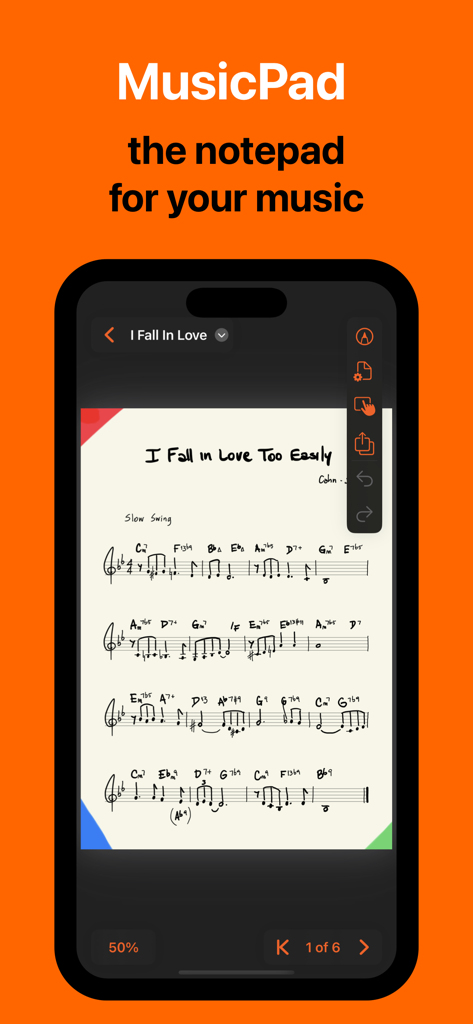
MusicPad - MusicPad 앱이 iPhone에 표시되고 손으로 쓴 악보와 작곡 도구가 표시됨
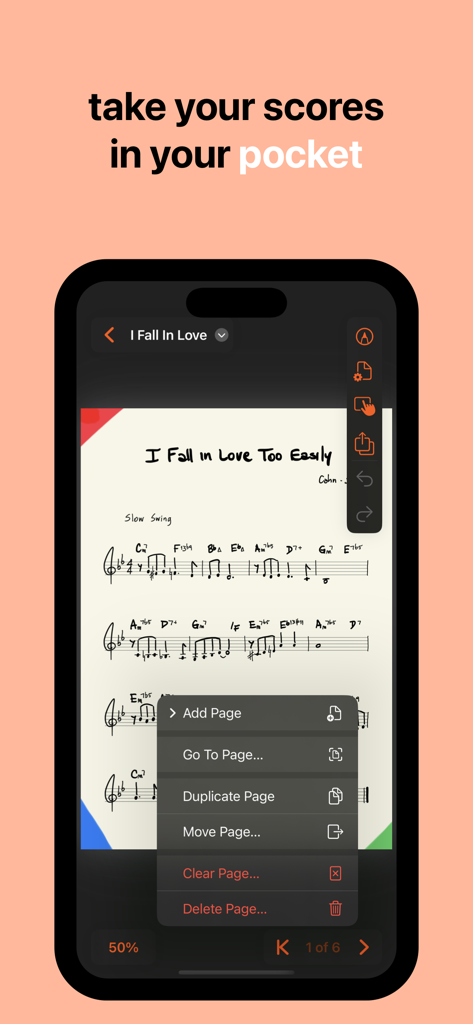
MusicPad 앱이 iPhone에 표시되고 손으로 쓴 악보와 작곡 도구가 표시됨

MusicPad - MusicPad 앱이 iPhone 화면에 손으로 쓴 악보를 표시하고 페이지 관리 메뉴가 열려 있음
MusicPad 앱이 iPhone 화면에 손으로 쓴 악보를 표시하고 페이지 관리 메뉴가 열려 있음

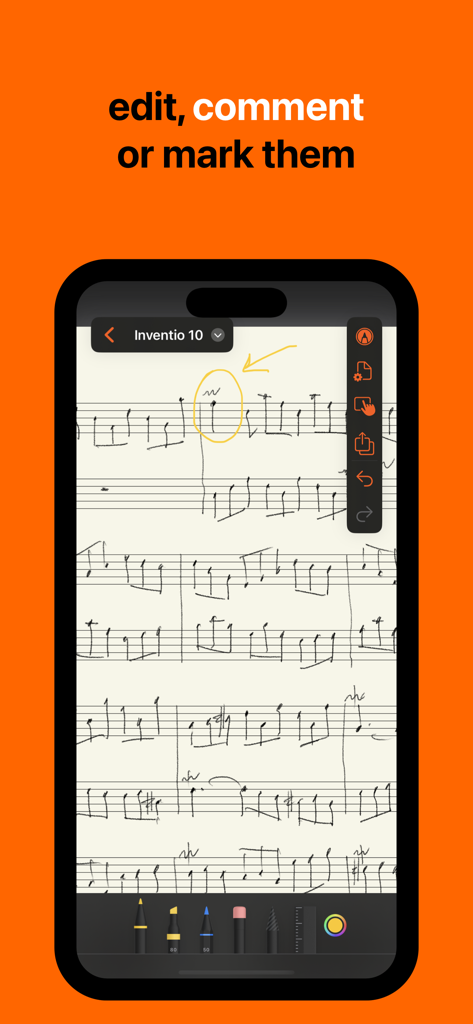
MusicPad - MusicPad 앱의 손으로 쓴 악보에 노란색 원과 화살표 주석이 달린 모습
MusicPad 앱의 손으로 쓴 악보에 노란색 원과 화살표 주석이 달린 모습

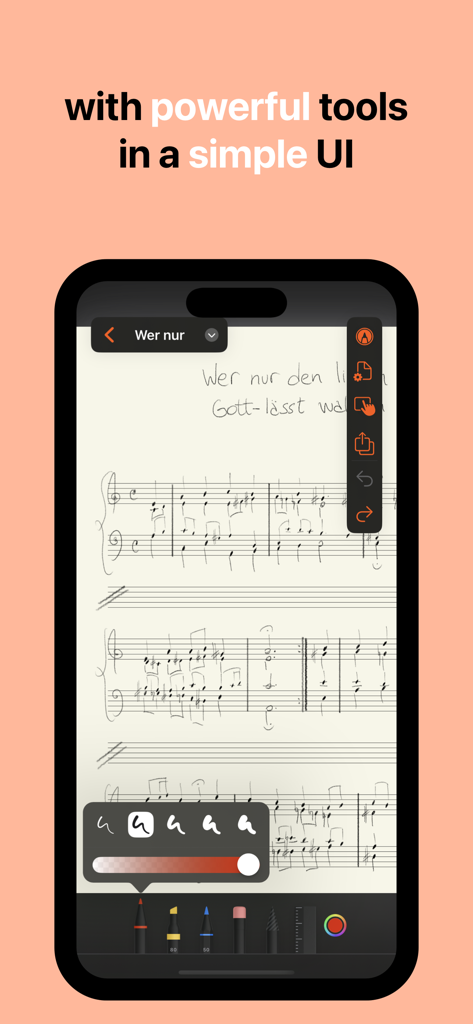
MusicPad - MusicPad 앱의 디지털 악보로, iPhone에 손으로 쓴 음표와 그리기 도구가 특징입니다.
MusicPad 앱의 디지털 악보로, iPhone에 손으로 쓴 음표와 그리기 도구가 특징입니다.

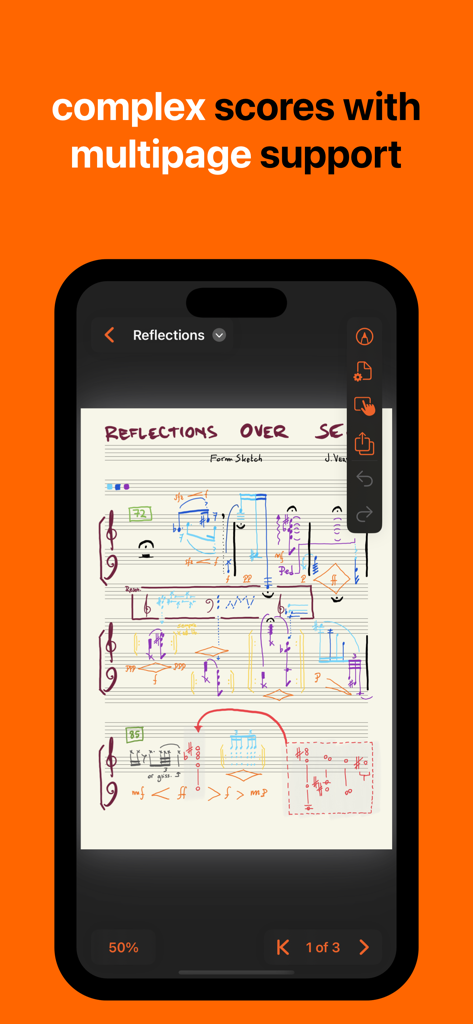
MusicPad - MusicPad 앱의 복잡한 손으로 쓴 악보로, 다중 페이지 지원을 강조합니다.
MusicPad 앱의 복잡한 손으로 쓴 악보로, 다중 페이지 지원을 강조합니다.

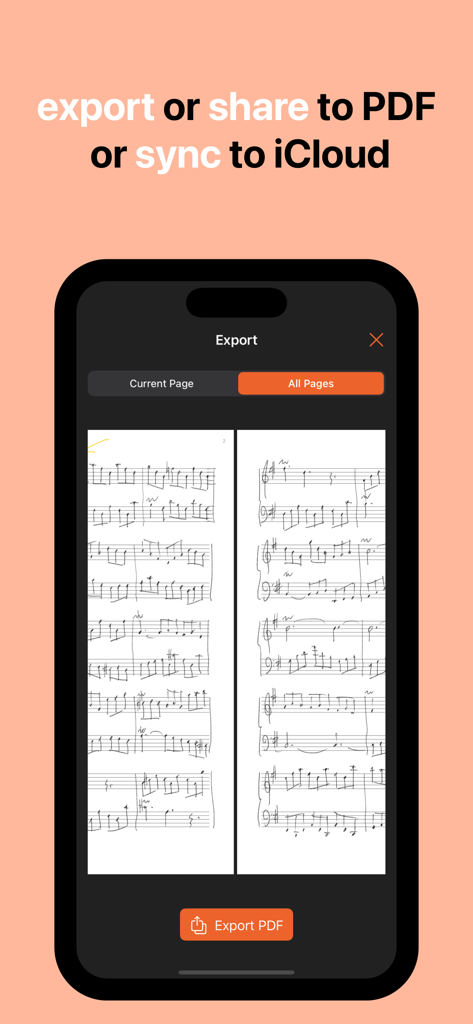
MusicPad - iPhone의 MusicPad 앱 인터페이스로, 손으로 쓴 음악을 PDF로 내보내거나 iCloud에 동기화하는 옵션이 표시됩니다.

iPhone의 MusicPad 앱 인터페이스로, 손으로 쓴 음악을 PDF로 내보내거나 iCloud에 동기화하는 옵션이 표시됩니다.

설명

From complex hand-drawn scores to quick notes for a melody that's been ringing in your head all day, get them done on MusicPad • MusicPad let's you create unlimited notepad files with unlimited sheet music pages in which to write your music. • Each page can be customised to your needs: page sizes, margins, staves configuration and more! • Near-zero latency response with Apple's industry standard PencilKit frameworks. • It offers Apple's tools: like pens, markers, highlighters and pencils plus eraser, selector and ruler.  • Each page can be made to hide or show its staves making it a great place for writing or drawing along with your scores, or for creating a title page for your music. • When you are finished writing it's easy to export your full document as a PDF or share the entire notepad file with friends and colleagues. • MusicPad is tightly integrated with your file system, so it is a snap to organize, share and sync your files across devices. • MusicPad allows the following gestures for positioning your page on the screen: - 2-fingers for zooming in and out - 1-finger for scrolling when the zoomed page goes beyond the device's edges - 1-finger for edge-swiping forwards or backwards through multiple pages • You have control over the gesture interaction with your page positioning and you can easily turn off all gestures if you want to make quick markings with your fingers or if you just want your page to be fixed in place. MusicPad 1.4 is compatible with all devices that run iOS or iPadOS 18 or later.  IMPORTANT  – Using your fingers for drawing is now supported (as of version 1.1) but we strongly recommend an Apple Pencil as your main precision input device.  – The iPhone version is meant as a viewer more than an editor. FREE APP The free app allows you to create unlimited MusicPad files with up to two pages each. MusicPad files can be shared across multiple devices using iCloud (collaboration not yet supported). All tools are available for you to scribble with. UNLOCK ALL FEATURES If you are happy with MusicPad and you want to support further developments you can unlock all features with a one-time purchase that will enable you to: • Create unlimited pages per document, • Customise each page to fit your needs, • Export your document as a PDF, • Remove unlock buttons.

Download

다운로드: App Store

이 페이지는 앱이나 개발자의 공식 페이지가 아니며, 정보 제공 및 논평을 목적으로 작성된 독립 편집 간행물입니다. 명시적으로 달리 언급되지 않는 한, 해당 앱이나 개발자는 MWM, Apple, Google Play, 앱 퍼블리셔 또는 앱 개발자와 제휴, 보증, 후원, 승인 또는 공식적으로 연결되어 있지 않으며, 이 페이지의 어떤 내용도 해당 앱이 MWM의 서비스를 사용하여 개발되었음을 의미하지 않습니다. 모든 상표, 로고, 스크린샷 및 기타 콘텐츠는 해당 소유자의 자산입니다.







