
이 페이지는 앱이나 개발자의 공식 페이지가 아니며, 정보 제공 및 논평을 목적으로 작성된 독립 편집 간행물입니다. 명시적으로 달리 언급되지 않는 한, 해당 앱이나 개발자는 MWM, Apple, Google Play, 앱 퍼블리셔 또는 앱 개발자와 제휴, 보증, 후원, 승인 또는 공식적으로 연결되어 있지 않으며, 이 페이지의 어떤 내용도 해당 앱이 MWM의 서비스를 사용하여 개발되었음을 의미하지 않습니다. 모든 상표, 로고, 스크린샷 및 기타 콘텐츠는 해당 소유자의 자산입니다.


My PurpleAir
PurpleAir 센서를 위한 최고의 동반자. 집 뒷마당의 정확한 PM2.5 데이터를 iPhone, iPad 및 Apple Watch 합병증으로 즉시 받아보세요.
다운로드
3K+사용자 평점
총 평가 수
0개발사
카테고리
Weather지원 언어
3최신 버전
2.5.5크기
3.9 MB출시일
2022년 1월 22일손끝에서 실시간 공기 데이터 확인
PurpleAir 센서의 실시간 데이터를 Apple 기기로 바로 받아 집안 환경을 제어하고 즉각적인 안심을 얻으세요.
빠른 모니터링
Apple Watch 페이스에서 실시간 AQI 업데이트를 받으세요. 가족에게 안전한 공기인지 확인하기 위해 휴대폰을 꺼낼 필요가 없습니다.
초정밀 지역 데이터
LAN을 통해 직접 연결하여 가장 정확한 PM2.5 판독값을 얻으세요. 귀하의 뒷마당에서 바로 나오는 신뢰할 수 있는 데이터에 대해 A 및 B 채널을 평균화합니다.
다음 스크린샷과 설명은 앱의 공식 스토어 목록에서 직접 가져온 것이며 앱 개발자의 자산입니다.
앱 스토어
스크린샷
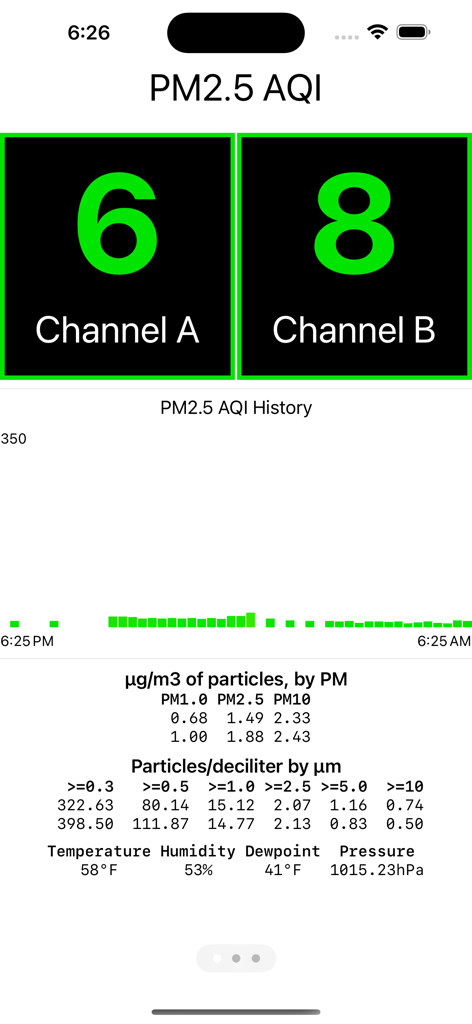
My PurpleAir 앱 대시보드가 듀얼 채널 및 환경 측정 지표에 대한 PM2.5 AQI 수준을 표시합니다.
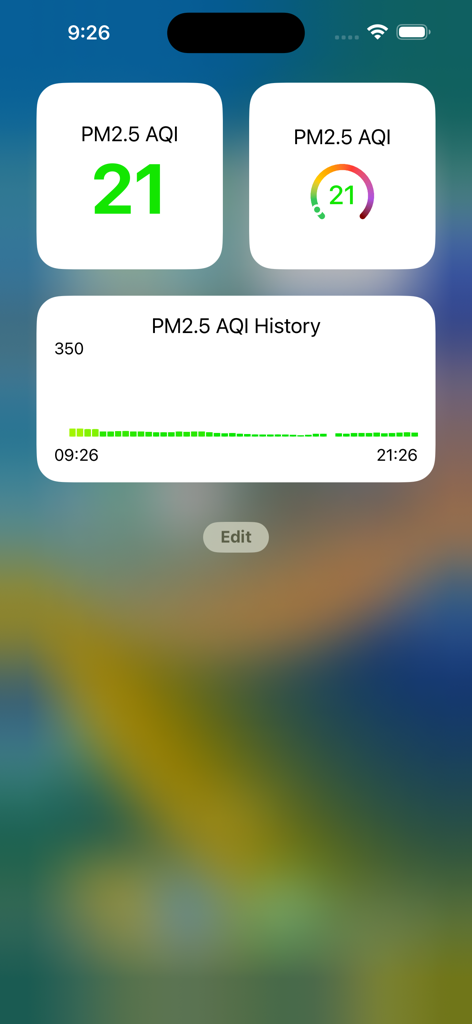
My PurpleAir iPhone 위젯이 현재 PM2.5 AQI 수준 및 과거 공기질 데이터를 표시합니다.
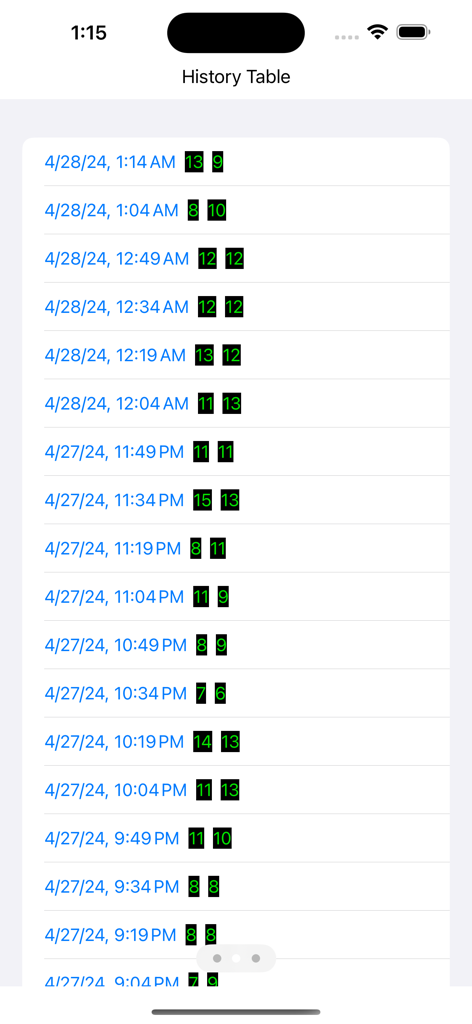
PurpleAir 센서의 순차적인 PM2.5 공기질 판독값을 보여주는 기록 테이블
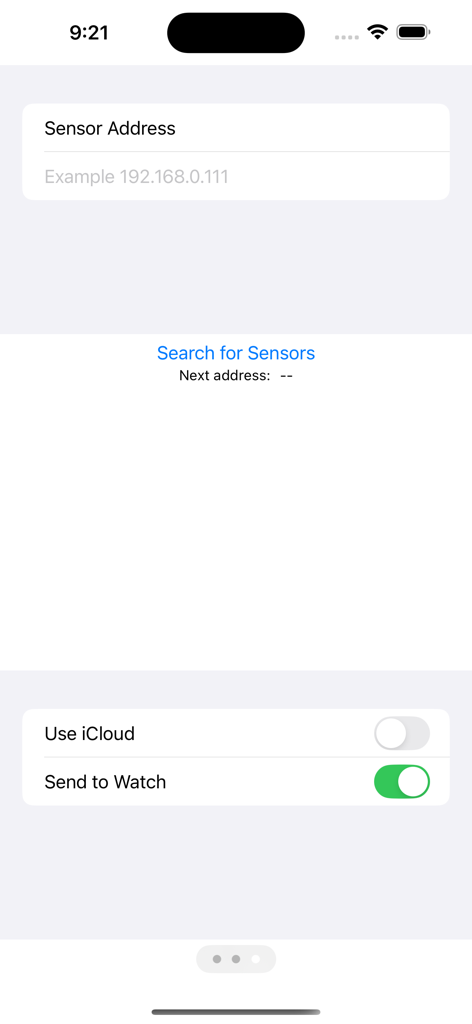
PurpleAir 센서 IP 주소를 입력하고 Apple Watch 동기화를 활성화하기 위한 구성 화면
설명
Download
비슷한 앱
같은 카테고리의 상위 앱

墨迹天气-MojiWeather
Beijing MojiFengyun Technology Co.,Ltd.

The Weather Channel - Radar
The Weather Channel

Windy.com
Windyty, SE

天气预报-精准15日天气预报
Chongqing Caochen Technology Co., Ltd.

My Aurora Forecast & Alerts
JRustonApps B.V.

AccuWeather: Weather Forecast
AccuWeather International, Inc.

Weather & Radar - Storm radar
WetterOnline - Meteorologische Dienstleistungen GmbH

天气通
Weibo Internet Technology (China) Co.Ltd.

The Thermometer -Digital-
Vida Apps Incorporated
이 페이지는 앱이나 개발자의 공식 페이지가 아니며, 정보 제공 및 논평을 목적으로 작성된 독립 편집 간행물입니다. 명시적으로 달리 언급되지 않는 한, 해당 앱이나 개발자는 MWM, Apple, Google Play, 앱 퍼블리셔 또는 앱 개발자와 제휴, 보증, 후원, 승인 또는 공식적으로 연결되어 있지 않으며, 이 페이지의 어떤 내용도 해당 앱이 MWM의 서비스를 사용하여 개발되었음을 의미하지 않습니다. 모든 상표, 로고, 스크린샷 및 기타 콘텐츠는 해당 소유자의 자산입니다.