Noonlight: Feel Protected 24/7
다운로드: App Store

이 페이지는 앱이나 개발자의 공식 페이지가 아니며, 정보 제공 및 논평을 목적으로 작성된 독립 편집 간행물입니다. 명시적으로 달리 언급되지 않는 한, 해당 앱이나 개발자는 MWM, Apple, Google Play, 앱 퍼블리셔 또는 앱 개발자와 제휴, 보증, 후원, 승인 또는 공식적으로 연결되어 있지 않으며, 이 페이지의 어떤 내용도 해당 앱이 MWM의 서비스를 사용하여 개발되었음을 의미하지 않습니다. 모든 상표, 로고, 스크린샷 및 기타 콘텐츠는 해당 소유자의 자산입니다.


로고: Noonlight: Feel Protected 24/7
다운로드: App Store

Noonlight: Feel Protected 24/7

버튼 하나만 놓치면 죽음의 상황에서도 당신의 목숨은 안전하다는 것을 확인할 수 있습니다. 이 앱은 당신을 구하기 위해 설계된 디지털 보디가드입니다.

주요 수치

다운로드

2.5M+

사용자 평점

4.7/5

총 평가 수

18.9K

개발사

Noonlight, Inc.

카테고리

Lifestyle

지원 언어

1

최신 버전

2.19.3

크기

110.8 MB

출시일

2013년 10월 5일
기능

위협 상황에 대한 다각적인 대응을 통해 사용자의 안전을 강화하는 핵심 기능 분석

Noonlight: Feel Protected 24/7 앱 주요 기능 분석

비상 버튼 활성화

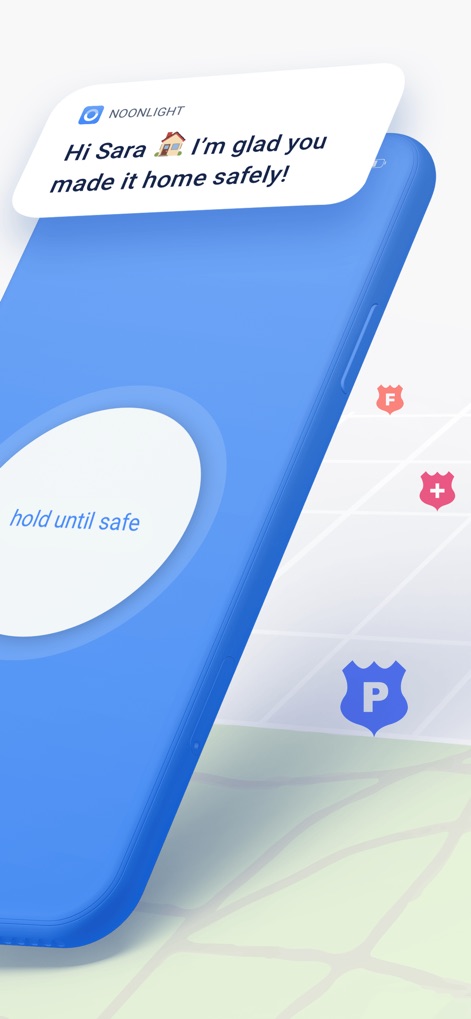
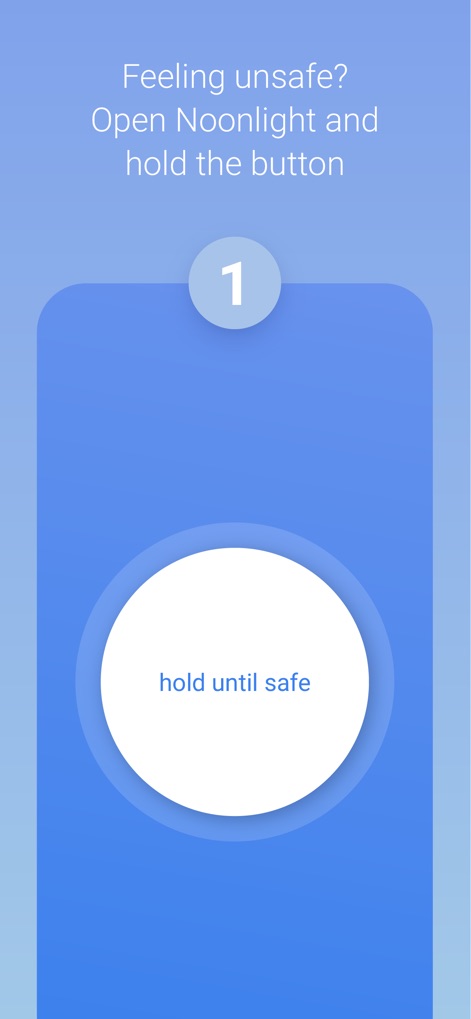
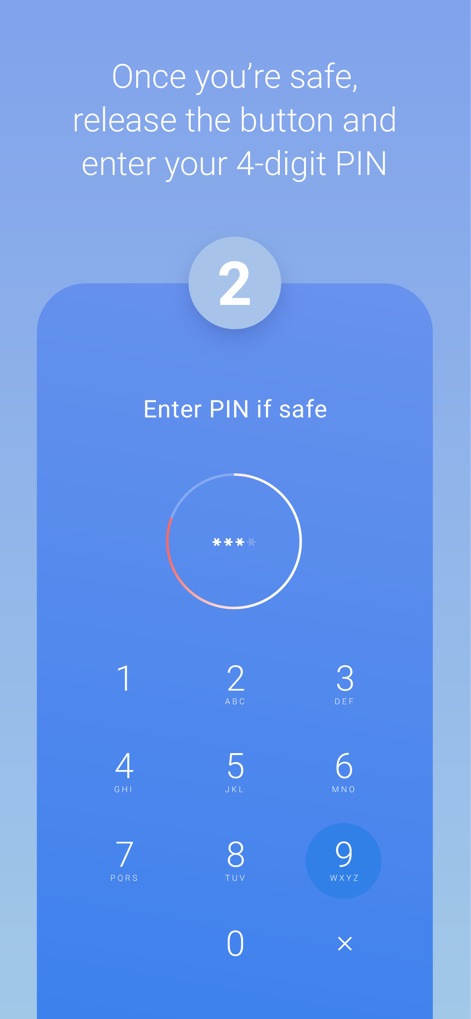
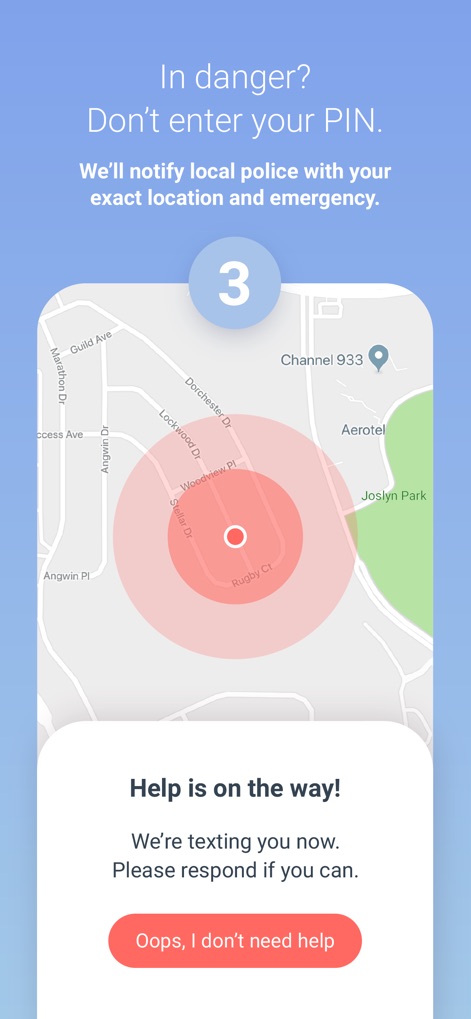
사용자가 위급 상황에서 버튼을 누르고 있다가 놓기만 하면 즉시 구조 요청을 보낼 수 있게 해줍니다. 핀을 입력하지 않으면 자동으로 경찰에 위치 정보가 전송됩니다.

자동 충돌 감지 및 대응

이 도구는 휴대폰의 센서를 활용하여 차량 충돌을 자동으로 감지하고, 응급 구조대원을 사용자 위치로 즉시 파견하여 신속한 지원을 가능하게 합니다.

비언어적 비상 소통 및 자동 지원

사용자가 위급 상황에서 말하거나 문자를 보내기 어려운 경우, 이 앱은 문자 메시지를 통한 소통을 지원하며, 심지어 아무런 소통이 불가능하더라도 자동으로 비상 신호를 보내 정확한 위치로 도움을 요청합니다.

다음 스크린샷과 설명은 앱의 공식 스토어 목록에서 직접 가져온 것이며 앱 개발자의 자산입니다.

앱 스토어

스크린샷
Noonlight: Feel Protected 24/7 - null

Noonlight: Feel Protected 24/7 - null

Noonlight: Feel Protected 24/7 - null

Noonlight: Feel Protected 24/7 - null

Noonlight: Feel Protected 24/7 - null

Noonlight: Feel Protected 24/7 - null

Noonlight: Feel Protected 24/7 - null

Noonlight: Feel Protected 24/7 - null

Noonlight: Feel Protected 24/7 - null

Noonlight: Feel Protected 24/7 - null

설명

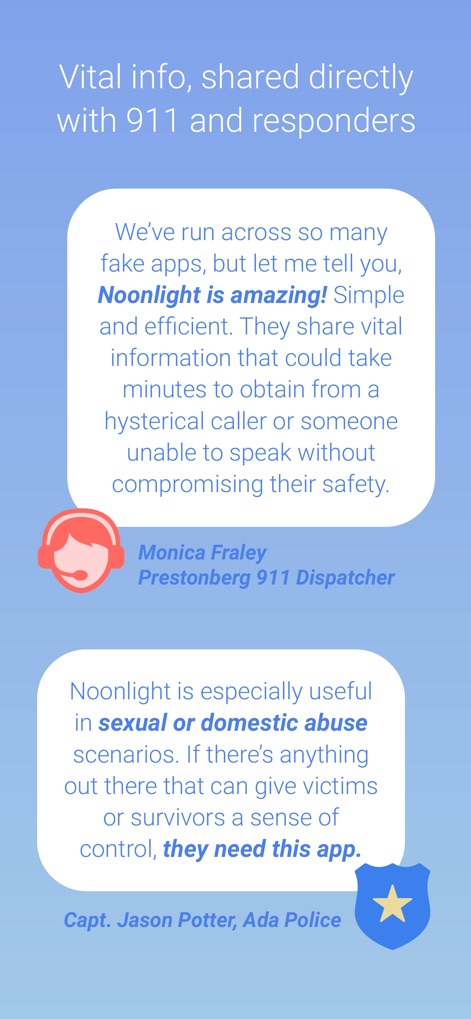
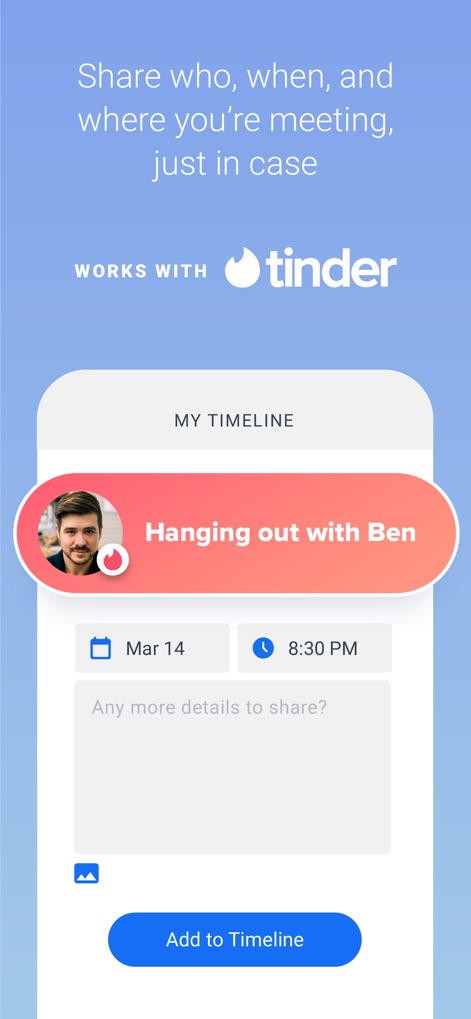
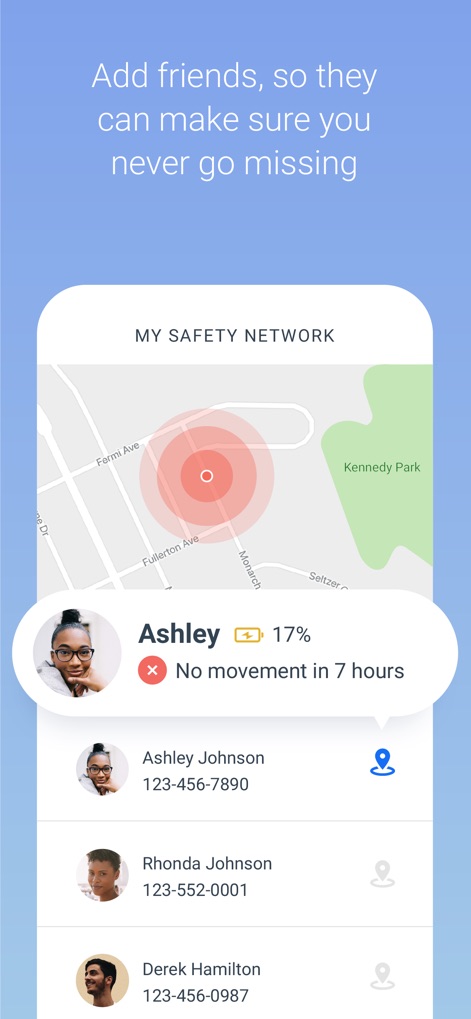
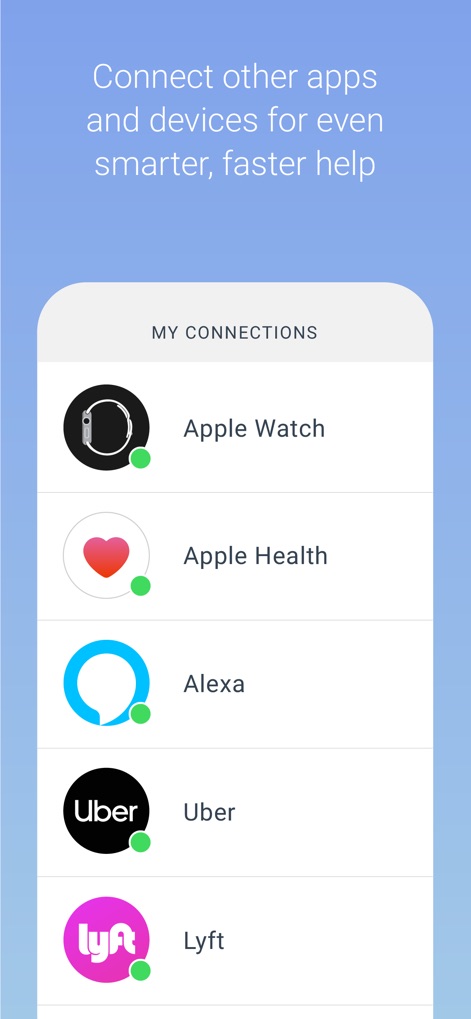
Have you ever been in a situation where you question whether it’s dangerous enough to call 911? Instead of worrying yourself with indecision, use Noonlight. Noonlight uses advanced technology to get emergency help to your exact location with just the release of a button. It can be used in moments where you simply feel unsafe, as well as moments where you need immediate emergency help. Here’s how simple it is: 1. Press and hold the button whenever you feel uneasy. 2. Release the button when you have reached your home, car, or a safe destination and enter your 4-digit pin. 3. In danger? Simply release the button and do not enter your pin. Your local police will be notified of your location and emergency. Free Features: • Meeting a stranger? See something suspicious? Simply add information to your Timeline and we’ll share important details with first responders in an emergency. • We’ve partnered with Tinder to provide backup on your next date! Share details about who you’ll be meeting to your timeline, directly from the Tinder app. Or add a ‘Protected by Noonlight’ badge to your Tinder chat threads so everyone will know we have your back. • Prefer texting? If you can’t talk in an emergency, you can still communicate with us via text. • Can’t text or talk? No worries, we’re still sending help to your exact location. • On the move? We update your location even if you’re in a taxi, bus, running, or walking. • On-call team of friendly, certified dispatchers ready 24/7/365 to get you help. Instant Access Features: • Automatic Crash Response: Using the accelerometer, GPS, and gyroscope on your phone, Noonlight can detect if you’ve been in a car accident and automatically send first responders. • In a panic? Add the Noonlight widget to “Send help!” directly from your lock screen. • Apple Watch: Get emergency help from your wrist. In an emergency, tap “Send help!” to trigger an alarm. We’ll text and call to verify you need help. If you’re unable to answer, we’ll still send help to your location. • Wear OS: Get emergency help from your wrist using timer or panic mode. In an emergency, tap Trigger Alarm. Or Set Timer, and we’ll send help if you don’t enter your PIN when time’s up. • Connect the Apple Health app so first responders have more info to better help you in an emergency. • Connect your Lyft or Uber account to send your trip and driver information to first responders when you trigger a Noonlight alarm. • IFTTT Integrations: From home security to voice commands, Noonlight can send smarter, faster help in an emergency. If you choose to upgrade to Noonlight Instant Access, you’ll get unlimited access to all safety features and integrations. Payment will be charged to your iTunes account at confirmation of purchase, and will automatically renew at the end of each monthly period. You can turn off auto-renewal at any time from your account settings, but refunds will not be provided for any unused portion of the current period. Please note, if you wish to avoid auto-renewal, you must turn it off at least 24 hours prior to the end of the current period. We take the satisfaction and safety of our customers very seriously. Please check out our reviews to see how Noonlight is helping people just like you! Noonlight's Terms of Use: https://noonlight.com/terms Noonlight's Privacy Policy: https://noonlight.com/privacy Note: Continued use of GPS running in the background can dramatically decrease battery life. Noonlight will only use your GPS location in the background if you have an active alert, or if you've enabled Safety Network or crash detection.

Download

다운로드: App Store

이 페이지는 앱이나 개발자의 공식 페이지가 아니며, 정보 제공 및 논평을 목적으로 작성된 독립 편집 간행물입니다. 명시적으로 달리 언급되지 않는 한, 해당 앱이나 개발자는 MWM, Apple, Google Play, 앱 퍼블리셔 또는 앱 개발자와 제휴, 보증, 후원, 승인 또는 공식적으로 연결되어 있지 않으며, 이 페이지의 어떤 내용도 해당 앱이 MWM의 서비스를 사용하여 개발되었음을 의미하지 않습니다. 모든 상표, 로고, 스크린샷 및 기타 콘텐츠는 해당 소유자의 자산입니다.