OBS Studio Camera
OBS Studio Camera
다운로드: App Store

이 페이지는 앱이나 개발자의 공식 페이지가 아니며, 정보 제공 및 논평을 목적으로 작성된 독립 편집 간행물입니다. 명시적으로 달리 언급되지 않는 한, 해당 앱이나 개발자는 MWM, Apple, Google Play, 앱 퍼블리셔 또는 앱 개발자와 제휴, 보증, 후원, 승인 또는 공식적으로 연결되어 있지 않으며, 이 페이지의 어떤 내용도 해당 앱이 MWM의 서비스를 사용하여 개발되었음을 의미하지 않습니다. 모든 상표, 로고, 스크린샷 및 기타 콘텐츠는 해당 소유자의 자산입니다.


로고: OBS Studio Camera
다운로드: App Store

OBS Studio Camera

OBS Studio에서 바로 풀 HD, 낮은 지연 시간의 비디오를 받으세요. 하드웨어 비용 없이 탁월함을 요구하는 스트리머, 크리에이터 및 전문가를 위한 완벽한 고품질 카메라 솔루션입니다.

주요 수치

다운로드

22K+

사용자 평점

4.5/5

총 평가 수

500

개발사

Dau Cong Phuong

카테고리

Productivity

지원 언어

1

최신 버전

1.0.3

크기

5.9 MB

출시일

2025년 6월 11일
기능

몇 초 만에 프로 수준의 스트리밍

평범한 웹캠에 만족하지 마세요. 네이티브 OBS 통합과 제로 설정 마찰로 iOS 기기를 고성능 비디오 소스로 전환하세요.

놀라운 HD 선명도

내장 웹캠의 노이즈를 없애세요. iPhone의 우수한 광학 기능을 활용하여 선명하고 전문적인 1080p 피드로 돋보이세요.

지연 없는 정밀함

USB 연결에 최적화되어 초저 지연 시간을 보장합니다. 비디오 및 오디오가 완벽하게 동기화되어 원활한 시청자 경험을 제공합니다.

다음 스크린샷과 설명은 앱의 공식 스토어 목록에서 직접 가져온 것이며 앱 개발자의 자산입니다.

앱 스토어

스크린샷
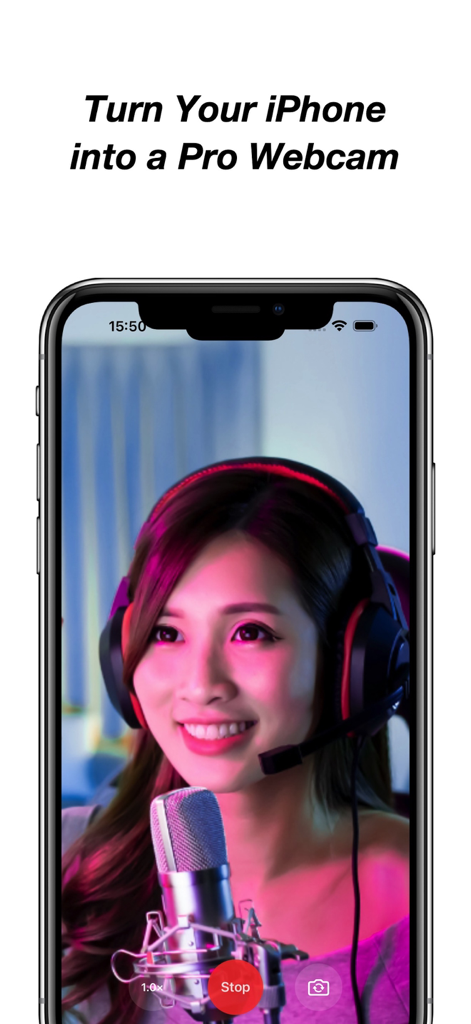
OBS Studio Camera - 헤드셋과 마이크를 착용한 여성이 iPhone 화면에 앱의 기능을 보여주며 전화기를 전문 웹캠으로 바꿀 수 있음을 보여줍니다.
헤드셋과 마이크를 착용한 여성이 iPhone 화면에 앱의 기능을 보여주며 전화기를 전문 웹캠으로 바꿀 수 있음을 보여줍니다.

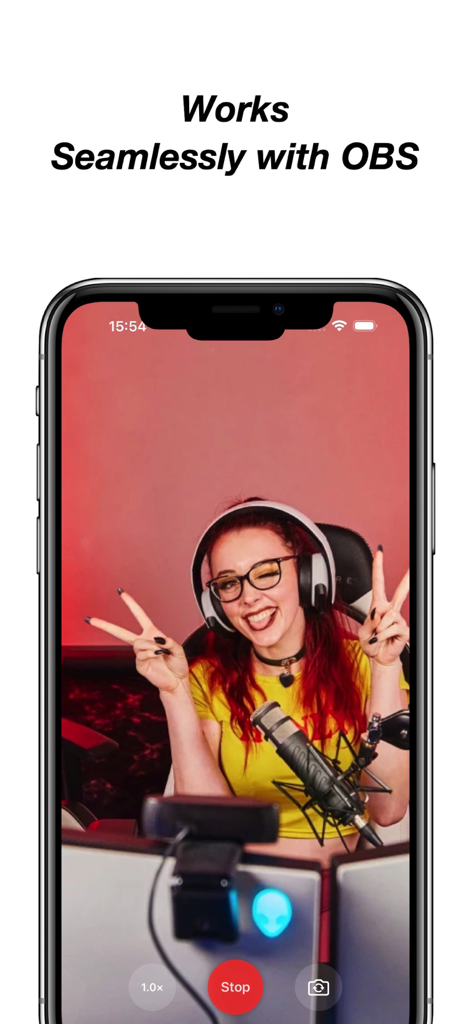
OBS Studio Camera - 스트리머의 라이브 비디오 피드가 있는 OBS Studio 카메라 앱을 표시하는 스마트폰
스트리머의 라이브 비디오 피드가 있는 OBS Studio 카메라 앱을 표시하는 스마트폰

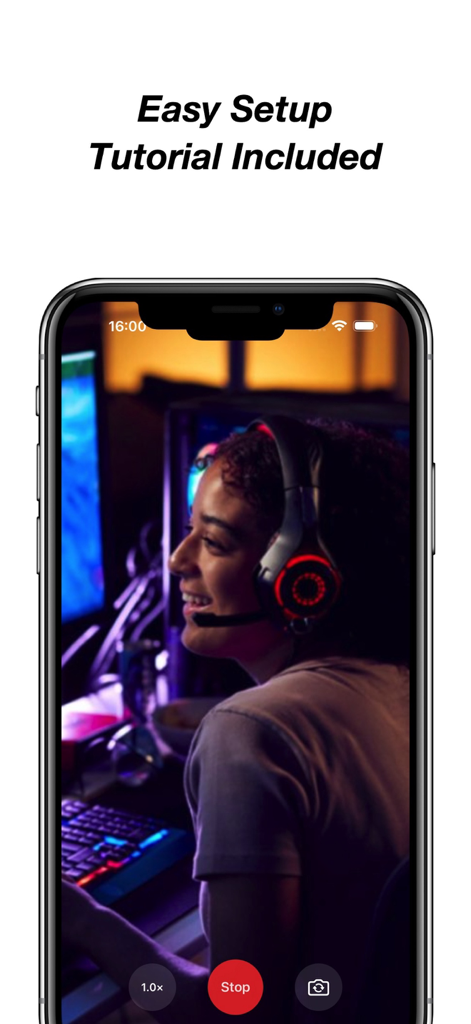
OBS Studio Camera - 스트리머 미리보기 및 쉬운 설정 튜토리얼 텍스트가 있는 OBS Studio 카메라 앱을 표시하는 iPhone 화면

스트리머 미리보기 및 쉬운 설정 튜토리얼 텍스트가 있는 OBS Studio 카메라 앱을 표시하는 iPhone 화면

설명

Turn your iPhone or iPad into a professional webcam for OBS Studio. Use your iOS device as a high-quality, low-latency camera feed directly in OBS Studio — perfect for live streaming, video conferencing, recording, or presenting. With one tap, your device becomes a powerful video source on your Mac or PC. No drivers, no configuration, just plug and go. Key Features: • Full HD camera output with minimal latency • One-tap camera start • Native integration with OBS Studio • Step-by-step setup guide included • Compatible with both macOS and Windows • Clean interface — no ads, no accounts, no distractions • Reliable USB connection support for best performance Flexible Subscription Options: Unlock full access and unlimited camera time with one of our in-app purchase options: • Weekly Subscription • Monthly Subscription • Yearly Subscription • Lifetime (One-Time Purchase) Free Trial Details: The yearly subscription includes a 3-day free trial. During this period, you can access all premium features without charge. If you choose not to continue, cancel anytime in your App Store account at least 24 hours before the trial ends to avoid being charged. Subscription Terms: Subscriptions are charged to your Apple ID account at confirmation of purchase and renew automatically unless canceled at least 24 hours before the end of the current period. You can manage or cancel your subscription in your App Store account settings at any time. Unlock full feature access through a subscription or one-time purchase. All plans provide the same fixed set of premium camera functions. This app does not include or rely on regularly updated content. Legal & Support: • Privacy Policy: https://sites.google.com/view/1729122 • Terms of Service: https://sites.google.com/view/120198201 • EULA – Apple Standard: https://www.apple.com/legal/internet-services/itunes/dev/stdeula/ Your purchase supports ongoing maintenance and compatibility with future iOS and OBS Studio updates. No user data is collected or tracked. For optimal performance, use a USB connection and ensure OBS Studio is installed on your computer.

Download

다운로드: App Store

이 페이지는 앱이나 개발자의 공식 페이지가 아니며, 정보 제공 및 논평을 목적으로 작성된 독립 편집 간행물입니다. 명시적으로 달리 언급되지 않는 한, 해당 앱이나 개발자는 MWM, Apple, Google Play, 앱 퍼블리셔 또는 앱 개발자와 제휴, 보증, 후원, 승인 또는 공식적으로 연결되어 있지 않으며, 이 페이지의 어떤 내용도 해당 앱이 MWM의 서비스를 사용하여 개발되었음을 의미하지 않습니다. 모든 상표, 로고, 스크린샷 및 기타 콘텐츠는 해당 소유자의 자산입니다.