OCBC Business mobile Indonesia
다운로드: App Store

이 페이지는 앱이나 개발자의 공식 페이지가 아니며, 정보 제공 및 논평을 목적으로 작성된 독립 편집 간행물입니다. 명시적으로 달리 언급되지 않는 한, 해당 앱이나 개발자는 MWM, Apple, Google Play, 앱 퍼블리셔 또는 앱 개발자와 제휴, 보증, 후원, 승인 또는 공식적으로 연결되어 있지 않으며, 이 페이지의 어떤 내용도 해당 앱이 MWM의 서비스를 사용하여 개발되었음을 의미하지 않습니다. 모든 상표, 로고, 스크린샷 및 기타 콘텐츠는 해당 소유자의 자산입니다.


로고: OCBC Business mobile Indonesia
다운로드: App Store

OCBC Business mobile Indonesia

전 세계 어디에서든 실시간 거래 추적, 안전한 모바일 승인, 경쟁력 있는 FX 환율로 비즈니스 운영을 제어하세요.

주요 수치

다운로드

14K+

사용자 평점

3.3/5

총 평가 수

0

개발사

BANK OCBC NISP, PT TBK

카테고리

Finance

지원 언어

3

최신 버전

1.0.41

크기

107.6 MB

출시일

2020년 4월 16일
기능

글로벌 운영 역량 강화

미국에서 인도네시아 비즈니스 이익을 관리하는 것이 그 어느 때보다 안전하고 효율적이었습니다. OCBC Business mobile은 어디에서든 이끌 수 있는 이동성과 감독 기능을 제공합니다.

마찰 없는 승인

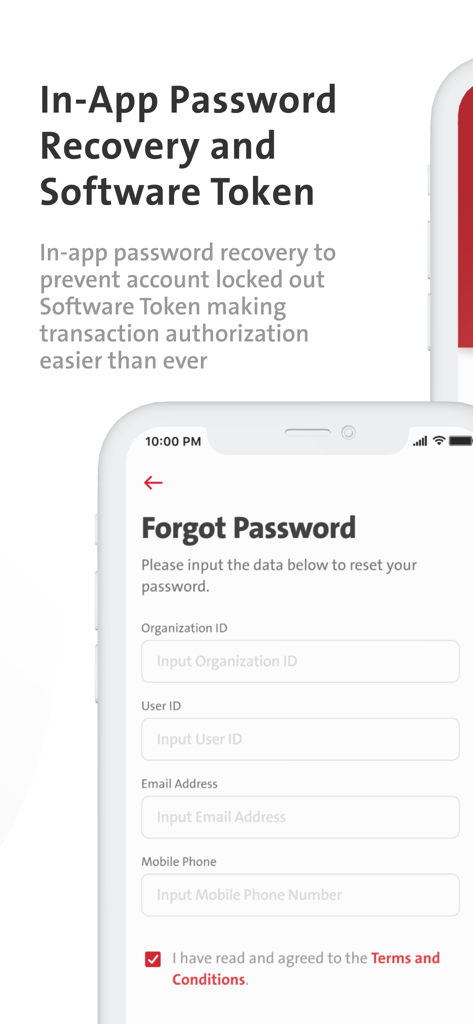
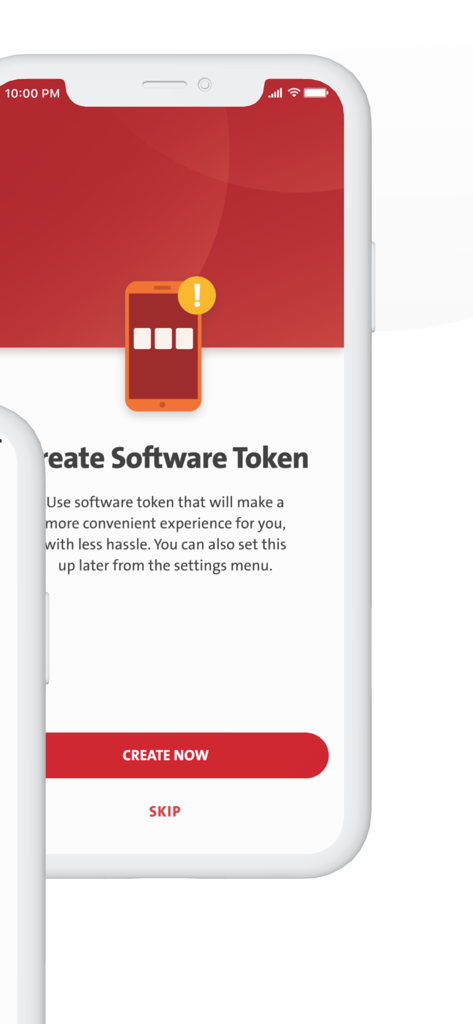
통합 소프트웨어 토큰으로 이동 중에도 고액 거래를 승인하세요. 원활한 글로벌 의사 결정을 위해 물리적 하드웨어가 필요하지 않습니다.

최적화된 환전

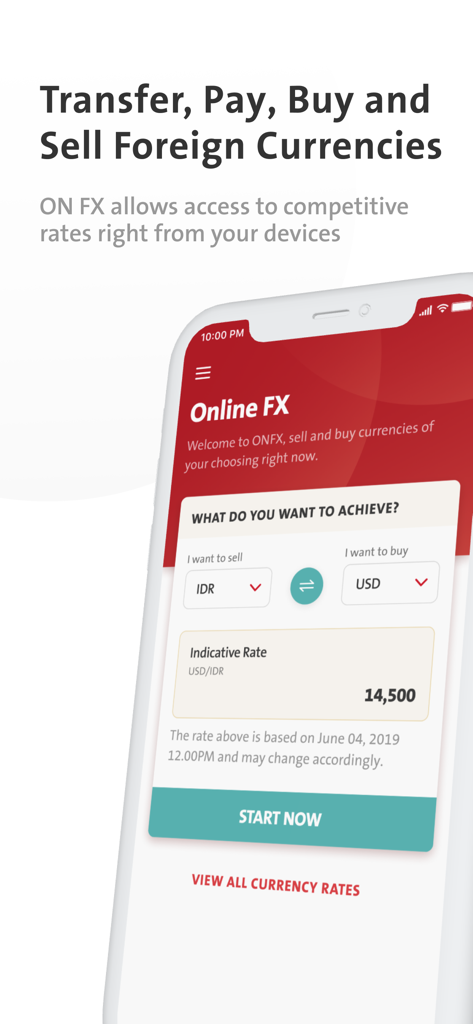
루피아 노출을 쉽게 관리하세요. 휴대폰에서 직접 실시간 시장 접근으로 경쟁력 있는 환율로 외환 거래를 실행하세요.

다음 스크린샷과 설명은 앱의 공식 스토어 목록에서 직접 가져온 것이며 앱 개발자의 자산입니다.

앱 스토어

스크린샷
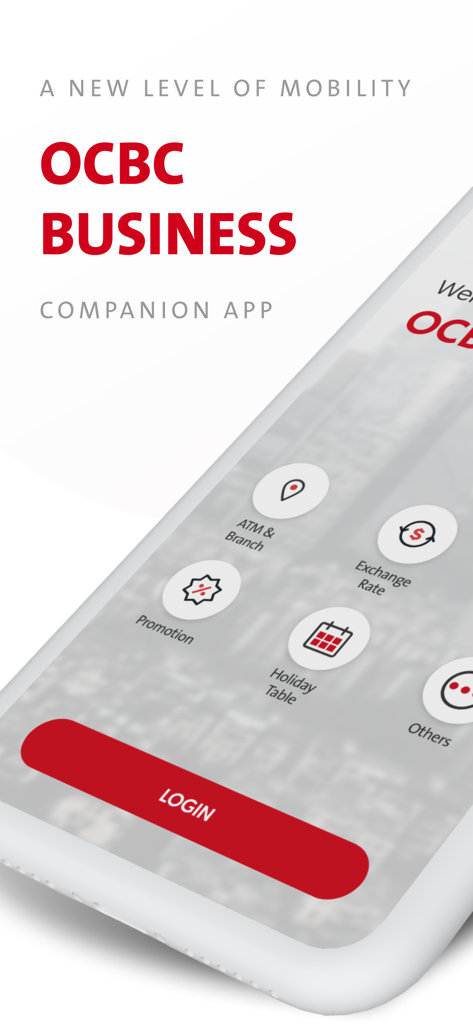
OCBC Business mobile Indonesia - 환율 및 ATM 위치 옵션이 포함된 OCBC Business mobile Indonesia 앱 로그인 화면
환율 및 ATM 위치 옵션이 포함된 OCBC Business mobile Indonesia 앱 로그인 화면

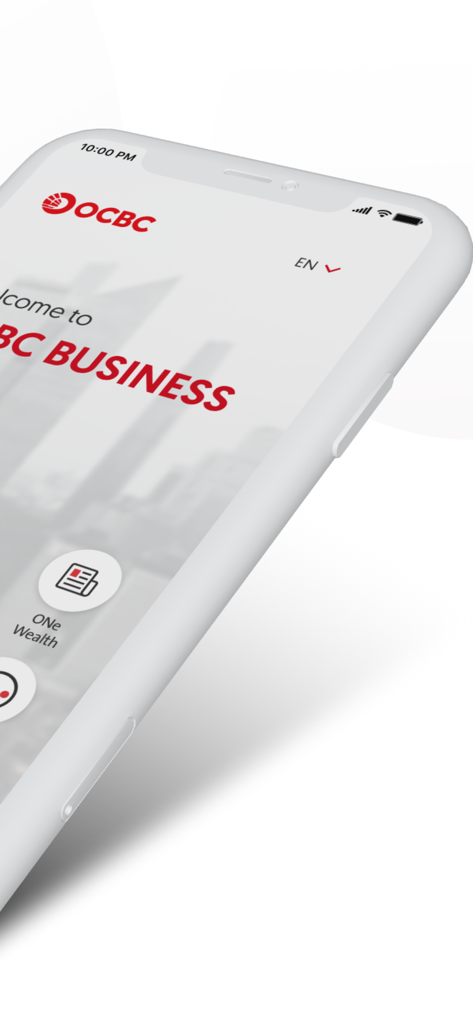
OCBC Business mobile Indonesia - 휴대폰에 있는 OCBC Business mobile Indonesia 앱 환영 화면
휴대폰에 있는 OCBC Business mobile Indonesia 앱 환영 화면

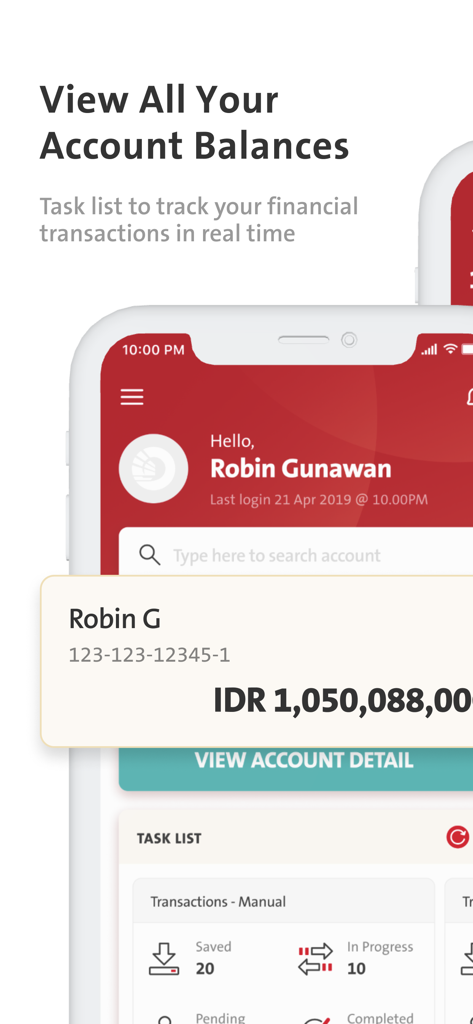
OCBC Business mobile Indonesia - 인도네시아 루피아 계좌 잔액 및 거래 작업 목록을 보여주는 OCBC Business mobile 앱 대시보드
인도네시아 루피아 계좌 잔액 및 거래 작업 목록을 보여주는 OCBC Business mobile 앱 대시보드

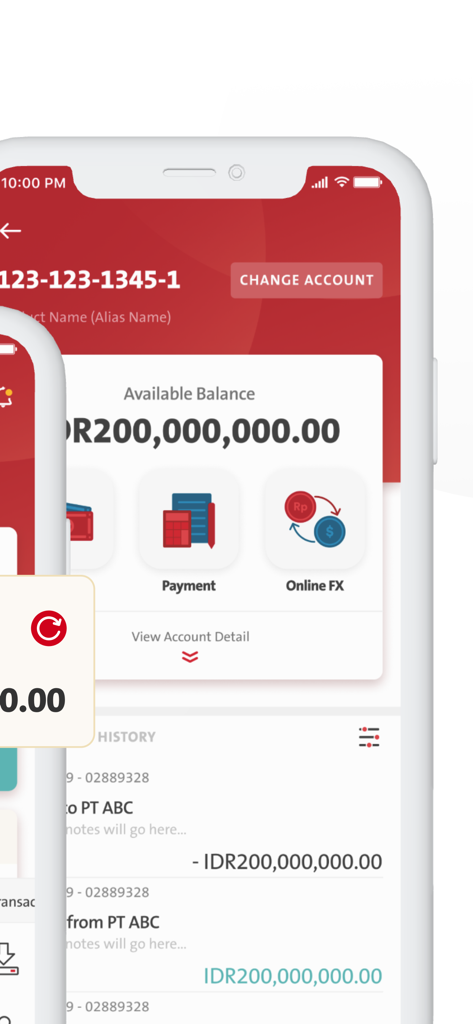
OCBC Business mobile Indonesia - 루피아 계좌 잔액 및 거래 내역을 보여주는 OCBC Business mobile Indonesia 앱 화면
루피아 계좌 잔액 및 거래 내역을 보여주는 OCBC Business mobile Indonesia 앱 화면

OCBC Business mobile Indonesia - 외화 매매를 위한 OCBC Business mobile Indonesia 앱 온라인 FX 화면
외화 매매를 위한 OCBC Business mobile Indonesia 앱 온라인 FX 화면

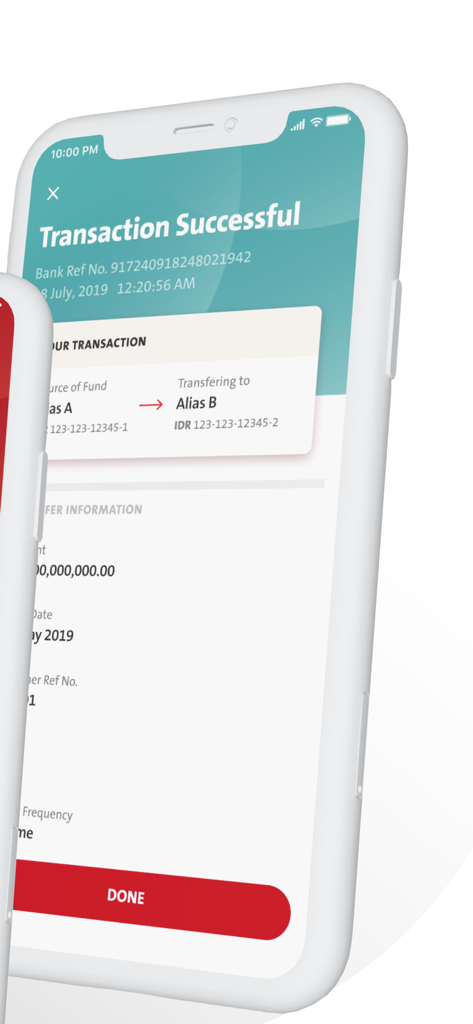
OCBC Business mobile Indonesia - 은행 참조 번호 및 이체 세부 정보가 포함된 성공적인 거래 확인 페이지를 보여주는 OCBC Business mobile Indonesia 앱 스크린샷
은행 참조 번호 및 이체 세부 정보가 포함된 성공적인 거래 확인 페이지를 보여주는 OCBC Business mobile Indonesia 앱 스크린샷

OCBC Business mobile Indonesia - 안전한 계정 액세스 및 소프트웨어 토큰 승인을 위한 OCBC Business mobile Indonesia 비밀번호 복구 화면
안전한 계정 액세스 및 소프트웨어 토큰 승인을 위한 OCBC Business mobile Indonesia 비밀번호 복구 화면

OCBC Business mobile Indonesia - OCBC Business mobile 소프트웨어 토큰 생성 화면

OCBC Business mobile 소프트웨어 토큰 생성 화면

설명

The companion mobile app to our business internet banking solution (OCBC Business), for a seamless and integrated business banking experience at your fingertips. OCBC Business mobile is designed to: 1. Keep you on top of your transactions – Track your transactions in real-time through Task List, as well as your account balance and statement. 2. Take mobility to a new level - Authorize transactions on the go with the new Software Token or your existing Hardware Token. 3. Give you greater flexibility – Foreign exchange transaction against Rupiah or against other foreign exchange via Online FX with competitive rates. 4. Forgot your password? – Fuss-free password recovery with a few taps through app. How to initiate activation: 1. Download OCBC Business mobile app. 2. Login using the same credentials Organization ID, User ID, and Password that you use to login to your OCBC Business web account. 3. Input the 6-digit verification number (OTP) that will be sent to your registered phone number via text message (SMS). 4. You can start using OCBC Business mobile. Notice: 1. This app requires OCBC Business user access (Organization ID, User ID, Password, Phone Number). 2. To use Software Token, please contact the Bank. 3. Minimum specification is version iOS 12.1. 4. For further information, contact us via email at clientservices@ocbc.id or TANYA OCBC 1500-999 / +62-21-26506300 (from overseas) and choose “Business Banking Customer”.

Download

다운로드: App Store

이 페이지는 앱이나 개발자의 공식 페이지가 아니며, 정보 제공 및 논평을 목적으로 작성된 독립 편집 간행물입니다. 명시적으로 달리 언급되지 않는 한, 해당 앱이나 개발자는 MWM, Apple, Google Play, 앱 퍼블리셔 또는 앱 개발자와 제휴, 보증, 후원, 승인 또는 공식적으로 연결되어 있지 않으며, 이 페이지의 어떤 내용도 해당 앱이 MWM의 서비스를 사용하여 개발되었음을 의미하지 않습니다. 모든 상표, 로고, 스크린샷 및 기타 콘텐츠는 해당 소유자의 자산입니다.








