OCRegister
OCRegister
다운로드: App Store

이 페이지는 앱이나 개발자의 공식 페이지가 아니며, 정보 제공 및 논평을 목적으로 작성된 독립 편집 간행물입니다. 명시적으로 달리 언급되지 않는 한, 해당 앱이나 개발자는 MWM, Apple, Google Play, 앱 퍼블리셔 또는 앱 개발자와 제휴, 보증, 후원, 승인 또는 공식적으로 연결되어 있지 않으며, 이 페이지의 어떤 내용도 해당 앱이 MWM의 서비스를 사용하여 개발되었음을 의미하지 않습니다. 모든 상표, 로고, 스크린샷 및 기타 콘텐츠는 해당 소유자의 자산입니다.


로고: OCRegister
다운로드: App Store

OCRegister

하이퍼로컬 뉴스, 실시간 알림, 고전적인 E-Edition 경험을 통해 계속 연결하세요. 지역 사회 업데이트부터 일일 퍼즐까지, 귀하에게 가장 중요한 지역 언론을 받아보세요.

주요 수치

다운로드

15K+

사용자 평점

3.5/5

총 평가 수

1K+

개발사

Media News Group

카테고리

News

지원 언어

1

최신 버전

10.0.51

크기

150.7 MB

출시일

2010년 7월 7일
기능

OC 커뮤니티를 위한 맞춤형 뉴스

귀하의 지역 생활 방식과 일일 습관에 맞게 설계된 기능으로 Orange County Register의 깊이를 경험하세요.

디지털 복제본

매끄러운 E-News 통합으로 기기에서 전통적인 신문 레이아웃의 편안함을 즐기세요.

나만의 뉴스 피드

지역 부동산부터 좋아하는 학군까지 가장 관심 있는 주제를 선택하여 잡음을 피하세요.

다음 스크린샷과 설명은 앱의 공식 스토어 목록에서 직접 가져온 것이며 앱 개발자의 자산입니다.

앱 스토어

스크린샷
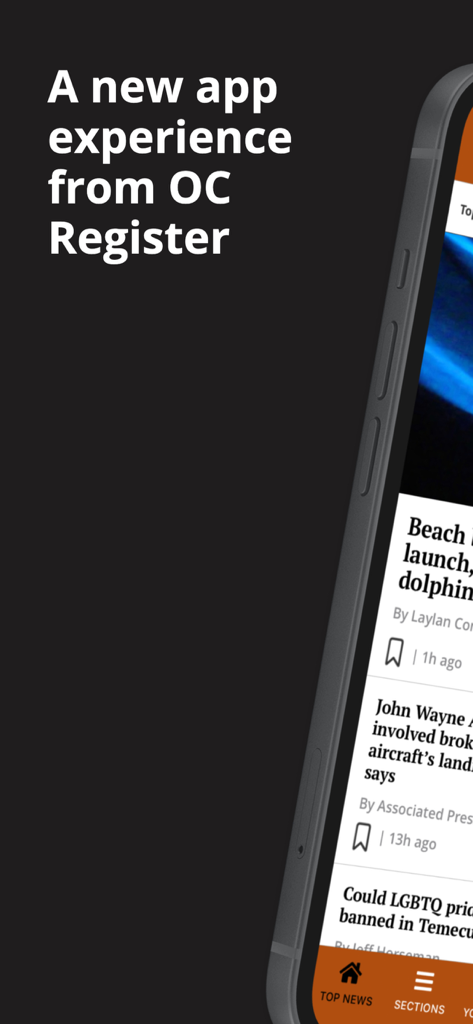
OCRegister - 새로운 OC Register 모바일 앱 인터페이스, 지역 뉴스 기사 및 탐색 모음 포함
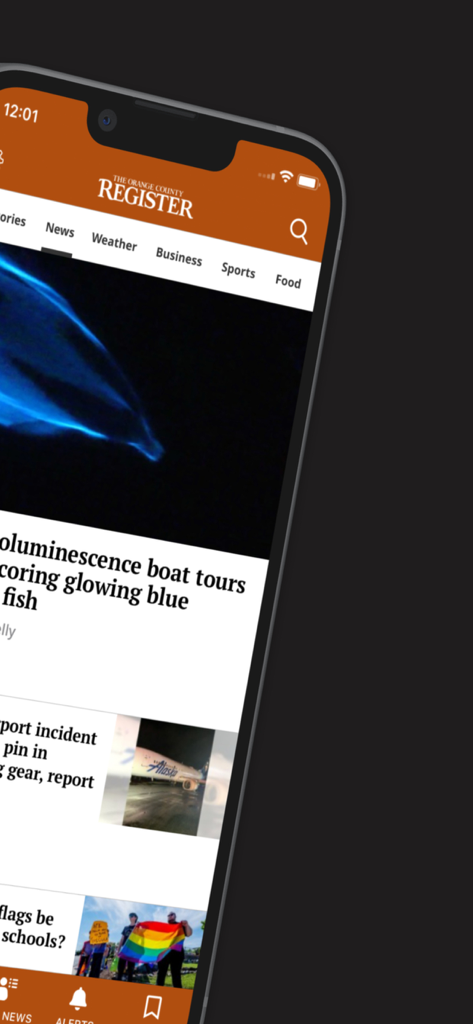
새로운 OC Register 모바일 앱 인터페이스, 지역 뉴스 기사 및 탐색 모음 포함

OCRegister - OCRegister 모바일 앱, iPhone에서 지역 뉴스 피드 표시
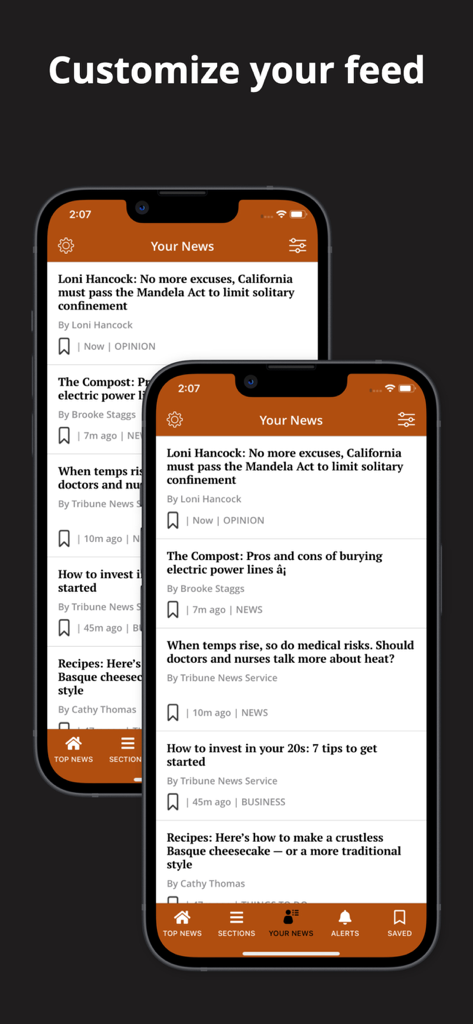
OCRegister 모바일 앱, iPhone에서 지역 뉴스 피드 표시

OCRegister - 다양한 지역 기사와 '피드 맞춤 설정'이라는 헤드라인이 있는 OCRegister 앱의 '내 뉴스' 섹션을 보여주는 두 대의 스마트폰
다양한 지역 기사와 '피드 맞춤 설정'이라는 헤드라인이 있는 OCRegister 앱의 '내 뉴스' 섹션을 보여주는 두 대의 스마트폰

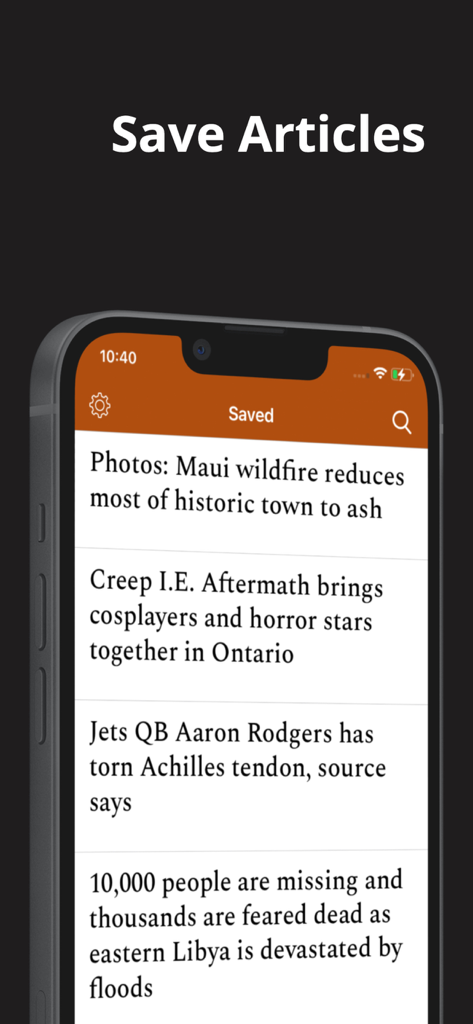
OCRegister - Orange County Register 앱 화면, iPhone에서 저장된 뉴스 기사 목록 표시
Orange County Register 앱 화면, iPhone에서 저장된 뉴스 기사 목록 표시

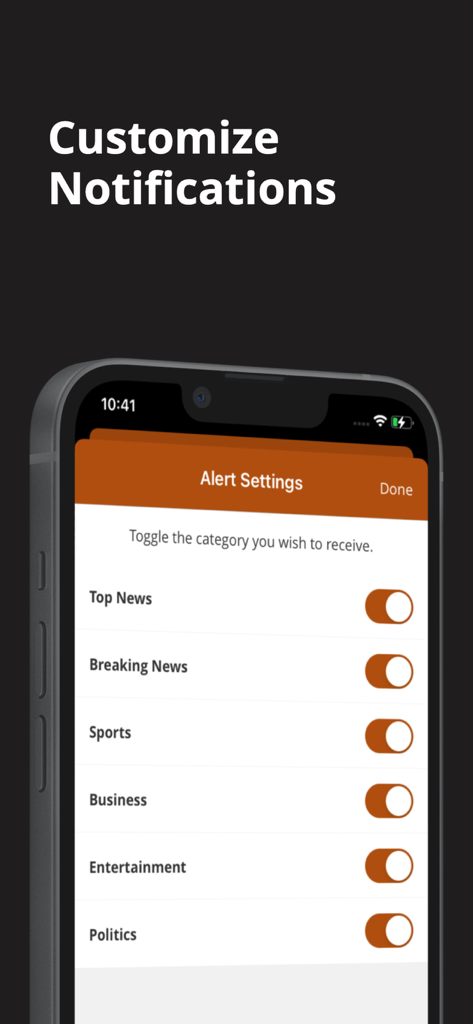
OCRegister - OCRegister 앱 알림 설정 화면, 카테고리별 뉴스 알림을 맞춤 설정하는 토글 표시

OCRegister 앱 알림 설정 화면, 카테고리별 뉴스 알림을 맞춤 설정하는 토글 표시

설명

Welcome to a new app experience, we have optimized our app and given it a facelift! This faster app now has the following new features: Your News: Provide personalized recommendations for content based on user preferences Users will be allowed to customize the content they want to engage with by selecting the topics they are truly interested in By going to the “Your News” tab the user can bypass the noise of all that is published and home in on the content they want Saved Articles: Save feature that allows users to save articles or other content they are interested in for later reading or reference Push notifications will remind users to read their saved articles or suggest related content Custom Push Notifications: The user can select what topics they want to be notified about which makes for a much less intrusive experience. Top Navigation Bar: A top navigation bar lets the user switch between sections by swiping or tapping. Enews in-app: Desire the newspaper experience? No need to open a separate app! By simply going to Settings and selecting E-News the user can browse the Digital Replica of the day’s paper. Offline Reading: This feature allows users to enable offline reading from Settings. Offline “Reading Preferences” can also be customized for Settings. Swipe Left: Instead of going back to the main section to find more articles, users have the option to simply swipe, immediately opening other articles in the Section. Follow Topics: A user will be shown articles on topics they are following. To follow select follow at the article level and related articles will gain relevancy and be shown more frequently. Just as easily “Unfollow” Games: Users can enjoy a variety of games served in app. Games include: Sudoku, Solitaire, Jumble, Crossword, and Puzzles

Download

다운로드: App Store

이 페이지는 앱이나 개발자의 공식 페이지가 아니며, 정보 제공 및 논평을 목적으로 작성된 독립 편집 간행물입니다. 명시적으로 달리 언급되지 않는 한, 해당 앱이나 개발자는 MWM, Apple, Google Play, 앱 퍼블리셔 또는 앱 개발자와 제휴, 보증, 후원, 승인 또는 공식적으로 연결되어 있지 않으며, 이 페이지의 어떤 내용도 해당 앱이 MWM의 서비스를 사용하여 개발되었음을 의미하지 않습니다. 모든 상표, 로고, 스크린샷 및 기타 콘텐츠는 해당 소유자의 자산입니다.