Paintstorm Studio Lite
다운로드: App Store

이 페이지는 앱이나 개발자의 공식 페이지가 아니며, 정보 제공 및 논평을 목적으로 작성된 독립 편집 간행물입니다. 명시적으로 달리 언급되지 않는 한, 해당 앱이나 개발자는 MWM, Apple, Google Play, 앱 퍼블리셔 또는 앱 개발자와 제휴, 보증, 후원, 승인 또는 공식적으로 연결되어 있지 않으며, 이 페이지의 어떤 내용도 해당 앱이 MWM의 서비스를 사용하여 개발되었음을 의미하지 않습니다. 모든 상표, 로고, 스크린샷 및 기타 콘텐츠는 해당 소유자의 자산입니다.

로고: Paintstorm Studio Lite
다운로드: App Store

Paintstorm Studio Lite

전문 아티스트를 위해 설계된 데스크톱급 브러시 엔진, 유기적인 브러시 모(bristle) 사용자 정의, 고급 스트로크 안정화 기능으로 Apple Pencil의 모든 잠재력을 끌어내세요.

주요 수치

다운로드

1M+

사용자 평점

4.3/5

총 평가 수

1K+

개발사

Sergei Komarov

카테고리

Entertainment

지원 언어

1

최신 버전

2.50

크기

102.9 MB

출시일

2016년 3월 31일
기능

디지털 캔버스를 마스터하세요

모바일용으로 설계된 가장 정교한 브러시 엔진과 전문 워크플로우 도구를 통해 iPad에서 데스크톱급 페인팅 성능을 경험해 보세요.

타의 추종을 불허하는 브러시 물리 엔진

실제 물감의 유기적인 느낌을 구현하는 전문 브러시 모(bristle), 더티 모드(dirty modes), 언더레이어 컬러 블렌딩으로 단순한 스케치를 넘어선 작품을 만드세요.

프로급 Apple Pencil 최적화

필압, 기울기, 방향에 대한 특화된 지원을 통해 하드웨어의 잠재력을 최대한 활용하고 모든 스트로크를 정밀하게 담아내세요.

다음 스크린샷과 설명은 앱의 공식 스토어 목록에서 직접 가져온 것이며 앱 개발자의 자산입니다.

앱 스토어

스크린샷
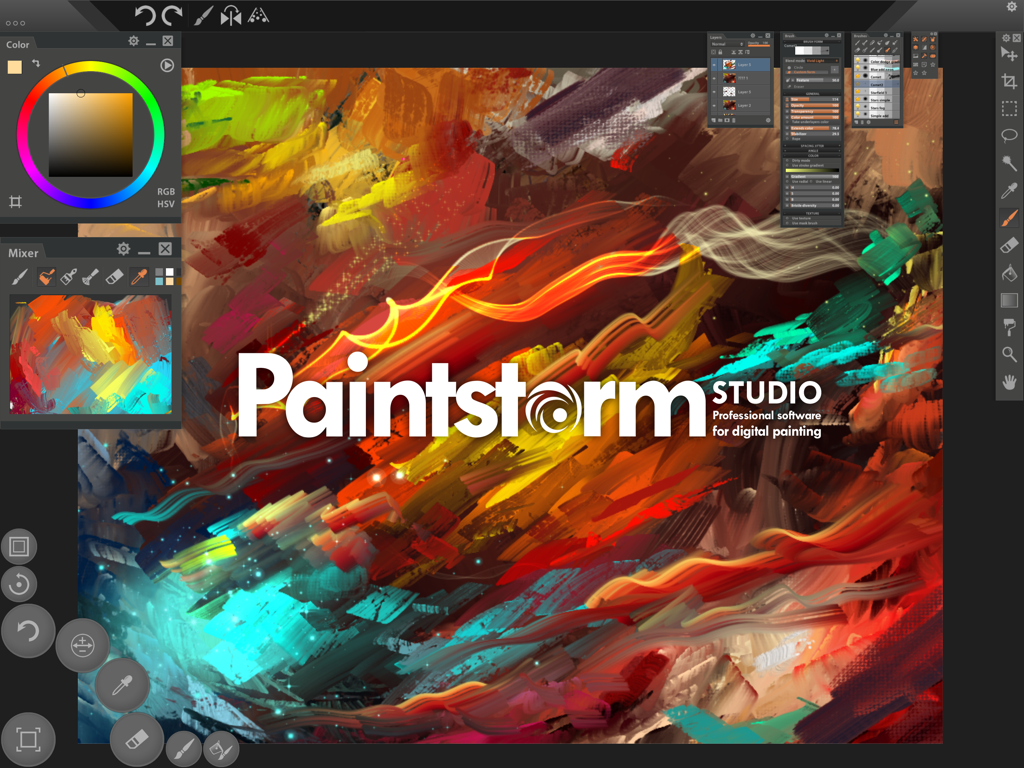
Paintstorm Studio Lite - 생생한 디지털 페인팅 브러시 스트로크와 전문 아티스트 패널을 보여주는 Paintstorm Studio Lite의 인터페이스
생생한 디지털 페인팅 브러시 스트로크와 전문 아티스트 패널을 보여주는 Paintstorm Studio Lite의 인터페이스

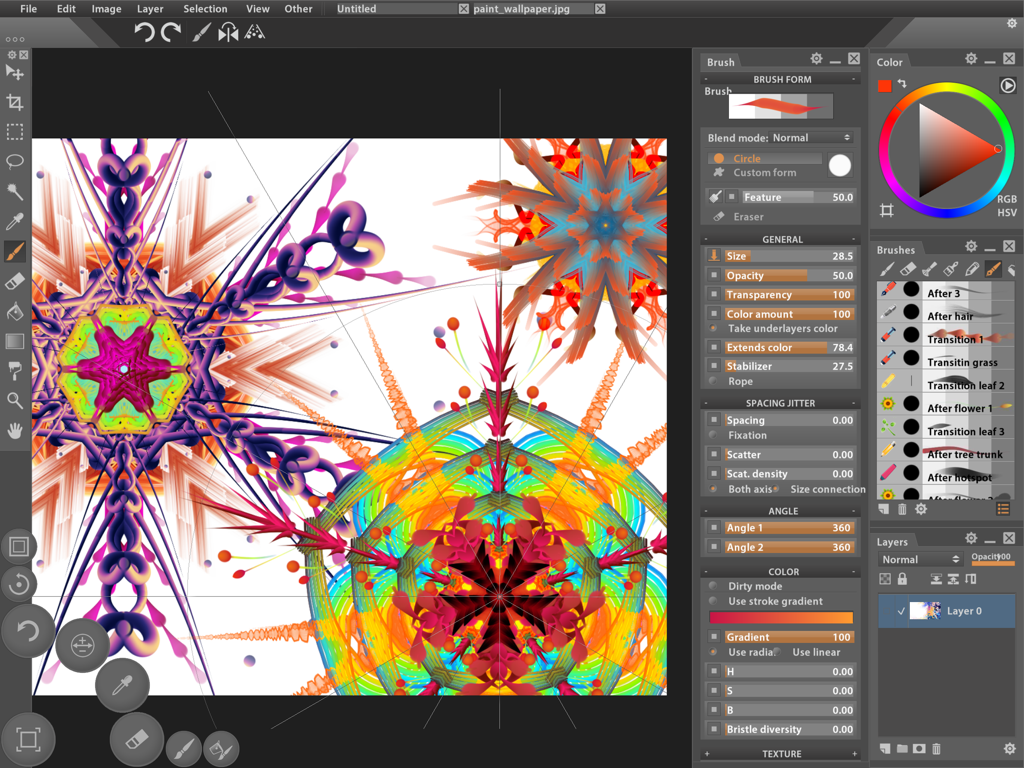
Paintstorm Studio Lite - 고급 브러시 사용자 정의 및 대칭 예술 작품을 보여주는 전문 디지털 페인팅 인터페이스
고급 브러시 사용자 정의 및 대칭 예술 작품을 보여주는 전문 디지털 페인팅 인터페이스

Paintstorm Studio Lite - 디지털 페인팅과 고급 브러시 설정 패널을 특징으로 하는 Paintstorm Studio Lite 인터페이스
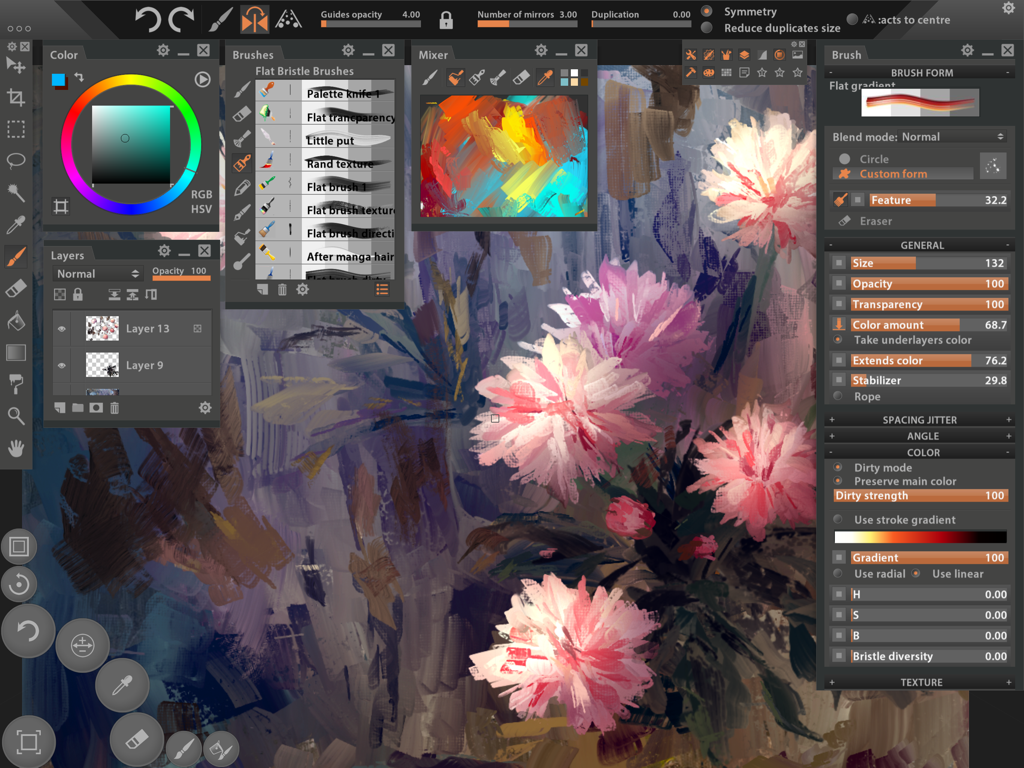
디지털 페인팅과 고급 브러시 설정 패널을 특징으로 하는 Paintstorm Studio Lite 인터페이스

Paintstorm Studio Lite - iPad 인터페이스에서 꽃 예술 작품과 복잡한 브러시 사용자 정의 패널을 보여주는 Paintstorm Studio Lite의 전문 디지털 페인팅 작업 공간
iPad 인터페이스에서 꽃 예술 작품과 복잡한 브러시 사용자 정의 패널을 보여주는 Paintstorm Studio Lite의 전문 디지털 페인팅 작업 공간

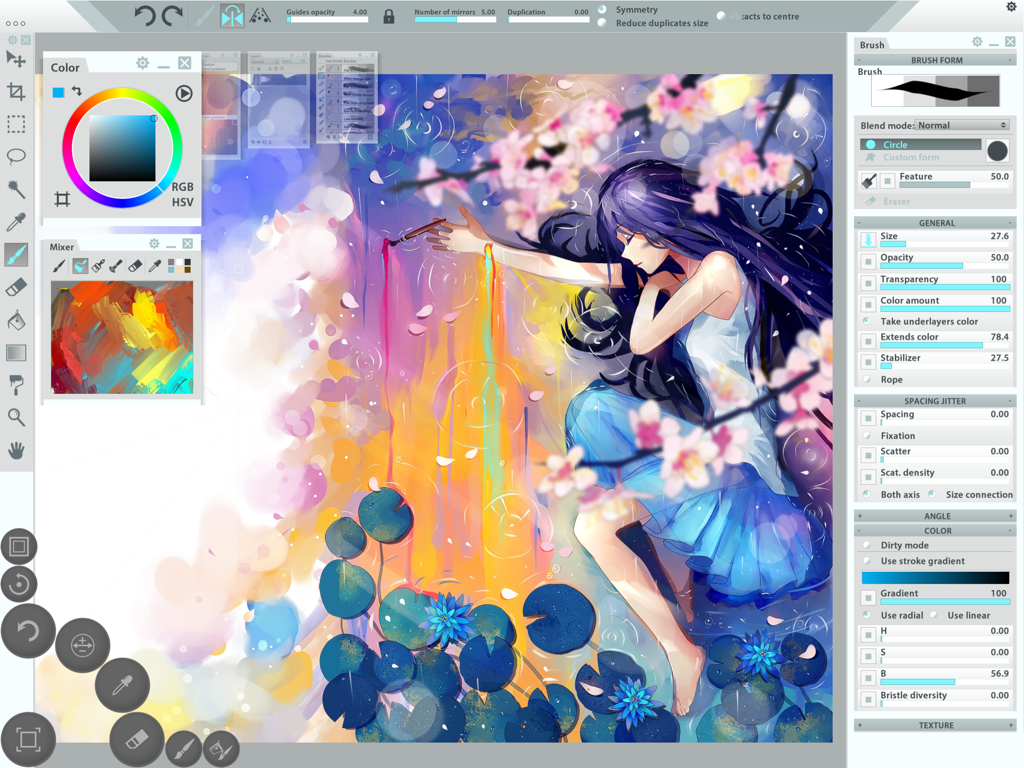
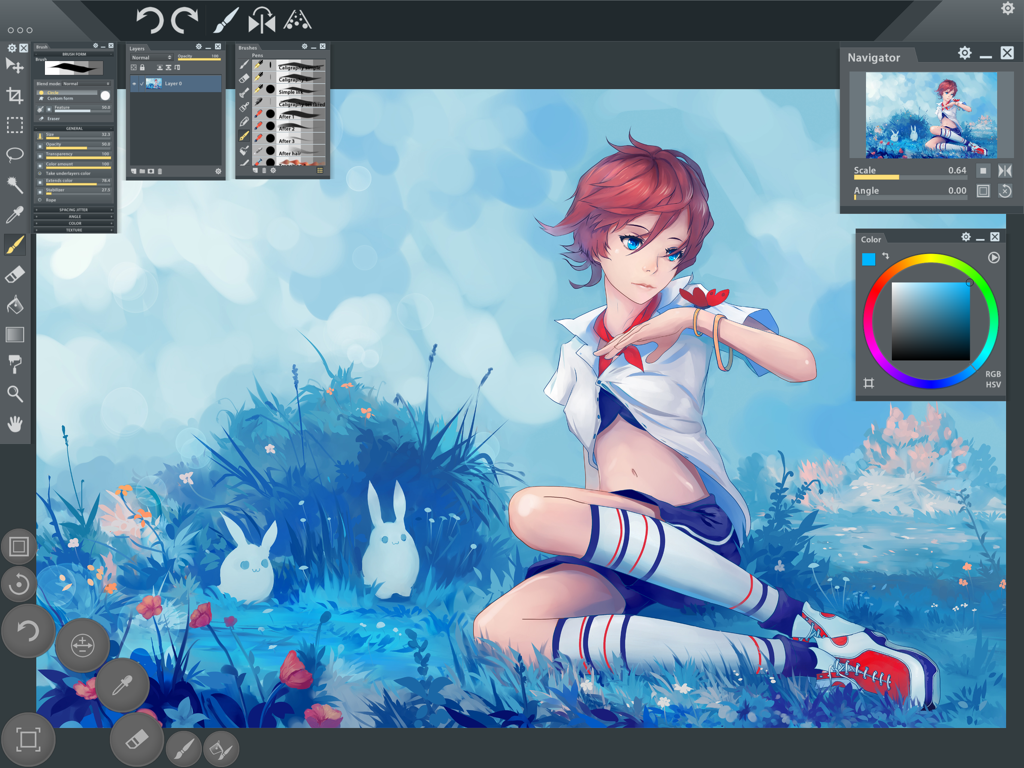
Paintstorm Studio Lite - 전문 페인팅 도구로 애니메이션 일러스트레이션을 보여주는 Paintstorm Studio Lite 앱 인터페이스

전문 페인팅 도구로 애니메이션 일러스트레이션을 보여주는 Paintstorm Studio Lite 앱 인터페이스

설명

Paintstorm Studio is the first iOS App designed not only for simple sketches, but professional digital painting of any level, genre and technique. Paintstorm helps you to discover the magnificence and unleash the full potential of Apple Pencil and brings you to a whole new level of drawing. Creating an art masterpiece has never been so mobile. A major feature of Paintstorm Studio is the array of brushes to choose from. We did our best so that you can easily and quickly adjust the brushes suitable to your painting style. Anyone who has ever painted knows it's hard to overestimate the painting tool and the importance of all the seemingly insignificant details. We tried not to miss any of them. Our goal was to create an intuitive, simple-to-use but at the same time functionally powerful tool that brings the process of digital painting to a new level, making it as comfortable as possible. - Full control of all brush options (Incredible possibilities for brush settings) - Bristle brushes of any form and kind - Stroke post correction (You can take an action on any option. Not only on the stroke thickness) - Parameters binding to the perspective - Dynamic interface (Global interface scale, panels scale, opacity, color) - Custom panels - Full controlled mask-brush (Each brush can work as mask for other brush) - Takes underlayer's color while blending - "Close gaps" function when you fill or select - Dirty brush mode - Stroke stabilizer - Usable color mixer - Different gradient strokes - Mirror drawing - Standard tools pack (Lasso, Magic wand, Crop, Fill, Gradient and etc) - Control of the random amounts - Apple Pencil support (Pressure, Tilt, Direction) Lite version restrictions: - It is not possible to load and save psd files - A watermark is added to the picture Upgrade to the full version and get rid of the limits!

Download

다운로드: App Store

이 페이지는 앱이나 개발자의 공식 페이지가 아니며, 정보 제공 및 논평을 목적으로 작성된 독립 편집 간행물입니다. 명시적으로 달리 언급되지 않는 한, 해당 앱이나 개발자는 MWM, Apple, Google Play, 앱 퍼블리셔 또는 앱 개발자와 제휴, 보증, 후원, 승인 또는 공식적으로 연결되어 있지 않으며, 이 페이지의 어떤 내용도 해당 앱이 MWM의 서비스를 사용하여 개발되었음을 의미하지 않습니다. 모든 상표, 로고, 스크린샷 및 기타 콘텐츠는 해당 소유자의 자산입니다.








