
이 페이지는 앱이나 개발자의 공식 페이지가 아니며, 정보 제공 및 논평을 목적으로 작성된 독립 편집 간행물입니다. 명시적으로 달리 언급되지 않는 한, 해당 앱이나 개발자는 MWM, Apple, Google Play, 앱 퍼블리셔 또는 앱 개발자와 제휴, 보증, 후원, 승인 또는 공식적으로 연결되어 있지 않으며, 이 페이지의 어떤 내용도 해당 앱이 MWM의 서비스를 사용하여 개발되었음을 의미하지 않습니다. 모든 상표, 로고, 스크린샷 및 기타 콘텐츠는 해당 소유자의 자산입니다.


Partifier: extract score parts
형광펜과 수동 자르기는 그만두세요. 다음 리허설이나 공연을 위해 PDF 악보에서 깔끔하고 전문적인 악기 파트를 자동으로 추출하세요.
다운로드
10K+사용자 평점
총 평가 수
0개발사
카테고리
Music지원 언어
10최신 버전
2.0.1크기
9.0 MB출시일
2020년 7월 12일즉각적인 파트 추출로 리허설을 마스터하세요
수동으로 악보를 자르는 데 몇 시간씩 낭비하지 마세요. Partifier는 스마트 감지 기능을 사용하여 복잡한 전체 악보를 몇 초 만에 전문적이고 바로 연주할 수 있는 개별 파트로 변환합니다.
자동 파트 분할
모든 앙상블 PDF를 업로드하고 지능형 엔진이 개별 악기 오선지를 자동으로 감지하고 분리하여 수동 작업 시간을 절약하세요.
정밀 스마트 탭 편집
한 번의 탭으로 파트를 다듬으세요. 직관적인 스마트 탭 모드를 사용하여 악보 소프트웨어의 가파른 학습 곡선 없이 오선지를 할당하고 레이아웃을 조정하세요.
다음 스크린샷과 설명은 앱의 공식 스토어 목록에서 직접 가져온 것이며 앱 개발자의 자산입니다.
앱 스토어
스크린샷
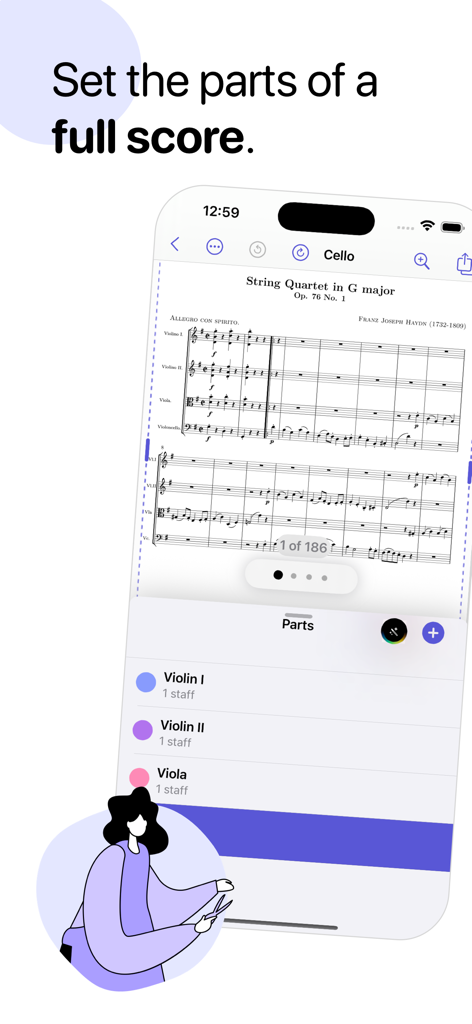
전체 음악 악보에서 악기 파트를 추출하는 Partifier 앱 인터페이스를 보여주는 iPhone 화면
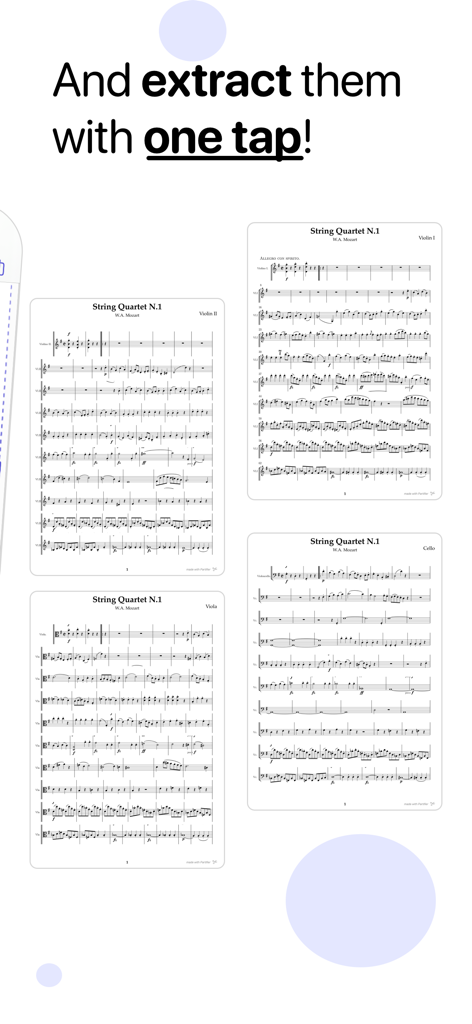
모차르트 현악 4중주를 위한 추출된 개별 파트를 보여주는 Partifier 앱 스크린샷
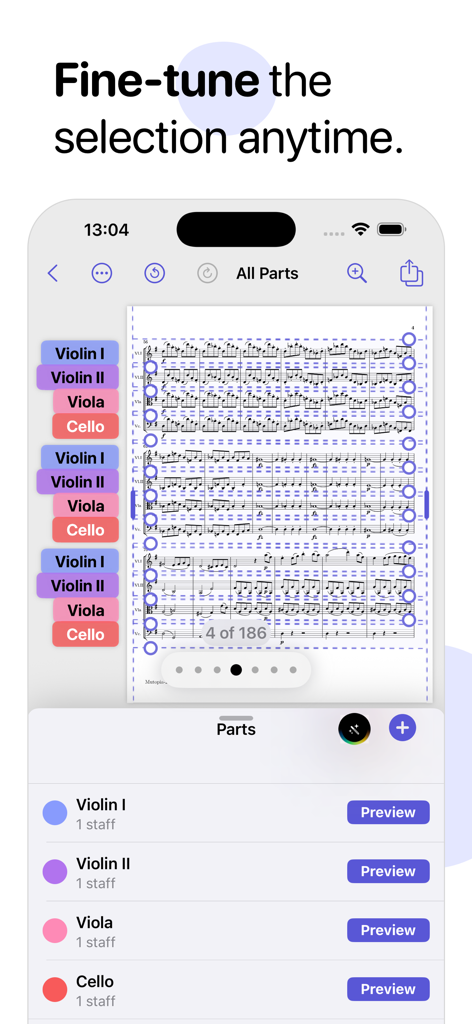
디지털 추출을 위해 전체 음악 악보에서 바이올린, 비올라, 첼로 파트를 선택하는 Partifier 앱 인터페이스
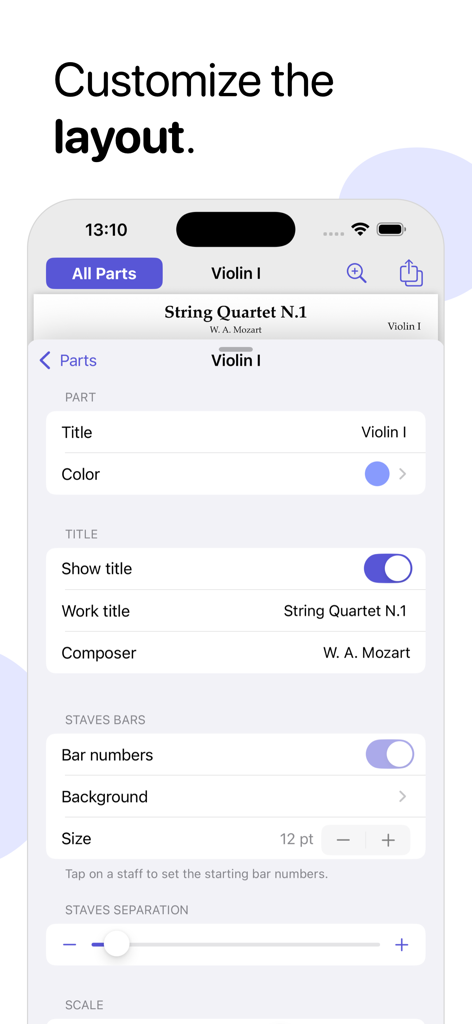
바이올린 파트의 마디 번호 및 오선 분리와 같은 레이아웃 사용자 정의 옵션을 보여주는 Partifier 앱 스크린샷
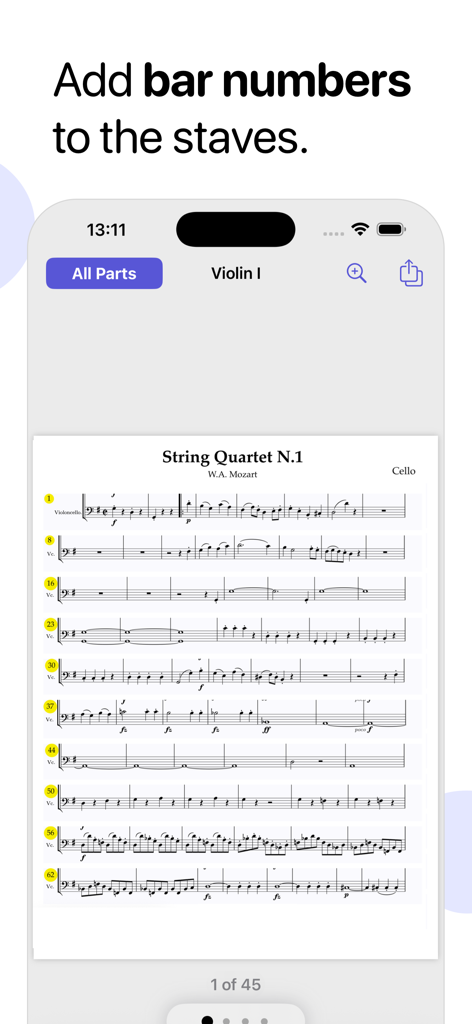
오선지에 마디 번호를 추가하는 기능을 보여주는 Partifier 앱의 음악 악보.
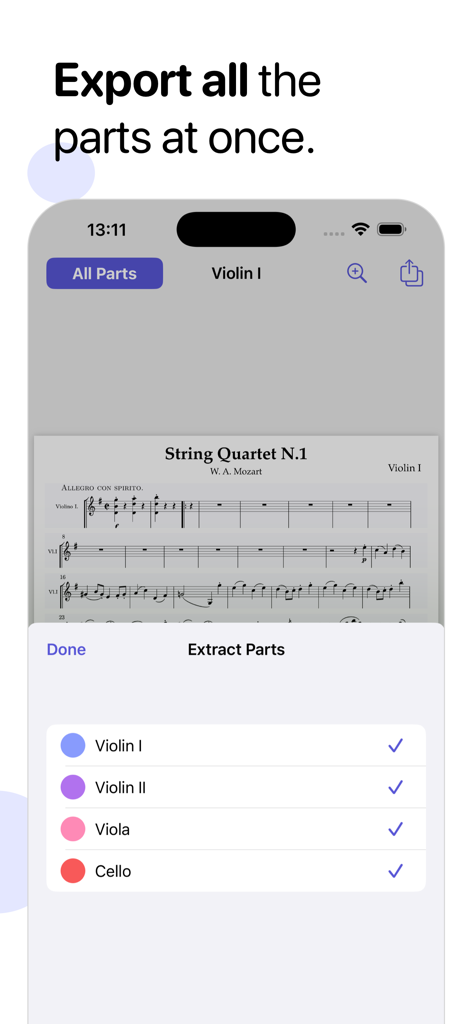
모차르트 현악 4중주 악보에서 여러 악기 파트를 선택하고 내보내는 Partifier 앱 인터페이스
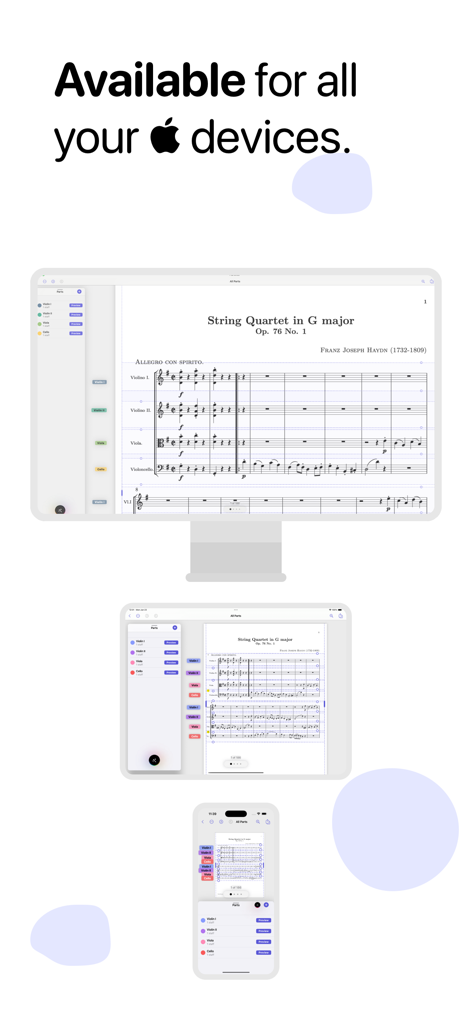
Mac, iPad 및 iPhone에 표시되는 Partifier 음악 악보 추출 앱
설명
Download
비슷한 앱
같은 카테고리의 상위 앱

Spotify: Music and Podcasts
Spotify

YouTube Music
Google LLC

Shazam: Find Music & Concerts
Apple Inc.

SoundCloud: The Music You Love
SoundCloud Global Limited & Co KG

Suno - AI Songs & Music
Suno Inc.

QQ音乐 - 听我想听
Tencent Technology (Shenzhen) Company Limited

Audiomack - Play Music Offline
Audiomack, Inc.

GuitarTuna: Tune & Play Guitar
Yousician Ltd

BandLab – Music Maker & Beats
BandLab Singapore Pte Ltd
이 페이지는 앱이나 개발자의 공식 페이지가 아니며, 정보 제공 및 논평을 목적으로 작성된 독립 편집 간행물입니다. 명시적으로 달리 언급되지 않는 한, 해당 앱이나 개발자는 MWM, Apple, Google Play, 앱 퍼블리셔 또는 앱 개발자와 제휴, 보증, 후원, 승인 또는 공식적으로 연결되어 있지 않으며, 이 페이지의 어떤 내용도 해당 앱이 MWM의 서비스를 사용하여 개발되었음을 의미하지 않습니다. 모든 상표, 로고, 스크린샷 및 기타 콘텐츠는 해당 소유자의 자산입니다.