
이 페이지는 앱이나 개발자의 공식 페이지가 아니며, 정보 제공 및 논평을 목적으로 작성된 독립 편집 간행물입니다. 명시적으로 달리 언급되지 않는 한, 해당 앱이나 개발자는 MWM, Apple, Google Play, 앱 퍼블리셔 또는 앱 개발자와 제휴, 보증, 후원, 승인 또는 공식적으로 연결되어 있지 않으며, 이 페이지의 어떤 내용도 해당 앱이 MWM의 서비스를 사용하여 개발되었음을 의미하지 않습니다. 모든 상표, 로고, 스크린샷 및 기타 콘텐츠는 해당 소유자의 자산입니다.
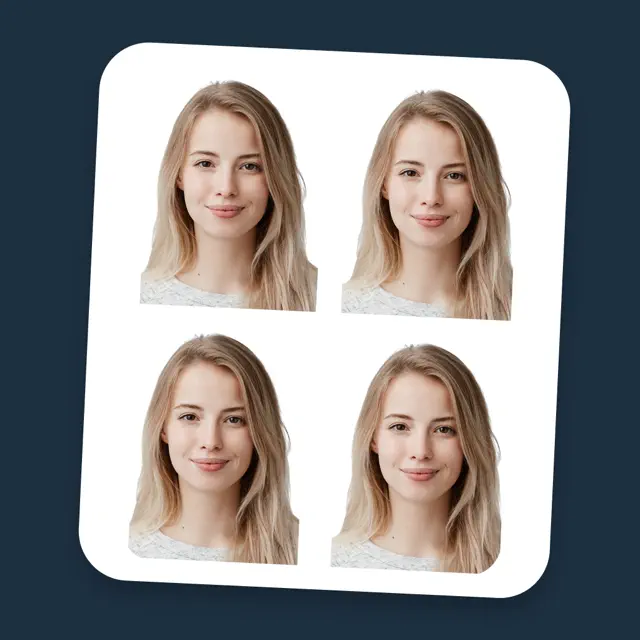

Passport Photo - PhotoAiD
당신은 집에서 생체 인식 사진을 완벽하게 통제할 수 있습니다. 지루한 관료주의와 부적합한 사진에 대한 걱정은 이제 끝입니다.
다운로드
2.5M+사용자 평점
총 평가 수
49.2K개발사
카테고리
Photo & Video지원 언어
23최신 버전
3.4.0크기
88.9 MB출시일
2020년 4월 10일엄격한 규격 요구사항을 충족하는 바이오메트릭 사진 생성에 최적화된 주요 기능을 분석합니다.
Passport Photo - PhotoAiD: 핵심 기능 분석
전문가 실시간 검증 및 피드백
모든 사진은 사진 전문가에 의해 실시간으로 신중하게 검증되며, 오류가 감지되면 5분 이내에 수정할 수 있도록 상세한 피드백을 제공합니다.
자동 규격 조정 및 다양한 문서 지원
이 앱은 셀카를 자동으로 조정하여 여권, 신분증, 비자, 영주권 등 다양한 공식 문서의 모든 생체 인식 사진 요구 사항을 충족하도록 변환합니다.
아기 여권 사진 지원
이 도구는 유아 및 신생아 여권 사진 요구 사항을 포함한 아기 여권 사진을 특별히 지원합니다.
얼굴 중앙 정렬 및 크기 자동 조정
이 앱은 사용자의 얼굴이 적절하게 중앙에 오도록 하고 사진이 크기 사양을 충족하는지 자동으로 보장합니다.
자동 배경 제거 및 조정
사용자는 흰 벽을 찾을 필요 없이 이 앱이 자동으로 배경을 제거하거나 공식 표준에 맞게 조정하는 기능을 활용할 수 있습니다.
디지털 및 인쇄본 배송 옵션
사용자는 디지털 사진을 즉시 메일로 받거나, 고품질 인쇄본을 무료 배송으로 집에서 받아볼 수 있습니다.
직관적인 사용자 인터페이스
이 앱은 기술 수준과 관계없이 모든 사람이 쉽게 사용할 수 있도록 설계된 직관적인 인터페이스를 제공합니다.
AI 기반 사전 검사
이 도구는 AI를 활용하여 이미지를 사전 준비하고 예비 검사를 수행하여 규격 준수 여부를 빠르게 확인합니다.
자주 묻는 질문
에 대해 알아야 할 모든 것 Passport Photo - PhotoAiD
What is PhotoAiD?
PhotoAiD converts selfies into biometric passport-size photos. It ensures compliance with official requirements for passports, IDs, visas, Green Cards, Student cards, and driver's licenses.
How does PhotoAiD ensure photo compliance?
PhotoAiD uses a two-tiered verification. AI prepares and checks the image, then a human photo expert double-checks its conformity to official guidelines, guaranteeing compliance.
Can PhotoAiD remove or adjust photo backgrounds?
Yes, PhotoAiD automatically removes or adjusts the background to fit official standards. Users do not need a white wall for their photos, simplifying the process.
Does PhotoAiD provide printed passport photos?
Yes, PhotoAiD offers high-quality printouts with free delivery to your hands. Digital photos are also available for immediate use in online applications.
What should I wear for a PhotoAiD passport photo?
Users should avoid light-colored clothes and head coverings. Prescription glasses are allowed if they do not obstruct the face. Sunglasses are forbidden. Beards are acceptable.
Is my privacy protected when using PhotoAiD?
Yes, PhotoAiD states that user privacy is well protected. Users can utilize the app with confidence, as personal data security is prioritized.
What facial expression is required for PhotoAiD passport photos?
A neutral face with no facial expression is required. Avoid smiling. The photo must be taken face on, with your mouth closed and eyes open to meet biometric standards.
Does PhotoAiD automatically adjust photo size and centering?
Yes, PhotoAiD automatically ensures faces are properly centered and photos meet size specifications. This feature aligns images with various biometric standards.
다음 스크린샷과 설명은 앱의 공식 스토어 목록에서 직접 가져온 것이며 앱 개발자의 자산입니다.
앱 스토어
스크린샷
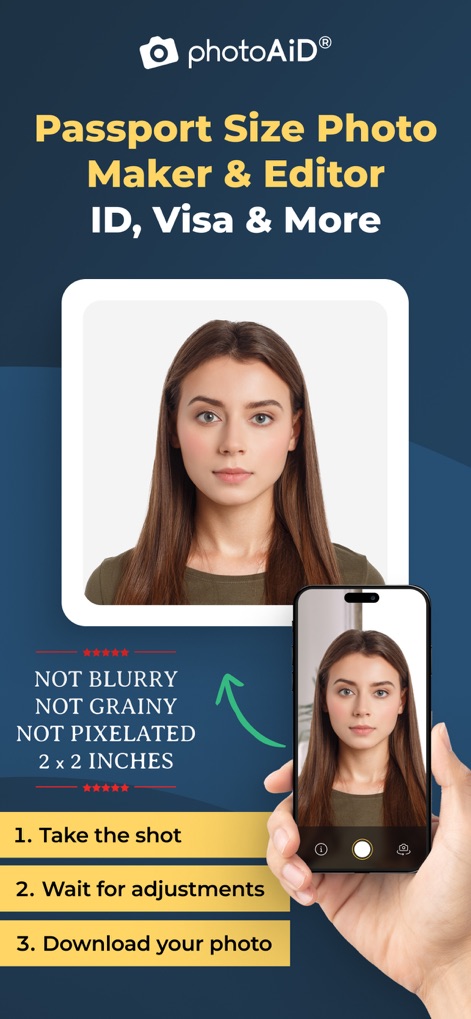
이 앱은 흐릿함 없이 고품질의 2x2인치 여권 사진을 제공하며, 사용자에게 간편한 3단계 촬영 및 다운로드 과정을 안내합니다.
완벽한 여권 사진
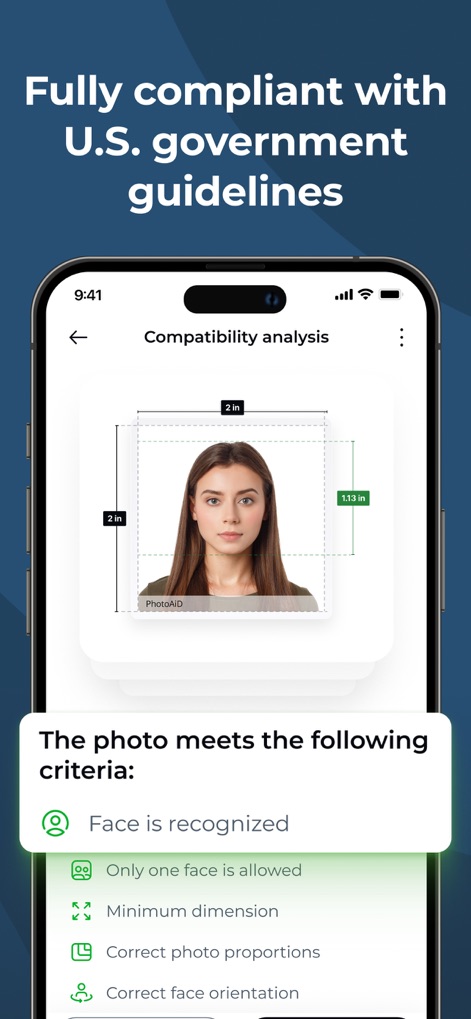
이 도구는 미국 정부 지침에 완벽하게 부합하는지 사진을 분석하여, 얼굴 인식 여부와 올바른 사진 비율을 세부적으로 확인합니다.
엄격한 규정 준수
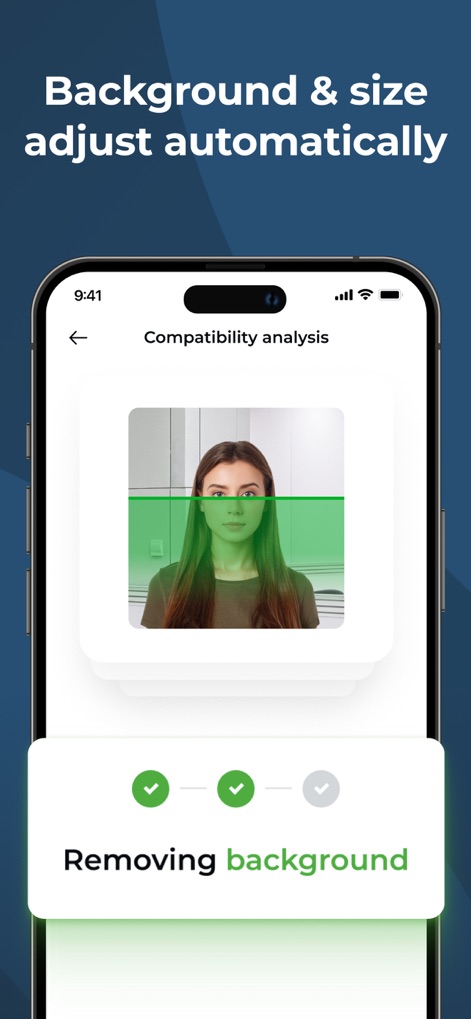
이 앱은 사진의 복잡한 배경을 자동으로 제거하며, 사용자의 얼굴이 기준선에 맞춰 정렬되는 과정을 시각적으로 보여줍니다.
배경 자동 제거
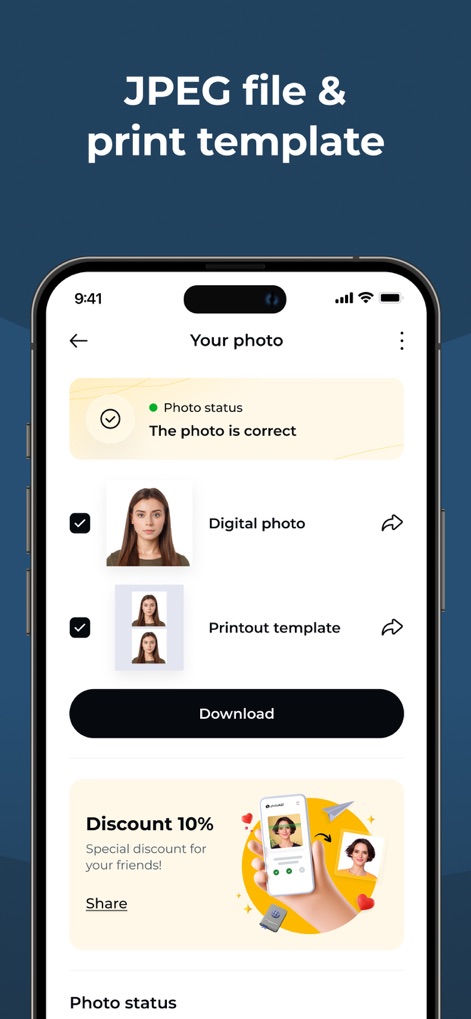
사용자는 앱에서 승인된 사진을 디지털 파일로 받거나 인쇄용 템플릿으로 다운로드할 수 있으며, 친구 추천을 통한 할인 혜택도 확인할 수 있습니다.
디지털 및 인쇄본
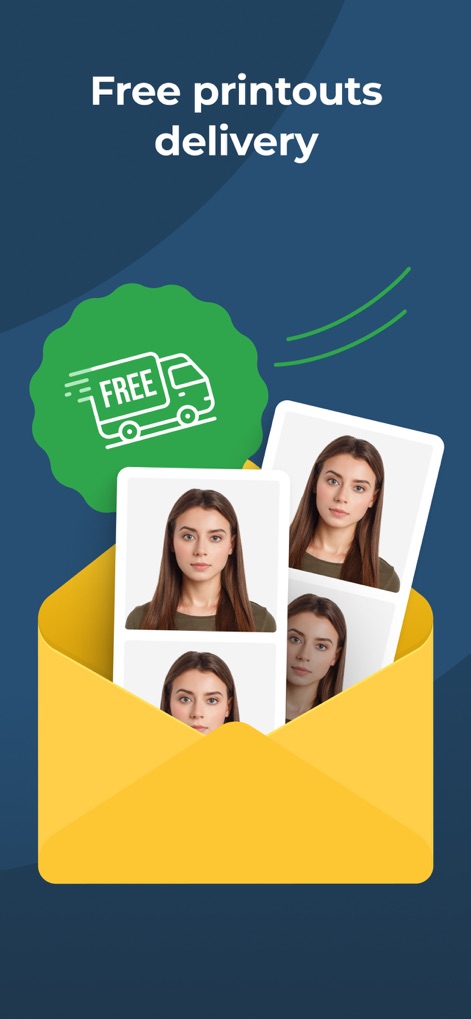
이 서비스는 사용자가 주문한 여권 사진 인쇄본을 무료로 배송해 주어, 편리하게 여러 장의 실물 사진을 받아볼 수 있도록 합니다.
무료 인쇄본 배송
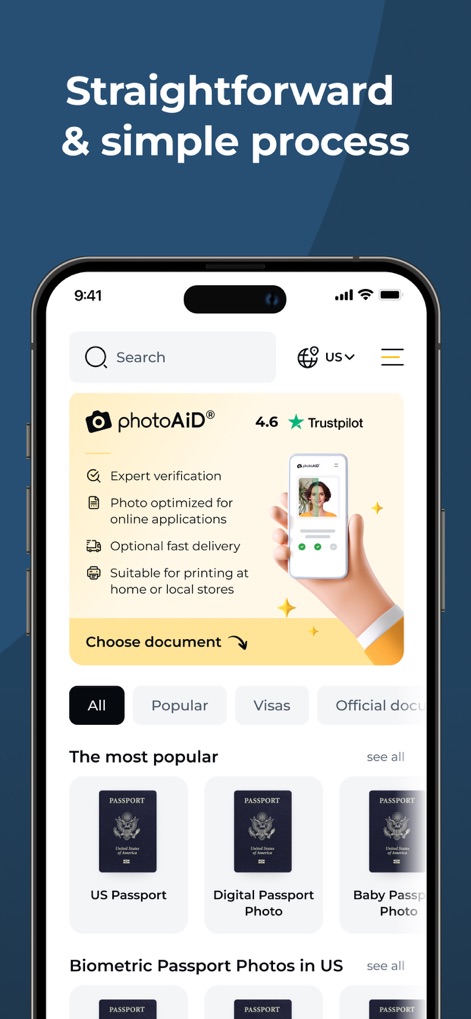
이 앱은 Trustpilot 4.6점의 높은 사용자 신뢰도를 자랑하며, 사용자가 필요한 문서 유형을 쉽게 선택하여 전문가 검증을 거친 사진을 생성할 수 있도록 지원합니다.
간편한 문서 선택
설명
Download
비슷한 앱
유사한 기능과 사용자 경험을 가진 앱

Passport Photo Maker :ID Booth
Appable Yazilim Hizmetleri Limited Sirketi

Passport Photo-ID Photo Cutout
润娟 邹

ID photo passport maker:IDCam
Hangzhou Jiadi Bozhong Enterprise Management Partnership

证件照随拍-智能证件照制作软件
Shenzhen Piaopiao Baobei Co., Ltd

Passport Size Photo Maker App
Jatin Maniya

Print to Size
Clafou Ltd

Passport Photo Maker ID Photo・
泽沛 许

ID Photo:Passport Photo Maker
Retouch Photo Editor Technology Limited

ID Photo - Print Passport Pics
书敏 贾
이 페이지는 앱이나 개발자의 공식 페이지가 아니며, 정보 제공 및 논평을 목적으로 작성된 독립 편집 간행물입니다. 명시적으로 달리 언급되지 않는 한, 해당 앱이나 개발자는 MWM, Apple, Google Play, 앱 퍼블리셔 또는 앱 개발자와 제휴, 보증, 후원, 승인 또는 공식적으로 연결되어 있지 않으며, 이 페이지의 어떤 내용도 해당 앱이 MWM의 서비스를 사용하여 개발되었음을 의미하지 않습니다. 모든 상표, 로고, 스크린샷 및 기타 콘텐츠는 해당 소유자의 자산입니다.