PDF Converter . Convert to PDF
다운로드: App Store

이 페이지는 앱이나 개발자의 공식 페이지가 아니며, 정보 제공 및 논평을 목적으로 작성된 독립 편집 간행물입니다. 명시적으로 달리 언급되지 않는 한, 해당 앱이나 개발자는 MWM, Apple, Google Play, 앱 퍼블리셔 또는 앱 개발자와 제휴, 보증, 후원, 승인 또는 공식적으로 연결되어 있지 않으며, 이 페이지의 어떤 내용도 해당 앱이 MWM의 서비스를 사용하여 개발되었음을 의미하지 않습니다. 모든 상표, 로고, 스크린샷 및 기타 콘텐츠는 해당 소유자의 자산입니다.

로고: PDF Converter . Convert to PDF
다운로드: App Store

PDF Converter . Convert to PDF

iPhone 또는 iPad에서 Word, JPG, Excel 파일을 고품질 PDF로 쉽게 변환하세요. 안전하고 오프라인 사용이 가능하며 모바일 우선 라이프스타일에 맞춰 제작되었습니다.

주요 수치

다운로드

100K+

사용자 평점

4.8/5

총 평가 수

2K+

개발사

TECHISTIC LTD

카테고리

Business

지원 언어

7

최신 버전

2.2

크기

21.1 MB

출시일

2023년 10월 16일
기능

이동 중에도 문서를 마스터하세요

학생 및 전문가가 고속 정밀도와 완벽한 개인 정보 보호로 파일을 변환, 공유 및 관리할 수 있는 궁극의 도구입니다.

번개처럼 빠른 변환

Word 문서, 스프레드시트, 사진을 초당 PDF로 변환하세요. 시간을 절약하고 워크플로우를 계속 진행하세요.

다양한 형식 지원

JPG, PNG, DOCX, XLS 등 모든 파일 형식을 처리하여 필요한 유일한 문서 도구가 됩니다.

다음 스크린샷과 설명은 앱의 공식 스토어 목록에서 직접 가져온 것이며 앱 개발자의 자산입니다.

앱 스토어

스크린샷
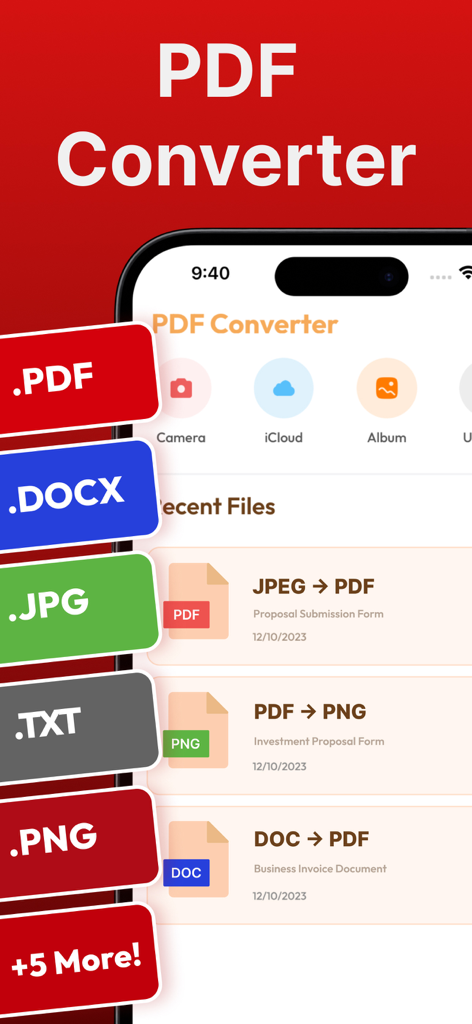
PDF Converter . Convert to PDF - PDF 변환기 앱 인터페이스가 iPhone에서 파일 형식 옵션과 최근 변환을 보여줍니다.
PDF 변환기 앱 인터페이스가 iPhone에서 파일 형식 옵션과 최근 변환을 보여줍니다.

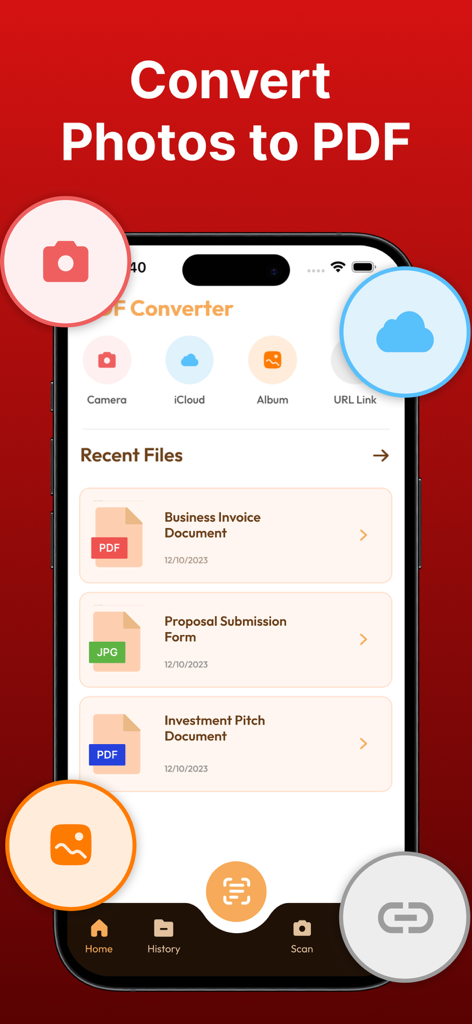
PDF Converter . Convert to PDF - PDF 변환기 앱 인터페이스가 사진을 PDF로 변환하고 최근 문서를 보여줍니다.
PDF 변환기 앱 인터페이스가 사진을 PDF로 변환하고 최근 문서를 보여줍니다.

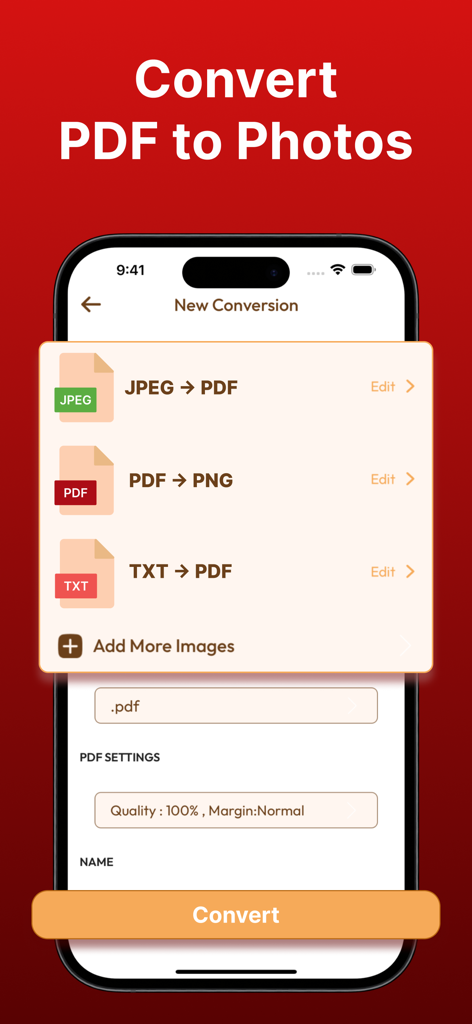
PDF Converter . Convert to PDF - iPhone에서 PDF를 사진으로 변환하고 JPEG를 PDF로 변환하는 옵션을 보여주는 PDF 변환기 앱 인터페이스.
iPhone에서 PDF를 사진으로 변환하고 JPEG를 PDF로 변환하는 옵션을 보여주는 PDF 변환기 앱 인터페이스.

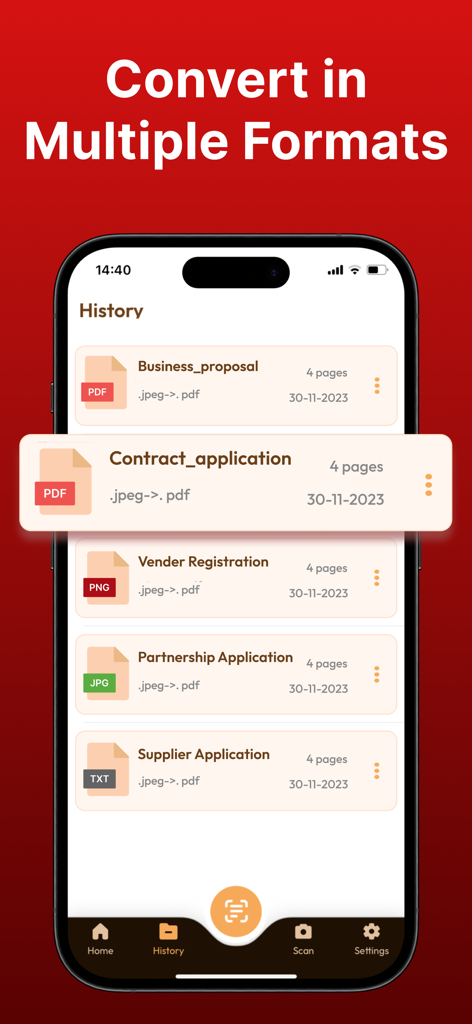
PDF Converter . Convert to PDF - 비즈니스 제안서 및 계약서를 포함하여 PDF로 변환된 문서 기록을 보여주는 iPhone 스크린샷
비즈니스 제안서 및 계약서를 포함하여 PDF로 변환된 문서 기록을 보여주는 iPhone 스크린샷

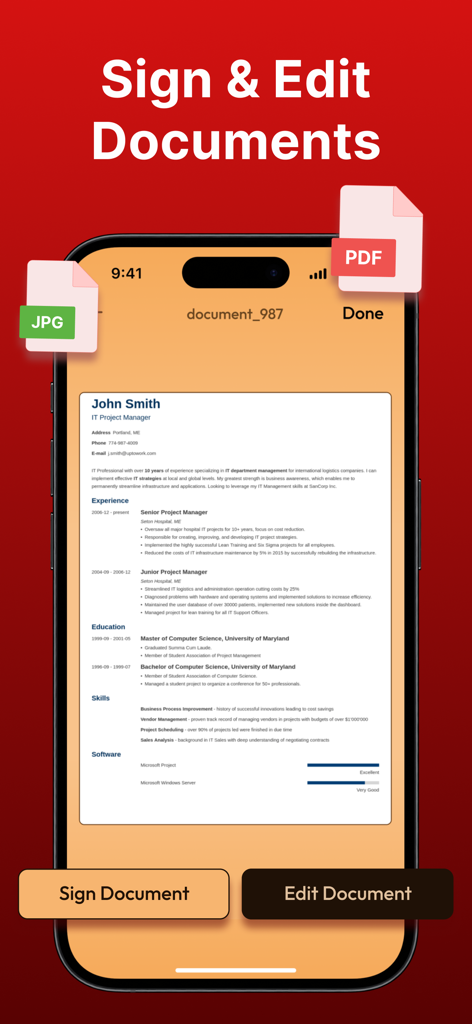
PDF Converter . Convert to PDF - iPhone에서 PDF 문서에 서명하고 편집하기 위한 모바일 앱 인터페이스

iPhone에서 PDF 문서에 서명하고 편집하기 위한 모바일 앱 인터페이스

설명

With the PDF Converter ~ Convert to PDF App, you can effortlessly convert files from popular formats like JPG, WORD, PHOTO, XLS, PNG, TXT, and more to PDF, and vice versa, all in just a few taps. The app is designed to provide a seamless document transformation experience, empowering you to work with documents like never before. The conversion process is simple and straightforward - select your input file, choose the output format, and convert! It takes only seconds, saving you time and effort. Here are some of the key features of the PDF Converter App: Word to PDF Conversion: Instantly convert your Microsoft Word documents to high-quality PDF files. Preserve fonts, images, and layouts flawlessly! PDF to Word Conversion: Need to edit a PDF? No problem! Convert to PDF and PDF to Word documents for easy editing and customization. Doc to PDF: Convert any text-based document to PDF format, ensuring your files are universally accessible and secure. Image to PDF: Transform images and photos (including PNG, JPEG, and more) into PDF files. Perfect for creating PDF albums, portfolios, and presentations! Effortless Sharing: Share your converted files instantly with others or save them securely to iCloud for convenient access across all your devices. Simple and Intuitive Interface: Our user-friendly design ensures a seamless experience, whether you’re a tech novice or a seasoned pro. Offline Conversion: No internet? No worries! Convert to PDF even without an internet connection. High-Quality Output: Enjoy top-notch quality in every converted file. Your documents will look just as professional as the originals. Secure and Private: We prioritize your privacy. Your files are securely processed, and we never store any sensitive information. With these features, the PDF Converter App provides a powerful and versatile tool for all your document conversion needs. Upgrade your document management game with PDF Converter ~ Convert to PDF. Whether you're a student, professional, or anyone in between, our app simplifies your document handling tasks, making your life more productive and organized. Information about PDF Converter's subscription auto-renewal:- -Subscription automatically renews unless the auto-renew is turned off at least 24 hours before the end of the current period. -The user can manage subscriptions and turn auto-renewal off by going to the user's Account Settings after purchase. -Any unused portion of a free trial period will be forfeited when the user purchases a subscription. -Payment will be charged to iTunes Account at confirmation of purchase. Privacy Policy and Terms of Use: Terms of Use: https://www.techstic.org/terms-of-use-pdf-converter-app Privacy Policy: https://www.techstic.org/privacy-policy-pdf-converter-app

Download

다운로드: App Store
추천

비슷한 앱

유사한 기능과 사용자 경험을 가진 앱

이 페이지는 앱이나 개발자의 공식 페이지가 아니며, 정보 제공 및 논평을 목적으로 작성된 독립 편집 간행물입니다. 명시적으로 달리 언급되지 않는 한, 해당 앱이나 개발자는 MWM, Apple, Google Play, 앱 퍼블리셔 또는 앱 개발자와 제휴, 보증, 후원, 승인 또는 공식적으로 연결되어 있지 않으며, 이 페이지의 어떤 내용도 해당 앱이 MWM의 서비스를 사용하여 개발되었음을 의미하지 않습니다. 모든 상표, 로고, 스크린샷 및 기타 콘텐츠는 해당 소유자의 자산입니다.