PDF Converter - PDF to Word *

PDF Converter - PDF to Word *

다운로드: App Store
로고: PDF Converter - PDF to Word *

PDF 변환기 - PDF를 Word로 *: 빠르고 안전한 문서 변환을 위한 올인원 작업 공간

과도한 구독료는 이제 그만. 무제한 변환, 고급 서명 도구, Mac을 위한 완벽한 데이터 개인 정보 보호 기능으로 Word, HEIC, 이미지를 전문가 수준의 PDF로 손쉽게 변환하세요.

다운로드: App Store

개발사

TROSTUN LTD

카테고리

Business

다운로드

51K+

사용자 평점

4.6/5

총 평가 수

200

지원 언어

49

전문적인 미리보기

이 인터페이스를 사용하는 51K+ 명의 사용자.

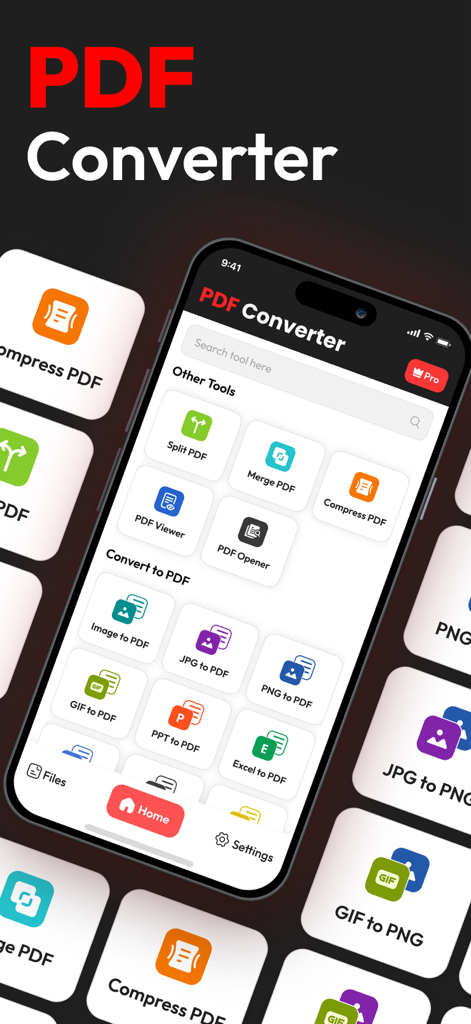
PDF 변환기 앱 인터페이스가 스마트폰에 표시되며 파일 분할, 병합, PDF로 변환하는 도구를 보여줍니다.

PDF 변환기 앱 인터페이스가 스마트폰에 표시되며 파일 분할, 병합, PDF로 변환하는 도구를 보여줍니다.

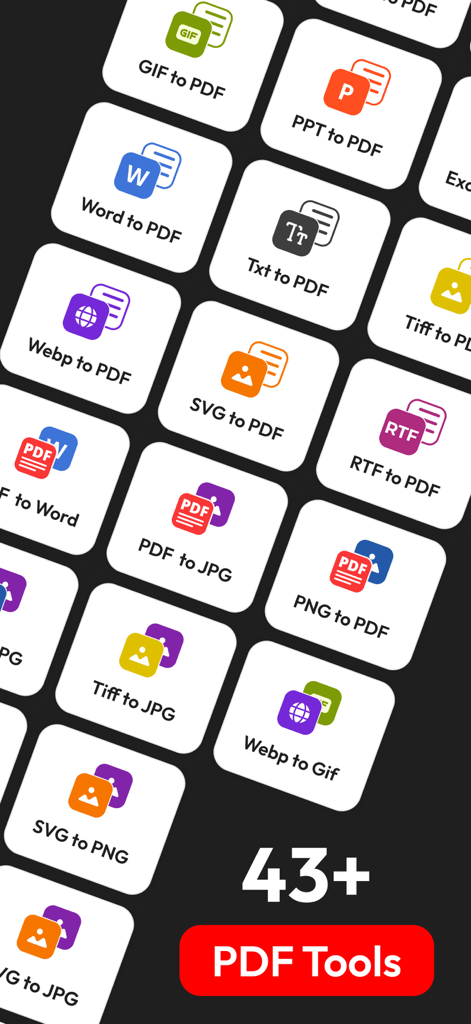
Word를 PDF로 변환하고 이미지 형식 등 43개 이상의 파일 변환 도구를 나타내는 아이콘 그리드.

Word를 PDF로 변환하고 이미지 형식 등 43개 이상의 파일 변환 도구를 나타내는 아이콘 그리드.

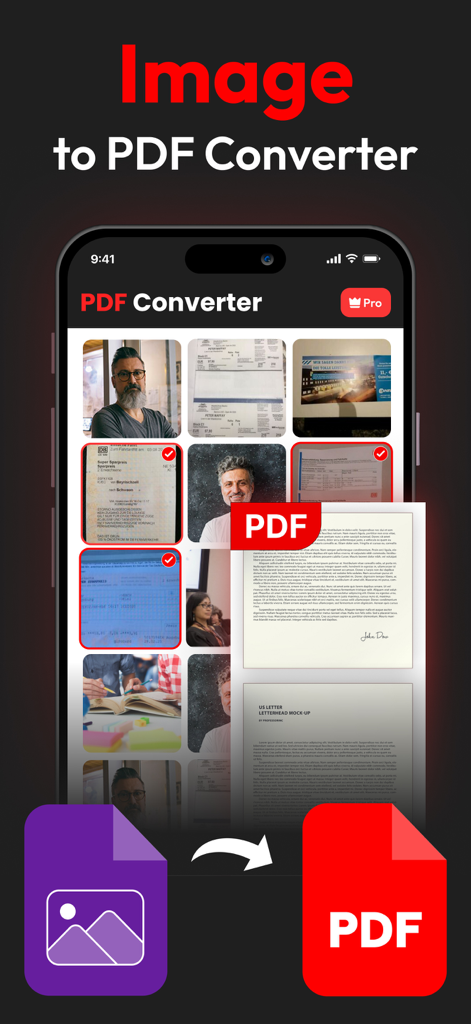
모바일 앱 인터페이스에서 전문 PDF 문서로 변환되는 사진 선택을 보여줍니다.

모바일 앱 인터페이스에서 전문 PDF 문서로 변환되는 사진 선택을 보여줍니다.

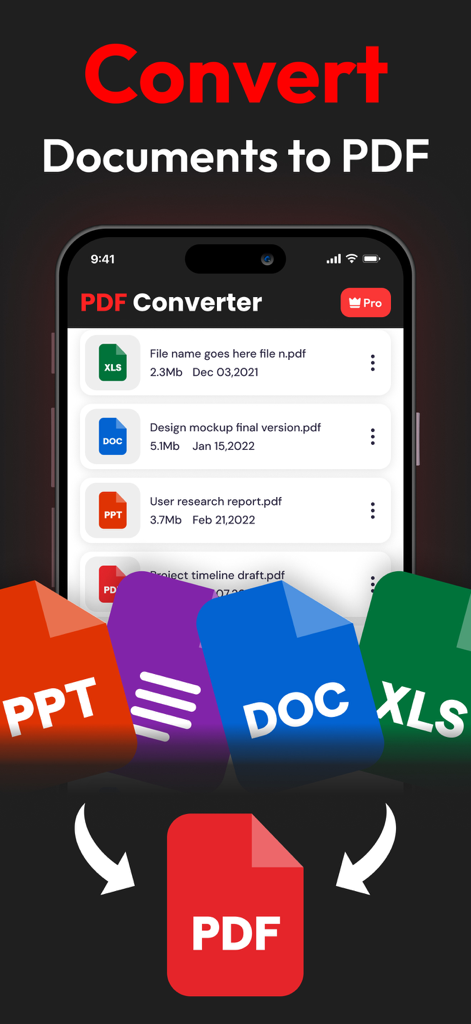
PDF 변환기 앱 인터페이스에서 Word, Excel, PowerPoint 파일이 PDF로 변환되는 것을 보여줍니다.

PDF 변환기 앱 인터페이스에서 Word, Excel, PowerPoint 파일이 PDF로 변환되는 것을 보여줍니다.

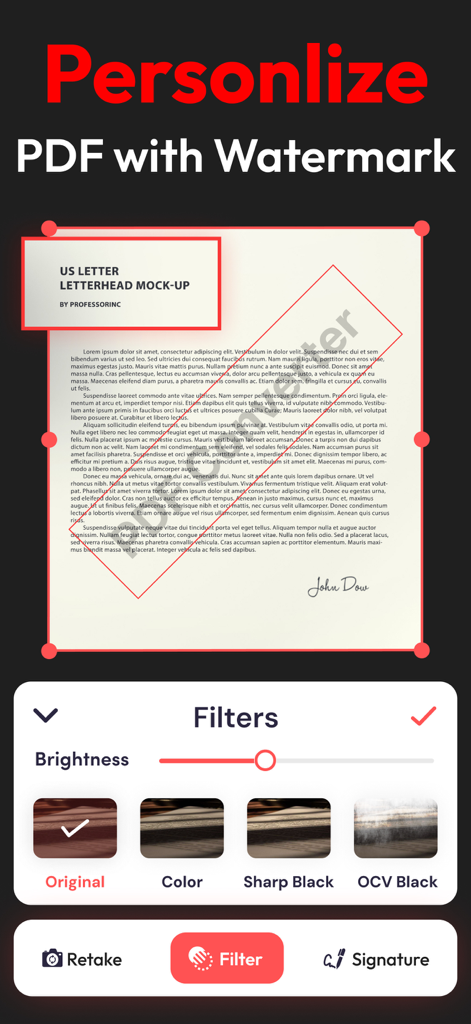
모바일 앱 인터페이스에서 워터마크와 문서 필터로 PDF를 개인화하는 방법을 보여줍니다.

모바일 앱 인터페이스에서 워터마크와 문서 필터로 PDF를 개인화하는 방법을 보여줍니다.

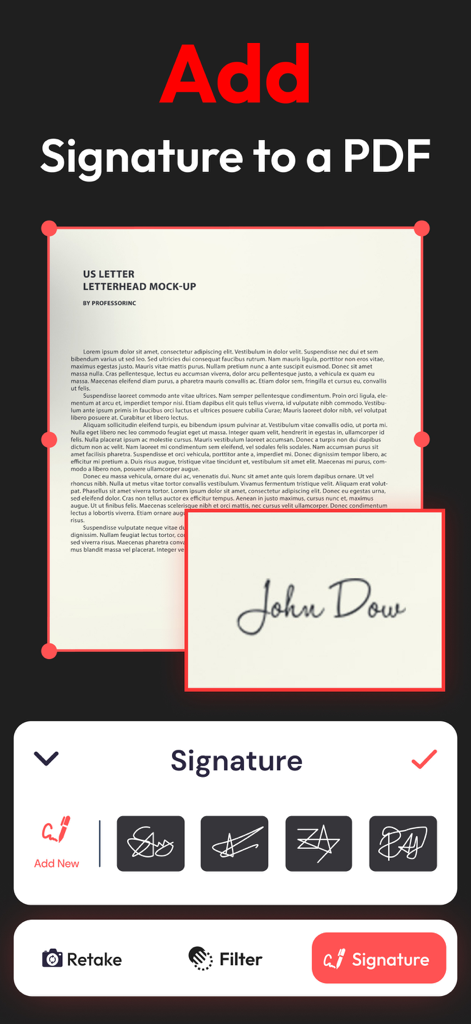
사용자 인터페이스에서 PDF 문서에 디지털 서명을 추가하는 방법을 보여줍니다.

사용자 인터페이스에서 PDF 문서에 디지털 서명을 추가하는 방법을 보여줍니다.

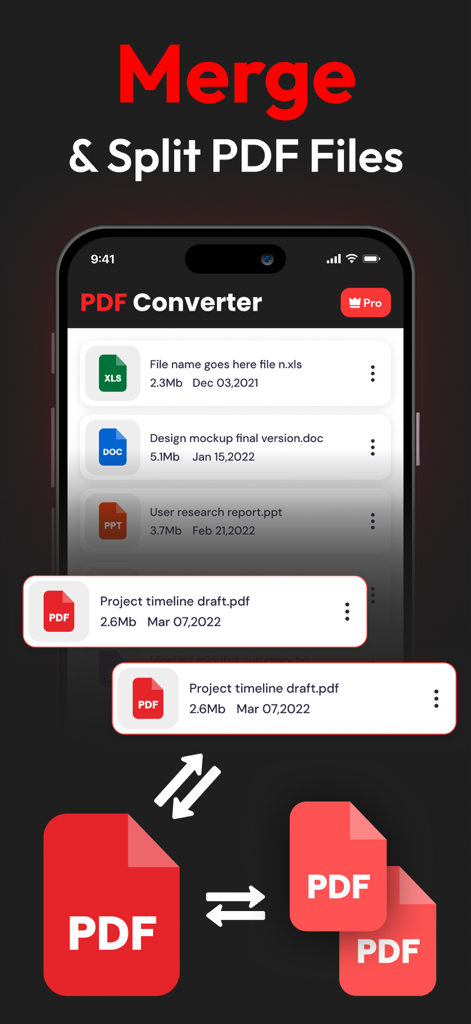
모바일 장치에서 PDF 문서를 병합하고 분할하는 기능을 표시하는 PDF 변환기 앱 인터페이스.

모바일 장치에서 PDF 문서를 병합하고 분할하는 기능을 표시하는 PDF 변환기 앱 인터페이스.

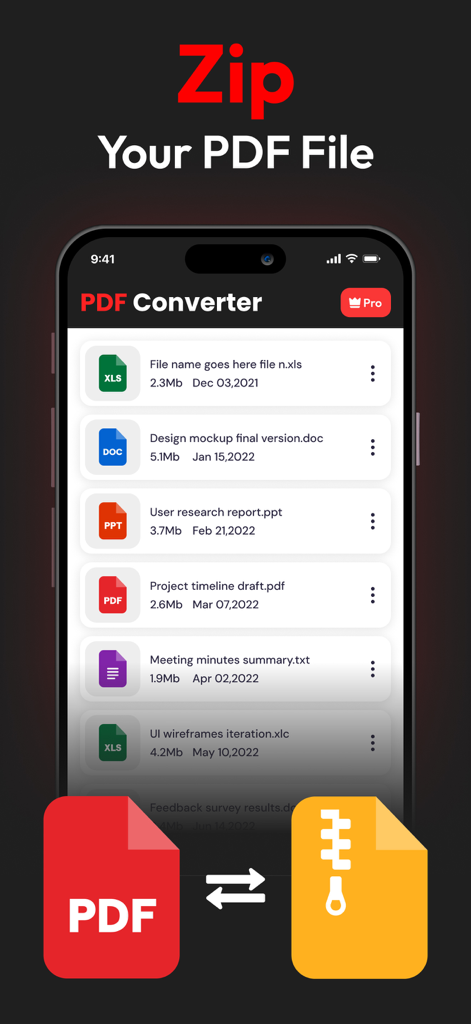
다양한 파일 유형 목록과 함께 PDF 문서용 zip 기능을 보여주는 모바일 앱 인터페이스.

다양한 파일 유형 목록과 함께 PDF 문서용 zip 기능을 보여주는 모바일 앱 인터페이스.

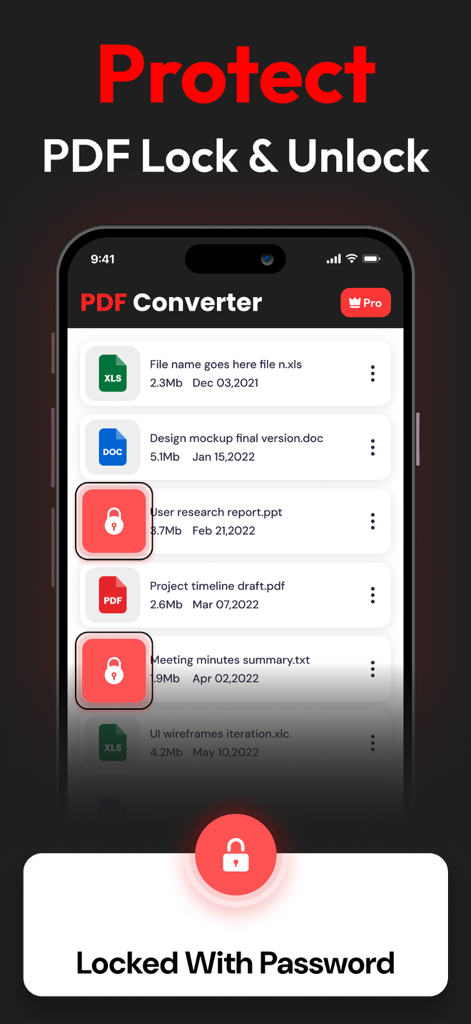
문서 잠금 및 암호 보호 기능을 보여주는 PDF 변환기 앱 인터페이스.

문서 잠금 및 암호 보호 기능을 보여주는 PDF 변환기 앱 인터페이스.

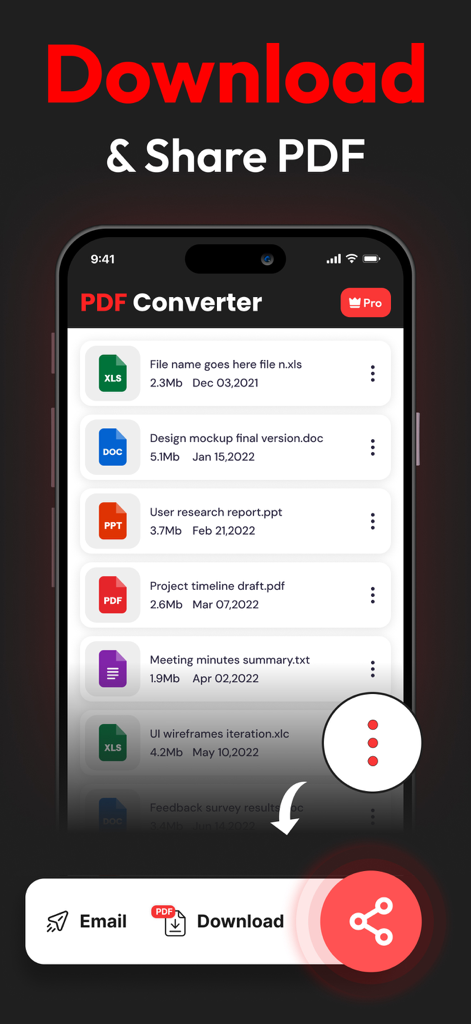
다운로드하거나 이메일을 통해 공유할 옵션과 함께 변환된 문서 목록을 보여주는 모바일 화면.

다운로드하거나 이메일을 통해 공유할 옵션과 함께 변환된 문서 목록을 보여주는 모바일 화면.

전문적인 문서 관리를 손쉽게

이 앱을 돋보이게 하는 도구, 51K+ 명의 사용자가 선택.

🔒

개인 정보 보호 우선 아키텍처

온라인 변환기의 위험을 피하세요. 민감한 파일은 로컬에서 처리되며 서버에 저장되지 않아 데이터가 100% 안전하게 보호됩니다.

🚀

무제한 범용 변환

제한을 버리고 Word, Excel부터 Apple 전용 HEIC 이미지까지 모든 것을 변환하세요. Mac에서 일일 제한이나 파일 크기 제한이 없습니다.

✍️

서명, 병합 및 완료

프린터는 이제 그만. 앱 내에서 디지털 서명을 추가하거나, 여러 보고서를 하나의 PDF로 결합하거나, 큰 파일을 이메일용으로 몇 초 만에 압축하세요.

앱 소개

에 대해 알아야 할 모든 것 PDF Converter - PDF to Word *.

설명

PDF CONVERTER & PDF TO WORD: THE ALL-IN-ONE MACOS CONVERSION TOOL If you frequently work with PDFs, the PDF Converter & PDF to Word app for macOS is an essential tool. Available on the Mac App Store, this all-in-one conversion utility allows quick and efficient file conversions to PDF, making it a must-have for anyone working with digital documents. KEY CONVERSION TOOLS AVAILABLE: Document Conversions: • WORD to PDF: Easily convert Word documents into secure, uneditable PDFs while preserving formatting. • EXCEL to PDF: Transform Excel spreadsheets into PDF format to prevent tampering or edits. • PPT to PDF: Convert PowerPoint presentations to PDFs, perfect for standardized sharing. • TEXT to PDF: Convert simple text files into PDFs for professional management. Image to PDF Conversion: • PNG to PDF: Convert PNG images to professional, shareable PDFs. • JPG to PDF: Save JPG images as PDFs, making them easy to share securely. • SVG to PDF: Ideal for designers to convert vector graphics to PDF. • GIF to PDF: Turn animated GIFs into PDFs for secure storage and sharing. FEATURES OF PDF CONVERTER & PDF MAKER: • Easy to Use: The app features a simple, user-friendly interface, allowing users of all experience levels to convert files with ease. • No Conversion Limits: Convert as many files as you need, with no daily restrictions. • Secure and Private: Your files are never stored after conversion, ensuring your data remains secure and private. • Additional PDF Tools: Compress, encrypt, watermark, and sign PDFs for added security and professionalism. OTHER USEFUL TOOLS: • HEIC to PDF: Convert HEIC image files from Apple devices to PDF format. • Split PDF: Split large PDF files into smaller, manageable sections. • Merge PDF: Combine multiple PDFs into a single document for easier sharing. • Sign PDF: Add digital signatures for authenticity and verification. HOW TO USE: 1. Open the App: Launch the app on your Mac. 2. Choose Your Tool: Select the conversion option that fits your needs. 3. Upload Your File: Drag and drop or upload your file. 4. Convert: Tap “Convert to PDF” and download the result instantly. PDF Converter & PDF Maker streamlines document management for Mac users by offering all the essential tools for converting, securing, and sharing PDFs. Whether you’re converting images, presentations, or text, this app ensures professional results every time. For more information, you can check out our Terms of Use here: https://www.trostun.com/terms-of-use/

최신 버전

1.3.8

크기

38.8 MB

출시일

2023년 1월 27일

문서 워크플로우를 마스터할 준비가 되셨나요?

안전하고 올인원인 유틸리티를 신뢰하는 51,000명 이상의 전문가와 함께하세요. Mac에서 완벽한 개인 정보 보호와 제로 변환 제한으로 변환, 서명, 병합하세요.

다운로드: App Store

App information, icons, screenshots, and descriptions displayed on this page are sourced from the Apple App Store and are the property of their respective developers. Download estimates and rankings are based on MWM's proprietary models and may not reflect actual figures. This page is provided for informational and analytical purposes only.

Believe this page infringes your intellectual property? File a dispute