Philips HomeRun Robot App
다운로드: App Store

이 페이지는 앱이나 개발자의 공식 페이지가 아니며, 정보 제공 및 논평을 목적으로 작성된 독립 편집 간행물입니다. 명시적으로 달리 언급되지 않는 한, 해당 앱이나 개발자는 MWM, Apple, Google Play, 앱 퍼블리셔 또는 앱 개발자와 제휴, 보증, 후원, 승인 또는 공식적으로 연결되어 있지 않으며, 이 페이지의 어떤 내용도 해당 앱이 MWM의 서비스를 사용하여 개발되었음을 의미하지 않습니다. 모든 상표, 로고, 스크린샷 및 기타 콘텐츠는 해당 소유자의 자산입니다.

로고: Philips HomeRun Robot App
다운로드: App Store

Philips HomeRun Robot App

로봇 진공청소기, 물걸레 청소기, 잔디깎이 로봇을 어디서든 완벽하게 제어하세요. 사용자 정의 청소 일정 설정, 공간 정밀 매핑, 소중한 시간을 되찾아 완벽하게 관리되는 집과 잔디를 경험하세요.

주요 수치

다운로드

262K+

사용자 평점

4.7/5

총 평가 수

17K+

개발사

Versuni Netherlands B.V

카테고리

Lifestyle

지원 언어

32

최신 버전

1.4.3

크기

168.9 MB

출시일

2024년 1월 17일
기능

현대적인 생활을 위한 스마트 자동화

바닥과 잔디를 전문가 수준의 정밀도로 관리하는 디지털 집사로 시간을 되찾으세요. 가장 중요한 일에 더 많은 자유를 얻을 수 있습니다.

통합 홈 및 정원 제어

실내 청소와 실외 잔디 깎기를 동시에 관리하는 데 필요한 유일한 앱으로, 언제나 손님 맞을 준비를 갖춘 집을 보장합니다.

지능형 구역 매핑

각 방에 대한 사용자 정의 청소 모드를 정의하고 잔디깎이 로봇의 정밀한 경계를 설정하여 섬세한 화단과 러그를 보호하세요.

FAQ

자주 묻는 질문

에 대해 알아야 할 모든 것 Philips HomeRun Robot App

필립스 홈런 로봇 앱의 주요 기능은 무엇인가요?

필립스 홈런 로봇 앱을 사용하면 필립스 홈런 로봇을 완벽하게 제어하여 방 청소 및 잔디 깎기를 위한 정확한 예약 및 실행이 가능합니다.

앱을 사용하여 필립스 홈런 로봇을 원격으로 제어할 수 있나요?

네, 필립스 홈런 로봇 앱을 사용하면 어디서든 필립스 홈런 로봇의 청소 및 잔디 깎기 작업을 원격으로 시작, 일시 중지 또는 중지할 수 있습니다.

필립스 홈런 로봇 앱은 어떻게 지도를 생성하나요?

처음 실행 시 필립스 홈런 로봇은 집과 정원의 대화형 지도를 생성하며, 이 지도를 앱 내에서 사용하여 청소 및 잔디 깎기 작업을 관리할 수 있습니다.

다음 스크린샷과 설명은 앱의 공식 스토어 목록에서 직접 가져온 것이며 앱 개발자의 자산입니다.

앱 스토어

스크린샷
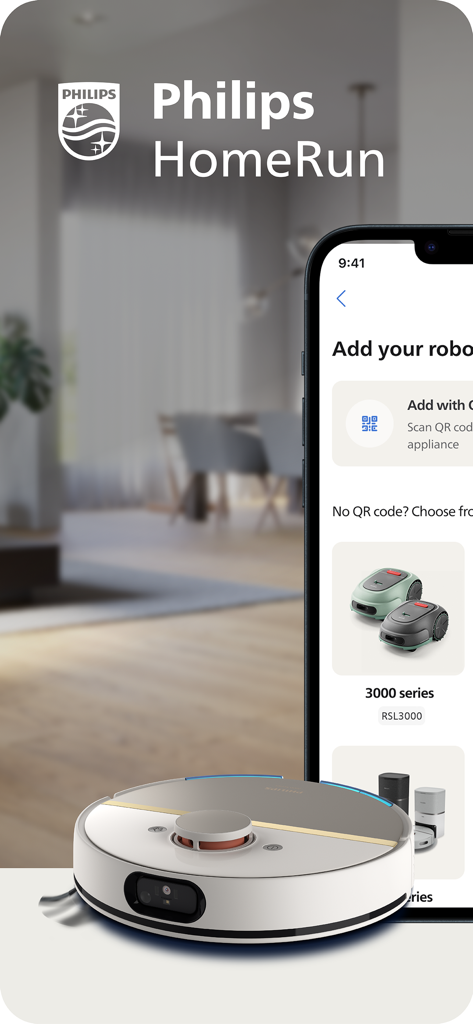
Philips HomeRun Robot App - 로봇 진공청소기 및 잔디깎이 로봇 설정 옵션을 보여주는 필립스 홈런 앱
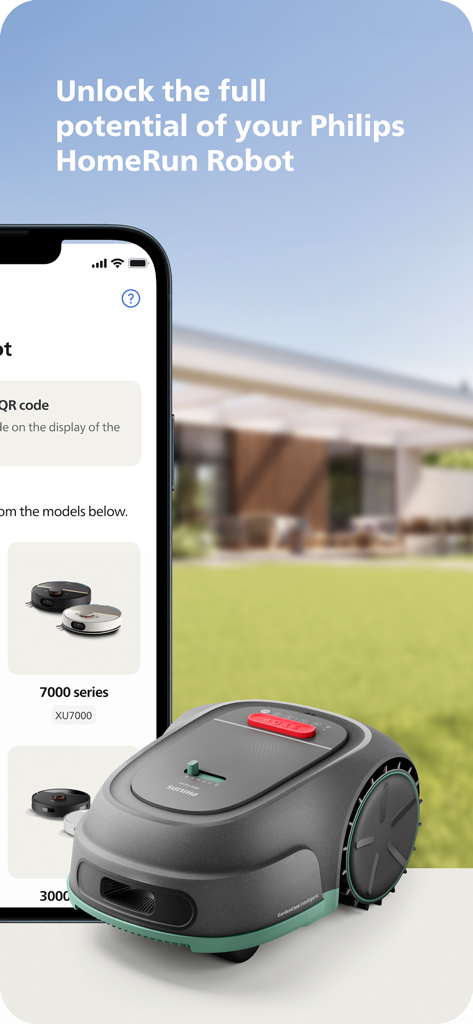
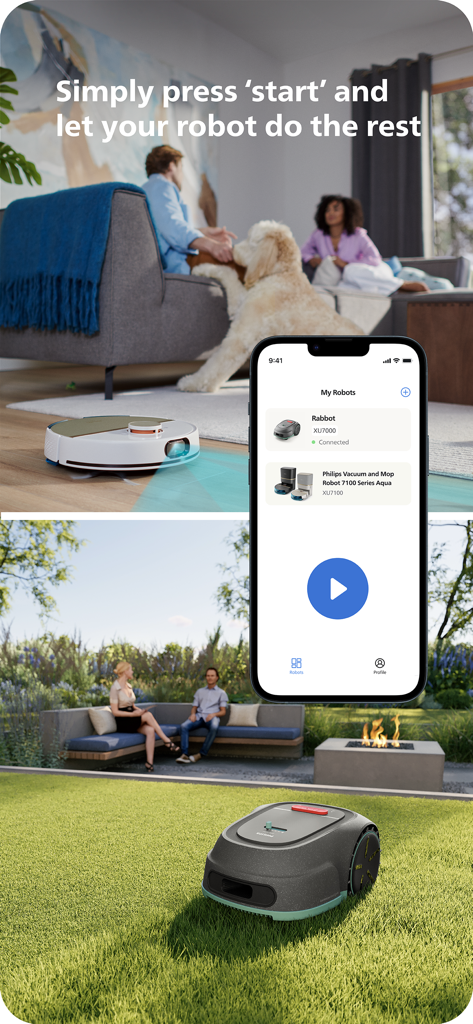
로봇 진공청소기 및 잔디깎이 로봇 설정 옵션을 보여주는 필립스 홈런 앱

Philips HomeRun Robot App - 녹색 잔디밭에 놓인 잔디깎이 로봇 옆에 필립스 홈런 로봇 앱이 표시된 스마트폰
녹색 잔디밭에 놓인 잔디깎이 로봇 옆에 필립스 홈런 로봇 앱이 표시된 스마트폰

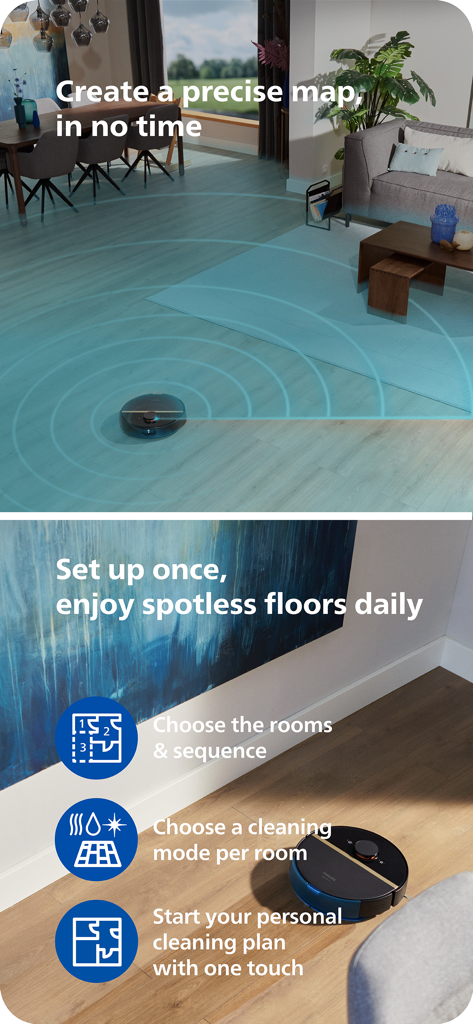
Philips HomeRun Robot App - 거실을 매핑하고 나무 바닥을 청소하는 필립스 홈런 로봇 진공청소기와 앱 기능 강조 표시
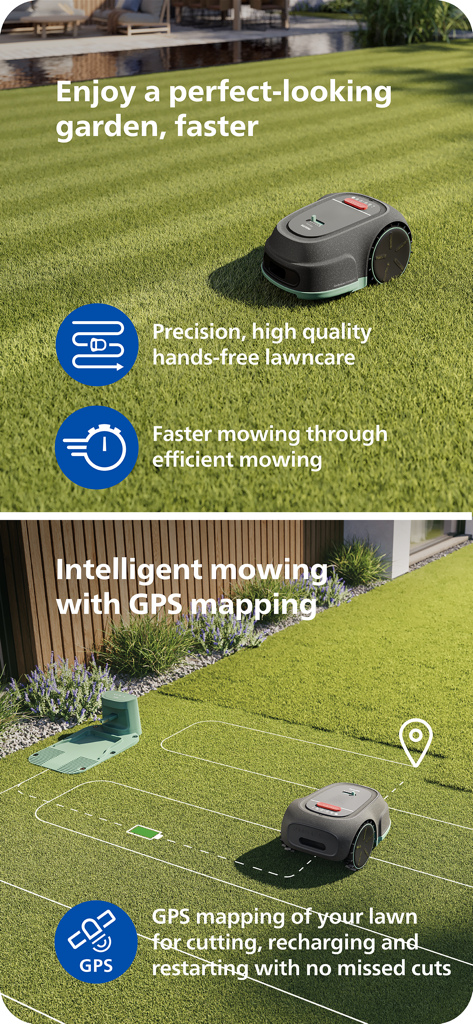
거실을 매핑하고 나무 바닥을 청소하는 필립스 홈런 로봇 진공청소기와 앱 기능 강조 표시

Philips HomeRun Robot App - 지능적이고 효율적인 잔디 관리를 위한 GPS 매핑을 사용하는 필립스 홈런 로봇 잔디깎이 로봇.
지능적이고 효율적인 잔디 관리를 위한 GPS 매핑을 사용하는 필립스 홈런 로봇 잔디깎이 로봇.

Philips HomeRun Robot App - 로봇 진공청소기 및 잔디깎이 로봇의 원격 제어를 보여주는 필립스 홈런 앱 인터페이스
로봇 진공청소기 및 잔디깎이 로봇의 원격 제어를 보여주는 필립스 홈런 앱 인터페이스

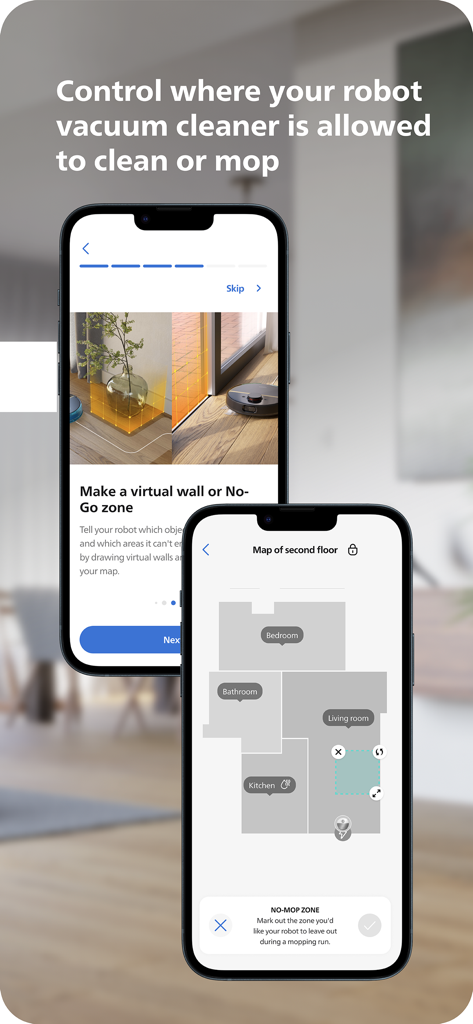
Philips HomeRun Robot App - 청소 및 물걸레질을 위한 바닥 매핑 및 가상 출입 금지 구역을 보여주는 필립스 홈런 로봇 앱 인터페이스
청소 및 물걸레질을 위한 바닥 매핑 및 가상 출입 금지 구역을 보여주는 필립스 홈런 로봇 앱 인터페이스

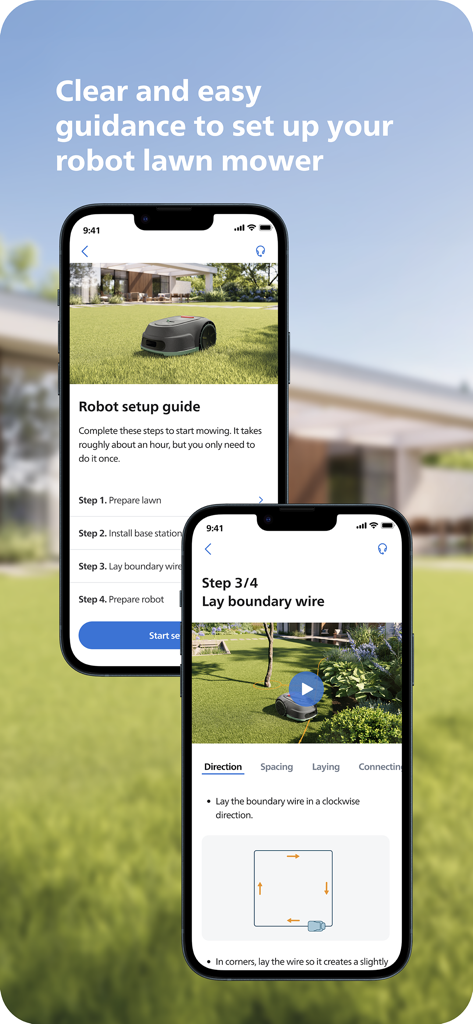
Philips HomeRun Robot App - 필립스 홈런 앱에서 로봇 잔디깎이 로봇의 단계별 설정 가이드를 보여주는 스마트폰 화면
필립스 홈런 앱에서 로봇 잔디깎이 로봇의 단계별 설정 가이드를 보여주는 스마트폰 화면

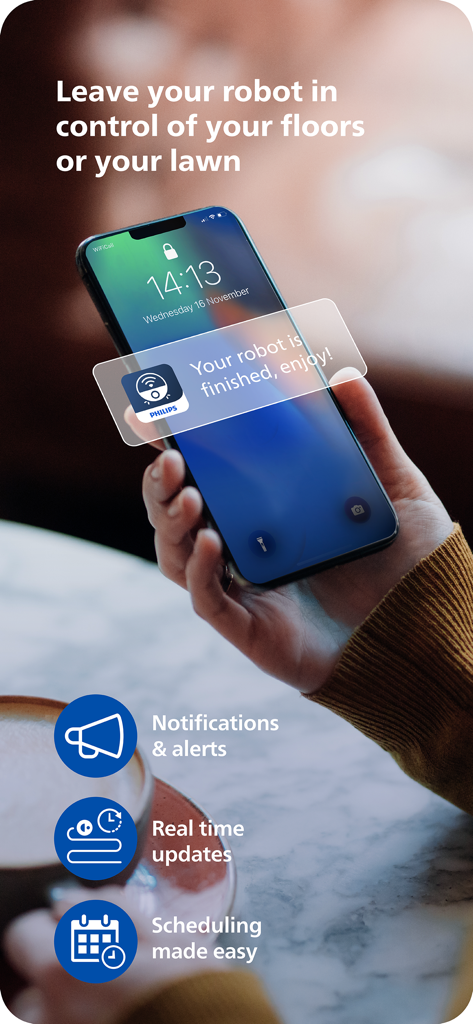
Philips HomeRun Robot App - 로봇이 작업을 완료했으니 즐기라는 알림을 표시하는 필립스 홈런 앱이 표시된 스마트폰을 들고 있는 사람.

로봇이 작업을 완료했으니 즐기라는 알림을 표시하는 필립스 홈런 앱이 표시된 스마트폰을 들고 있는 사람.

설명

Unlock the full potential of your Philips HomeRun robot. Tell it exactly how and when to clean each room and mow your lawn. Then, relax. With the Philips HomeRun Robot app you can: ● Start, pause or stop cleaning and mowing remotely ● Make a precise map of your home to clean each room in no time ● Control where your robot cleans and mows ● Choose a cleaning mode per room and mowing mode per lawn ● Set up once, enjoy spotless floors and lawns daily ● Custom clean and mow for specific situations ● Receive progress updates on each clean and mow ● Keep your data secure Start, pause or stop your robot remotely Come home to clean floors and a perfect-looking garden every day by using your Philips HomeRun vacuum, mop, and lawn mowing robot in combination with the app. Set it up once—to clean each room and mow your lawn just the way you like it—touch ‘Start’, anytime, anywhere, and let your robot do the rest. On its first run, your robot will map your floor plan and garden. Now you have an interactive map of your home that you can use to tell your robot how and when to clean each room or to monitor how your lawn is mowed. The robot vacuum cleaner can store up to five maps. Control where your robot vacuum cleaner cleans Only want your robot to clean the kitchen, bathroom, living room? With the app, you can tell your robot which rooms you want cleaned, and in what order. If there are areas or things you’d like it to avoid—like precious items or a rug in an area you want to mop—you can tell it where not to go, or not to mop, as well. Choose a cleaning mode for each room and mowing mode for each lawn Give each room unique attention with one of the cleaning modes and mowing modes for your lawn. Use Dry mode to vacuum the bedroom and Wet & Dry mode to vacuum and mop hard floors. Put your robot on Quiet mode if, say, you have a meeting, or give the kitchen an extra thorough clean by using Intensive mode. Choose a mowing mode for your lawn to get the perfect looking garden. Set up once. Enjoy spotless floors and lawns every day Once you’ve created a cleaning and mowing plan, clean floors and perfectly mowed lawns are always a tap away. Tap ‘Start’ when you want your robot to begin - every day if you like, and at a time that suits your schedule. Custom clean for specific situations Had friends over and need an extra thorough clean? Or maybe the dog left paw prints in your hallway. Again. Schedule a custom clean and mow that targets specific rooms, areas. Get step-by-step guidance to setup easily From connecting to Wi-Fi to the first clean and mow, we’ll guide you through every step of getting started. You’ll find easy-to-follow instructions and how-to-videos as well. Always have support at your fingertips Have extra questions about the HomeRun app and robot? You’ll find a user manual in the app, answers to FAQs and easy access to Customer Care if need be. Receive progress updates As your robot cleans and mows, you’ll receive in-app updates. See where your robot currently is in your home and what the robot mowing progress is in your garden. Check on its battery levels and, most importantly, get notified as soon as the cleaning run or mowing is done Maintain high performance Get the best performance from your robot by replacing parts on time. Our app lets you know when it’s time to replace parts like filters, mops, and blades, and makes it easy to order them. Keep your data secure Philips adheres to a strict privacy policy. We recommend creating an account to ensure you can save your preferences. If you prefer, you can use the app as a guest. WiFi Philips HomeRun robot vacuum cleaners have dual band Wi-Fi so they are easy to connect to your home Wi-Fi, whether it's to 2.4 or 5.0GHz. Robot lawn mowers only connect to your 2.4GHz home Wi-Fi. Need help? Visit www.Philips.com to find answers to our most frequently asked questions, or get in touch with our Consumer Care team.

Download

다운로드: App Store

이 페이지는 앱이나 개발자의 공식 페이지가 아니며, 정보 제공 및 논평을 목적으로 작성된 독립 편집 간행물입니다. 명시적으로 달리 언급되지 않는 한, 해당 앱이나 개발자는 MWM, Apple, Google Play, 앱 퍼블리셔 또는 앱 개발자와 제휴, 보증, 후원, 승인 또는 공식적으로 연결되어 있지 않으며, 이 페이지의 어떤 내용도 해당 앱이 MWM의 서비스를 사용하여 개발되었음을 의미하지 않습니다. 모든 상표, 로고, 스크린샷 및 기타 콘텐츠는 해당 소유자의 자산입니다.