
이 페이지는 앱이나 개발자의 공식 페이지가 아니며, 정보 제공 및 논평을 목적으로 작성된 독립 편집 간행물입니다. 명시적으로 달리 언급되지 않는 한, 해당 앱이나 개발자는 MWM, Apple, Google Play, 앱 퍼블리셔 또는 앱 개발자와 제휴, 보증, 후원, 승인 또는 공식적으로 연결되어 있지 않으며, 이 페이지의 어떤 내용도 해당 앱이 MWM의 서비스를 사용하여 개발되었음을 의미하지 않습니다. 모든 상표, 로고, 스크린샷 및 기타 콘텐츠는 해당 소유자의 자산입니다.

Photo Translator : Translate!!
AI 기반 비전으로 세상을 즉시 잠금 해제하세요. 복잡한 메뉴부터 현지 거리 간판까지, 언어 장벽을 과거의 것으로 만드는 빠르고 정확한 번역을 얻으세요.
다운로드
1K+사용자 평점
총 평가 수
0개발사
카테고리
Travel지원 언어
1최신 버전
1.0.19크기
104.4 MB출시일
2023년 12월 25일언어 장벽 없는 여행
고급 AI 기술로 현지인처럼 세상을 경험하고 메뉴, 간판, 문서를 즉시 모국어로 바꾸세요.
스냅 & 번역
복잡한 레스토랑 메뉴부터 공공 고지까지 어떤 텍스트든 카메라를 겨누고 즉각적이고 정확한 번역을 받으세요.
AI 기반 정밀도
저희의 독특한 AI는 단순히 번역하는 것을 넘어, 텍스트를 수정하고 재포맷하여 읽는 내용이 자연스럽고 읽기 쉬우며 100% 정확하도록 보장합니다.
자주 묻는 질문
에 대해 알아야 할 모든 것 Photo Translator : Translate!!
Photo Translator: Snap to Ask는 무엇인가요?
Photo Translator: Snap to Ask는 사진을 찍어 상품 라벨, 메뉴, 공지사항, 설명서의 외국어 텍스트를 번역하는 모바일 애플리케이션입니다. 정확한 인식과 서식 지정을 위해 고급 OCR 및 AI를 사용합니다.
Photo Translator: Snap to Ask는 어떻게 텍스트를 번역하나요?
Photo Translator: Snap to Ask는 고급 OCR 기술을 사용하여 사진에서 외국어 텍스트를 인식합니다. 그런 다음 고유한 AI 기능을 적용하여 오류를 수정하고 서식을 다시 지정하여 읽을 수 있는 번역을 제공합니다.
Photo Translator: Snap to Ask는 AI 오류 수정을 제공하나요?
네, Photo Translator: Snap to Ask는 인식된 텍스트의 오류 수정 및 서식 지정을 위한 고유한 AI 기능을 제공합니다. 이를 통해 모든 번역의 정확성과 가독성을 보장합니다.
Photo Translator: Snap to Ask는 무료로 사용할 수 있나요?
네, Photo Translator: Snap to Ask는 AI 오류 수정 및 서식 지정 서비스의 일일 3회 무료 이용을 포함한 무료 경험을 제공합니다. 사용자는 광고를 시청하거나 구독하여 계속 사용할 수 있습니다.
Photo Translator: Snap to Ask 프리미엄 구독에는 무엇이 포함되나요?
Photo Translator: Snap to Ask 프리미엄 구독은 연간 서비스입니다. 앱의 AI 오류 수정 및 서식 지정 기능에 대한 무제한 사용을 제공합니다.
Photo Translator: Snap to Ask 구독은 어떻게 관리하나요?
사용자는 구매 후 계정 설정으로 이동하여 Photo Translator: Snap to Ask 구독을 관리하고 자동 갱신을 해제할 수 있습니다.
Photo Translator: Snap to Ask로 메뉴를 번역할 수 있나요?
네, Photo Translator: Snap to Ask는 식당 메뉴를 번역할 수 있습니다. AI를 사용하여 텍스트를 해독하고 서식을 지정하여 외국어 메뉴를 쉽게 읽을 수 있도록 합니다.
Photo Translator: Snap to Ask는 어떤 언어를 지원하나요?
Photo Translator: Snap to Ask는 영어, 중국어 간체, 중국어 번체, 스페인어, 프랑스어, 포르투갈어, 독일어, 일본어, 한국어 및 기타 라틴 스크립트를 포함한 다국어 번역을 지원합니다.
Photo Translator: Snap to Ask는 여행객에게 사용하기 쉬운가요?
네, Photo Translator: Snap to Ask는 여행객을 위해 사용자 친화적인 인터페이스로 설계되었습니다. 원클릭 사진 번역 기능을 제공하여 쉽고 빠르게 사용할 수 있습니다.
Photo Translator: Snap to Ask에 개인정보 처리방침 또는 EULA가 있나요?
네, Photo Translator: Snap to Ask는 최종 사용자 라이선스 계약(EULA) 및 개인정보 처리방침을 제공하며, 사용자는 앱 설명에 제공된 링크를 통해 이를 볼 수 있습니다.
다음 스크린샷과 설명은 앱의 공식 스토어 목록에서 직접 가져온 것이며 앱 개발자의 자산입니다.
앱 스토어
스크린샷
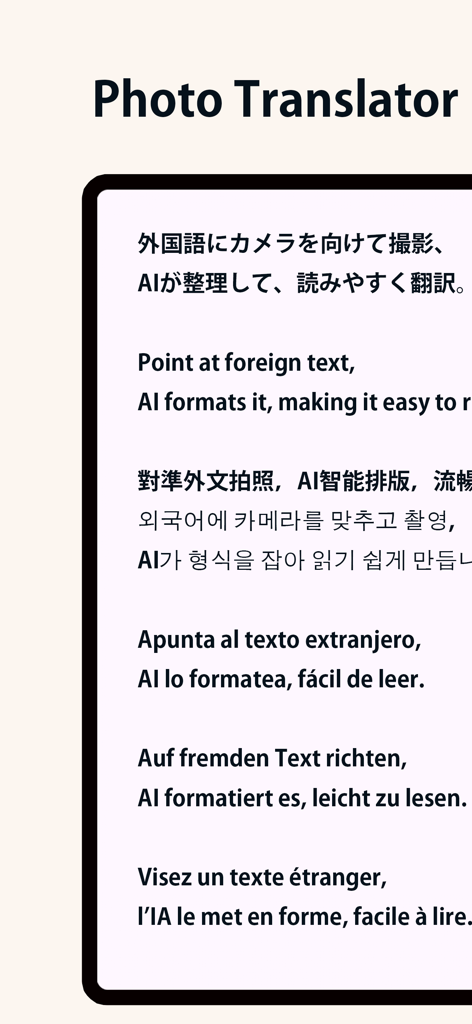
사진 번역기 앱 인터페이스가 여러 언어로 AI 텍스트 포맷팅 및 번역을 보여주고 있습니다.
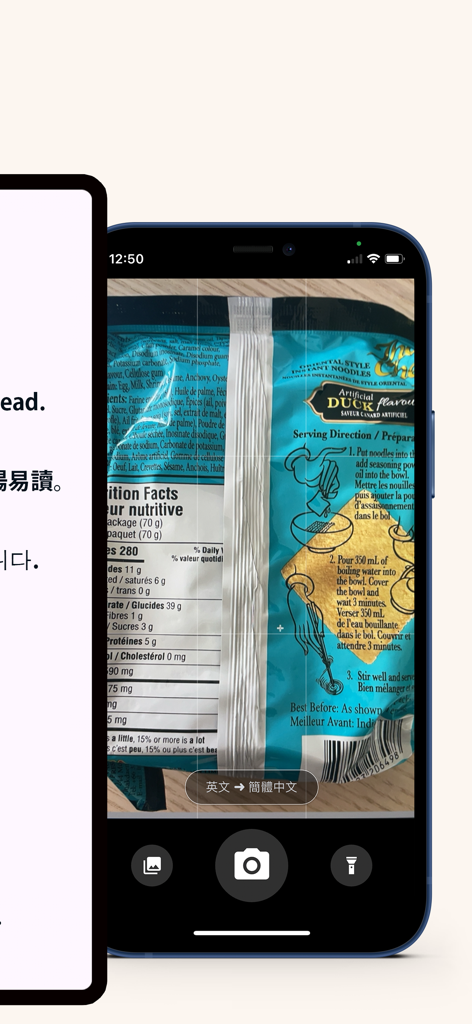
사진 번역기 앱 인터페이스가 즉시 번역을 위해 식품 포장 라벨을 스캔하는 스크린샷
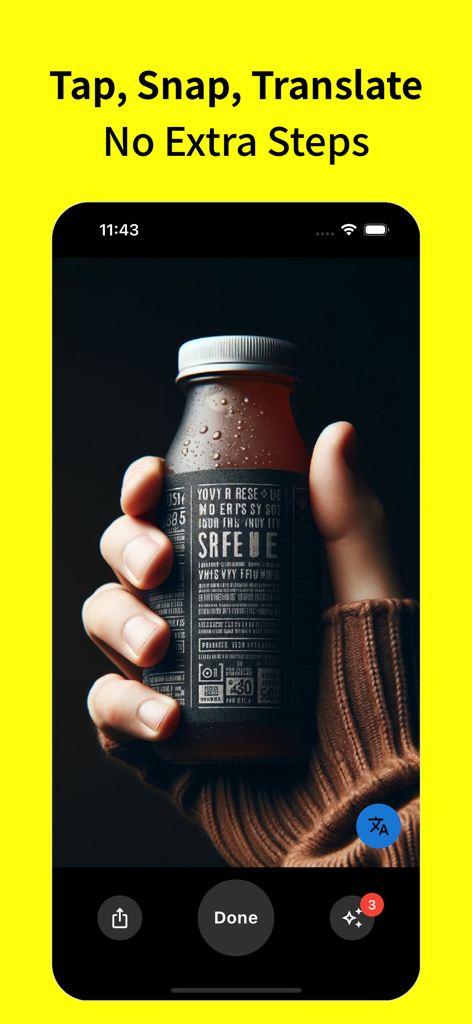
외국 라벨이 있는 병을 들고 있는 손과 사진 번역기 앱 인터페이스에 '스냅 번역' 텍스트가 표시되어 있습니다.
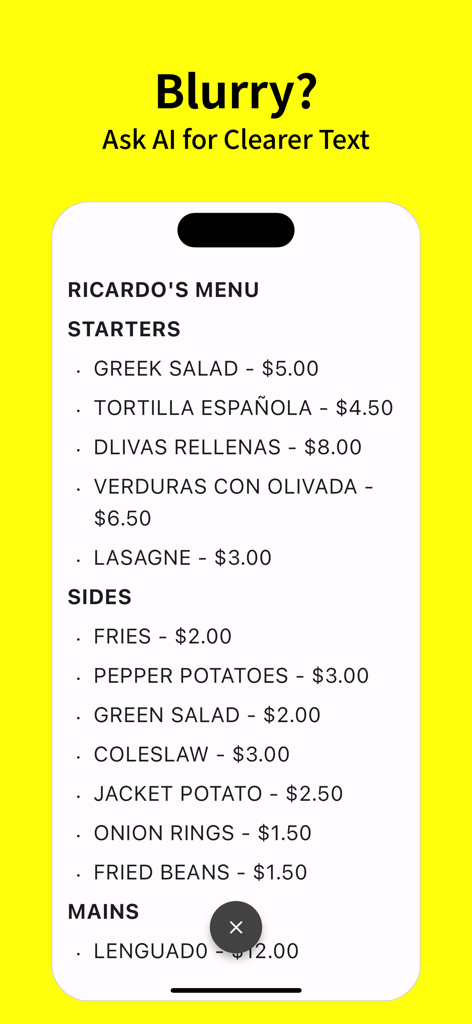
사진 번역기 앱 인터페이스가 레스토랑 메뉴의 AI 텍스트 수정을 보여주고 있습니다.
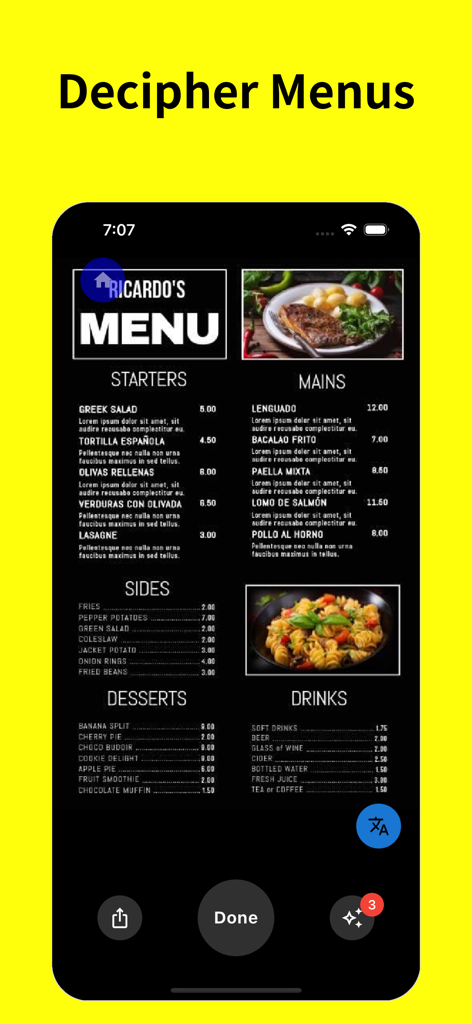
메뉴 해독이라는 제목의 모바일 앱 스크린샷으로, 음식 및 음료 옵션이 번역되고 있는 레스토랑 메뉴를 보여줍니다.
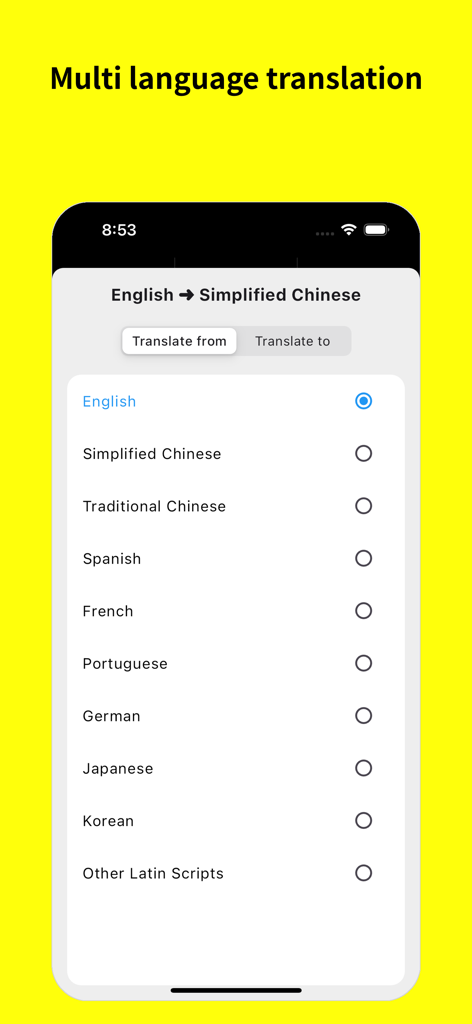
번역을 위한 원본 및 대상 언어를 선택하는 메뉴를 보여주는 모바일 앱 화면
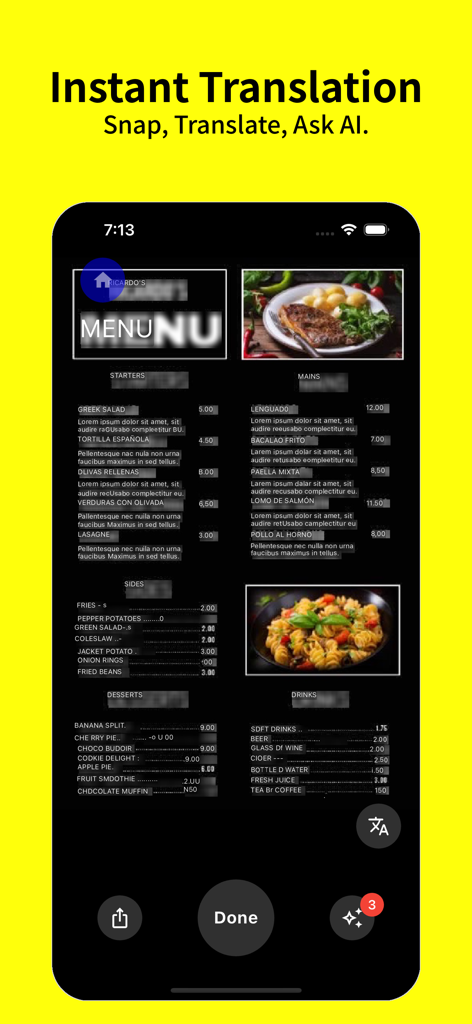
사진 번역기 앱을 사용하여 스마트폰에서 즉시 번역되는 레스토랑 메뉴
설명
Download
비슷한 앱
같은 카테고리의 상위 앱

Uber - Request a ride
Uber Technologies, Inc.

Airbnb
Airbnb, Inc.

铁路12306
ACADEMY OF RAILWAY SCIENCES CO., ltd.

Booking.com: Hotels & Travel
Booking.com B.V.

Grab: Taxi Ride, Food Delivery
GRABTAXI HOLDINGS PTE. LTD.

Trip.com: Book Flights, Hotels
Trip.com Travel Singapore Pte. Ltd.

DiDi China: Ride Hailing
Didi Chuxing (Beijing) Network Platform Technology Co., Ltd

去哪儿旅行-订酒店机票火车票
Beijing Qunar Information Technology Company Limit

Bolt: Request a Ride
BOLT TECHNOLOGY OU
이 페이지는 앱이나 개발자의 공식 페이지가 아니며, 정보 제공 및 논평을 목적으로 작성된 독립 편집 간행물입니다. 명시적으로 달리 언급되지 않는 한, 해당 앱이나 개발자는 MWM, Apple, Google Play, 앱 퍼블리셔 또는 앱 개발자와 제휴, 보증, 후원, 승인 또는 공식적으로 연결되어 있지 않으며, 이 페이지의 어떤 내용도 해당 앱이 MWM의 서비스를 사용하여 개발되었음을 의미하지 않습니다. 모든 상표, 로고, 스크린샷 및 기타 콘텐츠는 해당 소유자의 자산입니다.