PianoRemote
PianoRemote
다운로드: App Store

이 페이지는 앱이나 개발자의 공식 페이지가 아니며, 정보 제공 및 논평을 목적으로 작성된 독립 편집 간행물입니다. 명시적으로 달리 언급되지 않는 한, 해당 앱이나 개발자는 MWM, Apple, Google Play, 앱 퍼블리셔 또는 앱 개발자와 제휴, 보증, 후원, 승인 또는 공식적으로 연결되어 있지 않으며, 이 페이지의 어떤 내용도 해당 앱이 MWM의 서비스를 사용하여 개발되었음을 의미하지 않습니다. 모든 상표, 로고, 스크린샷 및 기타 콘텐츠는 해당 소유자의 자산입니다.


로고: PianoRemote
다운로드: App Store

PianoRemote

세련된 터치스크린 인터페이스로 악기의 잠재력을 최대한 발휘하세요. 가상 테크니션 설정을 사용하여 사운드를 쉽게 맞춤 설정하고, 수백 개의 내장 레슨에 액세스하고, Bluetooth MIDI를 통해 음악 라이브러리를 원활하게 관리하세요.

주요 수치

다운로드

48K+

사용자 평점

2.5/5

총 평가 수

200

개발사

Kawai Musical Instruments Manufacturing Co., Ltd.

카테고리

Music

지원 언어

2

최신 버전

1.1.12

크기

79.9 MB

출시일

2020년 4월 10일
기능

쉽게 연주를 마스터하세요

세련되고 직관적인 인터페이스로 Kawai 디지털 피아노의 잠재력을 최대한 발휘하세요. 번거로운 버튼을 현대적인 터치 컨트롤로 대체하도록 설계되었습니다.

직관적인 터치 인터페이스

복잡한 수동 코드는 건너뛰세요. Kawai 악기의 프리미엄 외관을 반영하는 아름다운 UI를 사용하여 사운드와 설정을 쉽게 선택하세요.

전문적인 톤 맞춤 설정

자신만의 피아노 테크니션이 되어보세요. iPad 또는 iPhone을 통해 가상 테크니션(Virtual Technician)을 사용하여 해머 딜레이부터 댐퍼 레조넌스까지 음향을 미세 조정하세요.

다음 스크린샷과 설명은 앱의 공식 스토어 목록에서 직접 가져온 것이며 앱 개발자의 자산입니다.

앱 스토어

스크린샷
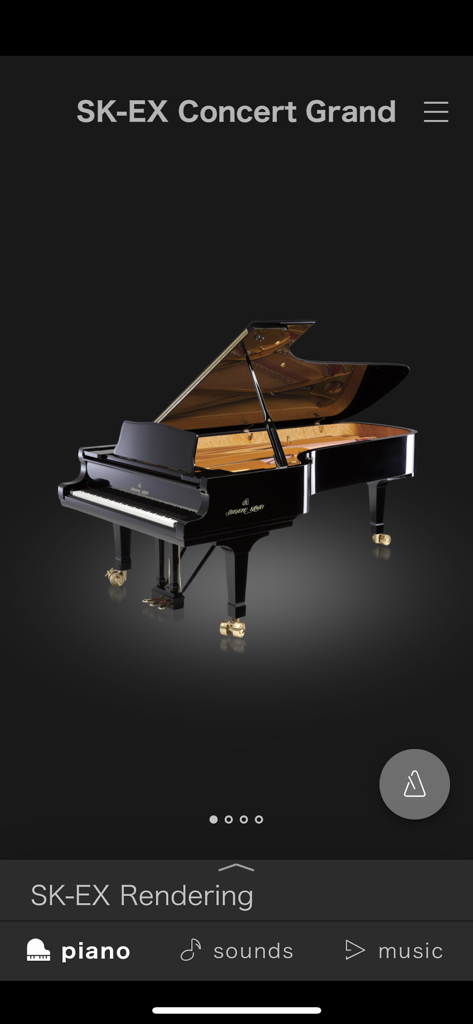
PianoRemote - 상세한 피아노 렌더링과 함께 SK-EX 콘서트 그랜드 사운드 선택 화면을 보여주는 PianoRemote 앱 인터페이스
상세한 피아노 렌더링과 함께 SK-EX 콘서트 그랜드 사운드 선택 화면을 보여주는 PianoRemote 앱 인터페이스

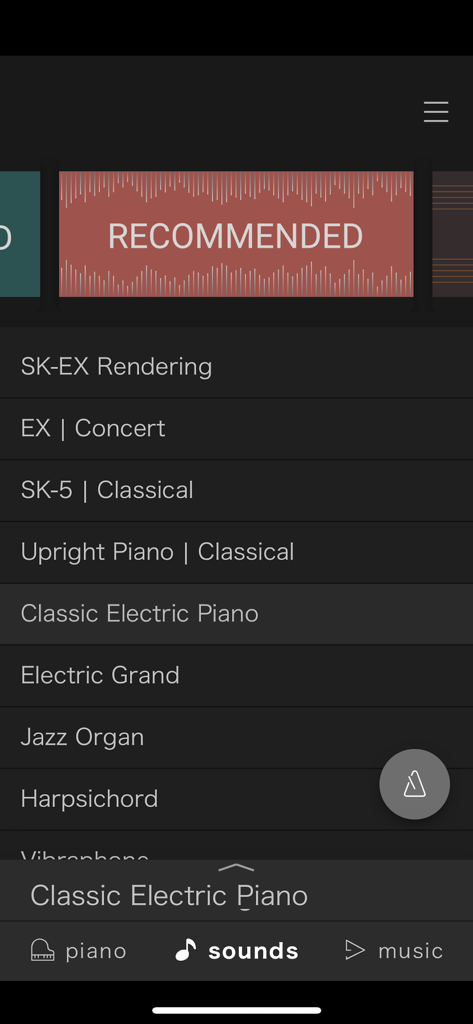
PianoRemote - 콘서트 그랜드, 업라이트, 전자 피아노 옵션을 포함한 선택 가능한 디지털 피아노 사운드 목록을 보여주는 PianoRemote 앱 인터페이스

콘서트 그랜드, 업라이트, 전자 피아노 옵션을 포함한 선택 가능한 디지털 피아노 사운드 목록을 보여주는 PianoRemote 앱 인터페이스
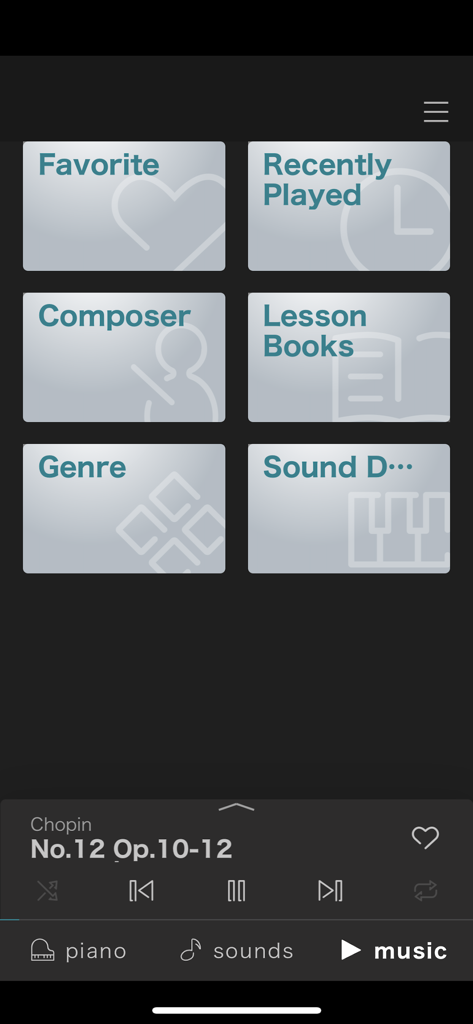
PianoRemote - 작곡가 및 레슨 책과 같은 범주와 재생 컨트롤러를 보여주는 PianoRemote 앱 음악 라이브러리 인터페이스
작곡가 및 레슨 책과 같은 범주와 재생 컨트롤러를 보여주는 PianoRemote 앱 음악 라이브러리 인터페이스

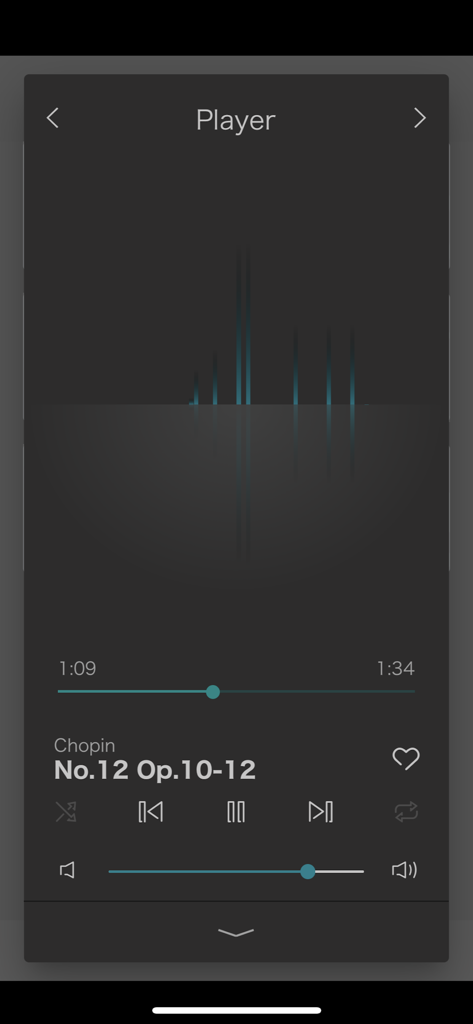
PianoRemote - 쇼팽 피아노 곡과 재생 컨트롤을 보여주는 PianoRemote 앱 음악 플레이어 스크린샷
쇼팽 피아노 곡과 재생 컨트롤을 보여주는 PianoRemote 앱 음악 플레이어 스크린샷

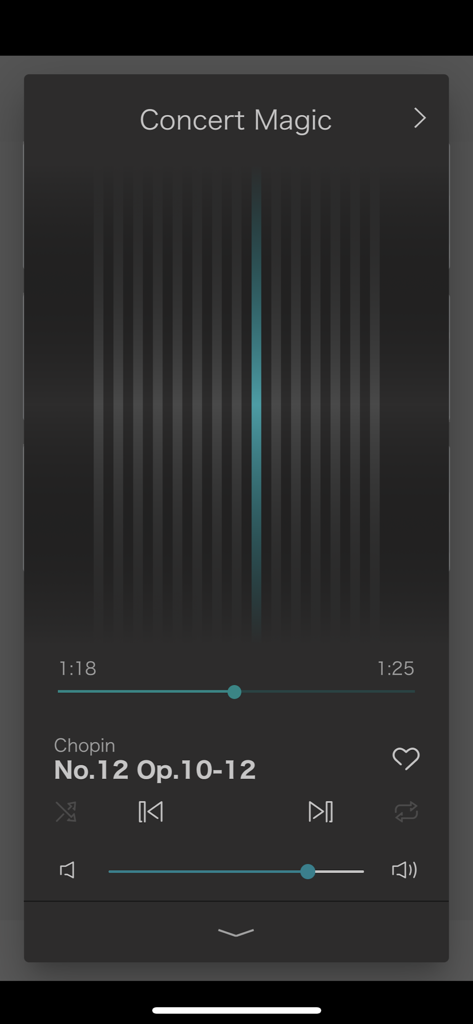
PianoRemote - PianoRemote 앱 내의 콘서트 매직 음악 플레이어 인터페이스
PianoRemote 앱 내의 콘서트 매직 음악 플레이어 인터페이스

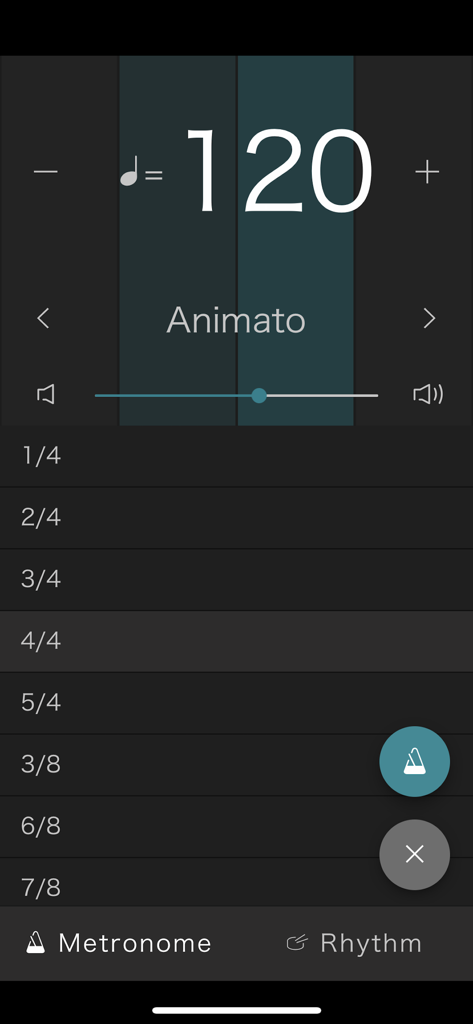
PianoRemote - 템포 120BPM 및 박자표 목록을 보여주는 Kawai 디지털 피아노용 PianoRemote 앱 메트로놈 화면
템포 120BPM 및 박자표 목록을 보여주는 Kawai 디지털 피아노용 PianoRemote 앱 메트로놈 화면

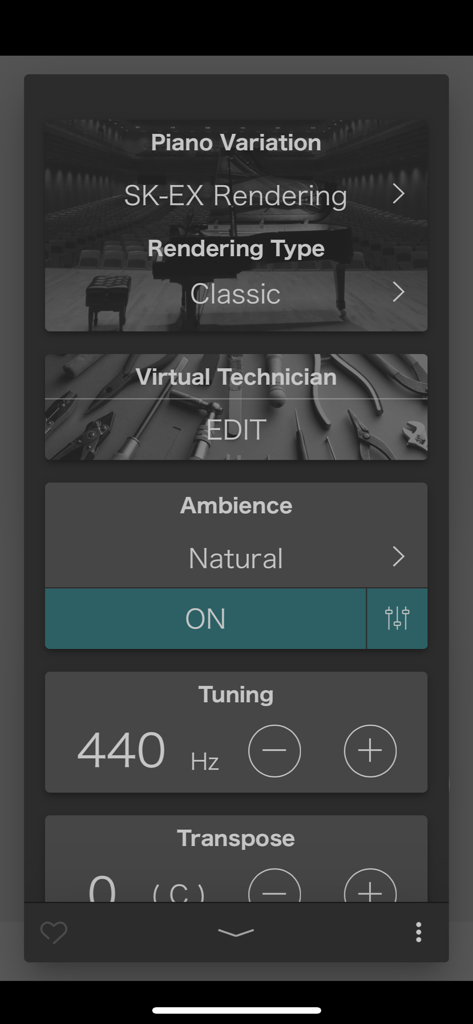
PianoRemote - 피아노 변형 및 사운드 튜닝 설정을 보여주는 Kawai PianoRemote 앱 인터페이스

피아노 변형 및 사운드 튜닝 설정을 보여주는 Kawai PianoRemote 앱 인터페이스

설명

PianoRemote is a control app developed for Kawai digital pianos, allowing players to change sounds, adjust settings, and enjoy the wide variety of built-in music.[*1] ■ Please note that PianoRemote requires Bluetooth permission in order to scan for Bluetooth MIDI devices. Please approve the Bluetooth permission request to ensure that PianoRemote functions correctly. ・ Easy operation of your Kawai digital piano using a smartphone or tablet PianoRemote allows various functions of the digital piano to be easily selected. ・ Consistent UI design with Kawai digital piano touch panel PianoRemote is designed to allow easy, intuitive operation via a smartphone or tablet. The user interface is standardised, meaning there is no need to learn new operations. ・ Music player feature that can be used like a music app PianoRemote includes a wide variety of songs and classical pieces that are built-in to Kawai digital pianos.[*2] This music can be controlled in the same way as regular music app. However, it’s also possible to change the sound used for playback, allowing songs and classical to be enjoyed with a different tonal character and atmosphere. ・ Interact with music using “Lesson” and “Concert Magic” modes In addition to listening to the built-in songs and classical pieces, the additional “Lesson” and “Concert Magic” modes allow musicians to practice the music, and non-musicians to enjoy playing pieces and learning rhythm with a single finger.[*3] ・ Control various built-in functions PianoRemote can be used to control various functions of the Kawai digital piano. For example, the Metronome is an essential aid for practise, the Virtual Technician allows the sound and other aspects of the piano to be adjusted to suit one’s person preference, while the Dual and Split functions allow different sounds to be combined for more engaging performances.[*4] ・ Straightforward connection using Bluetooth MIDI PianoRemote supports Bluetooth MIDI wireless communication, allowing immediate connection to the Kawai digital piano without the need for additional cables.[*5] *1 A compatible Kawai Digital Piano must be connected to a smartphone or tablet. *2 Copyrighted songs are not included among the piano’s built-in songs. *3 Some songs do not support “Lesson” and “Concert Magic” modes due to the composition of the data. *4 “Recorder” and “USB Memory Player” function control is not supported. *5 Connection via USB cable or a Bluetooth MIDI adapter such as the QuiccoSound mi.1 also supported.

Download

다운로드: App Store

이 페이지는 앱이나 개발자의 공식 페이지가 아니며, 정보 제공 및 논평을 목적으로 작성된 독립 편집 간행물입니다. 명시적으로 달리 언급되지 않는 한, 해당 앱이나 개발자는 MWM, Apple, Google Play, 앱 퍼블리셔 또는 앱 개발자와 제휴, 보증, 후원, 승인 또는 공식적으로 연결되어 있지 않으며, 이 페이지의 어떤 내용도 해당 앱이 MWM의 서비스를 사용하여 개발되었음을 의미하지 않습니다. 모든 상표, 로고, 스크린샷 및 기타 콘텐츠는 해당 소유자의 자산입니다.







