Pixel Art Book:Color By Number
다운로드: App Store

이 페이지는 앱이나 개발자의 공식 페이지가 아니며, 정보 제공 및 논평을 목적으로 작성된 독립 편집 간행물입니다. 명시적으로 달리 언급되지 않는 한, 해당 앱이나 개발자는 MWM, Apple, Google Play, 앱 퍼블리셔 또는 앱 개발자와 제휴, 보증, 후원, 승인 또는 공식적으로 연결되어 있지 않으며, 이 페이지의 어떤 내용도 해당 앱이 MWM의 서비스를 사용하여 개발되었음을 의미하지 않습니다. 모든 상표, 로고, 스크린샷 및 기타 콘텐츠는 해당 소유자의 자산입니다.


로고: Pixel Art Book:Color By Number
다운로드: App Store

Pixel Art Book:Color By Number

명상에 빠진 수백만 명의 사용자와 함께하세요. 매일 새로운 디자인부터 자신의 셀카를 픽셀 걸작으로 바꾸는 것까지, 한 번의 탭으로 휴식과 마음챙김을 재발견하세요.

주요 수치

다운로드

1M+

사용자 평점

4.6/5

총 평가 수

1K+

개발사

PICFUN TECH LIMITED

카테고리

Entertainment

지원 언어

11

최신 버전

3.2.0

크기

150.3 MB

출시일

2017년 11월 9일
기능

당신의 매일 디지털 명상

매일 긴장을 풀고, 스트레스를 해소하고, 자신을 표현하는 데 도움이 되는 기능으로 휴식과 창의성의 완벽한 조화를 경험하세요.

즉각적인 스트레스 해소

순수한 휴식을 위해 설계된 수백 가지의 편안한 패턴과 직관적인 탭 투 컬러 시스템으로 일상의 긴장에 작별을 고하세요.

맞춤형 픽셀 아트

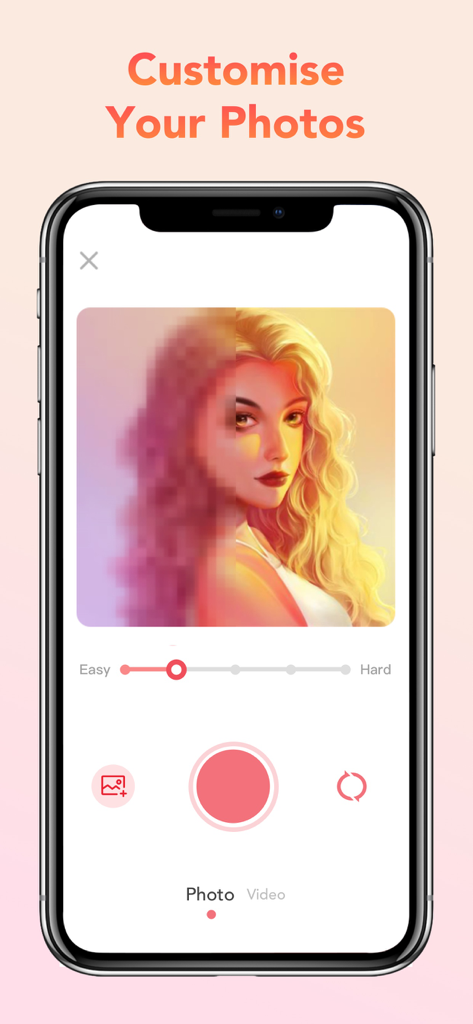
자신의 사진과 셀카를 사용자 지정 픽셀 아트 프로젝트로 변환하여 좋아하는 추억을 걸작으로 만드세요.

다음 스크린샷과 설명은 앱의 공식 스토어 목록에서 직접 가져온 것이며 앱 개발자의 자산입니다.

앱 스토어

스크린샷
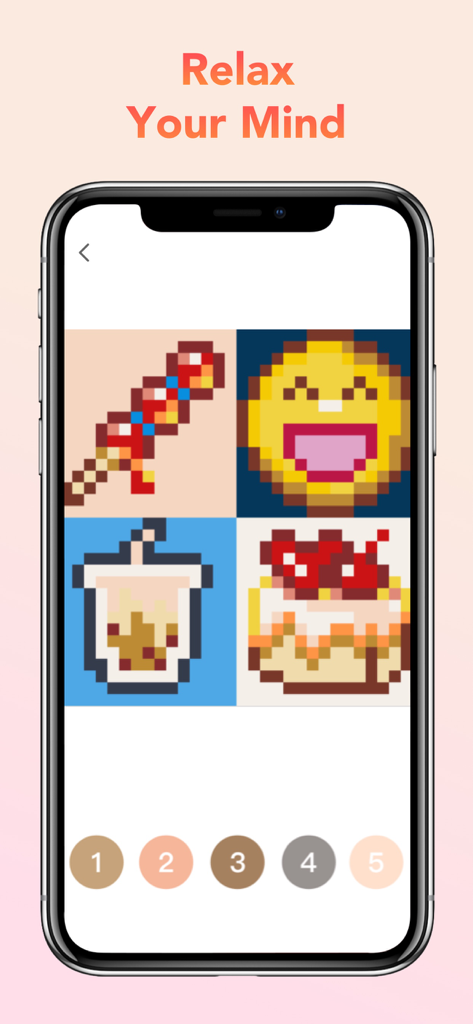
Pixel Art Book:Color By Number - 픽셀 아트 음식과 이모티콘 삽화, 숫자 색상 팔레트가 있는 픽셀 아트 북 앱을 보여주는 스마트폰
픽셀 아트 음식과 이모티콘 삽화, 숫자 색상 팔레트가 있는 픽셀 아트 북 앱을 보여주는 스마트폰

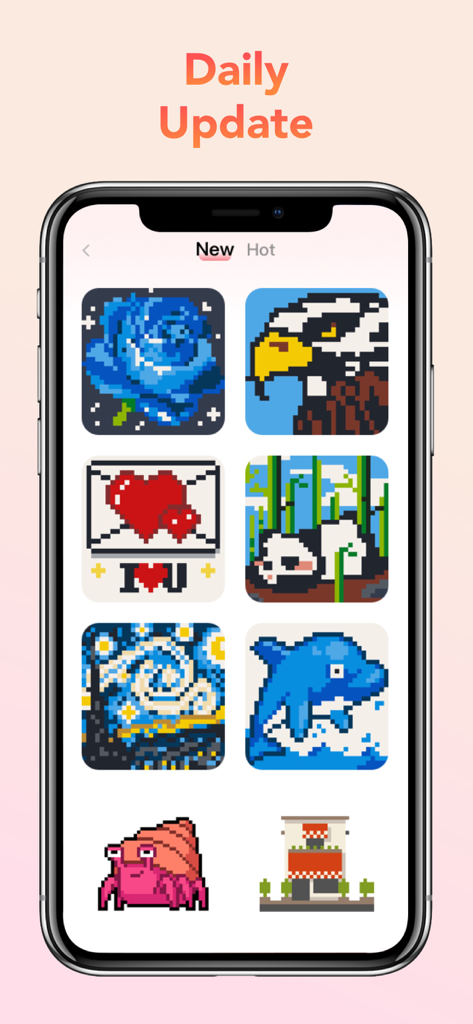
Pixel Art Book:Color By Number - 다양한 픽셀 아트 디자인을 보여주는 픽셀 아트 북의 일일 업데이트 섹션을 보여주는 스마트폰 화면
다양한 픽셀 아트 디자인을 보여주는 픽셀 아트 북의 일일 업데이트 섹션을 보여주는 스마트폰 화면

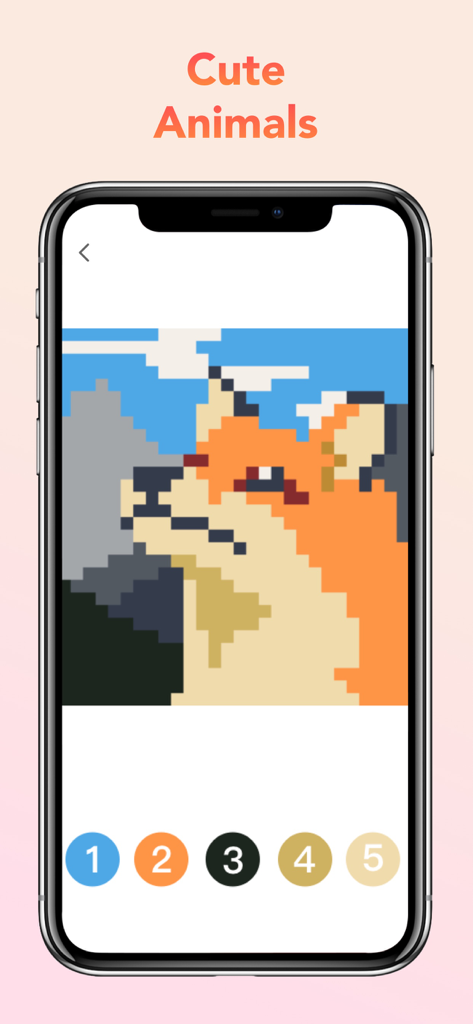
Pixel Art Book:Color By Number - 픽셀 아트 북 앱에서 귀여운 여우의 픽셀 아트 색칠 공부 페이지

픽셀 아트 북 앱에서 귀여운 여우의 픽셀 아트 색칠 공부 페이지

Pixel Art Book:Color By Number - 난이도 슬라이더가 있는 사용자 지정 사진을 픽셀 아트로 변환하는 기능인 모바일 인터페이스
난이도 슬라이더가 있는 사용자 지정 사진을 픽셀 아트로 변환하는 기능인 모바일 인터페이스

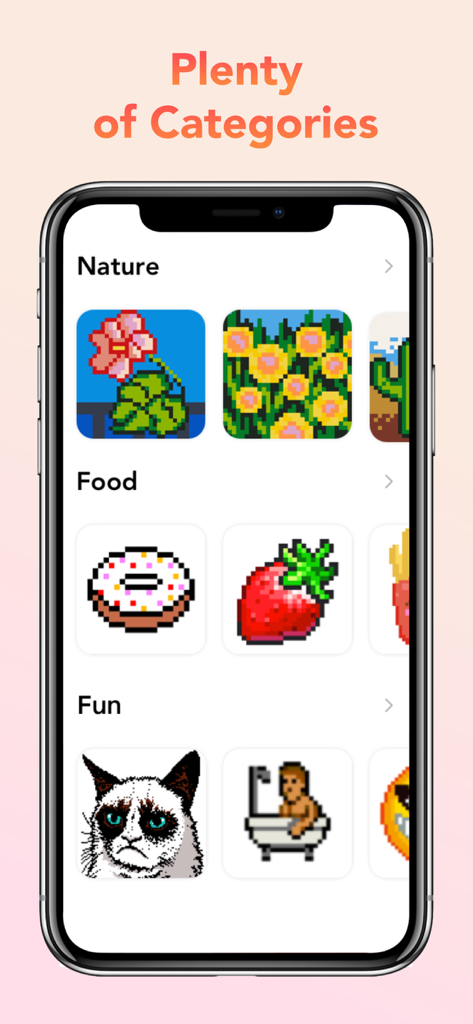
Pixel Art Book:Color By Number - 자연과 음식과 같은 여러 색칠 카테고리를 보여주는 픽셀 아트 북 앱 인터페이스
자연과 음식과 같은 여러 색칠 카테고리를 보여주는 픽셀 아트 북 앱 인터페이스

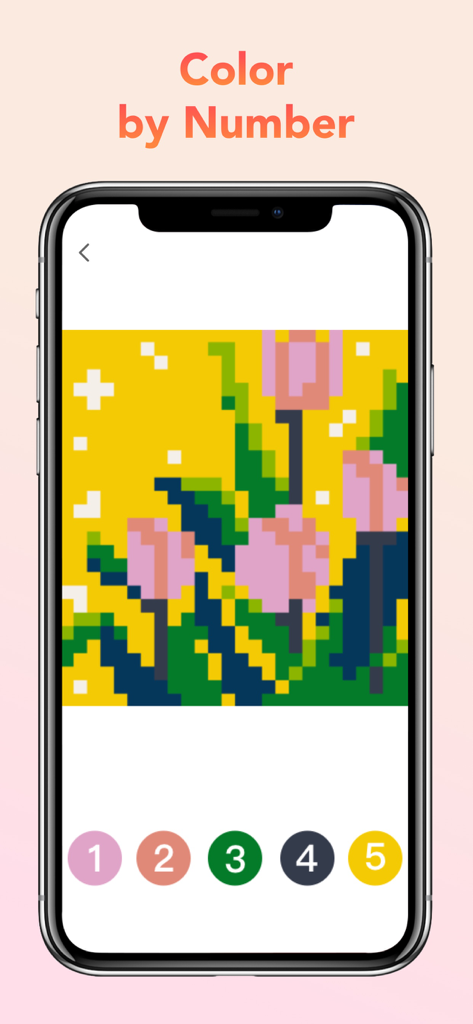
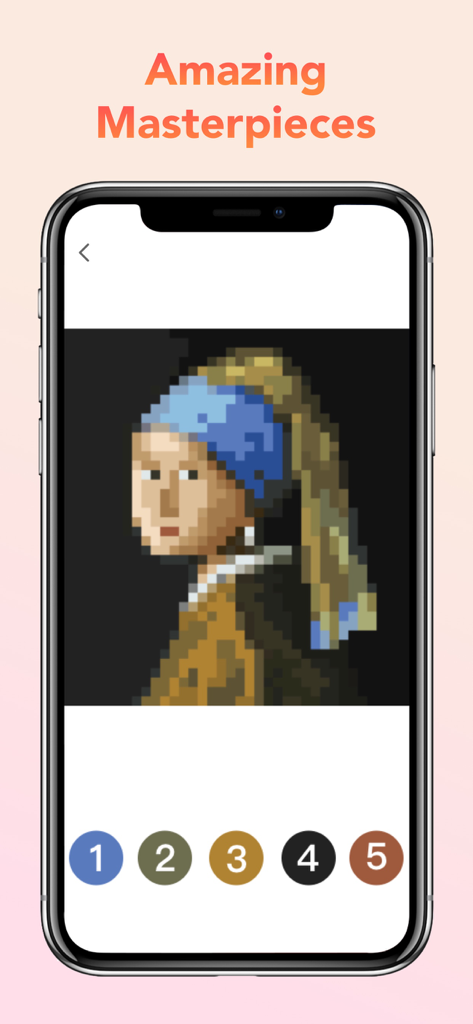
Pixel Art Book:Color By Number - 숫자별 색칠을 위한 픽셀화된 걸작 그림을 보여주는 모바일 화면

숫자별 색칠을 위한 픽셀화된 걸작 그림을 보여주는 모바일 화면

Pixel Art Book:Color By Number - 숫자 색상 팔레트가 있는 픽셀 아트 꽃 작품을 보여주는 픽셀 아트 북 앱 인터페이스
숫자 색상 팔레트가 있는 픽셀 아트 꽃 작품을 보여주는 픽셀 아트 북 앱 인터페이스

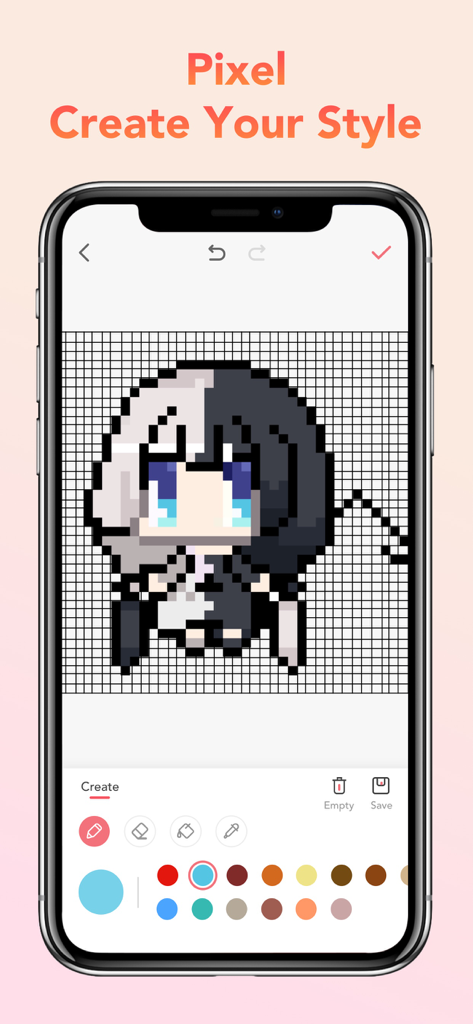
Pixel Art Book:Color By Number - 애니메이션 캐릭터와 색상 팔레트가 있는 픽셀 아트 생성 인터페이스를 보여주는 스마트폰

애니메이션 캐릭터와 색상 팔레트가 있는 픽셀 아트 생성 인터페이스를 보여주는 스마트폰

설명

Having stress? Just shelter from the stress of life and complete a variety of unique anti-stress pictures suits for both adults & kids with Pixel Art Book. Get hours of relaxation and fun! Kids and adults love to color by numbers, with tons of interesting and fashionable coloring pages, you will find coloring is never so fun. You can relief your stress together with family members or friends. WHY YOU’LL LOVE Pixel Art Book: - Exclusive new functions! You can shoot a Pixel Video via Pixel Art Book and use Cartoon Pixel to make your ordinary pixels into colorful pixels. - Great variety of coloring pages for any taste: Animals, Food, Birds, Flowers, Places, and many others; Daily updates! - Powerful Pixel Camera! Take selfies or any photos to color, create your own pixel pictures! - Useful coloring tools: Use Positioning Tool to find the uncolored blocks quickly and accurately and Paint Bucket to quickly paint adjacent color blocks with only one tap. - MEET beautiful and uncluttered user interface. - EASY coloring. No stress of picking up colors! - SHARE your timelapse video with friends on social networks in just one tap; Don’t need more consideration, just relax and enjoy! Pixel Art Book Unlimited Subscriptions Pixel Art Book Unlimited Subscription allows you to unlock everything in Pixel Art Book and remove ads. Weekly subscription with 3-day free trial period is $7.99, monthly $9.99, and annually $39.99 or equal to the same price tier as Apple App Store Matrix determines as the equivalent of subscription price in USD. You'll be able to access unlimited coloring pages for the duration of your subscription. Payment will be charged to iTunes Account at confirmation of purchase. Subscription automatically renews unless auto-renew is turned off at least 24-hours before the end of the current period. Account will be charged for renewal within 24-hours prior to the end of the current period. No cancelation of the current subscription is allowed during active subscription period. Any unused portion of a free trial period, if offered, will be forfeited when the user purchases a subscription to that content. How do I restore Pixel Art Book subscriptions on new devices? You can tap the ‘Restore’ button on the subscription page. Terms of use: https://s3.amazonaws.com/common.files/starcoloring/Terms+of+Use.html Privacy policy: http://picfun.oss-us-west-1.aliyuncs.com/Pixel Art Book/Privacy%20Policy.md.html Questions? Ask: Facebook: Bixel coloring Instagram: @Bixel_app

Download

다운로드: App Store

이 페이지는 앱이나 개발자의 공식 페이지가 아니며, 정보 제공 및 논평을 목적으로 작성된 독립 편집 간행물입니다. 명시적으로 달리 언급되지 않는 한, 해당 앱이나 개발자는 MWM, Apple, Google Play, 앱 퍼블리셔 또는 앱 개발자와 제휴, 보증, 후원, 승인 또는 공식적으로 연결되어 있지 않으며, 이 페이지의 어떤 내용도 해당 앱이 MWM의 서비스를 사용하여 개발되었음을 의미하지 않습니다. 모든 상표, 로고, 스크린샷 및 기타 콘텐츠는 해당 소유자의 자산입니다.