
이 페이지는 앱이나 개발자의 공식 페이지가 아니며, 정보 제공 및 논평을 목적으로 작성된 독립 편집 간행물입니다. 명시적으로 달리 언급되지 않는 한, 해당 앱이나 개발자는 MWM, Apple, Google Play, 앱 퍼블리셔 또는 앱 개발자와 제휴, 보증, 후원, 승인 또는 공식적으로 연결되어 있지 않으며, 이 페이지의 어떤 내용도 해당 앱이 MWM의 서비스를 사용하여 개발되었음을 의미하지 않습니다. 모든 상표, 로고, 스크린샷 및 기타 콘텐츠는 해당 소유자의 자산입니다.

다운로드
208K+사용자 평점
총 평가 수
100개발사
카테고리
Education지원 언어
2최신 버전
2.0.0크기
5.4 MB출시일
2016년 4월 11일나만의 디지털 도슨트
주머니 속 전문가 주도 오디오, 비디오 및 역사적 통찰력으로 박물관 방문을 몰입형 스토리텔링 경험으로 바꿔보세요.
즉각적인 유물 정보
항목 번호만 입력하면 눈앞에 있는 작품에 대한 풍부한 텍스트, 고해상도 사진 및 숨겨진 세부 정보를 잠금 해제할 수 있습니다.
몰입형 멀티미디어 가이드
전문가 해설을 듣고 고대 역사와 현대 미술을 생생하게 전달하는 독점 애니메이션을 시청하세요.
다음 스크린샷과 설명은 앱의 공식 스토어 목록에서 직접 가져온 것이며 앱 개발자의 자산입니다.
앱 스토어
스크린샷
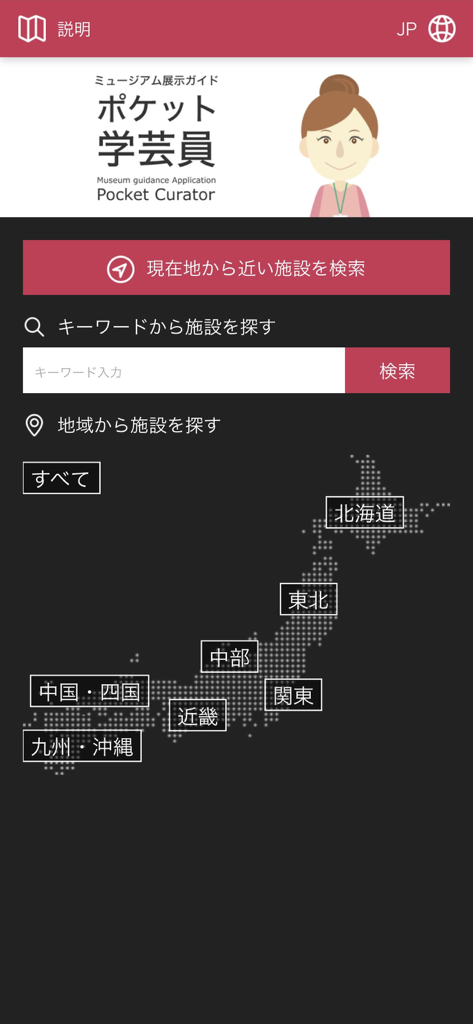
Pocket Curator 앱 인터페이스에 박물관 검색 옵션과 일본 지도 표시
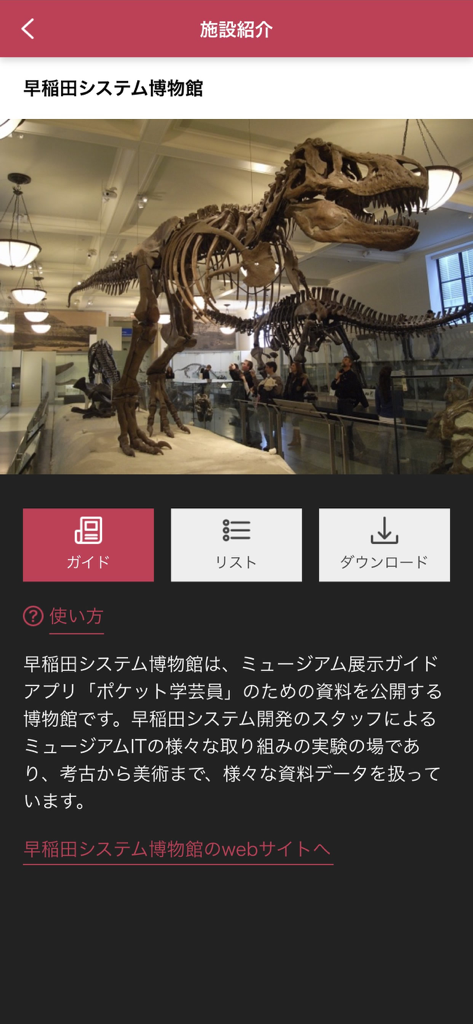
Pocket Curator 앱 스크린샷에 와세다 시스템 박물관의 공룡 골격 전시가 표시됨.
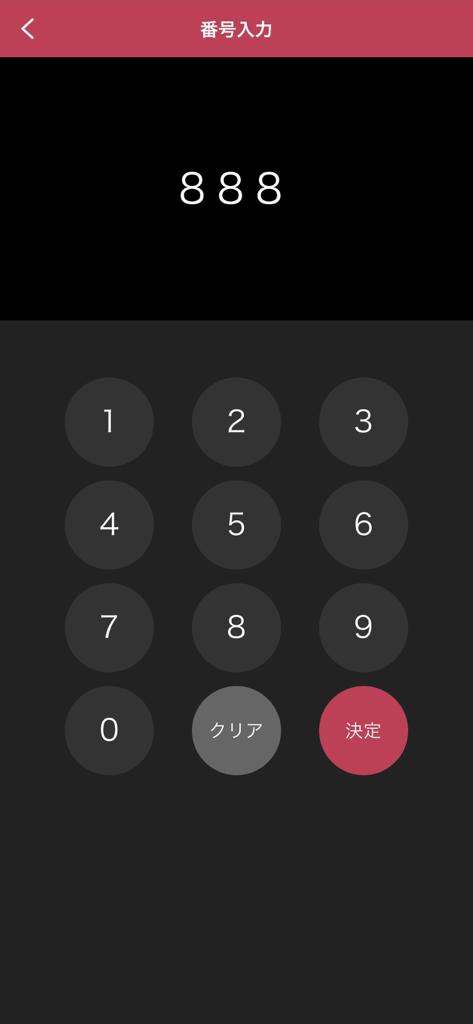
Pocket Curator 앱에서 박물관 항목 번호를 입력하는 숫자 키패드 인터페이스
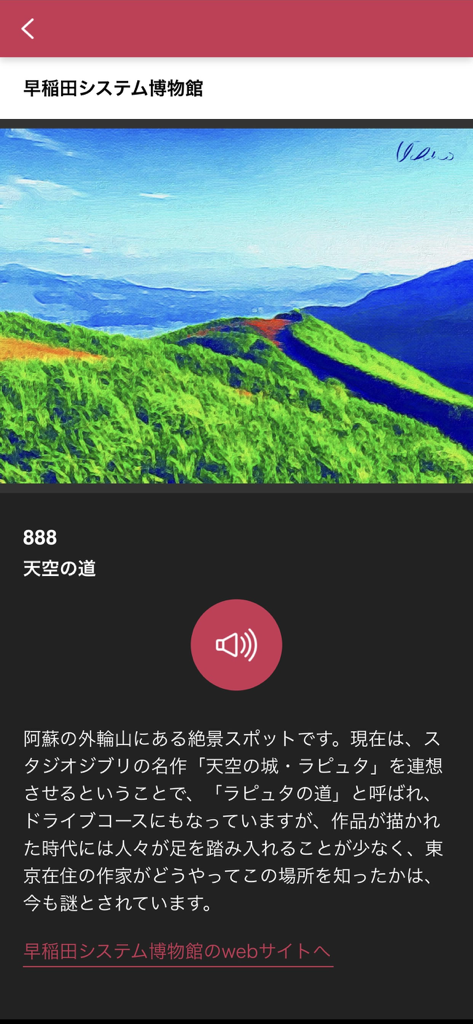
Pocket Curator 앱 인터페이스에 풍경화와 오디오 가이드 재생 버튼 표시
설명
Download

비슷한 앱
유사한 기능과 사용자 경험을 가진 앱

Meow Wolf
Meow Wolf, Inc.

Smartify: Arts and Culture
SMARTIFY CIC

Louvre Abu Dhabi
Abu Dhabi Tourism & Culture Authority

StreetMuseum(LocationedVR)
TOPPAN PRINTING CO.,LTD.

Uffizi Gallery
ITCARES SRL

The O
Moorilla Estate Pty Ltd

Imperial Palaces Guide
The Imperial Household Agency

The Kikubijutsu audio guide
Acoustiguide Japan Ltd.

MyPompeii
Parco Archeologico di Pompei
이 페이지는 앱이나 개발자의 공식 페이지가 아니며, 정보 제공 및 논평을 목적으로 작성된 독립 편집 간행물입니다. 명시적으로 달리 언급되지 않는 한, 해당 앱이나 개발자는 MWM, Apple, Google Play, 앱 퍼블리셔 또는 앱 개발자와 제휴, 보증, 후원, 승인 또는 공식적으로 연결되어 있지 않으며, 이 페이지의 어떤 내용도 해당 앱이 MWM의 서비스를 사용하여 개발되었음을 의미하지 않습니다. 모든 상표, 로고, 스크린샷 및 기타 콘텐츠는 해당 소유자의 자산입니다.