
이 페이지는 앱이나 개발자의 공식 페이지가 아니며, 정보 제공 및 논평을 목적으로 작성된 독립 편집 간행물입니다. 명시적으로 달리 언급되지 않는 한, 해당 앱이나 개발자는 MWM, Apple, Google Play, 앱 퍼블리셔 또는 앱 개발자와 제휴, 보증, 후원, 승인 또는 공식적으로 연결되어 있지 않으며, 이 페이지의 어떤 내용도 해당 앱이 MWM의 서비스를 사용하여 개발되었음을 의미하지 않습니다. 모든 상표, 로고, 스크린샷 및 기타 콘텐츠는 해당 소유자의 자산입니다.

Pocketbooth Photo Booth
인위적인 필터를 벗고 즉흥적이고 거칠고 솔직한 사진을 담아보세요. 파티, 결혼식, 그리고 친구들과의 완벽하게 불완전한 순간에 완벽합니다.
다운로드
413K+사용자 평점
총 평가 수
4K+개발사
카테고리
Photo & Video지원 언어
1최신 버전
4.7크기
138.5 MB출시일
2010년 9월 13일클래식 포토 부스를 어디든 가져가세요
휴대폰을 향수를 불러일으키는 셀카 기계로 바꾸어 삶의 생생하고 즉흥적이며 완벽하게 불완전한 순간을 담아보세요.
진정한 빈티지 스트립
일련의 네 장의 사진을 빠르게 연속으로 찍어 실제 1950년대 보드워크 부스의 즉흥적인 미학을 재현하세요.
이벤트 맞춤 설정
나만의 독특한 분위기에 맞춘 맞춤형 템플릿, 글꼴, 테두리로 완벽한 DIY 결혼식이나 파티를 개최하세요.
자주 묻는 질문
에 대해 알아야 할 모든 것 Pocketbooth Photo Booth
Pocketbooth 앱은 무엇인가요?
Pocketbooth는 기기를 빈티지 스타일의 포토 부스로 변환하여 진정한 사진 스트립을 캡처합니다. 파티, 데이트, 가족 모임 또는 개인적인 재미를 위해 디자인되어 고전적인 포토 부스의 매력을 재현합니다.
Pocketbooth는 빈티지 스타일의 사진 스트립을 만드나요?
네, Pocketbooth는 실제 부스 결과물을 복제한 아름답고 빈티지 스타일의 사진 스트립을 만듭니다. 앱은 몇 초 간격으로 일련의 사진을 캡처하여 시대를 초월한 사진 스트립으로 컴파일합니다.
사용자는 Pocketbooth에서 사진 스트립을 사용자 정의할 수 있나요?
네, Pocketbooth는 사용자가 사진 스트립을 사용자 정의할 수 있도록 합니다. 생일, 결혼식, 졸업식 및 기타 이벤트를 위한 레이아웃을 개인화하기 위해 다양한 템플릿, 글꼴 및 색 구성표 중에서 선택할 수 있습니다.
Pocketbooth로 만든 사진을 어떻게 공유하나요?
Pocketbooth는 이메일, 소셜 미디어 또는 AirPrint 지원 프린터를 통해 사진 스트립을 즉시 공유할 수 있도록 합니다. 사용자는 또한 기기의 카메라 롤에 직접 제작물을 저장할 수 있습니다.
Pocketbooth의 프리미엄 기능에 액세스하려면 구독이 필요한가요?
네, Pocketbooth의 프리미엄 앱 기능에 액세스하려면 구독이 필요합니다. 구독 옵션에는 월간 및 연간 요금제가 포함되며, 확인 시 iTunes 계정으로 요금이 청구됩니다.
Pocketbooth 구독을 관리하거나 자동 갱신을 끄려면 어떻게 해야 하나요?
구매 후 계정 설정에서 Pocketbooth 구독을 관리하고 자동 갱신을 끌 수 있습니다. 자동 갱신은 현재 기간이 종료되기 최소 24시간 전에 비활성화해야 합니다.
Pocketbooth를 사용하여 이벤트를 주최할 수 있나요?
네, Pocketbooth를 사용하면 사용자가 이벤트를 주최할 수 있습니다. 기기를 기능이 풍부한 파티 포토 부스로 변환하고 애플리케이션 내에서 이벤트 세부 정보를 계획하고 저장할 수 있습니다.
Pocketbooth는 어떤 캡처 모드를 제공하나요?
Pocketbooth는 다양한 캡처 모드를 제공합니다: 사진(촬영 및 인쇄), GIF(GIF용 사진 촬영), 부메랑(짧은 동영상 녹화), 동영상(동영상 녹화).
다음 스크린샷과 설명은 앱의 공식 스토어 목록에서 직접 가져온 것이며 앱 개발자의 자산입니다.
앱 스토어
스크린샷
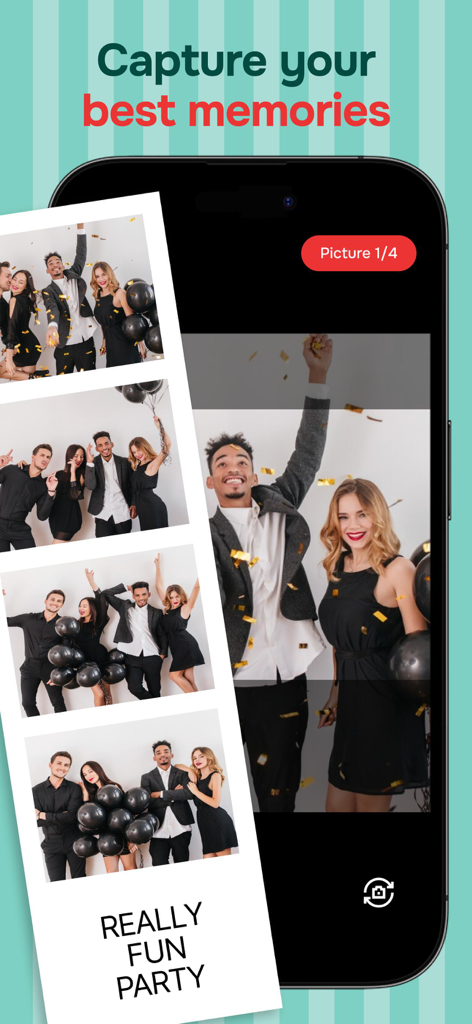
Pocketbooth 앱 화면에 표시된 빈티지 스타일 파티 사진 스트립
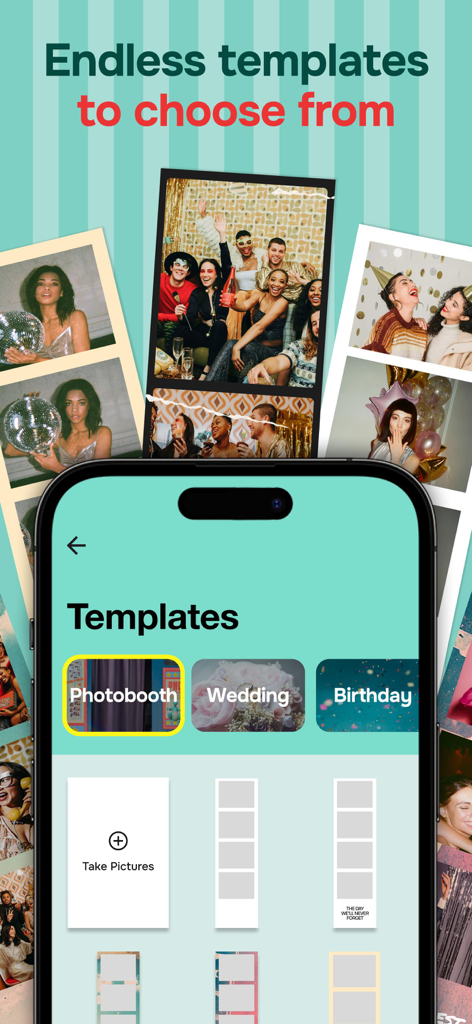
Pocketbooth 앱에서 결혼식 및 생일과 같은 이벤트를 위한 다양한 사진 스트립 템플릿을 보여주는 모바일 화면
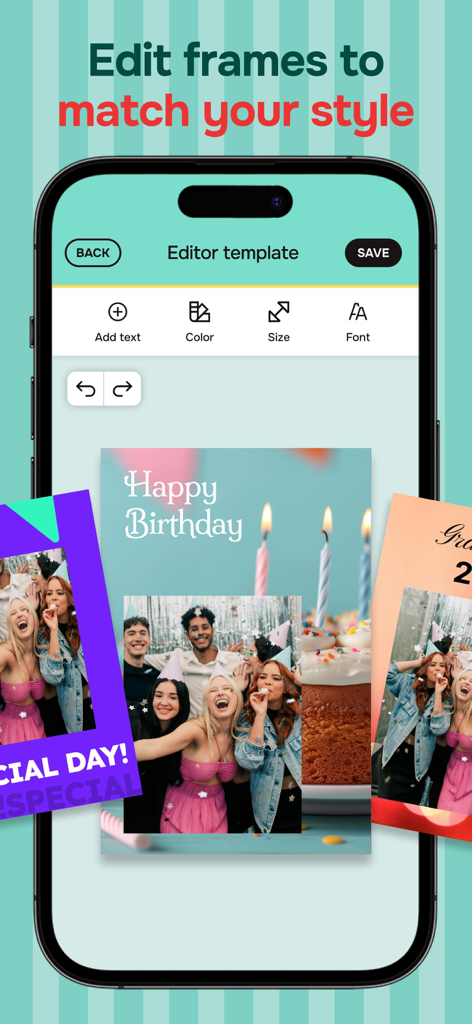
텍스트와 색상으로 행복한 생일 사진 스트립을 맞춤 설정할 수 있는 Pocketbooth 앱 편집기를 표시하는 스마트폰 화면
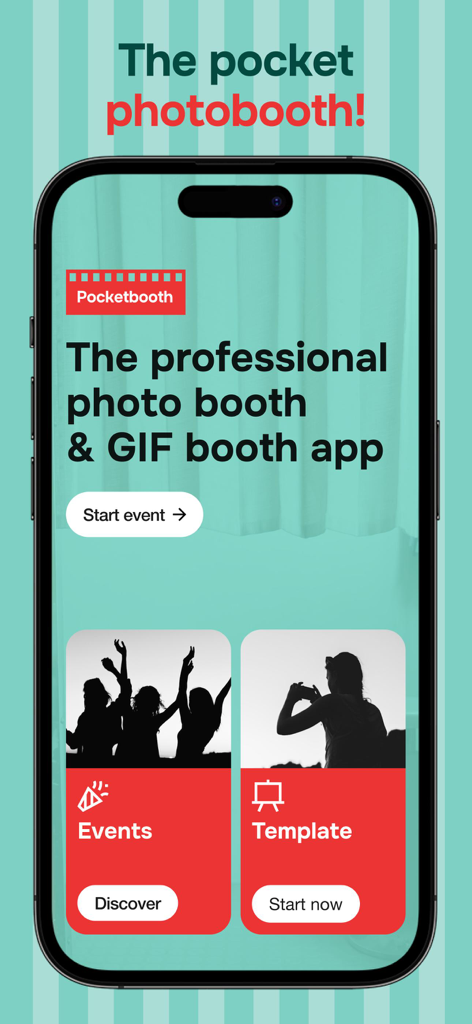
Pocketbooth 앱의 메인 화면으로, 포토 부스 이벤트 시작 및 템플릿 선택 버튼 표시
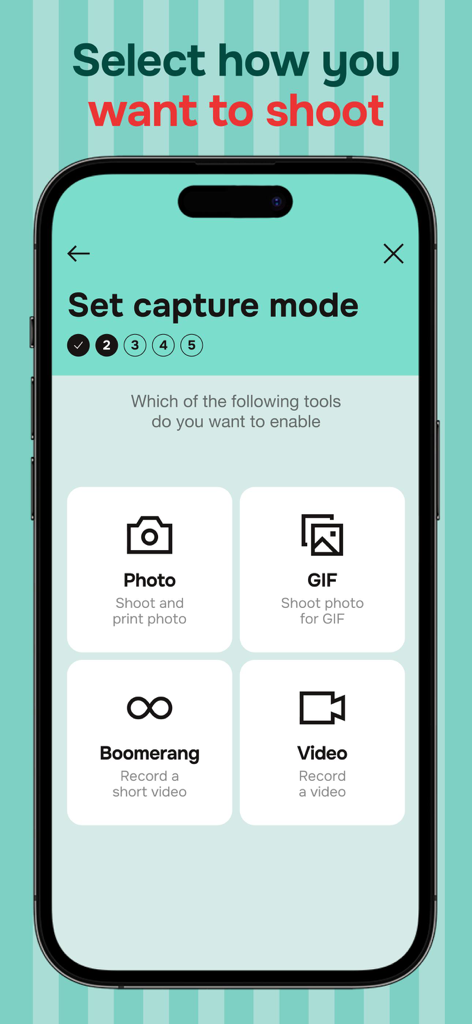
Pocketbooth 앱의 사진 GIF 부메랑 및 동영상을 포함한 캡처 모드 옵션을 표시하는 스마트폰 화면
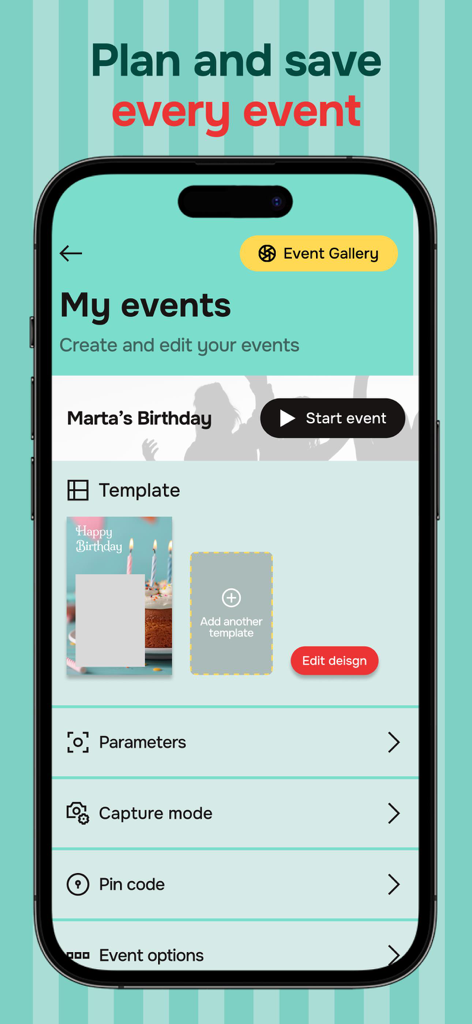
Pocketbooth 앱의 이벤트 계획 및 사진 템플릿 맞춤 설정 인터페이스
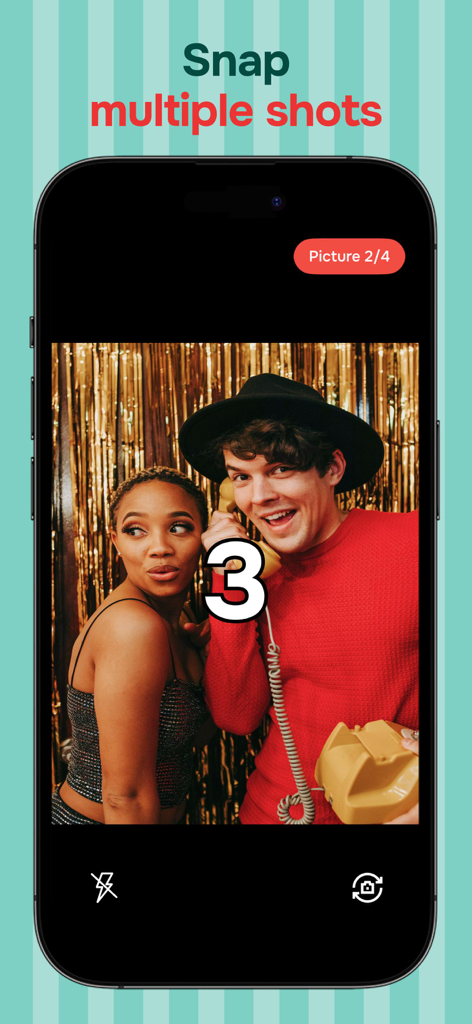
커플이 사진 스트립을 위해 포즈를 취하는 동안 Pocketbooth 앱 카운트다운 타이머를 표시하는 스마트폰 화면
설명
Download
비슷한 앱
유사한 기능과 사용자 경험을 가진 앱

Dazz Cam - Vintage Camera
DAZZ PTE. LTD.

Kapi - Vintage Film Camera
Shanghai Yuhuan Technology Co., Ltd.
ProCCD - Digital Film Camera
秉妍 蔡

Fomz - Vintage Analog Camera
Guangzhou Mengdong Information Technology Co., Ltd.

Liit - Photo & Video Editor
DAZZ PTE. LTD.
1998 Cam - Vintage Camera
Huu Nguyen Chi

y2k: 2000s photo editor
Abel Thomas Noble

Uplens: Photo & Video Editor
MPGAMES LTD

Buttercam
Beijing Muke Technology Co., Ltd.
이 페이지는 앱이나 개발자의 공식 페이지가 아니며, 정보 제공 및 논평을 목적으로 작성된 독립 편집 간행물입니다. 명시적으로 달리 언급되지 않는 한, 해당 앱이나 개발자는 MWM, Apple, Google Play, 앱 퍼블리셔 또는 앱 개발자와 제휴, 보증, 후원, 승인 또는 공식적으로 연결되어 있지 않으며, 이 페이지의 어떤 내용도 해당 앱이 MWM의 서비스를 사용하여 개발되었음을 의미하지 않습니다. 모든 상표, 로고, 스크린샷 및 기타 콘텐츠는 해당 소유자의 자산입니다.