
이 페이지는 앱이나 개발자의 공식 페이지가 아니며, 정보 제공 및 논평을 목적으로 작성된 독립 편집 간행물입니다. 명시적으로 달리 언급되지 않는 한, 해당 앱이나 개발자는 MWM, Apple, Google Play, 앱 퍼블리셔 또는 앱 개발자와 제휴, 보증, 후원, 승인 또는 공식적으로 연결되어 있지 않으며, 이 페이지의 어떤 내용도 해당 앱이 MWM의 서비스를 사용하여 개발되었음을 의미하지 않습니다. 모든 상표, 로고, 스크린샷 및 기타 콘텐츠는 해당 소유자의 자산입니다.


PowerView
자연광과 프라이버시를 원활하게 조정하세요. 라이프스타일에 맞춘 커스텀 장면과 자동 일정을 설정하여 하루 중 언제나 손쉬운 안락함과 보안을 누릴 수 있습니다.
다운로드
64K+사용자 평점
총 평가 수
300개발사
카테고리
Lifestyle지원 언어
14최신 버전
3.14.2크기
235.8 MB출시일
2015년 7월 7일손끝에서 느껴지는 세련된 편안함
라이프스타일, 기후, 일정에 자동으로 반응하는 지능형 윈도우 트리트먼트로 주거 경험을 한 단계 높이세요.
맞춤형 조명 장면
업무, 휴식 또는 손님 접대를 위해 특별히 설계된 사전 설정 쉐이드 위치로 어느 방이든 즉시 변화시키세요.
자동화된 일상 리듬
해가 뜰 때 열리고 해가 질 때 닫히도록 설정하세요. 노력 없이도 빛과 에너지 사용을 관리해 주는 원활한 자동화를 경험해 보세요.
다음 스크린샷과 설명은 앱의 공식 스토어 목록에서 직접 가져온 것이며 앱 개발자의 자산입니다.
앱 스토어
스크린샷
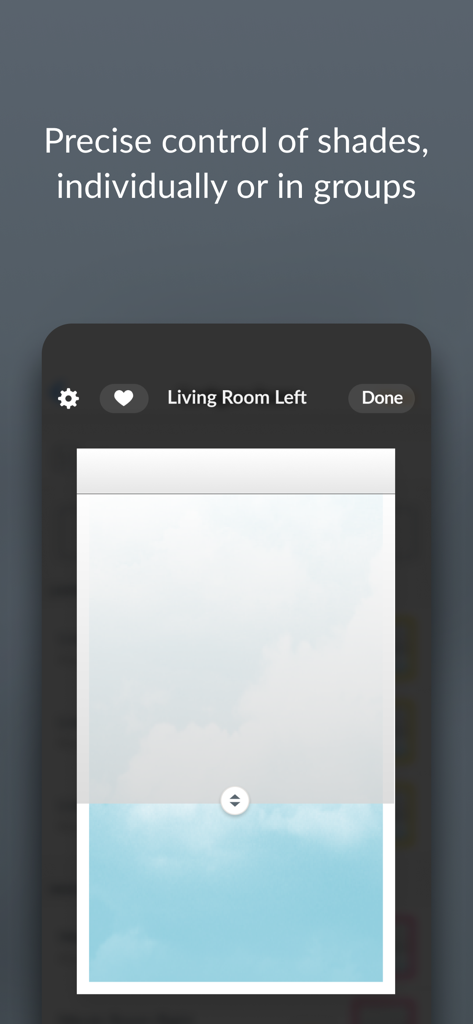
개별 창 쉐이드의 정밀한 제어를 보여주는 PowerView 앱 화면
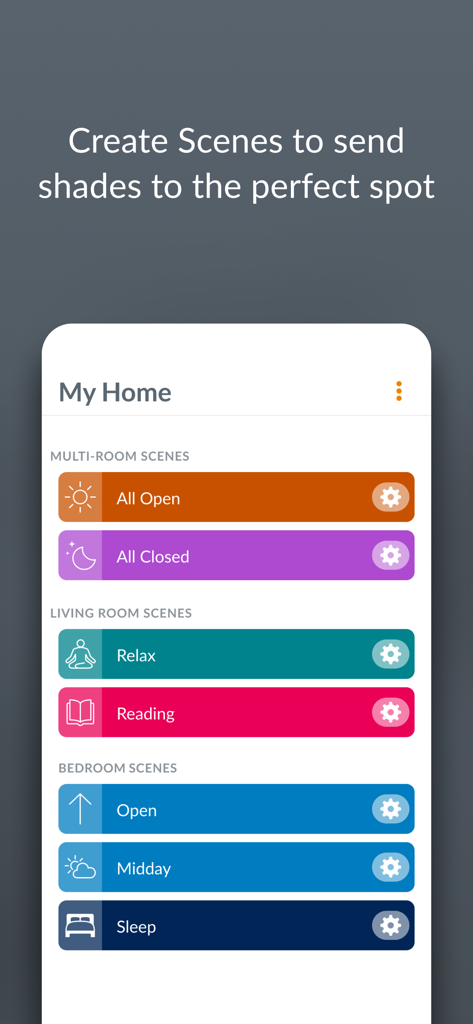
다양한 방을 위한 맞춤형 창 쉐이드 장면 메뉴를 보여주는 PowerView 앱의 스마트폰 화면
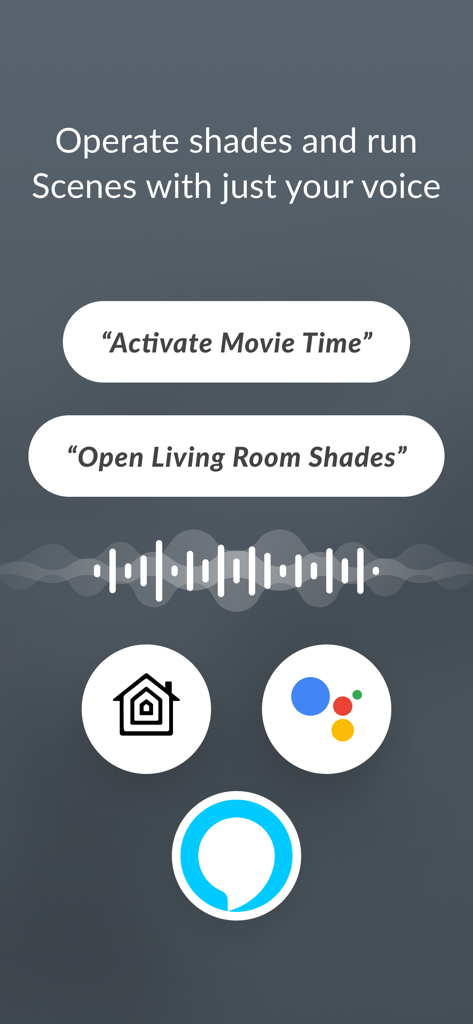
Apple Home, Google Assistant, Amazon Alexa 연동을 사용한 쉐이드 음성 제어를 시연하는 PowerView 앱 화면
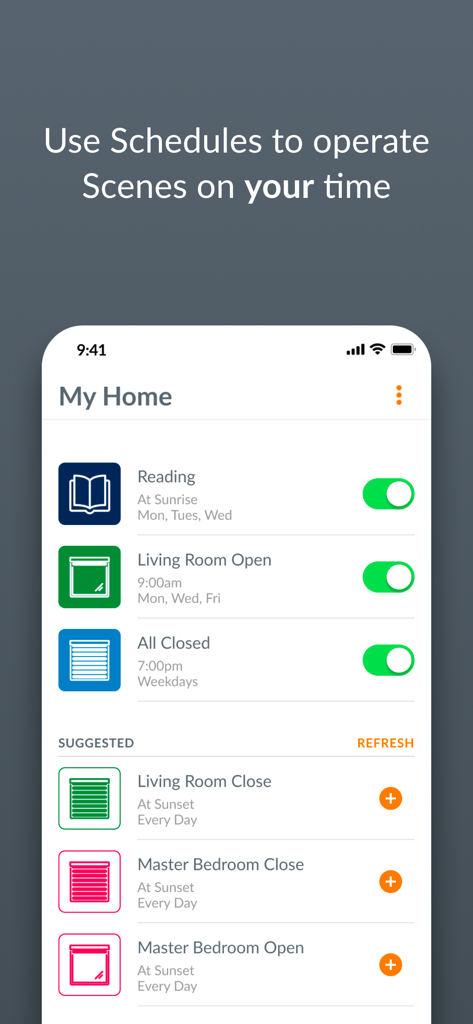
독서 및 거실 개방과 같은 창 가리개용 자동화 일정을 보여주는 PowerView 앱 화면
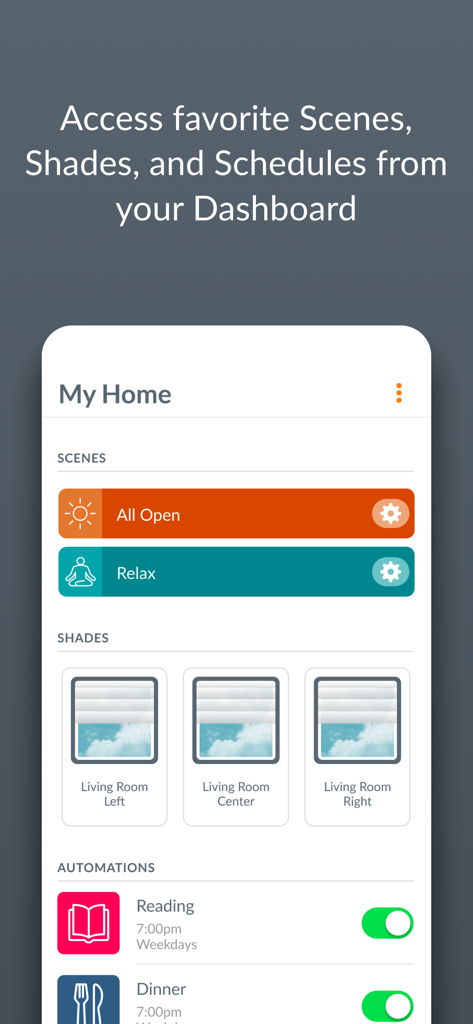
스마트 홈 장면과 자동 창 쉐이드 일정을 보여주는 PowerView 앱 대시보드
설명
Download
비슷한 앱
같은 카테고리의 상위 앱

Pinterest, Inc.

Alipay - Simplify Your Life
Alipay (Hangzhou) Technology Co., Ltd.

Dianping: Discover Good Places
Hanhai Information Technology (Shanghai) Co.Ltd

美团-美好生活小帮手
Sankuai Technology Co., Ltd.

Lemon8 - Lifestyle Community
TIKTOK PTE. LTD.

Xiaomi Home
Beijing Xiaomi Co., Ltd

Tinder Dating App: Date & Chat
Tinder LLC

SmartThings
Samsung Electronics Co., Ltd.

VNeTraffic
GLOBAL TECHNOLOGY - TELECOMMUNICATIONS CORPORATION
이 페이지는 앱이나 개발자의 공식 페이지가 아니며, 정보 제공 및 논평을 목적으로 작성된 독립 편집 간행물입니다. 명시적으로 달리 언급되지 않는 한, 해당 앱이나 개발자는 MWM, Apple, Google Play, 앱 퍼블리셔 또는 앱 개발자와 제휴, 보증, 후원, 승인 또는 공식적으로 연결되어 있지 않으며, 이 페이지의 어떤 내용도 해당 앱이 MWM의 서비스를 사용하여 개발되었음을 의미하지 않습니다. 모든 상표, 로고, 스크린샷 및 기타 콘텐츠는 해당 소유자의 자산입니다.