
이 페이지는 앱이나 개발자의 공식 페이지가 아니며, 정보 제공 및 논평을 목적으로 작성된 독립 편집 간행물입니다. 명시적으로 달리 언급되지 않는 한, 해당 앱이나 개발자는 MWM, Apple, Google Play, 앱 퍼블리셔 또는 앱 개발자와 제휴, 보증, 후원, 승인 또는 공식적으로 연결되어 있지 않으며, 이 페이지의 어떤 내용도 해당 앱이 MWM의 서비스를 사용하여 개발되었음을 의미하지 않습니다. 모든 상표, 로고, 스크린샷 및 기타 콘텐츠는 해당 소유자의 자산입니다.


Private Browser,Incognito VPN
기본 시크릿 모드, 통합 VPN 보안, 암호화된 음악 플레이어로 개인 정보를 되찾으세요. 광고 추적을 중지하고 모든 네트워크에서 디지털 발자국을 완벽하게 제어하세요.
다운로드
230K+사용자 평점
총 평가 수
3K+개발사
카테고리
Reference지원 언어
1최신 버전
5.9크기
123.8 MB출시일
2022년 11월 21일완벽한 개인 정보 보호, 타협 없음
내장된 VPN 보호, 시크릿 브라우징, 디지털 자유를 위해 설계된 개인 미디어 플레이어로 더 빠르고 안전한 인터넷을 경험하세요.
시크릿 우선 브라우징
기록, 쿠키, 추적기 없음. 세션은 자동으로 삭제되어 검색, 로그인 및 신원 정보를 엄격하게 기밀로 유지합니다.
안전한 공용 Wi-Fi
모든 커피숍이나 공항에서 안전하게 서핑하세요. 고급 암호화 및 지능형 추적 방지 기능이 엿보는 눈으로부터 데이터를 보호합니다.
자주 묻는 질문
에 대해 알아야 할 모든 것 Private Browser,Incognito VPN
Private Browser는 정말 프라이빗한가요?
네, Private Browser는 기본 incognito 화면으로 안전한 브라우징 경험을 제공합니다. 추적을 방지하고 사용자 활동이나 기록의 어떠한 증거도 보존하지 않습니다.
Private Browser에 VPN이 포함되어 있나요?
네, Private Browser에는 내장 VPN이 포함되어 있습니다. 이 기능을 통해 사용자는 차단된 사이트에 접속하고, incognito 모드에서 안전하게 브라우징하며, 온라인 신원을 보호할 수 있습니다.
Private Browser 인터페이스를 사용자 정의할 수 있나요?
네, Private Browser는 완전한 인터페이스 사용자 정의를 제공합니다. 사용자는 자신만의 고유한 스타일에 맞게 테마를 설정하여 브라우징 경험을 개인화할 수 있습니다.
Private Browser는 어떤 검색 엔진을 지원하나요?
Private Browser는 여러 검색 엔진을 지원합니다. Google, Bing, Yahoo, Wikipedia, WolframAlpha, Ecosia, DuckDuckGo, Qwant가 포함되어 있어 사용자에게 다양한 선택권을 제공합니다.
Private Browser가 내 검색 기록을 저장하나요?
아니요, Private Browser의 프라이빗 브라우징 모드는 브라우징 기록을 저장하지 않습니다. 이 기능은 제3자가 타겟 광고 목적으로 데이터를 수집하는 것을 방지합니다.
Private Browser가 비밀번호 관리에 도움이 되나요?
네, Private Browser는 사용자가 비밀번호를 쉽게 관리하도록 도와줍니다. 웹사이트에 대한 비밀번호 저장 프롬프트를 표시하여 로그인 과정을 간소화하는 동시에 보안을 유지합니다.
Private Browser에 음악 플레이어가 있나요?
네, Private Browser에는 음악 플레이어가 통합되어 있습니다. 이 기능은 최첨단 암호화 기술과 사용자 친화적인 인터페이스를 통해 청취 기록에 대한 완전한 프라이버시를 보장합니다.
Private Browser에서 탭을 어떻게 지우나요?
Private Browser를 사용하면 탭을 한 번의 탭으로 모두 지울 수 있습니다. 이 기능은 브라우징 세션을 빠르고 효율적으로 관리하여 사용자 편의성을 높입니다.
Private Browser에서 웹페이지를 북마크할 수 있나요?
네, Private Browser를 사용하면 웹페이지를 북마크할 수 있습니다. 북마크는 웹사이트 URL을 향후 참조를 위해 저장하여 사이트를 다시 방문할 때 사용자와 브라우저의 시간을 크게 절약합니다.
Private Browser는 Apple Intelligent Tracking Prevention을 사용하나요?
네, Private Browser는 Apple Intelligent Tracking Prevention (ITP)을 활용합니다. 이 기술은 사용자가 웹을 개인적이고 익명으로 탐색하는 데 도움을 주어 보안을 강화합니다.
다음 스크린샷과 설명은 앱의 공식 스토어 목록에서 직접 가져온 것이며 앱 개발자의 자산입니다.
앱 스토어
스크린샷
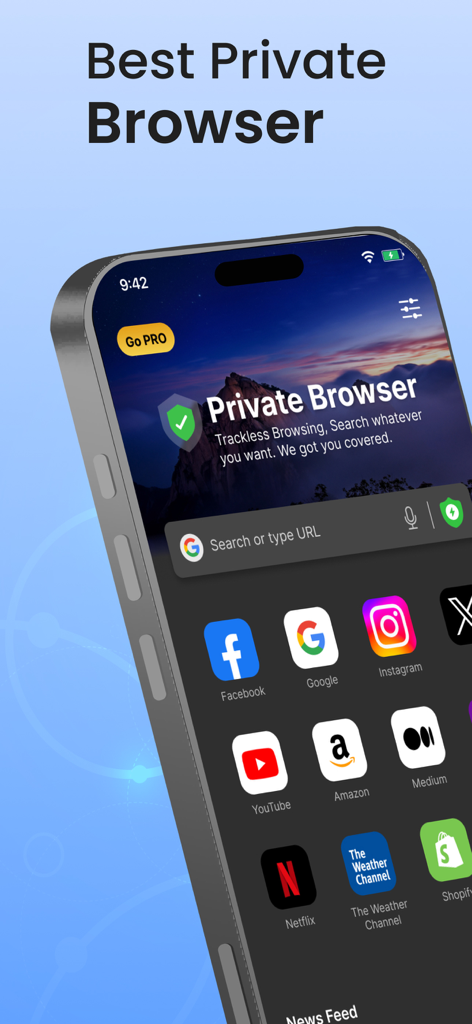
검색 표시줄과 웹사이트 바로가기를 보여주는 iPhone의 Private Browser 앱 인터페이스
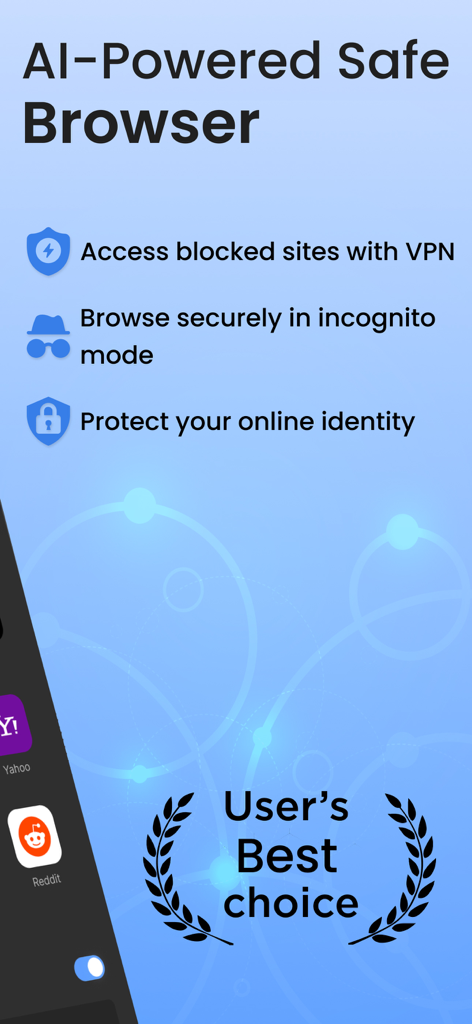
VPN 및 시크릿 모드 기능을 보여주는 AI 기반 안전 브라우저의 프로모션 이미지
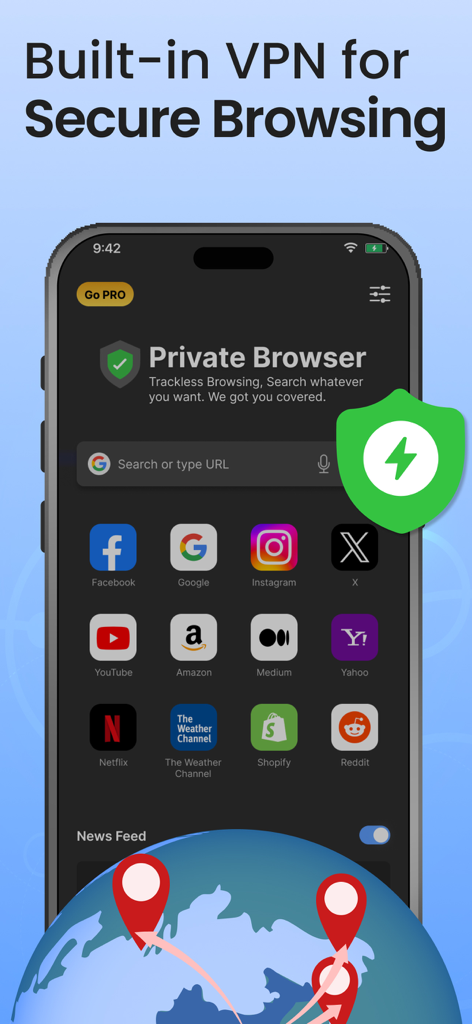
보안 브라우징을 위한 내장 VPN을 강조하는 Private Browser 앱 인터페이스
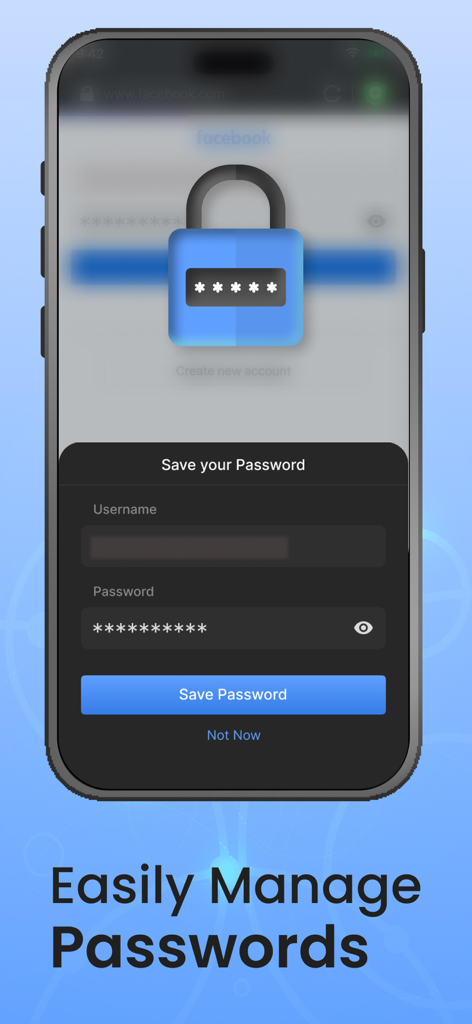
자물쇠 아이콘이 있는 안전한 비밀번호 저장 프롬프트를 보여주는 Private Browser 앱의 모바일 인터페이스
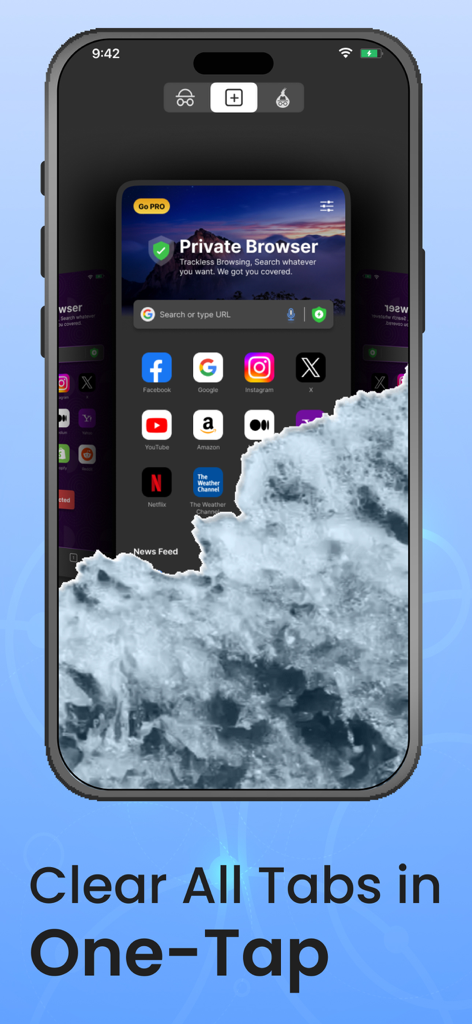
Private Browser 앱 내에서 한 번의 탭으로 모든 브라우징 탭을 지우는 기능을 보여주는 스마트폰 화면
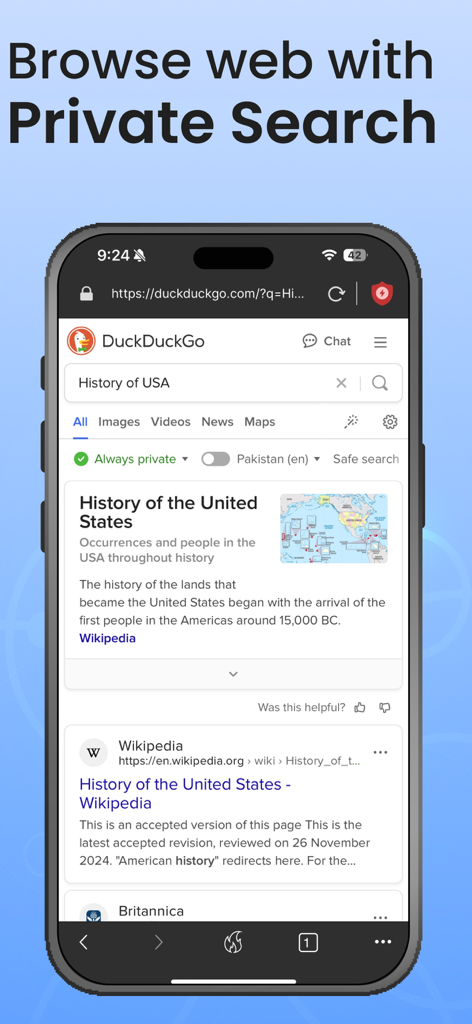
시크릿 브라우저에서 DuckDuckGo를 사용하여 미국 역사에 대한 비공개 검색을 표시하는 스마트폰
설명
Download
비슷한 앱
유사한 기능과 사용자 경험을 가진 앱

极速浏览器-安全快速上网
LANQI LIU

星so
涵钰 詹

Firefox Focus: Privacy browser
Mozilla Corporation

Private Browsing Web Browser
Savy Soda HK Limited

ReadSeek
旭瑞 杨

Phoenix Browser + Proxy VPN
TIMON SOFTWARE SOLUTIONS COMPANY LIMITED

Tvgarden: Movie, Sport Browser
Vaibhavi Padariya

浏览器-安全快速上网
立智 张

JM浏览器 全球版
元茂 张
이 페이지는 앱이나 개발자의 공식 페이지가 아니며, 정보 제공 및 논평을 목적으로 작성된 독립 편집 간행물입니다. 명시적으로 달리 언급되지 않는 한, 해당 앱이나 개발자는 MWM, Apple, Google Play, 앱 퍼블리셔 또는 앱 개발자와 제휴, 보증, 후원, 승인 또는 공식적으로 연결되어 있지 않으며, 이 페이지의 어떤 내용도 해당 앱이 MWM의 서비스를 사용하여 개발되었음을 의미하지 않습니다. 모든 상표, 로고, 스크린샷 및 기타 콘텐츠는 해당 소유자의 자산입니다.