QR Code Reader・Barcode Scanner
다운로드: App Store

이 페이지는 앱이나 개발자의 공식 페이지가 아니며, 정보 제공 및 논평을 목적으로 작성된 독립 편집 간행물입니다. 명시적으로 달리 언급되지 않는 한, 해당 앱이나 개발자는 MWM, Apple, Google Play, 앱 퍼블리셔 또는 앱 개발자와 제휴, 보증, 후원, 승인 또는 공식적으로 연결되어 있지 않으며, 이 페이지의 어떤 내용도 해당 앱이 MWM의 서비스를 사용하여 개발되었음을 의미하지 않습니다. 모든 상표, 로고, 스크린샷 및 기타 콘텐츠는 해당 소유자의 자산입니다.


로고: QR Code Reader・Barcode Scanner
다운로드: App Store

QR Code Reader・Barcode Scanner

전문가를 위한 궁극의 유틸리티. 바코드를 손쉽게 스캔하고, 비즈니스를 위한 맞춤형 QR 코드를 생성하고, 검색 가능한 기록을 유지하세요—모두 하나의 안전한 앱에서.

주요 수치

다운로드

1K+

사용자 평점

4.6/5

총 평가 수

0

개발사

Artur Kolesnykov

카테고리

Utilities

지원 언어

14

최신 버전

1.0.4

크기

18.8 MB

출시일

2021년 12월 31일
기능

전문적인 워크플로우 간소화

기본 카메라 이상의 기능이 필요한 사용자를 위해 설계된 고유틸리티 도구 세트입니다. 바코드를 스캔하고, 맞춤형 QR 코드를 생성하고, 디지털 상호 작용에 대한 완벽한 기록을 유지하세요.

생성 및 성장

비즈니스 카드, 소셜 미디어 또는 웹사이트용 맞춤형 QR 코드를 즉시 생성하세요. 더 스마트하게 네트워킹하려는 프리랜서 및 사업주에게 적합합니다.

스마트 기록 로그

스캔한 링크나 제품을 다시는 잃어버리지 마세요. 기록은 로컬에 저장되어 쉽게 액세스할 수 있으므로 항상 데이터를 손쉽게 사용할 수 있습니다.

다음 스크린샷과 설명은 앱의 공식 스토어 목록에서 직접 가져온 것이며 앱 개발자의 자산입니다.

앱 스토어

스크린샷
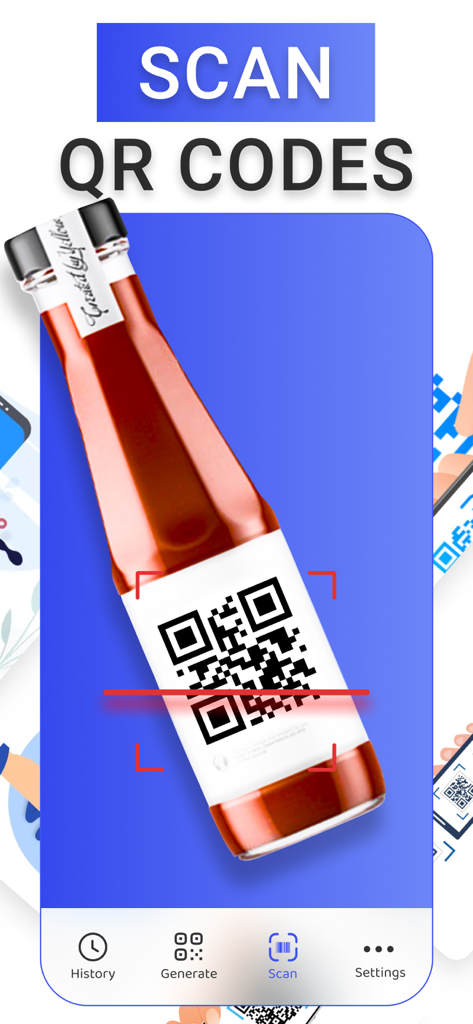
QR Code Reader・Barcode Scanner - 제품 병 라벨의 QR 코드를 스캔하는 빨간색 레이저 라인이 표시된 모바일 앱 인터페이스.
제품 병 라벨의 QR 코드를 스캔하는 빨간색 레이저 라인이 표시된 모바일 앱 인터페이스.

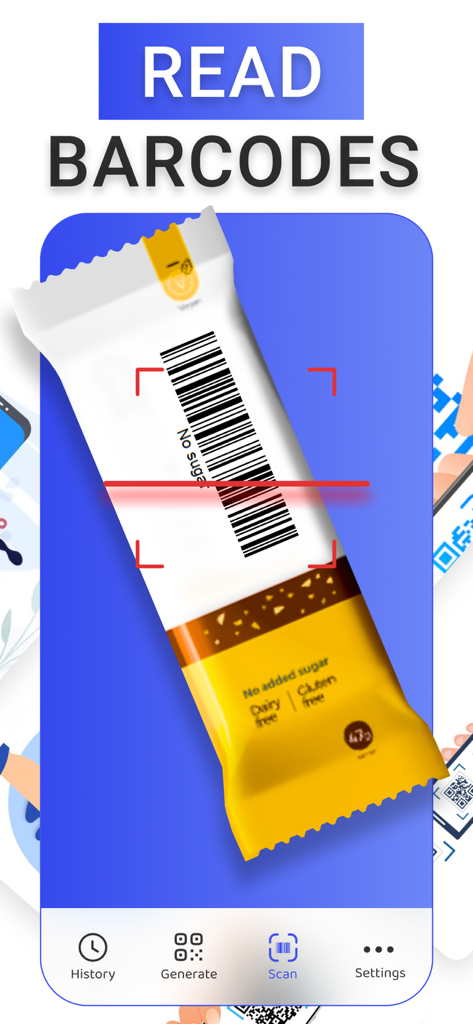
QR Code Reader・Barcode Scanner - 빨간색 레이저 라인을 사용하여 스낵바 포장의 바코드를 스캔하는 스마트폰 앱 인터페이스
빨간색 레이저 라인을 사용하여 스낵바 포장의 바코드를 스캔하는 스마트폰 앱 인터페이스

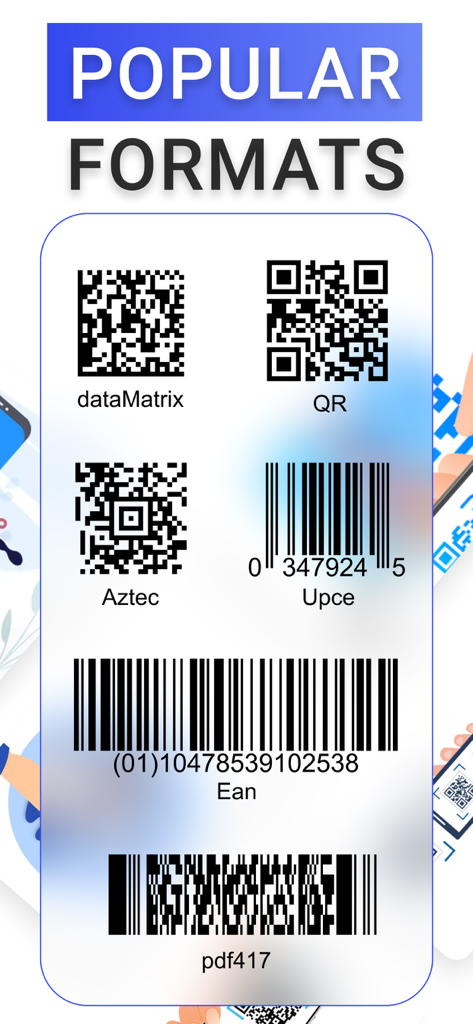
QR Code Reader・Barcode Scanner - 앱에서 지원하는 QR 코드, Aztec 코드 및 UPC 및 EAN과 같은 바코드 등 인기 있는 스캔 형식 목록
앱에서 지원하는 QR 코드, Aztec 코드 및 UPC 및 EAN과 같은 바코드 등 인기 있는 스캔 형식 목록

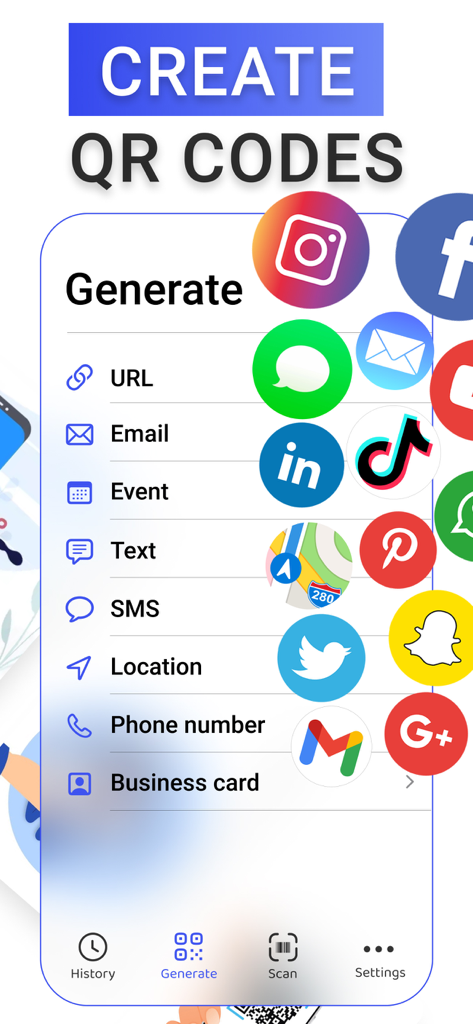
QR Code Reader・Barcode Scanner - 소셜 미디어, URL 및 비즈니스 카드용 코드 생성 옵션을 보여주는 QR 코드 생성기 앱 인터페이스.
소셜 미디어, URL 및 비즈니스 카드용 코드 생성 옵션을 보여주는 QR 코드 생성기 앱 인터페이스.

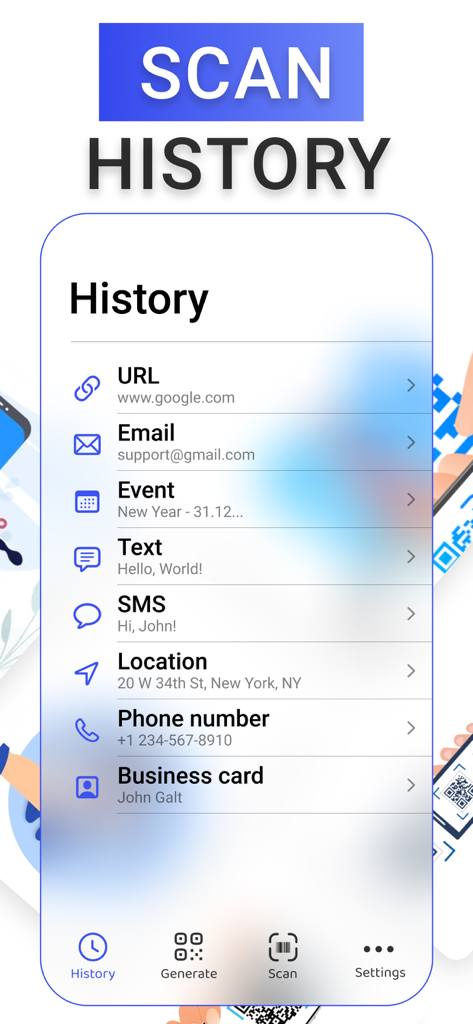
QR Code Reader・Barcode Scanner - 이전 QR 및 바코드 스캔을 보여주는 기록 페이지

이전 QR 및 바코드 스캔을 보여주는 기록 페이지

설명

SCAN QR & BARCODES With the unique technology camera automatically recognizes all popular types of qr and barcodes. You will receive detailed information on the code depending on its type and purpose. Just focus your camera on the code object, and get the result. All data is saved locally in the history section. GENERATE OWN QR CODE The app supports the creation of a wide range of qr codes, whether you need to create a link, that will lead to a certain website or social media account, or you need to schedule events automatically via qr code, or you need to configure a business card, that will automatically save itself into phone`s contacts. All functionality is provided in this app. SCANNED CODES HISTORY Get deep knowledge about scanned qr and barcodes in the history section of the app, where you can manage all the codes, read or delete, and use deep premium functionality, from scheduling events in Calendar to automatically searching locations in Maps. Subscription pricing and terms Payment may be charged to iTunes Account at confirmation of purchase. Subscription may be canceled at any time within the iTunes and App Store Apple ID Settings. Subscription automatically renews unless auto-renew is turned off at least 24-hours before the end of the current period. Account will be charged for renewal within 24-hours prior to the end of the current period, and identify the cost of the renewal. Subscriptions may be managed by the user and auto-renewal may be turned off by going to the user's Account Settings after purchase. No cancellation of the current subscription is allowed during the active subscription period. Any unused portion of a free trial period, if offered, will be forfeited when the user purchases a subscription to that publication, where applicable. By downloading and using this application, you accept the terms of use and privacy policy. Terms of Use: https://enzoapps.wordpress.com/terms-of-use/ Privacy Policy: https://enzoapps.wordpress.com/privacy-policy/

Download

다운로드: App Store

이 페이지는 앱이나 개발자의 공식 페이지가 아니며, 정보 제공 및 논평을 목적으로 작성된 독립 편집 간행물입니다. 명시적으로 달리 언급되지 않는 한, 해당 앱이나 개발자는 MWM, Apple, Google Play, 앱 퍼블리셔 또는 앱 개발자와 제휴, 보증, 후원, 승인 또는 공식적으로 연결되어 있지 않으며, 이 페이지의 어떤 내용도 해당 앱이 MWM의 서비스를 사용하여 개발되었음을 의미하지 않습니다. 모든 상표, 로고, 스크린샷 및 기타 콘텐츠는 해당 소유자의 자산입니다.








