Screen Mirror-Cast to Smart TV
다운로드: App Store

이 페이지는 앱이나 개발자의 공식 페이지가 아니며, 정보 제공 및 논평을 목적으로 작성된 독립 편집 간행물입니다. 명시적으로 달리 언급되지 않는 한, 해당 앱이나 개발자는 MWM, Apple, Google Play, 앱 퍼블리셔 또는 앱 개발자와 제휴, 보증, 후원, 승인 또는 공식적으로 연결되어 있지 않으며, 이 페이지의 어떤 내용도 해당 앱이 MWM의 서비스를 사용하여 개발되었음을 의미하지 않습니다. 모든 상표, 로고, 스크린샷 및 기타 콘텐츠는 해당 소유자의 자산입니다.


로고: Screen Mirror-Cast to Smart TV
다운로드: App Store

Screen Mirror-Cast to Smart TV

TV를 강력한 장치로 바꾸세요. iPhone 화면을 무선으로 미러링하고, 라이브 IPTV를 스트리밍하고, 가족 추억을 공유하고, 케이블 없이 대화형 화이트보드로 가르치세요.

주요 수치

다운로드

3K+

사용자 평점

1.0/5

총 평가 수

0

개발사

NGOC DUC REAL ESTATE DEVELOPMENT JOINT STOCK COMPANY

카테고리

Lifestyle

지원 언어

1

최신 버전

1.2

크기

60.6 MB

출시일

2025년 12월 9일
기능

큰 화면의 잠재력을 최대한 활용하세요

케이블 없이 원활한 화면 미러링, 고품질 IPTV 스트리밍 및 대화형 프레젠테이션을 위한 올인원 허브입니다.

나만의 IPTV 허브

M3U 및 M3U8 재생 목록 지원으로 라이브 스포츠 및 글로벌 채널을 TV로 직접 스트리밍하세요.

대화형 라이브 화이트보드

TV를 디지털 캔버스로 바꾸세요. iPhone 또는 iPad에서 실시간으로 그림을 그리거나, 가르치거나, 브레인스토밍하세요.

다음 스크린샷과 설명은 앱의 공식 스토어 목록에서 직접 가져온 것이며 앱 개발자의 자산입니다.

앱 스토어

스크린샷
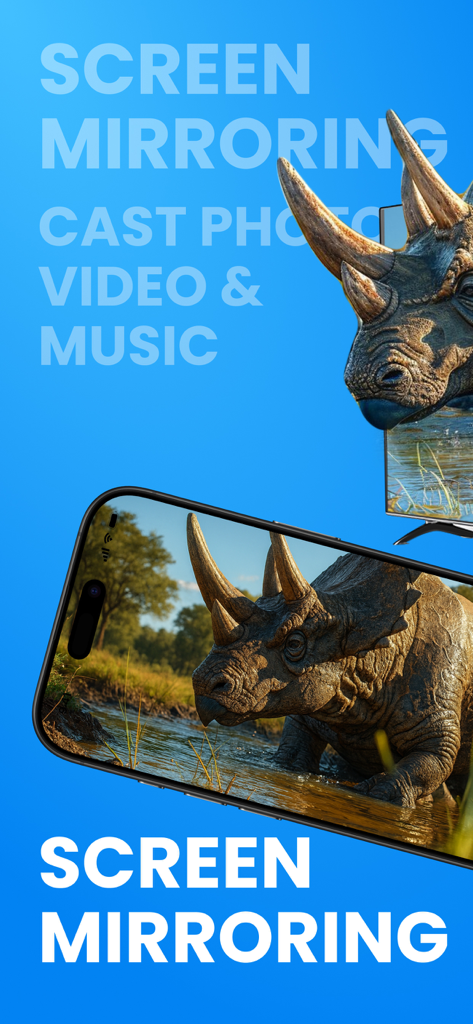
Screen Mirror-Cast to Smart TV - iPhone이 스마트 TV 화면에 트리케라톱스의 고품질 이미지를 무선으로 미러링하고 있습니다.
iPhone이 스마트 TV 화면에 트리케라톱스의 고품질 이미지를 무선으로 미러링하고 있습니다.

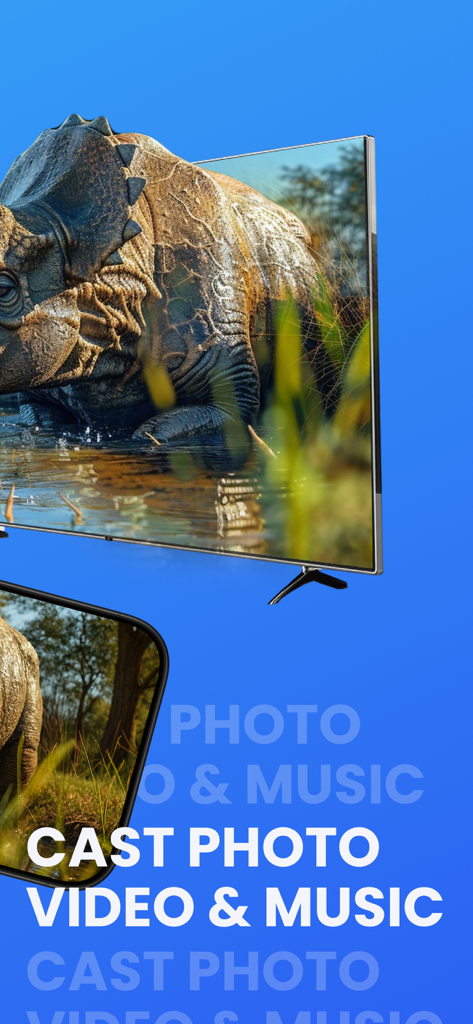
Screen Mirror-Cast to Smart TV - 스마트폰이 공룡의 고품질 사진을 대형 스마트 TV 화면에 무선으로 캐스팅하고 있습니다.
스마트폰이 공룡의 고품질 사진을 대형 스마트 TV 화면에 무선으로 캐스팅하고 있습니다.

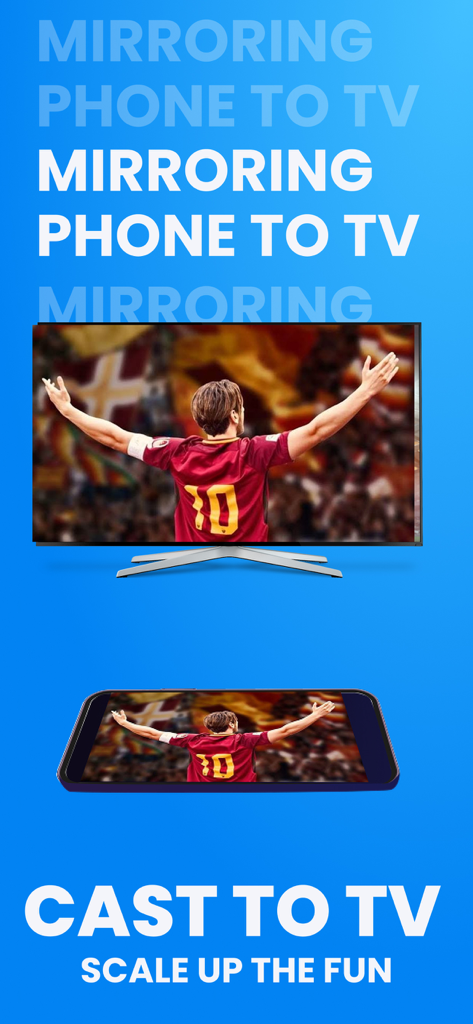
Screen Mirror-Cast to Smart TV - 스마트폰이 대형 스마트 TV 화면에 축구 경기를 미러링하고 있습니다.
스마트폰이 대형 스마트 TV 화면에 축구 경기를 미러링하고 있습니다.

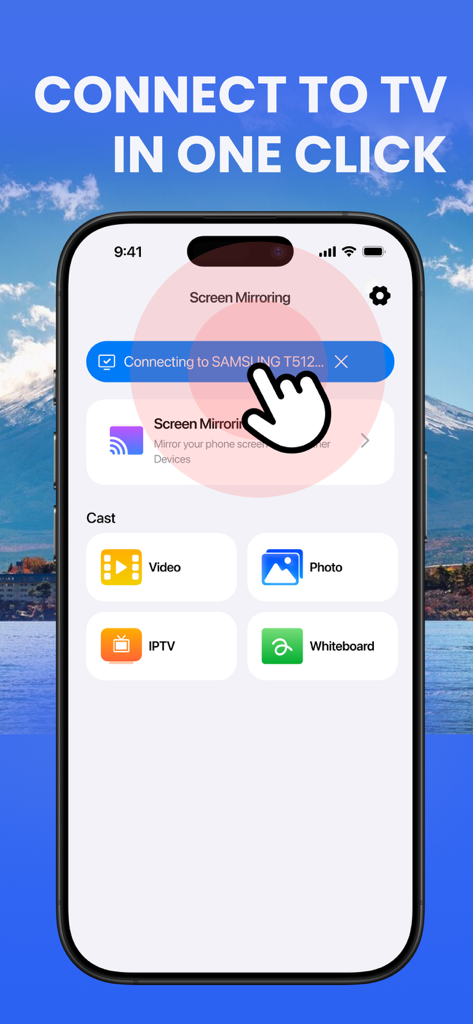
Screen Mirror-Cast to Smart TV - 비디오, 사진, IPTV, 화이트보드 옵션이 있는 스마트 TV에 연결하기 위한 앱 인터페이스를 보여주는 iPhone 화면
비디오, 사진, IPTV, 화이트보드 옵션이 있는 스마트 TV에 연결하기 위한 앱 인터페이스를 보여주는 iPhone 화면

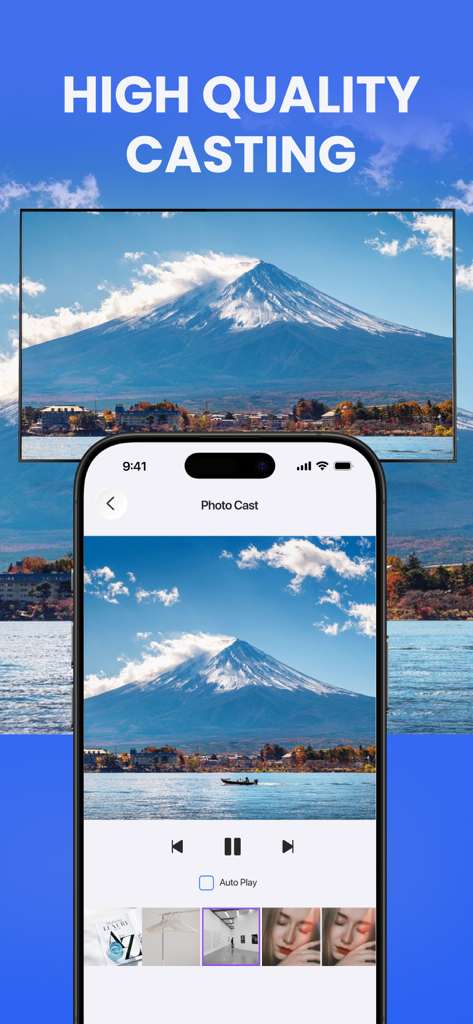
Screen Mirror-Cast to Smart TV - 스마트폰 화면에 산 사진이 표시되어 스마트 TV 화면에 미러링되고 있습니다.

스마트폰 화면에 산 사진이 표시되어 스마트 TV 화면에 미러링되고 있습니다.

설명

Screen Mirror – Cast to TV, IPTV & Whiteboard Turn your iPhone & iPad into a powerful casting hub. Screen Mirror lets you mirror your screen in real time, cast photos & videos, play IPTV playlists, and draw on a live whiteboard – all on the big screen, over Wi-Fi. Whether you’re watching movies, sharing memories, teaching, or presenting, everything is just a tap away. What you can do Mirror your screen in real time Cast your iPhone/iPad screen to your TV, PC or any compatible device in the same Wi-Fi network. Perfect for: Watching apps and games on a bigger display Live demos and presentations Browsing, social media, documents, and more Cast photos to the big screen Show your photos instantly without cables: Cast single photos or start a slideshow Zoom & swipe on the phone – changes appear on TV Great for family sharing, events, and quick reviews Cast videos smoothly Stream videos from your device to the TV: Local videos from your Camera Roll or Files Smooth playback with controls on your phone Ideal for movies, clips, and screen-recorded content Watch IPTV playlists (m3u, m3u8, etc.) Turn your device into an IPTV player: Import IPTV playlists via URL or local file Organize channels into groups and favorites Fast zapping between channels and simple channel list view (The app does not provide any content. You must use your own legal IPTV playlists.) Live Whiteboard casting Draw, explain, and teach in real time: Freehand drawing with multiple colors and stroke sizes Undo/redo and clear canvas quickly Cast your whiteboard live to the TV for: Teaching and tutoring Meetings and brainstorming Explaining ideas to friends or family Designed for everyday use Simple, clean interface – connect and start casting in a few seconds Works over Wi-Fi, no cables required Optimized for both iPhone Made for home entertainment, classroom teaching, office presentations and more Privacy Policy: https://doc-hosting.flycricket.io/screen-mirror-cast-to-smart-tv-privacy-policy/29e7ffc6-145f-4826-810b-bd6f8c7618a9/privacy Terms of Use: https://doc-hosting.flycricket.io/screen-mirror-cast-to-smart-tv-terms-of-use/7bf58b32-30b8-4a40-9bc8-2e65a5c2806e/terms

Download

다운로드: App Store

이 페이지는 앱이나 개발자의 공식 페이지가 아니며, 정보 제공 및 논평을 목적으로 작성된 독립 편집 간행물입니다. 명시적으로 달리 언급되지 않는 한, 해당 앱이나 개발자는 MWM, Apple, Google Play, 앱 퍼블리셔 또는 앱 개발자와 제휴, 보증, 후원, 승인 또는 공식적으로 연결되어 있지 않으며, 이 페이지의 어떤 내용도 해당 앱이 MWM의 서비스를 사용하여 개발되었음을 의미하지 않습니다. 모든 상표, 로고, 스크린샷 및 기타 콘텐츠는 해당 소유자의 자산입니다.








