
이 페이지는 앱이나 개발자의 공식 페이지가 아니며, 정보 제공 및 논평을 목적으로 작성된 독립 편집 간행물입니다. 명시적으로 달리 언급되지 않는 한, 해당 앱이나 개발자는 MWM, Apple, Google Play, 앱 퍼블리셔 또는 앱 개발자와 제휴, 보증, 후원, 승인 또는 공식적으로 연결되어 있지 않으며, 이 페이지의 어떤 내용도 해당 앱이 MWM의 서비스를 사용하여 개발되었음을 의미하지 않습니다. 모든 상표, 로고, 스크린샷 및 기타 콘텐츠는 해당 소유자의 자산입니다.


Singpass
원격으로 개인 정보를 관리하고, 문서를 서명하고, 생체 인식 보안으로 정부 서비스에 액세스하세요. 미국에서 싱가포르로 원활하고 비밀번호 없는 연결을 필요로 하는 글로벌 전문가를 위해 설계되었습니다.
다운로드
3M+사용자 평점
총 평가 수
289K+개발사
카테고리
Productivity지원 언어
4최신 버전
25.4.1크기
300.5 MB출시일
2018년 10월 20일싱가포르로 가는 디지털 다리
전 세계 어디서든 정부 거래 및 개인 데이터를 안전하게 관리할 수 있는 글로벌 전문가를 위한 올인원 디지털 신원입니다.
비밀번호 없는 로그인
SMS OTP 또는 국제 로밍 없이 생체 인식 또는 QR 코드로 디지털 서비스에 즉시 액세스하세요.
실시간 프로필 인사이트
CPF, HDB, 여권 세부 정보를 단일 대시보드에서 추적하여 싱가포르 업무를 원격으로 정리하세요.
자주 묻는 질문
에 대해 알아야 할 모든 것 Singpass
Singpass 앱은 무엇인가요?
Singpass 앱은 신뢰할 수 있는 디지털 신분증 역할을 합니다. 이를 통해 디지털 서비스에 안전하게 액세스하고, 정부 정보를 확인하며, 문서를 디지털 서명할 수 있어 거래 방식이 혁신적으로 변화합니다.
Singpass 앱에 어떻게 로그인하나요?
지문, 얼굴 또는 6자리 비밀번호를 사용하여 Singpass 앱에 로그인할 수 있습니다. 또는 QR 코드를 스캔하거나 탭하여 자격 증명을 입력하지 않고도 디지털 서비스에 대한 신원을 확인할 수 있습니다.
해외에서도 Singpass 앱을 사용할 수 있나요?
네, 해외에서도 Singpass 앱을 사용할 수 있습니다. 이를 통해 해외에서 디지털 서비스에 안전하게 액세스하기 위해 SMS OTP가 필요 없어져 이동성이 향상됩니다.
Singpass 앱을 통해 어떤 정부 정보에 액세스할 수 있나요?
Singpass 앱을 통해 사용자는 CPF 계정 세부 정보, HDB 부동산 세부 정보, 여권 만료일 등 다양한 정부 출처의 정보를 한 곳에서 확인하고 맞춤 설정할 수 있습니다.
Singpass 앱은 문서의 디지털 서명을 지원하나요?
네, Singpass 앱은 디지털 서명을 지원합니다. 사용자는 문서를 안전하게 디지털 방식으로 서명하고 계약할 수 있어 직접 참석할 필요성과 종이 기반 서명 방식이 제거됩니다.
내 기기에 Singpass 앱을 어떻게 설정하나요?
Singpass 앱을 설정하려면 스마트폰에 설치하기만 하면 됩니다. 단계에 따라 일회성 설정을 완료하세요. 그러면 신뢰할 수 있는 디지털 신분증을 즉시 사용할 수 있습니다.
Singpass 앱의 최소 iOS 요구 사항은 무엇인가요?
최적의 사용자 경험을 위해 Singpass 앱은 기기가 최소 iOS 버전 15.0 이상으로 업데이트되어야 합니다.
Singpass 앱을 여러 기기에 동시에 설치할 수 있나요?
아니요, Singpass 앱은 한 번에 하나의 기기에만 설치할 수 있습니다. 이 정책은 디지털 신원 및 거래의 보안과 무결성을 보장합니다.
Singpass QR 코드 로그인 문제를 iOS에서 해결하기 위한 문제 해결 단계는 무엇인가요?
iOS에서 Singpass QR 코드 로그인이 웹사이트로 리디렉션되는 경우, 나중에 다시 시도하거나, 휴대폰을 다시 시작하거나, 앱을 제거했다가 다시 설치하세요. 이러한 단계는 구성 지연을 해결합니다.
Singpass 앱은 대면 신원 확인을 어떻게 촉진하나요?
Singpass 앱은 QR 스캔을 사용하여 안전한 대면 신원 확인을 촉진합니다. 이 기능을 통해 개인은 실제 서류 없이 신원을 확인할 수 있습니다.
다음 스크린샷과 설명은 앱의 공식 스토어 목록에서 직접 가져온 것이며 앱 개발자의 자산입니다.
앱 스토어
스크린샷
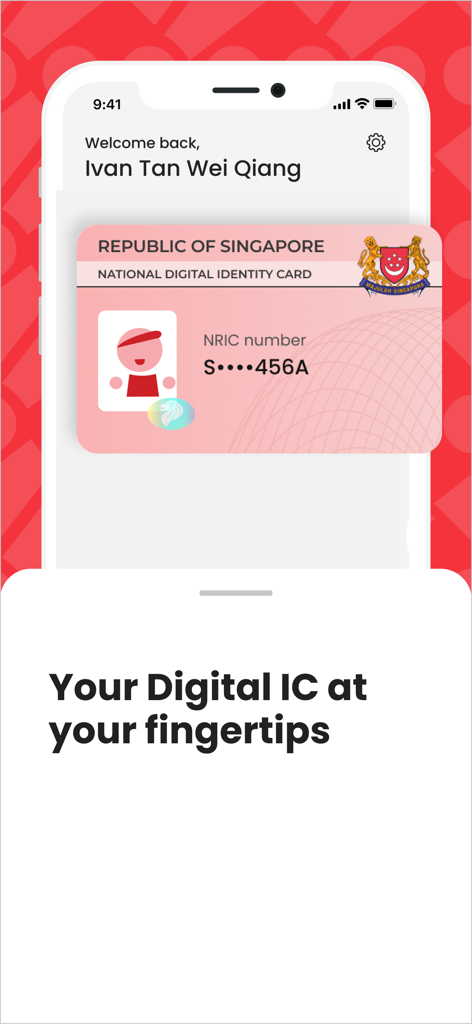
스마트폰에 싱가포르 국가 디지털 신원증이 표시된 Singpass 앱 인터페이스.
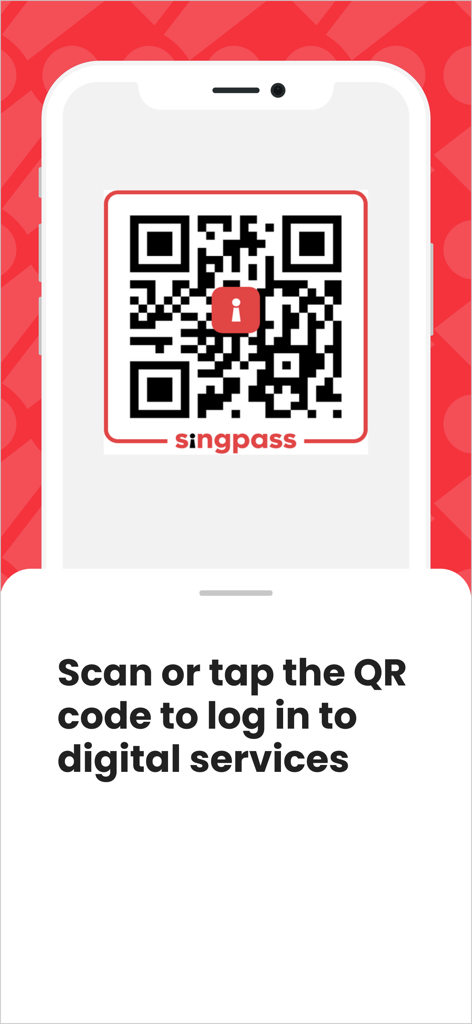
디지털 서비스 로그인을 위한 Singpass QR 코드를 표시하는 스마트폰 화면
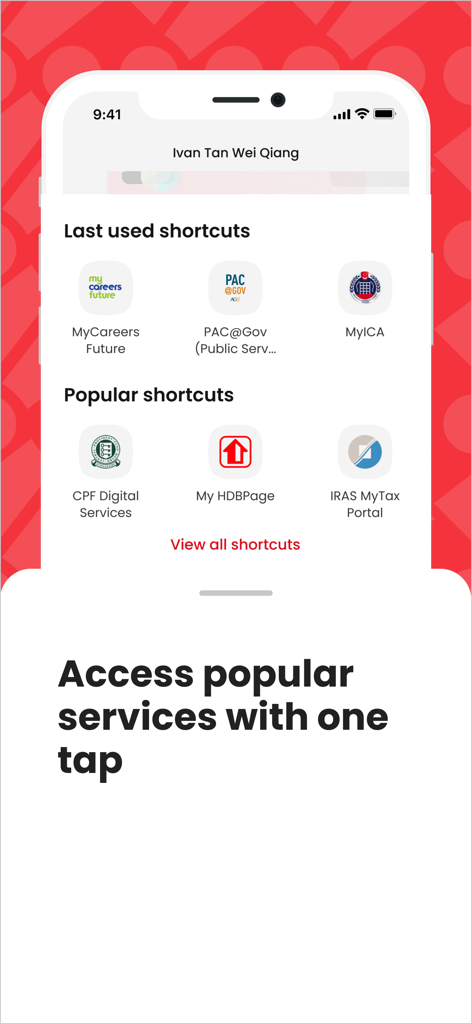
CPF, HDB, IRAS와 같은 싱가포르 정부 서비스에 대한 빠른 액세스 바로가기를 보여주는 Singpass 앱 화면
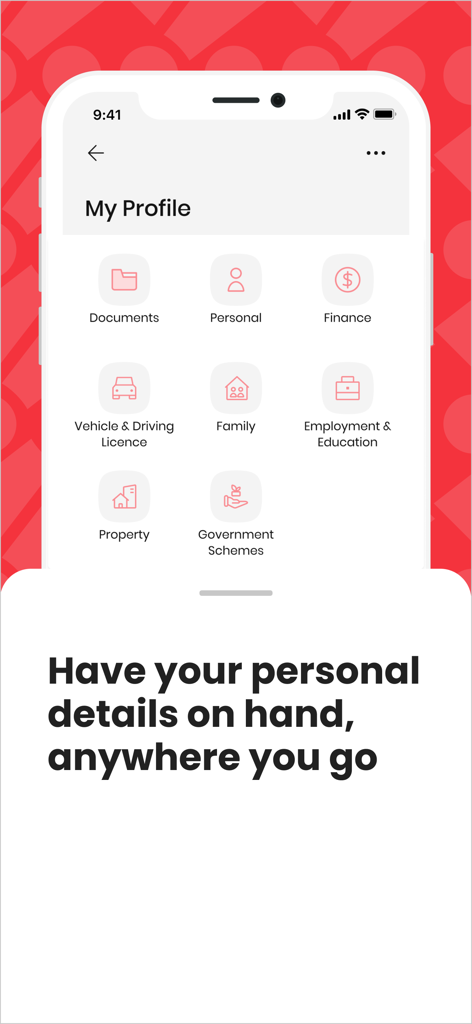
문서, 개인 정보, 금융 및 부동산 아이콘이 포함된 내 프로필 섹션을 보여주는 Singpass 앱 스크린샷.
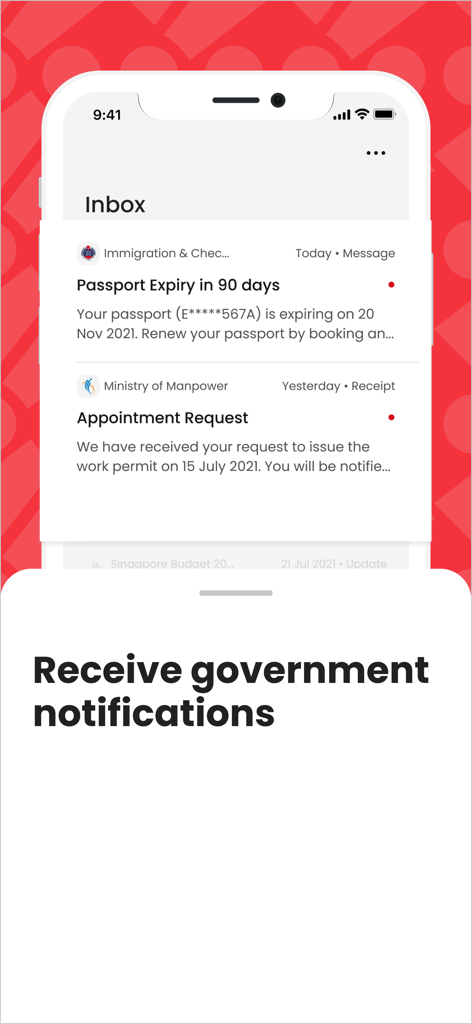
여권 만료 알림 및 예약 요청과 같은 공식 정부 알림을 표시하는 Singpass 앱 받은 편지함 화면
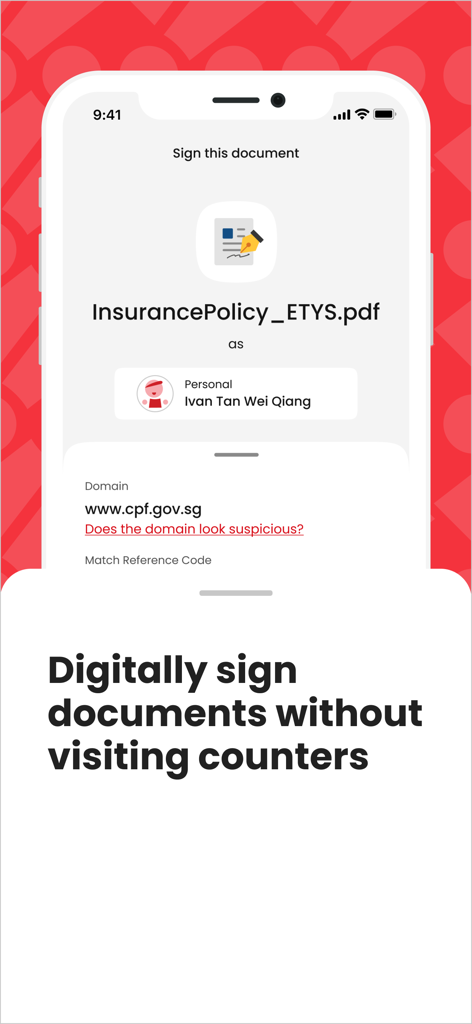
카운터 방문 없이 문서를 디지털 방식으로 서명한다는 캡션과 함께 문서 디지털 서명 기능을 보여주는 Singpass 앱 화면
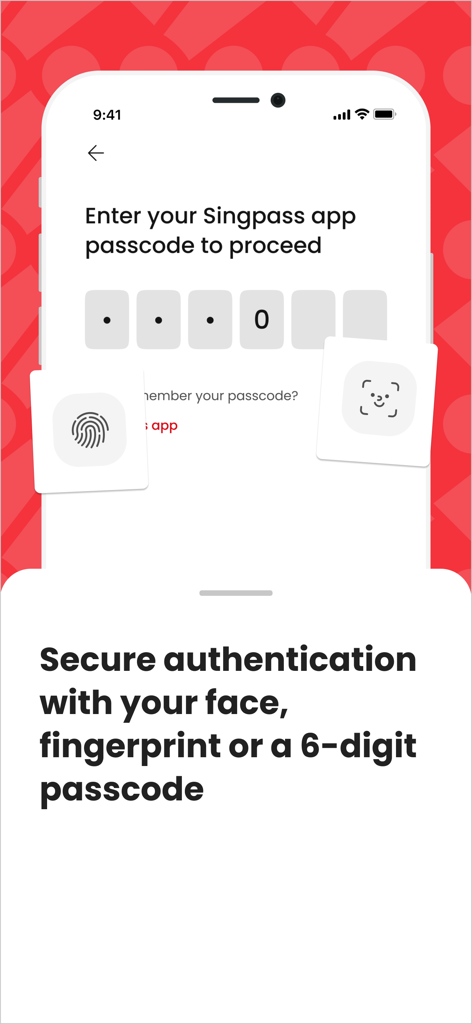
얼굴 인식, 지문 및 6자리 비밀번호 옵션이 있는 Singpass 앱의 보안 로그인 화면
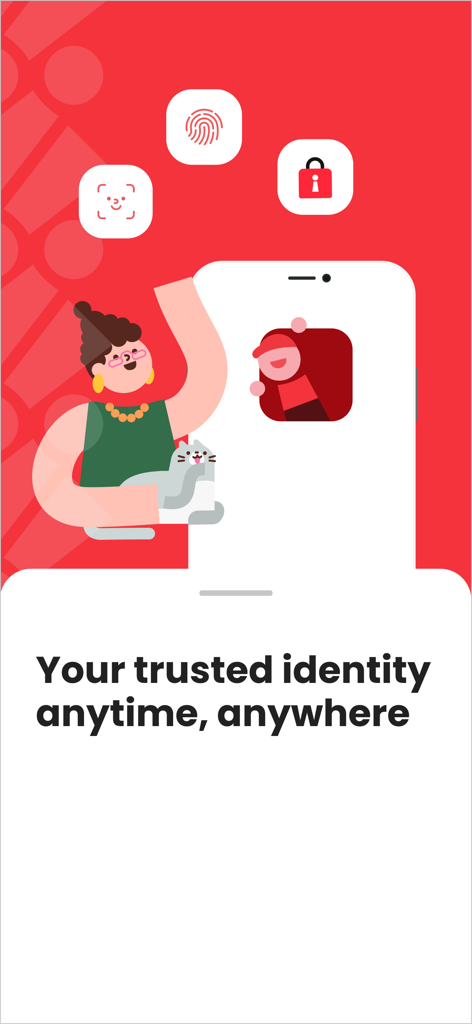
생체 인식 보안 아이콘과 '언제 어디서든 신뢰할 수 있는 신원'이라는 문구가 포함된 Singpass 앱 프로모션 화면
설명
Download
비슷한 앱
유사한 기능과 사용자 경험을 가진 앱

itsme
Belgian Mobile ID SA

myDSS 2.0
SafeTech Ltd
SİMA - Rəqəmsal İmza
Data Processing Center of the Ministry of Communications and High Technologies

SoyYo - Identidad Digital
Servicios de Identidad Digital SAS

VIDaaS
valid certificadora digital ltda

TrustMe: Your Digital Identity
A3BC GROUP

Bird ID
Vault Id Solucoes em Criptografia e Identificacao Ltda ME
eDO App
Polska Wytwornia Papierow Wartosciowych S.A.
DigiD
Rijksoverheid
이 페이지는 앱이나 개발자의 공식 페이지가 아니며, 정보 제공 및 논평을 목적으로 작성된 독립 편집 간행물입니다. 명시적으로 달리 언급되지 않는 한, 해당 앱이나 개발자는 MWM, Apple, Google Play, 앱 퍼블리셔 또는 앱 개발자와 제휴, 보증, 후원, 승인 또는 공식적으로 연결되어 있지 않으며, 이 페이지의 어떤 내용도 해당 앱이 MWM의 서비스를 사용하여 개발되었음을 의미하지 않습니다. 모든 상표, 로고, 스크린샷 및 기타 콘텐츠는 해당 소유자의 자산입니다.