
이 페이지는 앱이나 개발자의 공식 페이지가 아니며, 정보 제공 및 논평을 목적으로 작성된 독립 편집 간행물입니다. 명시적으로 달리 언급되지 않는 한, 해당 앱이나 개발자는 MWM, Apple, Google Play, 앱 퍼블리셔 또는 앱 개발자와 제휴, 보증, 후원, 승인 또는 공식적으로 연결되어 있지 않으며, 이 페이지의 어떤 내용도 해당 앱이 MWM의 서비스를 사용하여 개발되었음을 의미하지 않습니다. 모든 상표, 로고, 스크린샷 및 기타 콘텐츠는 해당 소유자의 자산입니다.


Space Cleaner: File Manager
"저장 공간 부족" 알림을 멈추고 생산성을 높이세요. 궁극의 올인원 유틸리티로 중복 항목을 쉽게 제거하고, 파일 형식을 변환하고, 디지털 생활을 정리하세요.
다운로드
324K+사용자 평점
총 평가 수
3K+개발사
카테고리
Utilities지원 언어
13최신 버전
1.0.36크기
170.2 MB출시일
2024년 6월 22일디지털 작업 공간을 마스터하세요
저장 공간 부족 문제를 해결하고 업무 및 생활의 모바일 생산성을 간소화하도록 설계된 올인원 툴킷입니다.
즉각적인 공간 회수
"저장 공간 부족"의 답답함에 종지부를 찍으세요. 중복 사진과 대용량 동영상을 자동으로 찾아 삭제하여 몇 초 만에 기가바이트를 확보하세요.
프로 수준의 형식 변환기
모바일 전문가의 비밀 무기입니다. 노트북 없이도 이동 중에 PDF, Word 및 미디어 형식 간에 변환하세요.
자주 묻는 질문
에 대해 알아야 할 모든 것 Space Cleaner: File Manager
Space Cleaner: File Manager란 무엇인가요?
"Space Cleaner: File Manager"는 포괄적인 파일 관리를 위한 강력한 애플리케이션입니다. 사용자가 iPhone의 문서, 사진, 비디오 및 기타 파일을 효과적으로 정리, 정리, 변환 및 관리하도록 도와줍니다.
Space Cleaner: File Manager는 중복 사진을 삭제할 수 있나요?
예, "Space Cleaner: File Manager"는 중복 사진 및 비디오를 자동으로 식별하고 삭제합니다. 또한 저장 공간을 확보하기 위해 대용량 비디오, 흐릿한 사진, 버스트 샷/스크린샷을 정리합니다.
Space Cleaner: File Manager에는 문서 스캐너가 포함되어 있나요?
예, "Space Cleaner: File Manager"는 쉬운 문서 스캔 기능을 제공합니다. 사용자는 앱 내에서 스캔한 문서를 직접 업로드하거나 새 문서를 캡처할 수 있습니다.
Space Cleaner: File Manager는 어떤 파일 형식을 변환할 수 있나요?
"Space Cleaner: File Manager"는 문서 형식(PDF, Word, txt, PPT), 이미지 형식(png, jpg, svg, jpeg), 오디오 형식(mp3, wav, wma, m4a) 및 비디오 형식(mp4, mov, avi, wmv)을 변환합니다.
Space Cleaner: File Manager에 대한 무료 체험판이 있나요?
예, "Space Cleaner: File Manager"는 3일 무료 체험판을 제공합니다. 이 체험판은 연간 구독 계획으로 자동 갱신되기 전에 모든 파일 관리자 기능에 대한 무제한 액세스를 제공합니다.
Space Cleaner: File Manager 구독을 어떻게 취소하나요?
"Space Cleaner: File Manager" 구독을 취소하려면 iPhone 설정으로 이동하여 이름을 탭한 다음 구독을 선택하세요. 원하는 구독을 거기서 관리하세요. 취소는 현재 기간이 종료되기 최소 24시간 전에 이루어져야 합니다.
Space Cleaner: File Manager가 내 사진을 정리할 수 있나요?
예, "Space Cleaner: File Manager"는 최근, 즐겨찾기, 인물, 장소, 셀카 및 파노라마와 같은 범주별로 사진을 스마트하게 정리합니다. 이 기능을 통해 효율적인 사진 관리가 가능합니다.
Space Cleaner: File Manager는 ZIP 및 RAR 파일을 지원하나요?
예, "Space Cleaner: File Manager"는 ZIP 및 RAR 아카이브 형식의 압축 및 압축 해제를 모두 지원합니다. 이 기능은 장치에서 저장 공간을 최적화하는 데 도움이 됩니다.
Space Cleaner: File Manager는 어떤 파일 관리 작업을 수행하나요?
"Space Cleaner: File Manager"는 삭제, 이동, 복사 및 압축과 같은 일괄 작업을 수행합니다. 또한 파일 업로드, 텍스트 파일 및 폴더 생성, 포괄적인 파일 분류를 지원합니다.
다음 스크린샷과 설명은 앱의 공식 스토어 목록에서 직접 가져온 것이며 앱 개발자의 자산입니다.
앱 스토어
스크린샷
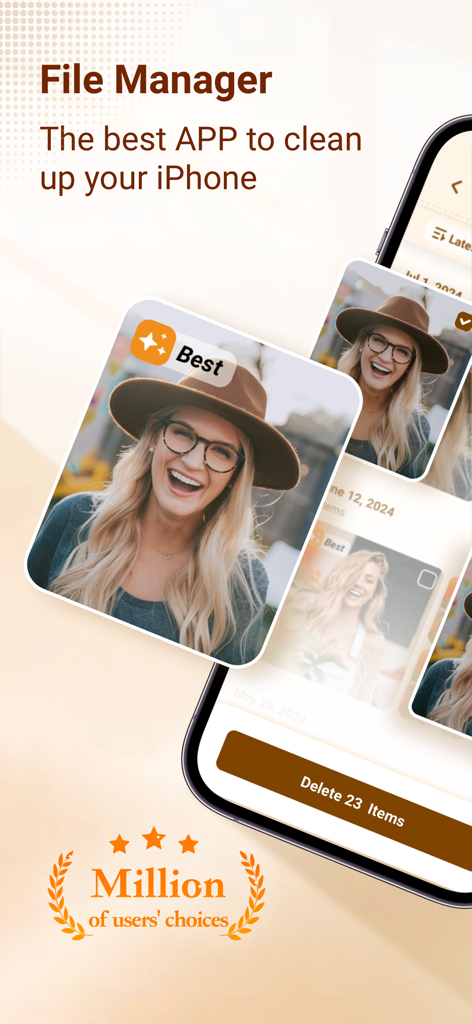
Space Cleaner 앱 스크린샷, iPhone용 중복 사진 제거 및 저장 공간 정리 표시
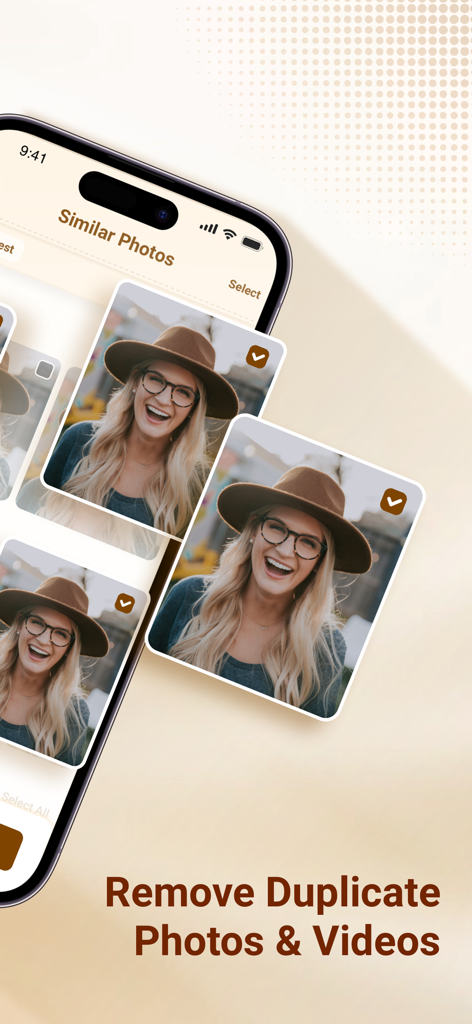
기기 저장 공간 최적화를 위해 삭제할 유사한 사진을 식별하는 모바일 앱 인터페이스.
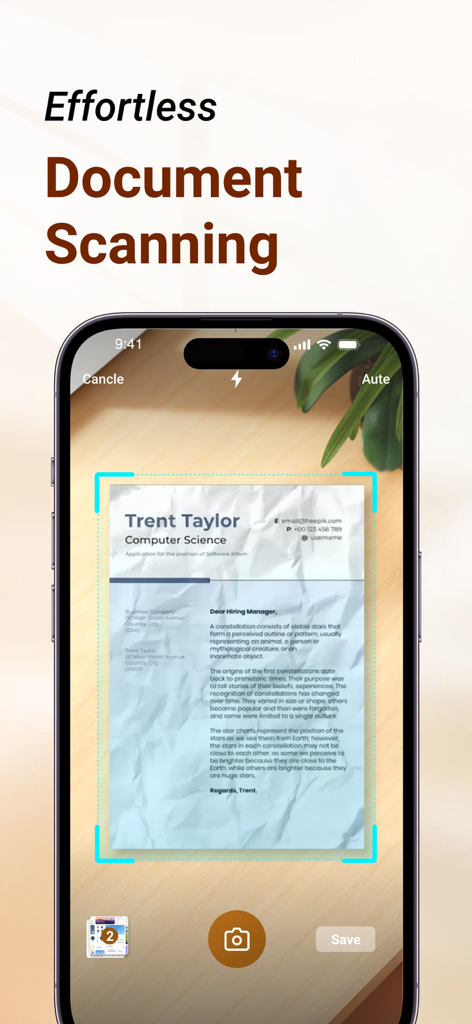
iPhone에서 손쉬운 문서 스캔 기능을 보여주는 Space Cleaner 앱 인터페이스
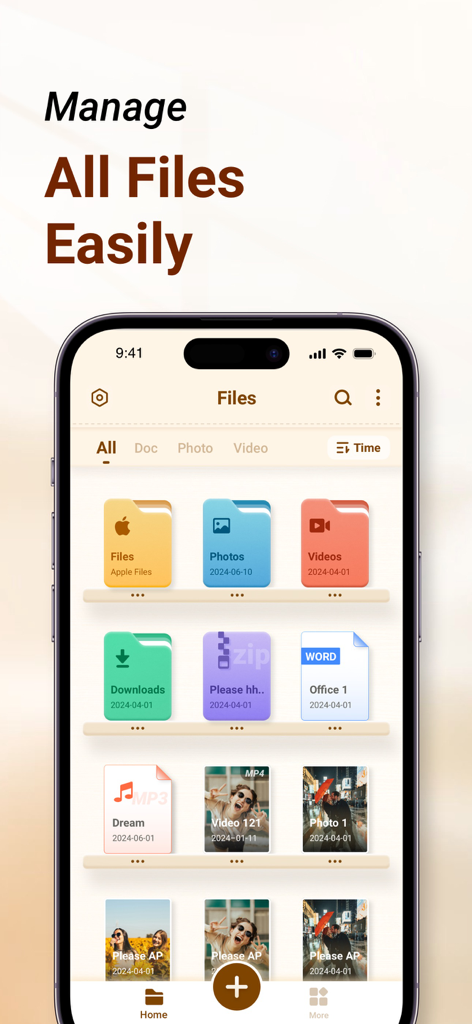
Space Cleaner 앱 인터페이스, iPhone의 사진, 동영상, 문서와 같은 정리된 파일 범주 표시
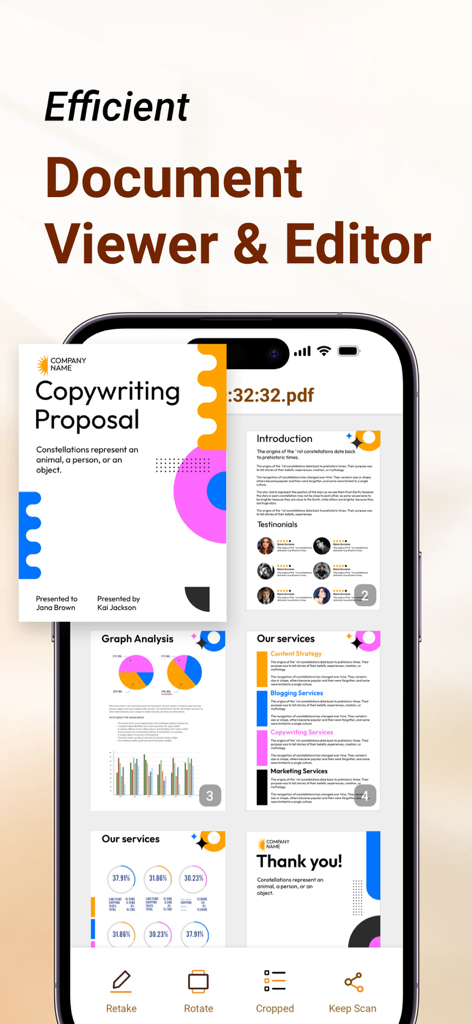
iPhone에서 복사 제안 PDF를 보여주는 Space Cleaner 앱 문서 뷰어 및 편집기 인터페이스
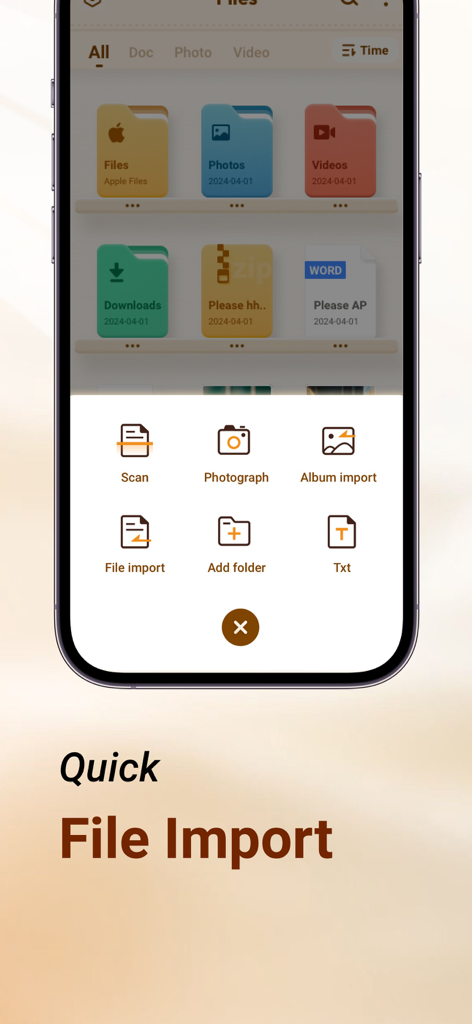
파일 또는 앨범 스캔, 촬영 및 가져오기 옵션이 있는 Space Cleaner 앱의 빠른 파일 가져오기 메뉴
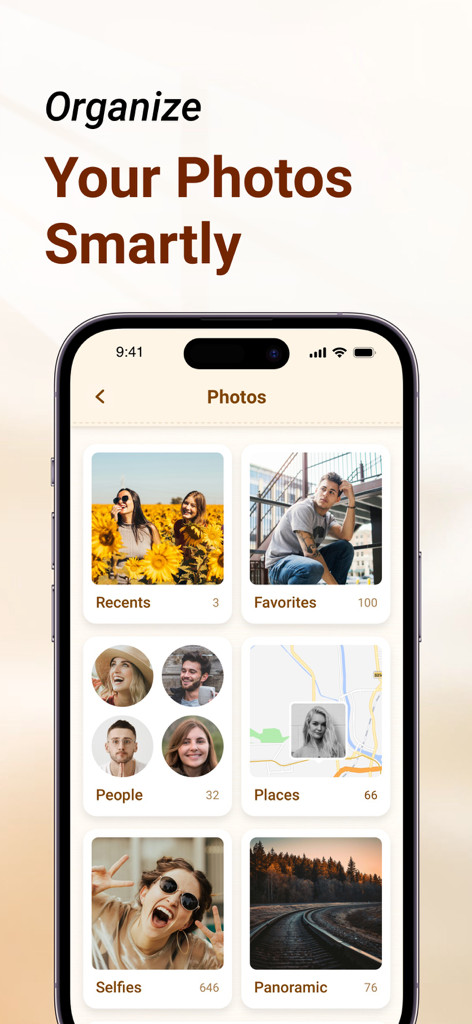
iPhone 앱 인터페이스, 즐겨찾기, 인물, 장소와 같은 스마트 범주로 정리된 사진 표시
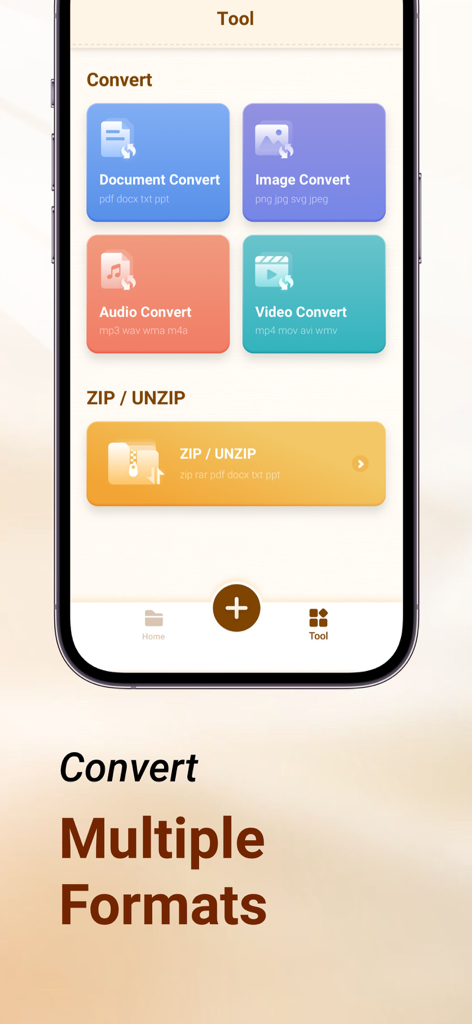
문서, 이미지, 오디오, 동영상 형식 변환 도구와 zip 및 unzip 기능이 포함된 Space Cleaner 앱 화면
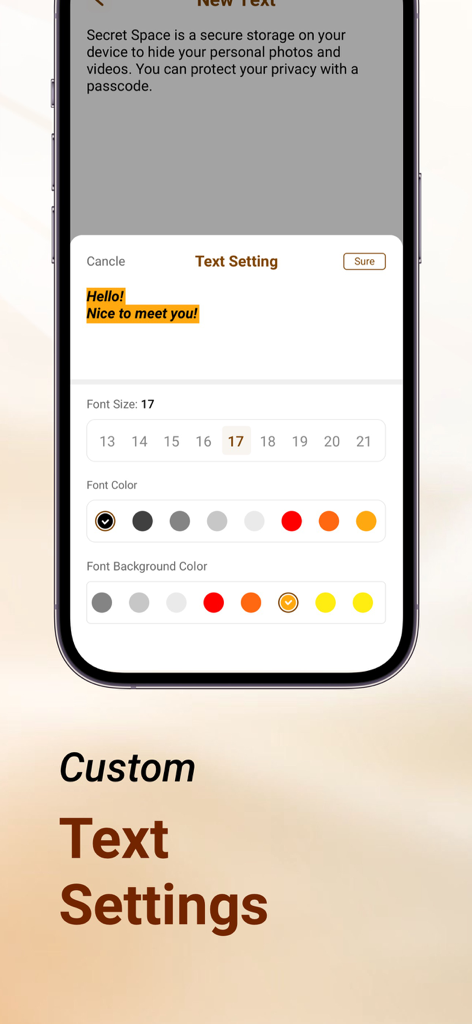
Space Cleaner 앱에서 텍스트 글꼴 크기 및 색상 사용자 지정을 위한 사용자 인터페이스
설명
Download
비슷한 앱
유사한 기능과 사용자 경험을 가진 앱

Clever Cleaner: AI CleanUp App
CleverFiles Inc.

Slidebox: Photo Cleaner App
Slidebox LLC

Photo Organizer: Picnic
Picnic Ventures Ltd

Super Smart Cleaner
VIBE WITH ME LTD

Boost Cleaner -Clean Up Smart°
AEGIS SOLUTIONS PRIVATE LIMITED

Cleanup: Phone Storage Cleaner
DEEP FLOW SOFTWARE SERVICES - FZCO

Cleaner Guru: Clean Up Storage
GM UniverseApps Limited

AI Cleaner: Clean Up Storage
GRIMLAX TRADE,S.L.

Photo Cleaner: Swipewipe
MWM
이 페이지는 앱이나 개발자의 공식 페이지가 아니며, 정보 제공 및 논평을 목적으로 작성된 독립 편집 간행물입니다. 명시적으로 달리 언급되지 않는 한, 해당 앱이나 개발자는 MWM, Apple, Google Play, 앱 퍼블리셔 또는 앱 개발자와 제휴, 보증, 후원, 승인 또는 공식적으로 연결되어 있지 않으며, 이 페이지의 어떤 내용도 해당 앱이 MWM의 서비스를 사용하여 개발되었음을 의미하지 않습니다. 모든 상표, 로고, 스크린샷 및 기타 콘텐츠는 해당 소유자의 자산입니다.