SUPER CHESS BOARD
SUPER CHESS BOARD
다운로드: App Store

이 페이지는 앱이나 개발자의 공식 페이지가 아니며, 정보 제공 및 논평을 목적으로 작성된 독립 편집 간행물입니다. 명시적으로 달리 언급되지 않는 한, 해당 앱이나 개발자는 MWM, Apple, Google Play, 앱 퍼블리셔 또는 앱 개발자와 제휴, 보증, 후원, 승인 또는 공식적으로 연결되어 있지 않으며, 이 페이지의 어떤 내용도 해당 앱이 MWM의 서비스를 사용하여 개발되었음을 의미하지 않습니다. 모든 상표, 로고, 스크린샷 및 기타 콘텐츠는 해당 소유자의 자산입니다.


로고: SUPER CHESS BOARD
다운로드: App Store

SUPER CHESS BOARD

진지한 학습자를 위한 최고의 툴킷: 사용자 지정 PGN을 생성하고, 복잡한 변형을 시각화하고, 전용 훈련 모드를 사용하여 오프닝 레퍼토리를 완벽하게 만드세요.

주요 수치

다운로드

34K+

사용자 평점

3.7/5

총 평가 수

0

개발사

丽娜 夏

카테고리

Sports

지원 언어

2

최신 버전

21.0

크기

13.9 MB

출시일

2017년 8월 21일
기능

고급 분석 도구로 게임을 마스터하세요

심층 분석, 토너먼트 준비 및 레퍼토리 구축을 위해 설계된 전문가 수준의 PGN 엔진으로 체스 학습을 혁신하세요.

고급 PGN 생성

토너먼트 스코어시트를 디지털화하고 변형, 수 주석 및 상세한 댓글을 완벽하게 지원하여 사용자 지정 라이브러리를 구축하세요.

정밀 훈련 모드

가져온 PGN 파일을 상대로 지식을 테스트하여 전술 기억력을 향상시키고 오프닝 레퍼토리를 마스터하세요.

다음 스크린샷과 설명은 앱의 공식 스토어 목록에서 직접 가져온 것이며 앱 개발자의 자산입니다.

앱 스토어

스크린샷
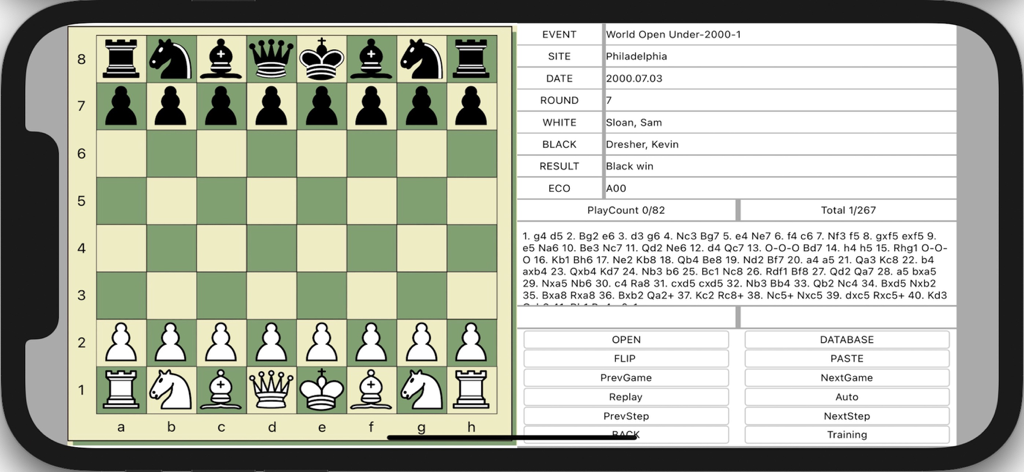
SUPER CHESS BOARD - Super Chess Board 앱 인터페이스에 체스 보드와 PGN 표기법 및 게임 분석 컨트롤이 표시됨
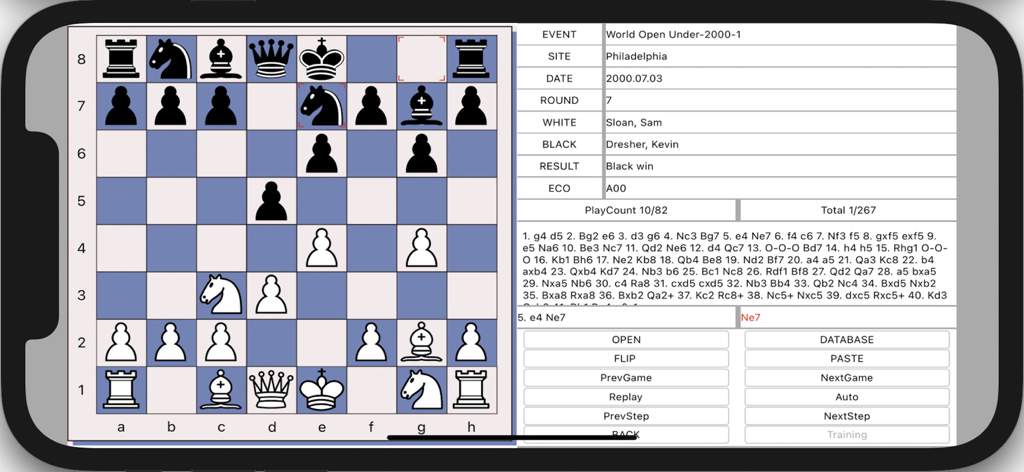
Super Chess Board 앱 인터페이스에 체스 보드와 PGN 표기법 및 게임 분석 컨트롤이 표시됨

SUPER CHESS BOARD - Super Chess Board 앱 인터페이스에 PGN 표기법 및 제어 버튼이 있는 체스 경기가 표시됨
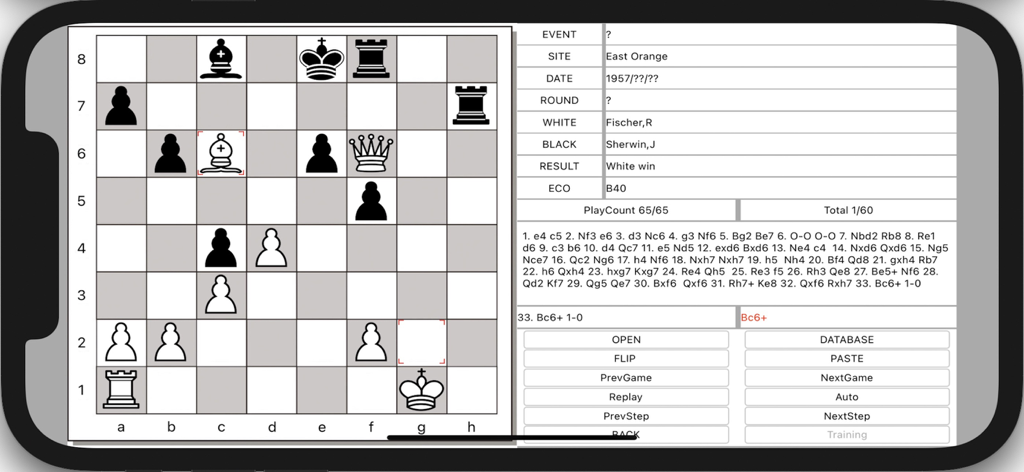
Super Chess Board 앱 인터페이스에 PGN 표기법 및 제어 버튼이 있는 체스 경기가 표시됨

SUPER CHESS BOARD - SUPER CHESS BOARD 앱이 체스 게임 분석 및 PGN 수 표기법을 표시함
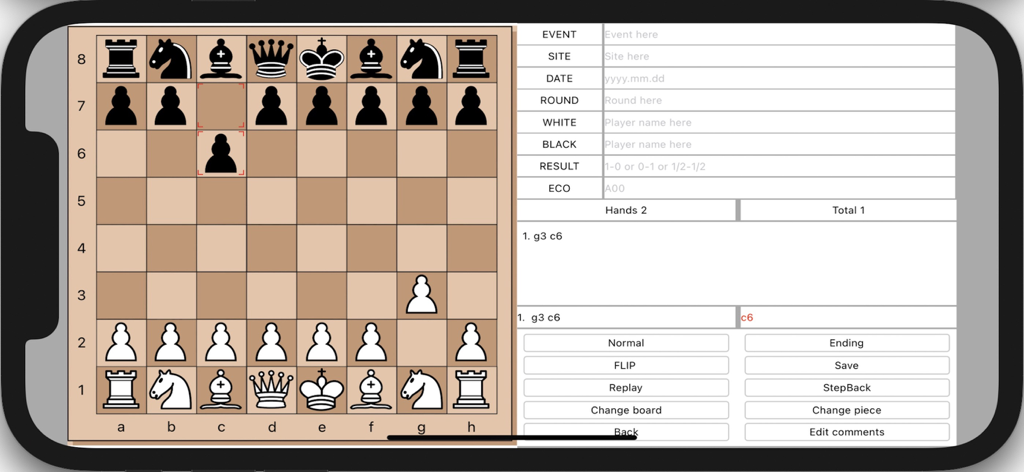
SUPER CHESS BOARD 앱이 체스 게임 분석 및 PGN 수 표기법을 표시함

SUPER CHESS BOARD - SUPER CHESS BOARD 앱의 인터페이스에 체스 보드와 게임 표기법 및 메타데이터 필드가 표시됨

SUPER CHESS BOARD 앱의 인터페이스에 체스 보드와 게임 표기법 및 메타데이터 필드가 표시됨

설명

SUPER CHESS BOARD, iPGNViewer & Maker is a iOS application which allows to view and create PGN format chess games and visualizes moves from its notation. It has training mode. You can play on the board, you can create and save your own chess PGN files with PGN Maker. App can Show comments if the PGN file including comments, and Insert comments when you create PGN file. App can insert and open the variations of other moves. This app helps in the reviewing of openings that you import into it. And then you can use training mode to test your memory. You can add your chess PGN files to iPGNViewer's documents, then use iPGNViewer to open those files and visualizes chess moves. How to load local PGN file to your iPhone/iPad (1) First, connecting your device t your iMac, (2) If your macOS is earlier than Catalina, Open iTunes, click file sharing find the app, add your playlist to its file share document. (3) If your macOS is Catalina or Big Sur or later, use Finder, you can drag your playlist to app’s file share document. Features 1) Multiple games per PGN file. 2) Displaying PGN Game Contents. 3) Visualizing Chess Moves From Notation. 4) Training Mode. 5) Flip board and change board color. 6) Paste Move History string into the textview, then visualizes moves, and save the string. 7) Create and save your own chess PGN files. 8) Support edit chess position for middle or ending game when you play on the board. 9) Show comments if the PGN file including comments. 10) Insert comments when you create PGN file. 11) App includes thousands of game collection. 12) Insert and Open the variations of other moves. After more than 10 thousands of chess PGN file test, the App (version 7.5 and later) can read most of those PGN files normally. And if you find some issues in reading PGN file, please send the PGN file to me by email, I will try to fix the bug.

Download

다운로드: App Store

이 페이지는 앱이나 개발자의 공식 페이지가 아니며, 정보 제공 및 논평을 목적으로 작성된 독립 편집 간행물입니다. 명시적으로 달리 언급되지 않는 한, 해당 앱이나 개발자는 MWM, Apple, Google Play, 앱 퍼블리셔 또는 앱 개발자와 제휴, 보증, 후원, 승인 또는 공식적으로 연결되어 있지 않으며, 이 페이지의 어떤 내용도 해당 앱이 MWM의 서비스를 사용하여 개발되었음을 의미하지 않습니다. 모든 상표, 로고, 스크린샷 및 기타 콘텐츠는 해당 소유자의 자산입니다.








