Talking Bible for The Blind
다운로드: App Store

이 페이지는 앱이나 개발자의 공식 페이지가 아니며, 정보 제공 및 논평을 목적으로 작성된 독립 편집 간행물입니다. 명시적으로 달리 언급되지 않는 한, 해당 앱이나 개발자는 MWM, Apple, Google Play, 앱 퍼블리셔 또는 앱 개발자와 제휴, 보증, 후원, 승인 또는 공식적으로 연결되어 있지 않으며, 이 페이지의 어떤 내용도 해당 앱이 MWM의 서비스를 사용하여 개발되었음을 의미하지 않습니다. 모든 상표, 로고, 스크린샷 및 기타 콘텐츠는 해당 소유자의 자산입니다.


로고: Talking Bible for The Blind
다운로드: App Store

Talking Bible for The Blind

시각 장애인과 노인을 위해 특별히 설계된 이 대화형 앱을 사용하면 탭하고 말하기만 하면 어떤 구절이든 들을 수 있고 주제별로 검색할 수 있습니다. 시력 없이도 영적인 독립을 되찾고 하나님의 말씀과 계속 연결되세요.

주요 수치

다운로드

600

사용자 평점

1.0/5

총 평가 수

0

개발사

Bernard Simmons

카테고리

Reference

지원 언어

1

최신 버전

4.11

크기

106.5 MB

출시일

2024년 2월 17일
기능

음성으로 경전을 재발견하세요

시각 장애인을 위해 특별히 설계된 저희 대화형 기술은 작은 글자의 장벽을 제거하여 간단한 핸즈프리 대화를 통해 하나님의 말씀에 참여할 수 있도록 합니다.

음성 활성화 탐색

'요한복음 3장 16절'과 같이 화면을 탭하고 구절을 말하기만 하면 됩니다. 앱이 듣고 즉시 다시 읽어주므로 탐색이 쉽고 독립적입니다.

마음으로 검색

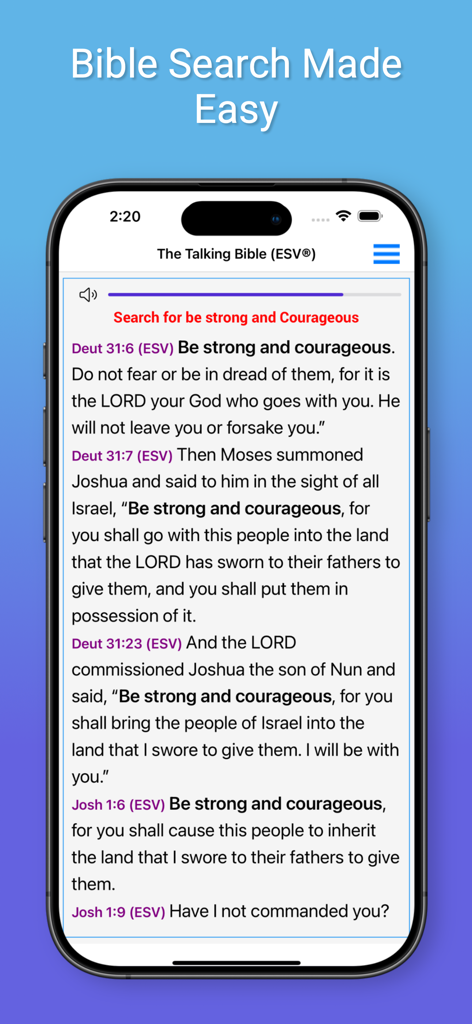
특정 주제를 검색하여 몇 초 안에 위안을 얻으세요. '평화를 위한 검색' 또는 '희망을 위한 검색'이라고 말하면 구약과 신약 전체에서 관련 구절을 모두 들을 수 있습니다.

다음 스크린샷과 설명은 앱의 공식 스토어 목록에서 직접 가져온 것이며 앱 개발자의 자산입니다.

앱 스토어

스크린샷
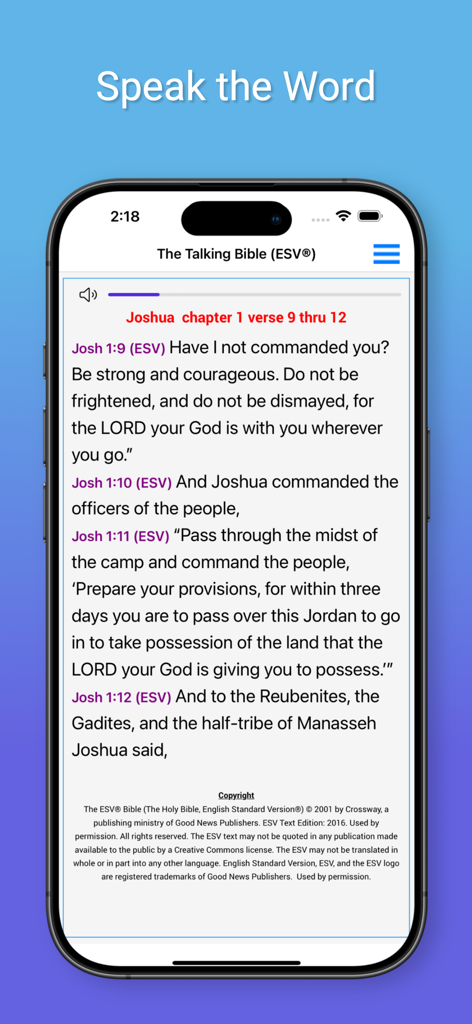
Talking Bible for The Blind - 아이폰 화면에 영어 표준 버전 성경 구절이 표시된 시각 장애인을 위한 음성 성경 앱 인터페이스
아이폰 화면에 영어 표준 버전 성경 구절이 표시된 시각 장애인을 위한 음성 성경 앱 인터페이스

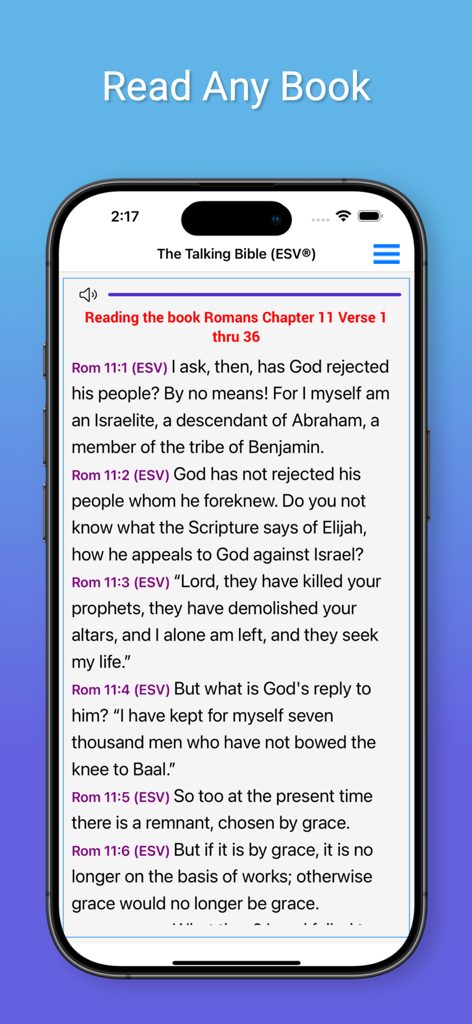
Talking Bible for The Blind - ESV 번역으로 로마서 11장을 읽고 있는 시각 장애인을 위한 음성 성경 앱을 보여주는 스마트폰 화면
ESV 번역으로 로마서 11장을 읽고 있는 시각 장애인을 위한 음성 성경 앱을 보여주는 스마트폰 화면

Talking Bible for The Blind - 강하고 담대하라는 성경 구절 검색 결과가 표시된 아이폰의 시각 장애인을 위한 음성 성경 앱 인터페이스
강하고 담대하라는 성경 구절 검색 결과가 표시된 아이폰의 시각 장애인을 위한 음성 성경 앱 인터페이스

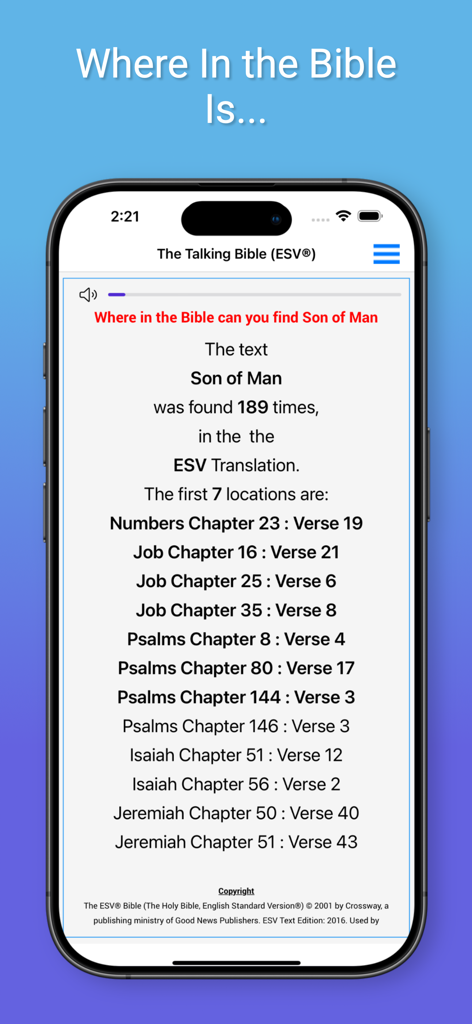
Talking Bible for The Blind - 시각 장애인을 위한 음성 성경 앱에서 '인자'라는 구절에 대한 검색 결과가 표시된 아이폰 화면
시각 장애인을 위한 음성 성경 앱에서 '인자'라는 구절에 대한 검색 결과가 표시된 아이폰 화면

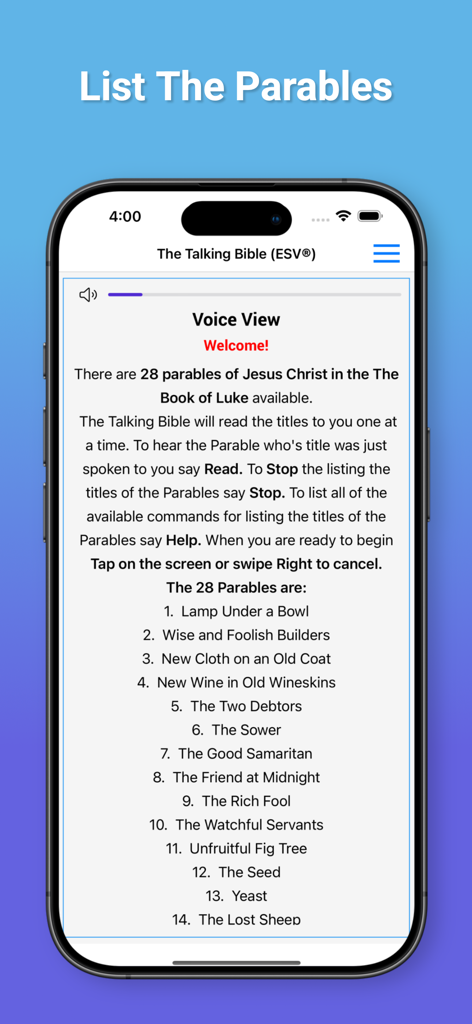
Talking Bible for The Blind - 누가복음의 비유 목록을 보여주는 시각 장애인을 위한 음성 성경 앱 인터페이스
누가복음의 비유 목록을 보여주는 시각 장애인을 위한 음성 성경 앱 인터페이스

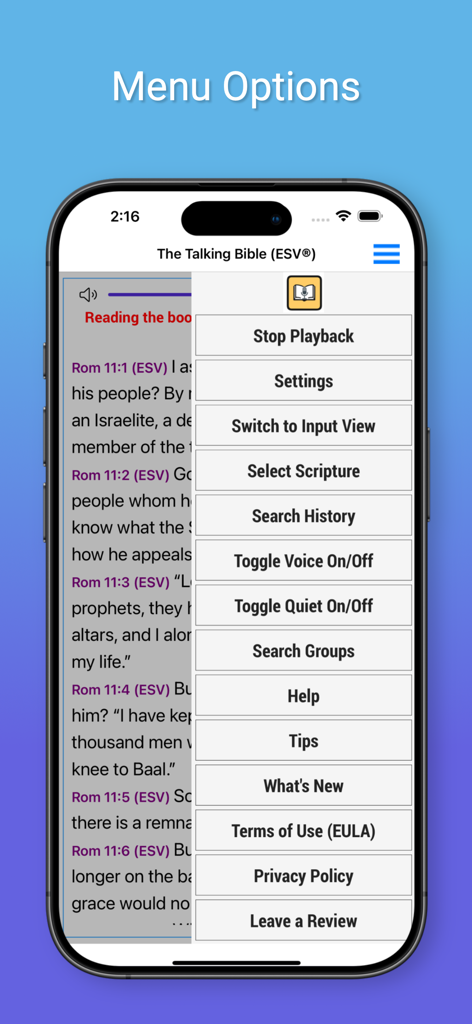
Talking Bible for The Blind - 액세스 가능한 탐색 기능을 보여주는 시각 장애인을 위한 음성 성경 앱의 메뉴 옵션
액세스 가능한 탐색 기능을 보여주는 시각 장애인을 위한 음성 성경 앱의 메뉴 옵션

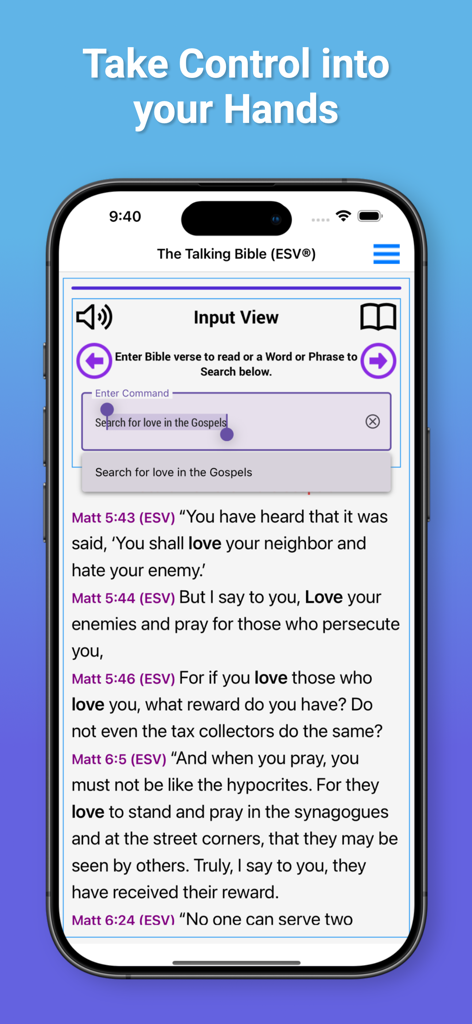
Talking Bible for The Blind - 복음서에서 사랑이라는 단어에 대한 검색 결과를 보여주는 시각 장애인을 위한 음성 성경 앱 검색 인터페이스

복음서에서 사랑이라는 단어에 대한 검색 결과를 보여주는 시각 장애인을 위한 음성 성경 앱 검색 인터페이스

설명

Finally an Interactive Bible App that uses Speech Recognization to allow the visually impaired to ask the app to read Bible Passages and to search the Bible for topics of interest. Welcome to The Interactive Talking Bible "The Talking Bible" is specifically designed for the visually impaired. You speak the desired scripture and "The Talking Bible" reads them back to the you!. Usage: Just Tap on the screen and The Talking Bible will listen for your command. The commands will allow you to: 1. Read any scripture 2. Search the Bible 3. Repeat your last command: 4. Change the Bible Translation 5. Stop Continuous listening 6. Stop Voice Playback 7. Read the help file 8. Pause or Stop Reading To Read any Scriptures: Just Tap on the screen and say 'John Chapter 3 verse 16' and it will be read to you. To Search the Bible: Just Tap on the screen and say 'Search for Love' and all of the scriptures in the Bible containing the word 'Love' will be read to you. To Search just in a book of the Bible: Just Tap on the screen and say: 'Search for Love in the book of John' and all of the scriptures in the book of John containing the word 'Love' will be read to you. You can also search: The New Testament The Old Testament The Gospels The Torah To Repeat your last command: Just Tap on the screen and say 'Repeat' And your last command will be repeated! Bible Translations: The English Standard Version (ESV®) and the King James Version (KJV) are available. To switch translations: Just Tap on the screen say: 'Use ESV' for the English Standard Version® or 'Use KJV' for the King James Version Stop Voice Playback You can turn off the Voice playback that reads the scriptures and responds by just Tap on the screen and sayingVoice Off. When operating with 'Voice Off' The Talking Bible will operate the same as when Voice is On. To turn the Voice playback on, just Tap on the screen and say 'Voice On'. Read the help file: To have the detailed operating instruction read to you, just Tap on the screen and say ‘Help’ and the detailed instructions for using this app will be read to you. Pause or Stop Reading: To Pause a scripture that is being read to you, Press on the screen to pause the scripture reading. To Continue, Press on the screen again. Lastly, To Stop the reading, 'Swipe your finger to the right' to Stop the scripture reading.

Download

다운로드: App Store

이 페이지는 앱이나 개발자의 공식 페이지가 아니며, 정보 제공 및 논평을 목적으로 작성된 독립 편집 간행물입니다. 명시적으로 달리 언급되지 않는 한, 해당 앱이나 개발자는 MWM, Apple, Google Play, 앱 퍼블리셔 또는 앱 개발자와 제휴, 보증, 후원, 승인 또는 공식적으로 연결되어 있지 않으며, 이 페이지의 어떤 내용도 해당 앱이 MWM의 서비스를 사용하여 개발되었음을 의미하지 않습니다. 모든 상표, 로고, 스크린샷 및 기타 콘텐츠는 해당 소유자의 자산입니다.







