Tempi: BPM Counter & Detector
다운로드: App Store

이 페이지는 앱이나 개발자의 공식 페이지가 아니며, 정보 제공 및 논평을 목적으로 작성된 독립 편집 간행물입니다. 명시적으로 달리 언급되지 않는 한, 해당 앱이나 개발자는 MWM, Apple, Google Play, 앱 퍼블리셔 또는 앱 개발자와 제휴, 보증, 후원, 승인 또는 공식적으로 연결되어 있지 않으며, 이 페이지의 어떤 내용도 해당 앱이 MWM의 서비스를 사용하여 개발되었음을 의미하지 않습니다. 모든 상표, 로고, 스크린샷 및 기타 콘텐츠는 해당 소유자의 자산입니다.


로고: Tempi: BPM Counter & Detector
다운로드: App Store

Tempi: BPM Counter & Detector

연주하는 동안 듣는 "역 메트로놈". 즉각적인 BPM 피드백을 받고, 템포 드리프트를 제거하며, 밴드가 완벽한 조화를 이루도록 연주를 분석하세요.

주요 수치

다운로드

24K+

사용자 평점

4.7/5

총 평가 수

400

개발사

Made by Windmill, LLC

카테고리

Music

지원 언어

1

최신 버전

2.8

크기

3.3 MB

출시일

2017년 8월 17일
기능

타이밍을 마스터하고 연주를 완벽하게 만드세요

추측을 멈추고 성장을 시작하세요. Tempi는 아이폰 또는 아이패드를 고정밀 BPM 모니터로 바꿔, 혼자 연습하든 풀 밴드와 함께 공연하든 모든 비트를 추적합니다.

실시간 템포 피드백

온 밴드가 방 건너편에서 볼 수 있는 실시간 시각적 BPM 디스플레이로 박자를 유지하세요. 시끄러운 리허설 공간에 완벽합니다.

템포 드리프트 분석

데이터로 리허설 논쟁을 해결하세요. 세션 녹음을 검토하여 언제 급하게 연주했는지 또는 끌었는지 정확히 파악하여 리듬 불일치를 제거하세요.

다음 스크린샷과 설명은 앱의 공식 스토어 목록에서 직접 가져온 것이며 앱 개발자의 자산입니다.

앱 스토어

스크린샷
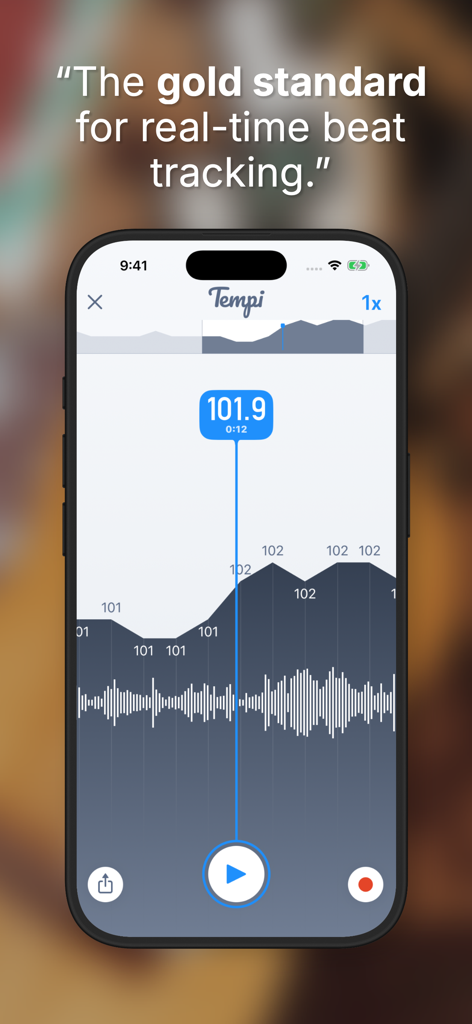
Tempi: BPM Counter & Detector - 실시간 BPM 카운터 101.9와 템포 드리프트 그래프를 표시하는 Tempi 앱 인터페이스의 아이폰 화면
실시간 BPM 카운터 101.9와 템포 드리프트 그래프를 표시하는 Tempi 앱 인터페이스의 아이폰 화면

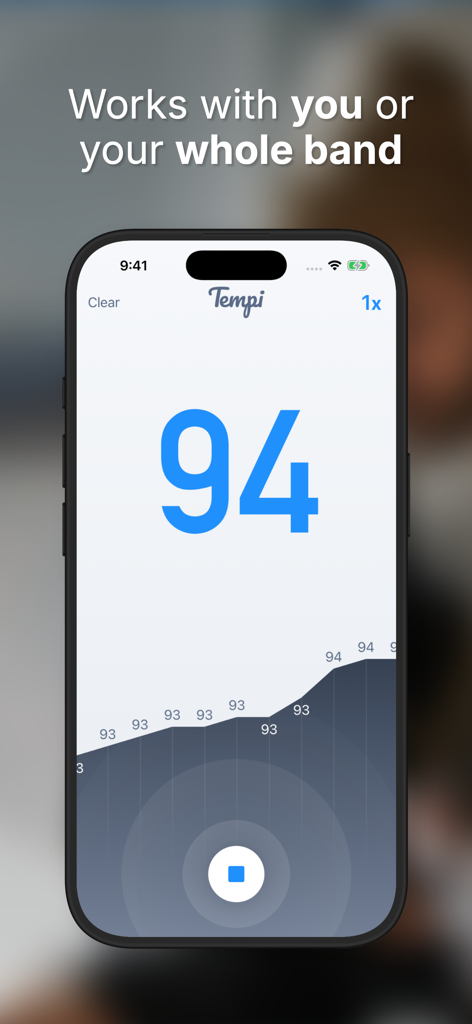
Tempi: BPM Counter & Detector - 94 BPM의 감지된 템포와 연주 그래프를 보여주는 Tempi 앱 인터페이스
94 BPM의 감지된 템포와 연주 그래프를 보여주는 Tempi 앱 인터페이스

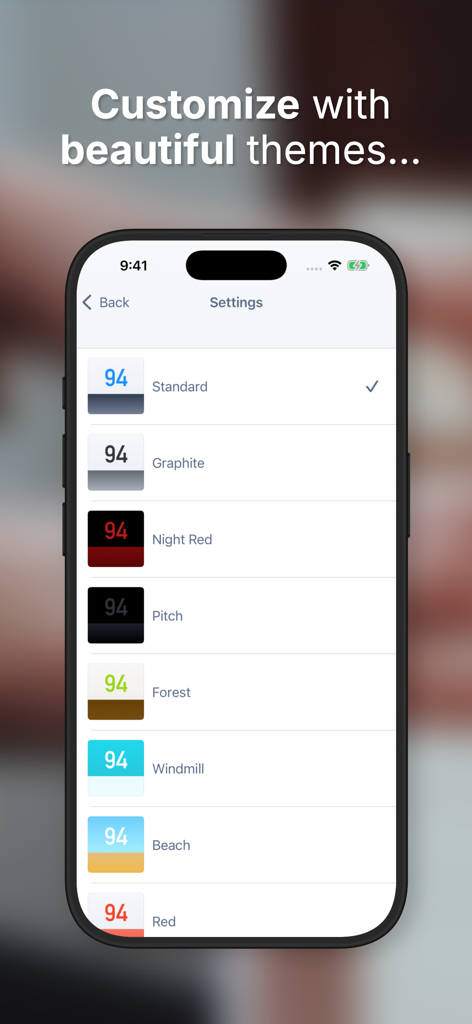
Tempi: BPM Counter & Detector - BPM 디스플레이의 색상 테마 옵션 목록을 보여주는 Tempi 앱의 설정 화면.
BPM 디스플레이의 색상 테마 옵션 목록을 보여주는 Tempi 앱의 설정 화면.

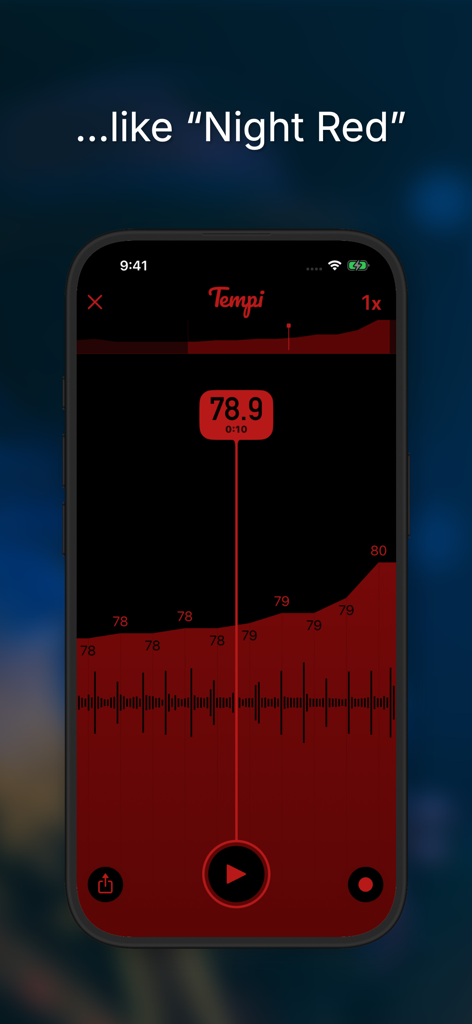
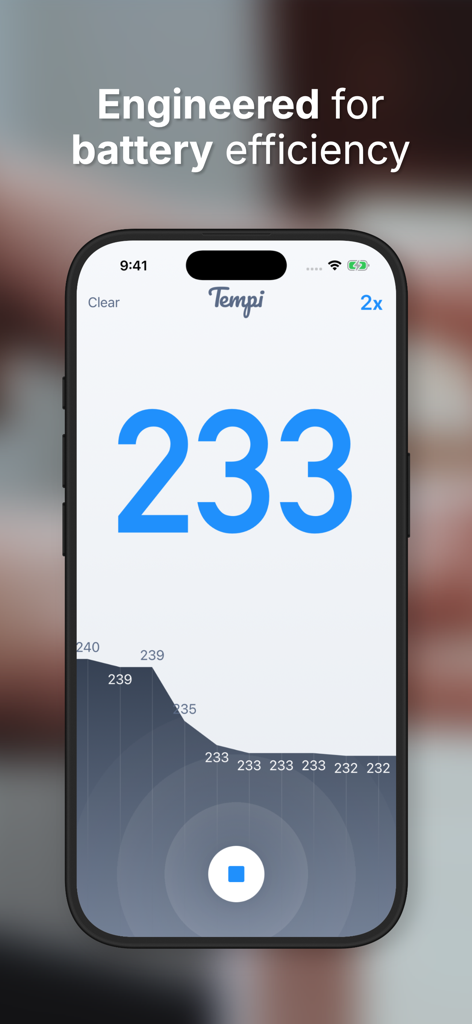
Tempi: BPM Counter & Detector - 실시간 템포 분석을 보여주는 나이트 레드 모드의 Tempi BPM 카운터 앱 인터페이스.
실시간 템포 분석을 보여주는 나이트 레드 모드의 Tempi BPM 카운터 앱 인터페이스.

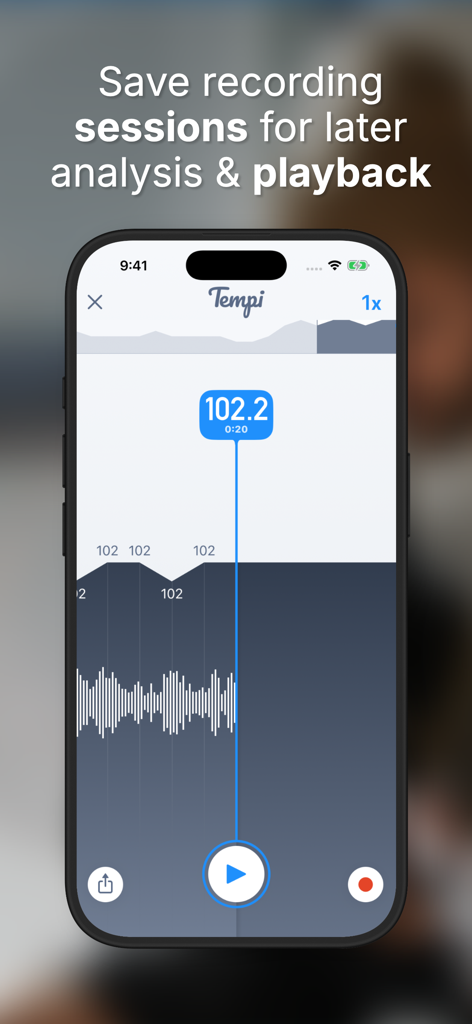
Tempi: BPM Counter & Detector - 실시간 BPM 데이터와 템포 분석 그래프가 포함된 녹화된 세션을 보여주는 Tempi 앱 인터페이스.
실시간 BPM 데이터와 템포 분석 그래프가 포함된 녹화된 세션을 보여주는 Tempi 앱 인터페이스.

Tempi: BPM Counter & Detector - 실시간 BPM 카운터와 템포 기록 그래프를 보여주는 Tempi 앱 인터페이스
실시간 BPM 카운터와 템포 기록 그래프를 보여주는 Tempi 앱 인터페이스

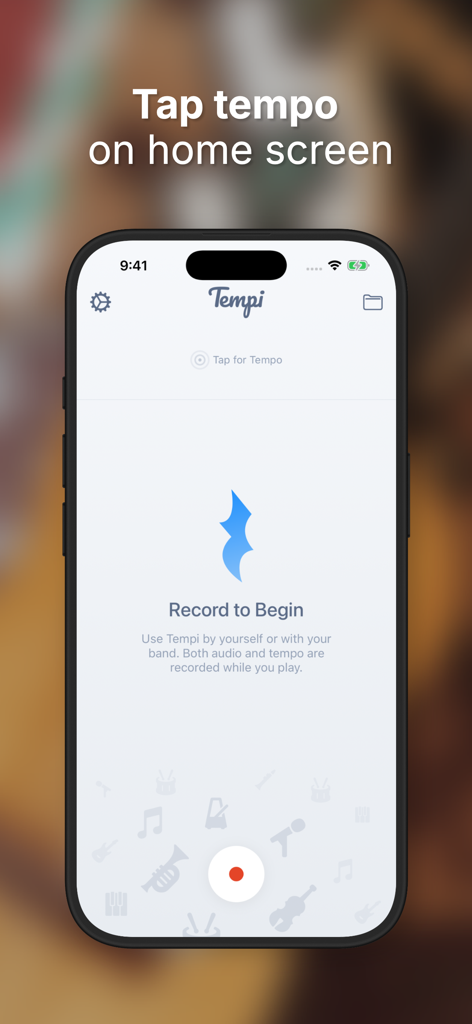
Tempi: BPM Counter & Detector - 음악가를 위한 탭 템포 기능과 녹음 버튼을 보여주는 Tempi 앱 홈 화면.
음악가를 위한 탭 템포 기능과 녹음 버튼을 보여주는 Tempi 앱 홈 화면.

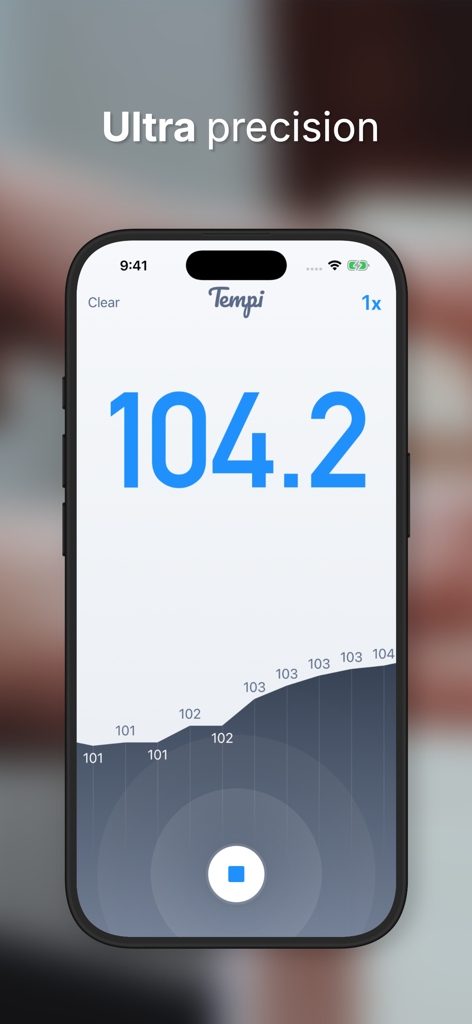
Tempi: BPM Counter & Detector - 템포 기록 그래프와 함께 104.2의 정확한 실시간 BPM 판독값을 보여주는 Tempi 앱 스크린샷.

템포 기록 그래프와 함께 104.2의 정확한 실시간 BPM 판독값을 보여주는 Tempi 앱 스크린샷.

설명

Tempi is the fastest and most accurate real-time beat detection app available. It measures you and your entire band’s tempo live, while you play, and lets you analyze the performance when you’re done. It's like a reverse metronome. * Tempi listens while you (or your entire band) play. * Tempi reports the BPM (beats per minute) of your performance in real time with remarkable accuracy. * When you’re done, Tempi lets you analyze the recording so that problem areas can be pinpointed and improved. * Use Tap for Tempo to quickly get a BPM reading at any time. * Switch themes for easy nighttime use or just to suit your style. * Recording sessions can be saved for later analysis. * Export the audio recording of your performance to keep or share with others. HOW TO USE In a band setting, place the iPhone or iPad in a position where the entire band can see it so everyone will know when the band is speeding up or slowing down. When you’re done playing the song, press the stop button to analyze the performance. You can scroll through the entire song, isolate where the tempo sped up or slowed down, and play back the song to get an idea of what went wrong. Tempi is great for individual practice too. Use it instead of a metronome while practicing to pinpoint problem areas in a piece of music that you’re learning. If you can play through an entire song with the tempo only changing by 1 or 2 BPMs, you’ve arrived :-) Tempi works best when there’s a distinct “pulse” to the song, like a kick drum/snare or a repeating chord, and assumes the player is trying to play at a consistent tempo. With less structured music it still does quite well but may occasionally report incorrect tempos. If your song is very fast or very slow, tap the button at the top right to toggle between 1/2x, 1x, and 2x tempos.

Download

다운로드: App Store

이 페이지는 앱이나 개발자의 공식 페이지가 아니며, 정보 제공 및 논평을 목적으로 작성된 독립 편집 간행물입니다. 명시적으로 달리 언급되지 않는 한, 해당 앱이나 개발자는 MWM, Apple, Google Play, 앱 퍼블리셔 또는 앱 개발자와 제휴, 보증, 후원, 승인 또는 공식적으로 연결되어 있지 않으며, 이 페이지의 어떤 내용도 해당 앱이 MWM의 서비스를 사용하여 개발되었음을 의미하지 않습니다. 모든 상표, 로고, 스크린샷 및 기타 콘텐츠는 해당 소유자의 자산입니다.







