TV Remote - Universal Remote
다운로드: App Store

이 페이지는 앱이나 개발자의 공식 페이지가 아니며, 정보 제공 및 논평을 목적으로 작성된 독립 편집 간행물입니다. 명시적으로 달리 언급되지 않는 한, 해당 앱이나 개발자는 MWM, Apple, Google Play, 앱 퍼블리셔 또는 앱 개발자와 제휴, 보증, 후원, 승인 또는 공식적으로 연결되어 있지 않으며, 이 페이지의 어떤 내용도 해당 앱이 MWM의 서비스를 사용하여 개발되었음을 의미하지 않습니다. 모든 상표, 로고, 스크린샷 및 기타 콘텐츠는 해당 소유자의 자산입니다.

로고: TV Remote - Universal Remote
다운로드: App Store

TV Remote - Universal Remote

물리적인 리모컨은 잊고 거실을 되찾으세요. 모든 Apple 기기에서 Siri, 라이브 활동, 전체 키보드를 통해 끊김 없는 제어를 경험하세요.

주요 수치

다운로드

151K+

사용자 평점

4.3/5

총 평가 수

800

개발사

Adam Foot

카테고리

Entertainment

지원 언어

14

최신 버전

4.0.3

크기

116.9 MB

출시일

2020년 11월 22일
기능

TV를 제어하는 가장 스마트한 방법

Apple 생태계를 위해 독점적으로 제작된 강력하고 사용자 정의 가능한 통합 리모컨으로 커피 테이블의 복잡함을 제거하세요.

전체 키보드로 더 빠르게 검색

한 번에 한 글자씩 화살표 키를 클릭하는 것을 멈추세요. 아이폰을 사용하여 영화 제목과 비밀번호를 즉시 입력하세요.

잠금 해제 없이 제어

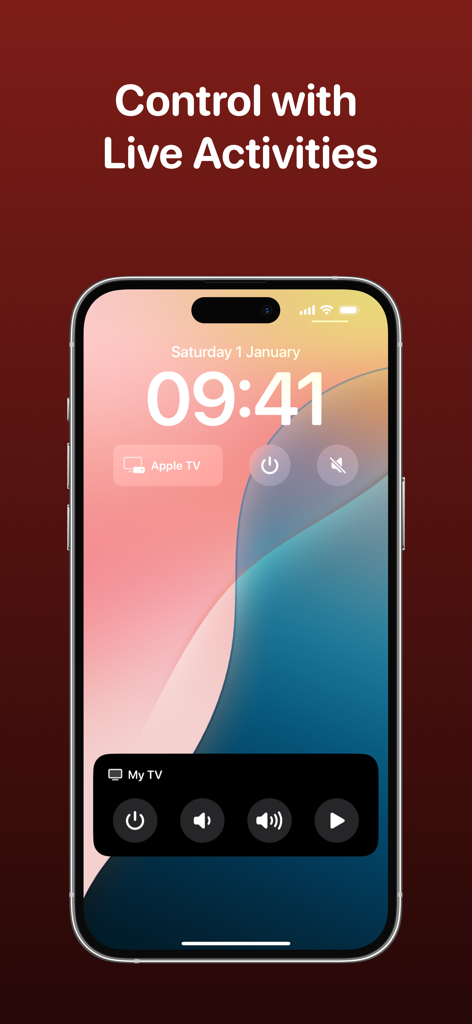
라이브 활동을 사용하여 잠금 화면, Dynamic Island 또는 Apple Watch에서 직접 볼륨 및 채널 제어에 액세스하세요.

다음 스크린샷과 설명은 앱의 공식 스토어 목록에서 직접 가져온 것이며 앱 개발자의 자산입니다.

앱 스토어

스크린샷
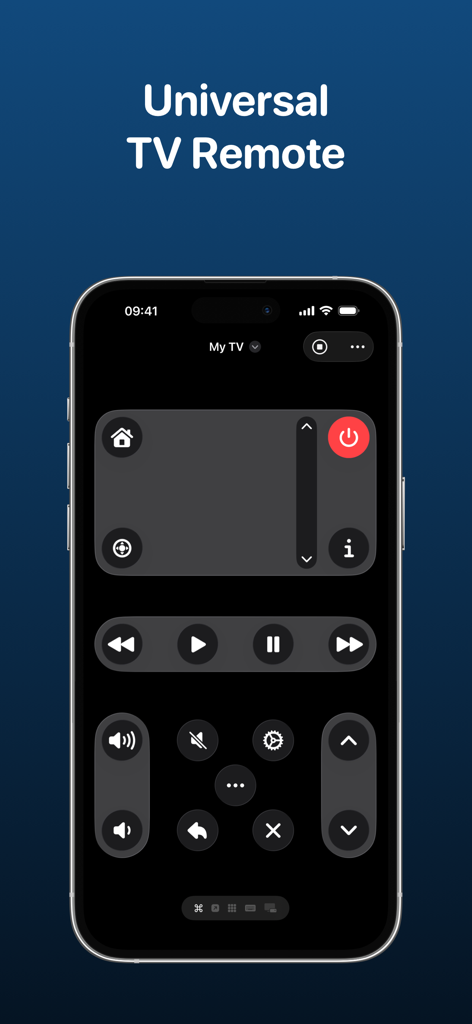
TV Remote - Universal Remote - 어두운 모드 컨트롤과 사용자 정의 버튼 레이아웃을 표시하는 아이폰의 통합 TV 리모컨 앱 인터페이스.
어두운 모드 컨트롤과 사용자 정의 버튼 레이아웃을 표시하는 아이폰의 통합 TV 리모컨 앱 인터페이스.

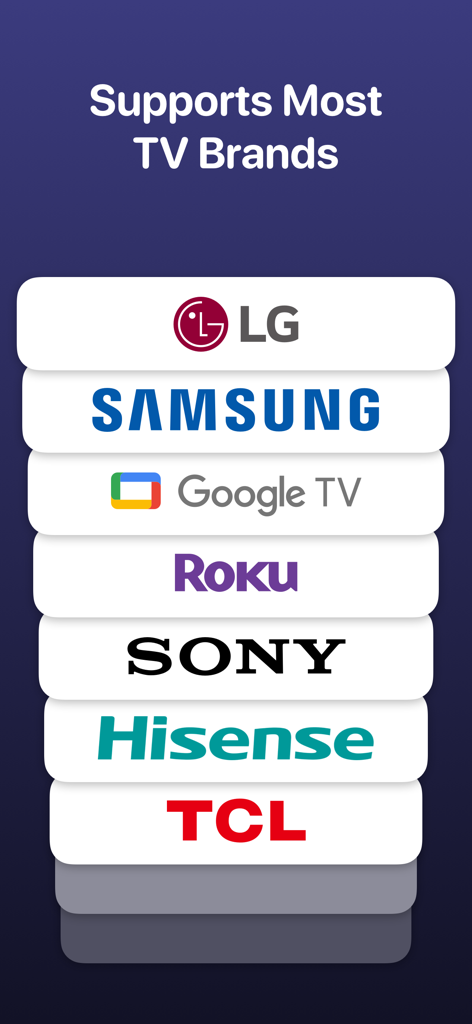
TV Remote - Universal Remote - LG, 삼성, 구글 TV, Roku, Sony, Hisense, TCL을 포함한 지원 TV 브랜드 목록.
LG, 삼성, 구글 TV, Roku, Sony, Hisense, TCL을 포함한 지원 TV 브랜드 목록.

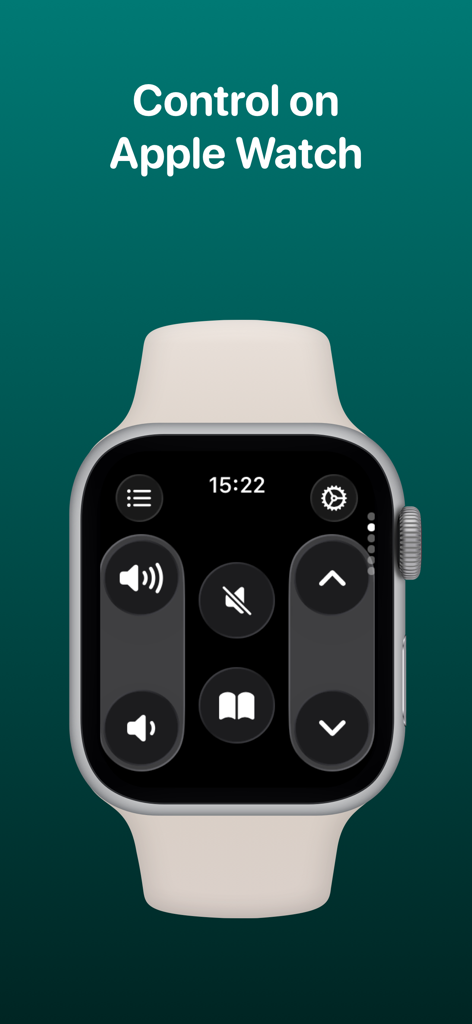
TV Remote - Universal Remote - 볼륨 및 탐색 컨트롤을 보여주는 Apple Watch에 표시된 TV 리모컨 앱 인터페이스
볼륨 및 탐색 컨트롤을 보여주는 Apple Watch에 표시된 TV 리모컨 앱 인터페이스

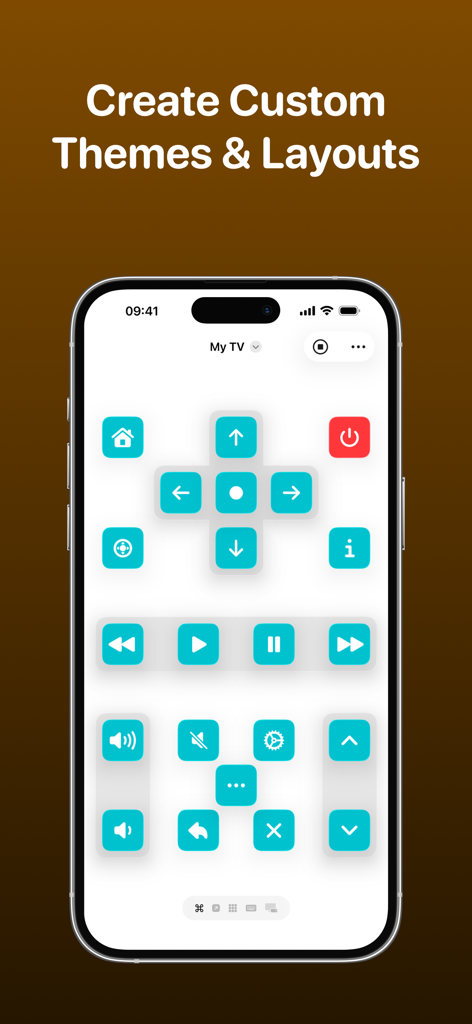
TV Remote - Universal Remote - 터키석 버튼과 개인화된 레이아웃이 있는 사용자 정의 TV 리모컨 인터페이스를 표시하는 스마트폰 화면.
터키석 버튼과 개인화된 레이아웃이 있는 사용자 정의 TV 리모컨 인터페이스를 표시하는 스마트폰 화면.

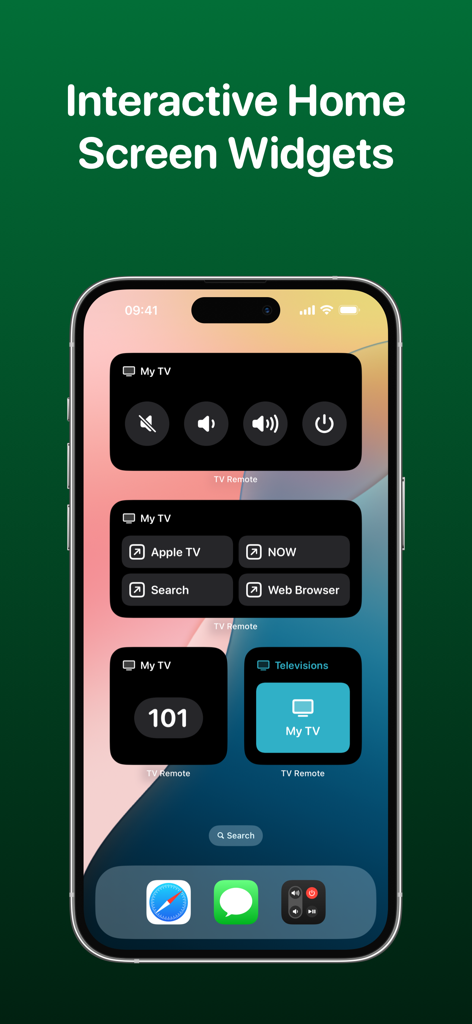
TV Remote - Universal Remote - 볼륨, 전원 및 앱 제어를 위한 대화형 TV 리모컨 위젯을 보여주는 아이폰 홈 화면
볼륨, 전원 및 앱 제어를 위한 대화형 TV 리모컨 위젯을 보여주는 아이폰 홈 화면

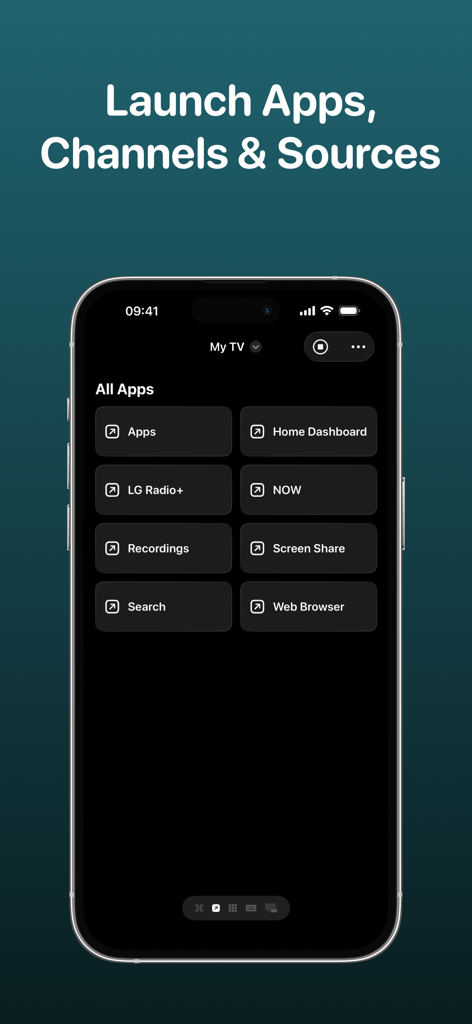
TV Remote - Universal Remote - 스마트 TV에서 앱, 채널, 소스를 실행하는 메뉴를 보여주는 TV 리모컨 앱 인터페이스
스마트 TV에서 앱, 채널, 소스를 실행하는 메뉴를 보여주는 TV 리모컨 앱 인터페이스

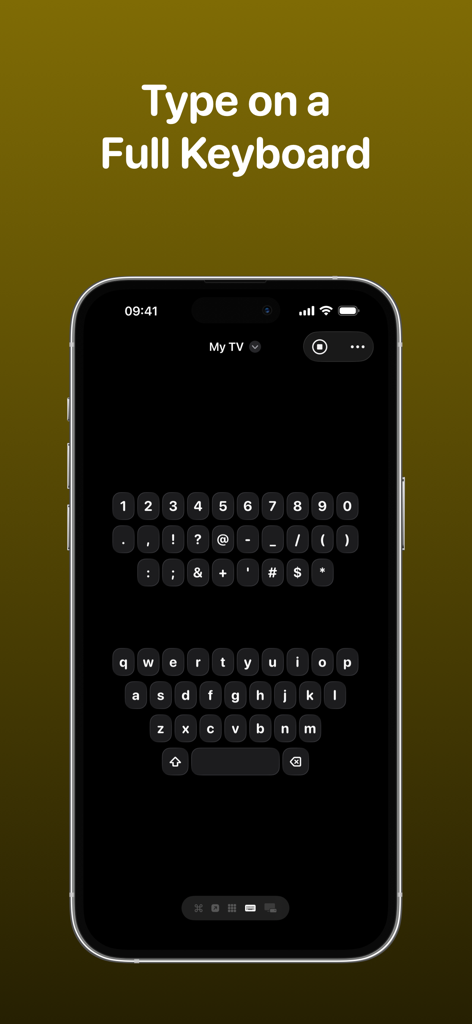
TV Remote - Universal Remote - 스마트 TV에 입력하기 위한 TV 리모컨 앱의 전체 QWERTY 키보드 인터페이스를 표시하는 아이폰 화면.
스마트 TV에 입력하기 위한 TV 리모컨 앱의 전체 QWERTY 키보드 인터페이스를 표시하는 아이폰 화면.

TV Remote - Universal Remote - TV 제어에 빠르게 액세스하기 위한 TV 리모컨 앱의 라이브 활동 및 위젯을 보여주는 아이폰 잠금 화면.
TV 제어에 빠르게 액세스하기 위한 TV 리모컨 앱의 라이브 활동 및 위젯을 보여주는 아이폰 잠금 화면.

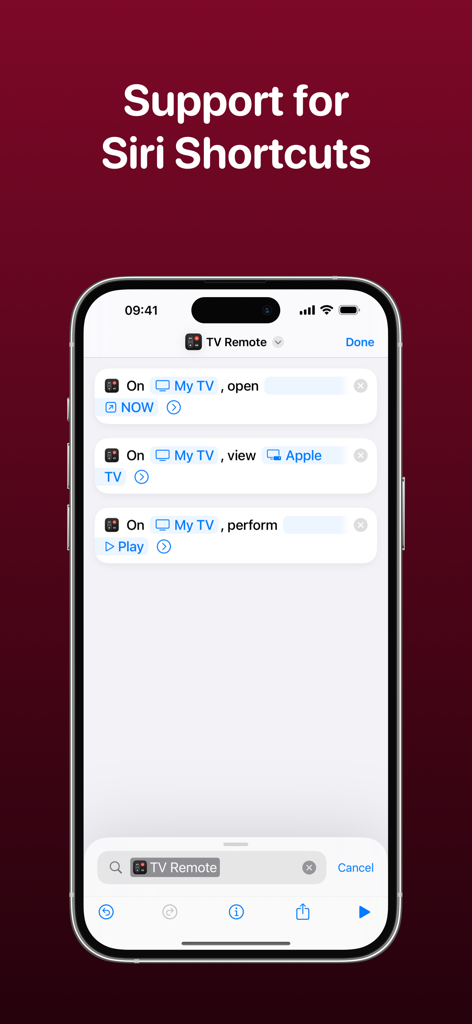
TV Remote - Universal Remote - 아이폰에서 Siri 단축어 통합을 보여주는 TV 리모컨 앱의 인터페이스

아이폰에서 Siri 단축어 통합을 보여주는 TV 리모컨 앱의 인터페이스

설명

Control your television using your iPhone, iPad, Apple Watch, Apple Vision Pro or HomePod with the TV Remote app. * As featured on 9to5Mac, MacRumors, MacStories, TechCrunch & more* TV Remote combines a beautiful and simple interface with advanced features that enable you to control your television without the need for a physical remote. Add all of your televisions to TV Remote and you’ll be able to customize the layout, apply themes and interact through Widgets and Siri Shortcuts. TV Remote contains these great features: UNIVERSAL REMOTE TV Remote supports many brands of TVs (see below) and makes it easy for you to setup each one in a single app. You’ll find the buttons you’re used to seeing and there’s even the ability to launch apps and switch sources too. INTERACTIVE WIDGETS Remote commands can be added to your Home Screen or Lock Screen for quick access to your remote when you need it. There’s supports for launching apps, sources and changing channels all from a Widget too and with Interactive Widgets, you won't even need to open the app! SIRI SHORTCUTS Without even opening the app, you’ll be able to perform commands, change channels, launch apps and more with the Siri Shortcuts integration! For example, you’ll be able to configure a string of commands together to change a specific setting on your TV without even lifting a finger. LIVE ACTIVITIES Get access to a set of configured commands on your Lock Screen or Dynamic Island that allows you to quickly change channels, adjust volume and much more - all without opening the app! CUSTOM LAYOUTS TV Remote gives you the ability to fully customize how you want the remote for each TV to look. Using a set of pre-configured layout components, you’ll be able to choose which buttons go where so you get the exact look you’re after. THEMES Gone are the days of a plain remote! With TV Remote, you can be bold and design the exact look and feel of your television remote - even down to the icon tint on a button, and whether buttons are round or square. Each television has its own theme and there are plenty of presets to choose from too. You can even lock the app to light/dark mode. KEYBOARD No need to use arrow keys to navigate round an on-screen keyboard. With TV Remote, you’ll have access to a full keyboard you can use to search for programmes and more! CHANNELS, APPS & SOURCES TV Remote will load the available channels, apps and sources available on your television and allow you to launch them with just a tap. WAKE FROM SLEEP TV Remote supports Wake-on-LAN to allow you to power on your television when it is asleep. TOUCHPAD Control your television using swipe gestures on a touchpad instead of the standard directional keypad for a more fluid experience. SYNCING TV Remote syncs with your iCloud account to allow you to access your TVs across all your devices. TV Remote supports televisions from these manufacturers and operating systems (+ many more!): - LG/webOS - Samsung/Tizen - Sony - Roku - Google Chromecast - NVIDIA SHIELD - Sky Q - TCL - Hitachi - Sharp - Hisense - Philips - Toshiba - JVC - Panasonic UNIVERSAL PURCHASE Get this app across multiple Apple platforms with a single purchase. Your TV Remote Premium subscription works across devices too. If you like this app, I’d really appreciate it if you could take the time to leave a positive review! Having issues? Please get in touch: Email: support@adamfoot.dev Website: https://adamfoot.dev Please note that a supported television is required to use the app and the manufacturers listed above are a guide only. A more comprehensive list can be found within the app settings where release dates and versions are listed too. Some features may require a TV Remote Premium subscription which can be purchased in the app. You can cancel at anytime. All brand names, copyrights and trademarks belong to the companies and not the TV Remote app. Terms: https://adamfoot.dev/terms-of-use

Download

다운로드: App Store

이 페이지는 앱이나 개발자의 공식 페이지가 아니며, 정보 제공 및 논평을 목적으로 작성된 독립 편집 간행물입니다. 명시적으로 달리 언급되지 않는 한, 해당 앱이나 개발자는 MWM, Apple, Google Play, 앱 퍼블리셔 또는 앱 개발자와 제휴, 보증, 후원, 승인 또는 공식적으로 연결되어 있지 않으며, 이 페이지의 어떤 내용도 해당 앱이 MWM의 서비스를 사용하여 개발되었음을 의미하지 않습니다. 모든 상표, 로고, 스크린샷 및 기타 콘텐츠는 해당 소유자의 자산입니다.








