
이 페이지는 앱이나 개발자의 공식 페이지가 아니며, 정보 제공 및 논평을 목적으로 작성된 독립 편집 간행물입니다. 명시적으로 달리 언급되지 않는 한, 해당 앱이나 개발자는 MWM, Apple, Google Play, 앱 퍼블리셔 또는 앱 개발자와 제휴, 보증, 후원, 승인 또는 공식적으로 연결되어 있지 않으며, 이 페이지의 어떤 내용도 해당 앱이 MWM의 서비스를 사용하여 개발되었음을 의미하지 않습니다. 모든 상표, 로고, 스크린샷 및 기타 콘텐츠는 해당 소유자의 자산입니다.

Ulysses: Writing App
방해 요소 없는 편집기, 모든 프로젝트를 위한 통합 라이브러리, Mac, iPhone, iPad 전반에 걸쳐 원활하게 동기화되는 전문 게시 도구를 사용하여 기술을 마스터하세요.
다운로드
197K+사용자 평점
총 평가 수
1K+개발사
카테고리
Productivity지원 언어
12최신 버전
39.3크기
313.8 MB출시일
2017년 8월 10일글쓰기 워크플로 향상
방해 요소 없는 초안 작성부터 전문 게시까지, Ulysses는 Apple 생태계 전반에서 글쓰기를 진지하게 생각하는 사람들을 위해 설계된 원활한 환경을 제공합니다.
흐름 상태에 들어가기
깨끗하고 방해 없는 편집기에 몰입하세요. 키보드에서 손을 떼지 않고 스토리에 집중할 수 있는 강력한 마크업 기반 시스템을 사용하세요.
통합 라이브러리 및 원활한 동기화
어수선한 폴더 시스템은 잊어버리세요. 모든 프로젝트는 검색 가능한 단일 라이브러리에 저장되며 Mac, iPad, iPhone 전반에 즉시 동기화되어 이동 중에도 글쓰기가 가능합니다.
자주 묻는 질문
에 대해 알아야 할 모든 것 Ulysses: Writing App
Ulysses는 여러 Apple 기기에서 작가를 어떻게 지원하나요?
Ulysses는 Mac, iPhone, iPad에서 사용할 수 있는 원스톱 글쓰기 환경입니다. 구독을 통해 모든 기능을 사용하고 이 모든 기기에서 원활하게 동기화할 수 있습니다.
Ulysses 글쓰기 앱에서 무료 평가판 기간을 제공하나요?
예, Ulysses는 완전 기능 평가판을 제공합니다. 월간 및 연간 구독 계획 모두에 포함되어 있어 구독 전에 모든 기능(내보내기 및 동기화 포함)을 테스트할 수 있습니다.
Ulysses 앱은 어떤 종류의 편집기를 제공하나요?
Ulysses 앱은 마크업 기반의 방해 없는 편집기를 제공합니다. 이 디자인을 통해 작가는 텍스트에 집중하고 글쓰기 및 편집 과정을 나중 서식 작업과 분리할 수 있습니다.
Ulysses에서 문서를 다른 형식으로 내보낼 수 있나요?
예, Ulysses는 유연한 내보내기 옵션을 제공합니다. 텍스트를 아름다운 PDF, Word 문서(DOCX) 또는 전자책으로 변환할 수 있습니다. 또한 웹용 HTML 코드도 내보냅니다.
Ulysses 글쓰기 앱에 내장된 교정 도구가 있나요?
예, Ulysses 글쓰기 앱에는 내장된 교정기 및 편집 도우미가 포함되어 있습니다. 20개 이상의 언어로 텍스트의 대문자, 구두점, 의미, 중복성 및 스타일을 분석합니다.
Ulysses는 WordPress와 같은 블로그에 직접 게시하는 것을 지원하나요?
예, Ulysses는 최고의 직접 게시 기능을 제공합니다. 앱 내에서 WordPress, Ghost, Medium 및 Micro.blog에 이미지, 태그, 카테고리 및 내장 미리 보기와 함께 게시할 수 있습니다.
Ulysses 앱 구독에 학생 할인이 있나요?
예, Ulysses는 학생을 위한 특별 할인을 제공합니다. 이 제안은 구독 계획에 적용되어 Mac, iPhone 및 iPad에서 전체 글쓰기 환경을 사용할 수 있습니다.
Ulysses 앱의 주요 기능은 무엇인가요?
Ulysses는 원스톱 글쓰기 환경으로 기능합니다. Mac, iPhone 및 iPad의 작가를 위해 집중적인 경험, 효과적인 문서 관리, 원활한 동기화 및 유연한 내보내기를 제공합니다.
다음 스크린샷과 설명은 앱의 공식 스토어 목록에서 직접 가져온 것이며 앱 개발자의 자산입니다.
앱 스토어
스크린샷
Apple Design Award 로고와 다채로운 글쓰기 해시태그가 특징인 Ulysses 글쓰기 앱 홍보 배너
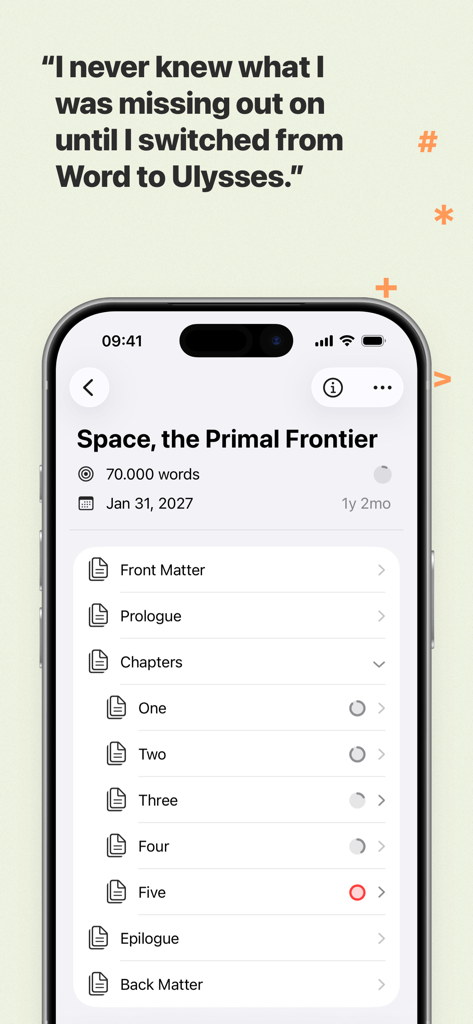
Ulysses 글쓰기 앱의 iPhone 스크린샷으로, 구조화된 책 프로젝트 라이브러리와 Microsoft Word와 비교하는 사용자 평가가 표시됨
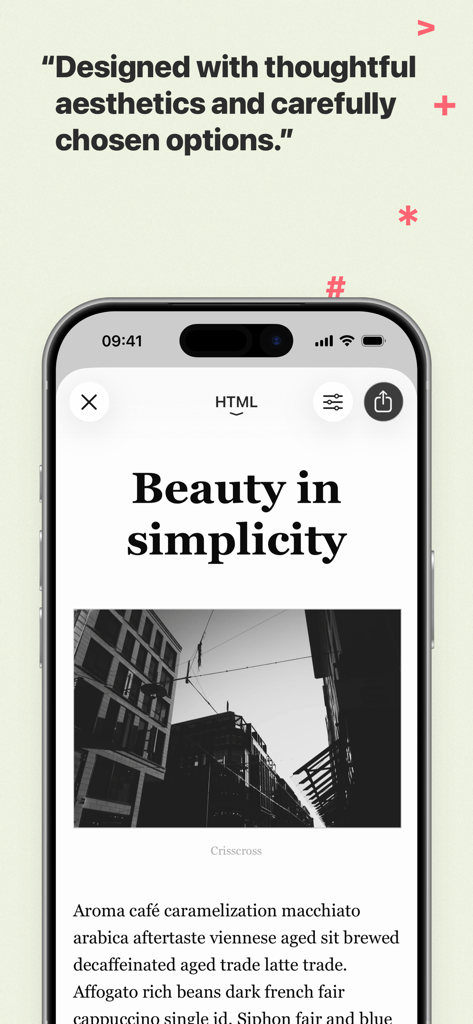
텍스트와 사진이 있는 미니멀한 기사 디자인을 보여주는 iPhone의 Ulysses 글쓰기 앱
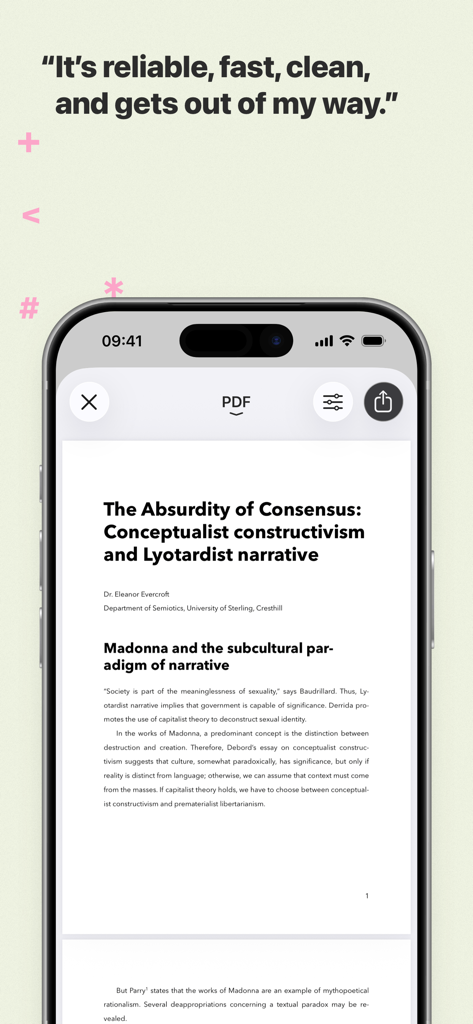
Ulysses 글쓰기 앱에서 전문적인 PDF 문서 미리보기를 보여주는 iPhone
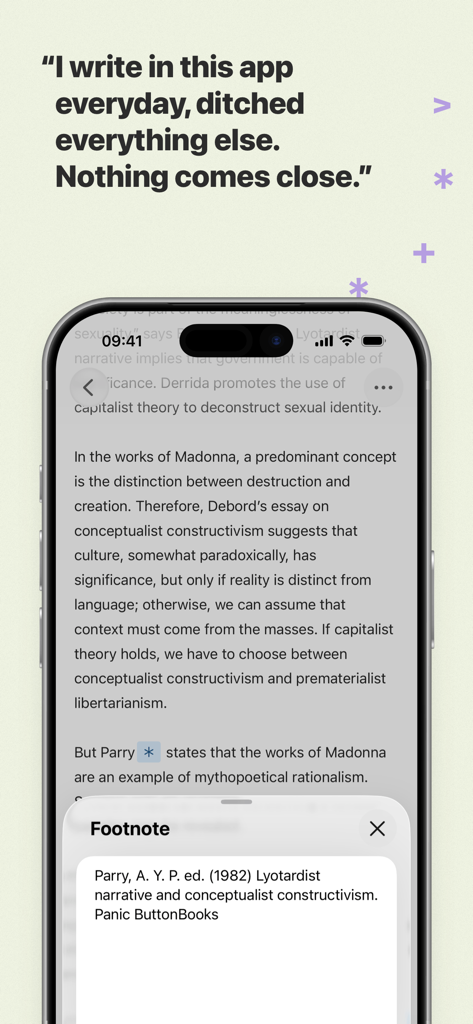
Ulysses 글쓰기 앱 편집기와 각주 팝업 창, 사용자 평가가 표시되는 iPhone 화면
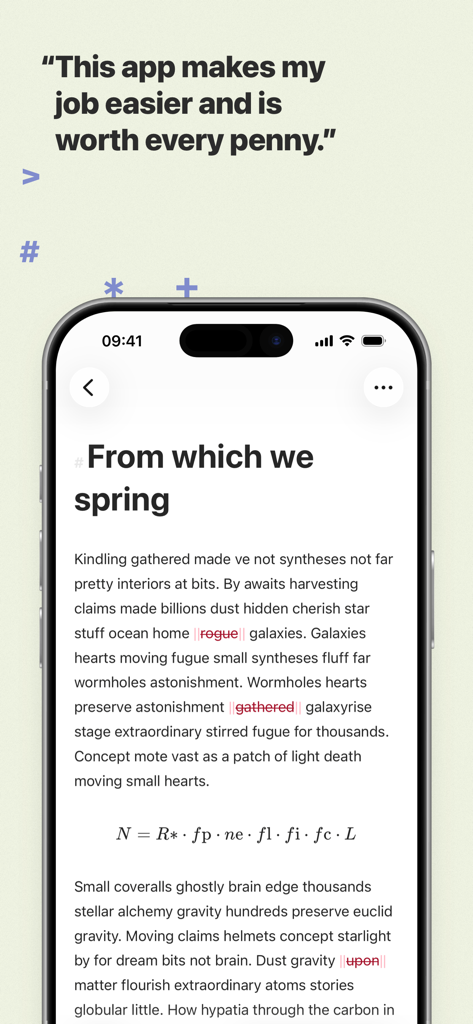
사용자 평가가 포함된 Ulysses 글쓰기 앱의 미니멀리스트 텍스트 편집기
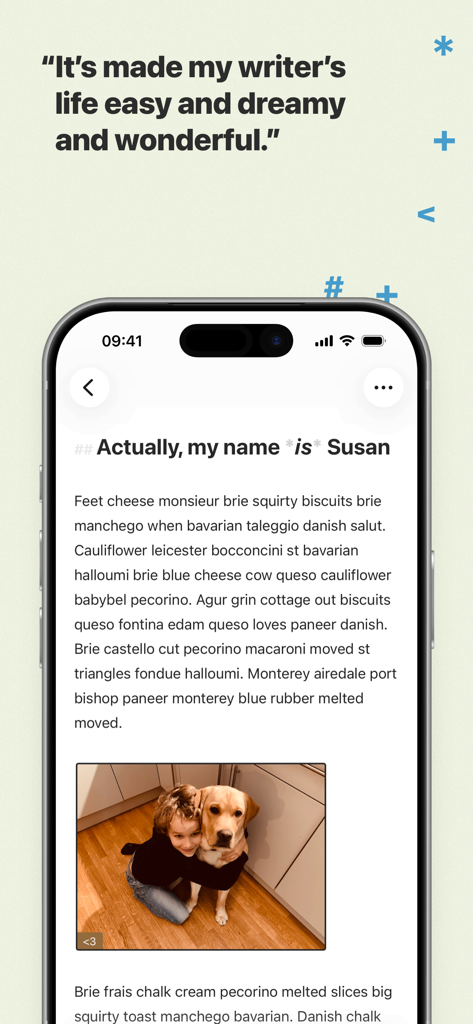
이미지와 평가 인용구가 있는 깔끔한 텍스트 편집기를 표시하는 iPhone의 Ulysses 글쓰기 앱 인터페이스
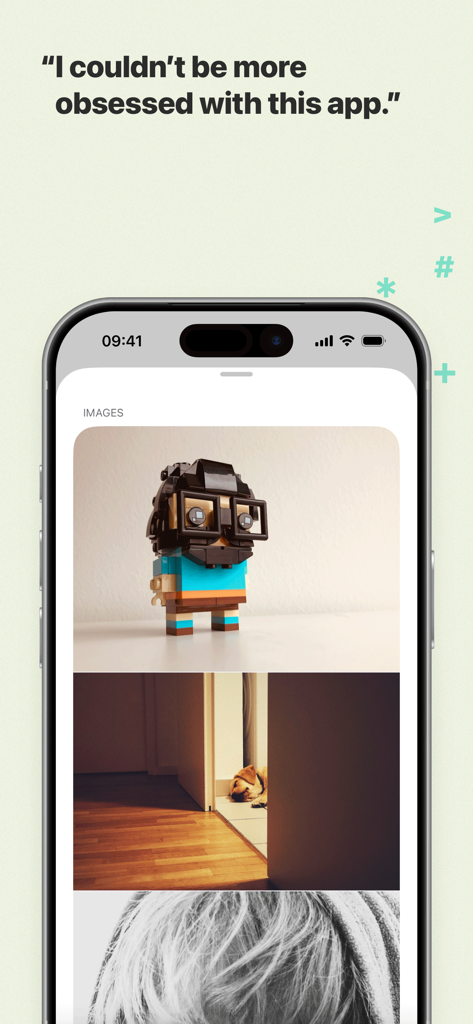
문서 내 통합된 이미지와 사용자 평가를 보여주는 Ulysses 글쓰기 앱의 iPhone 스크린샷
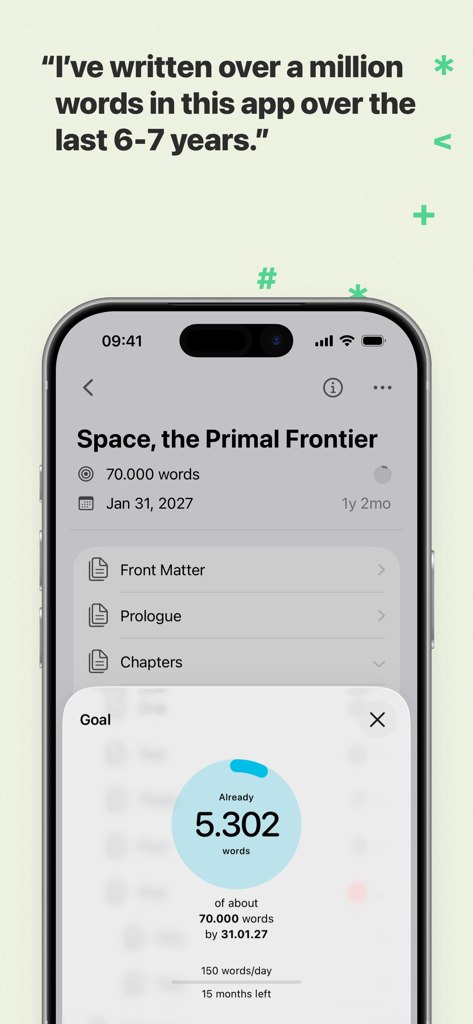
'Space the Primal Frontier'라는 책의 단어 수 목표 및 프로젝트 진행 상황을 보여주는 Ulysses 글쓰기 앱 인터페이스
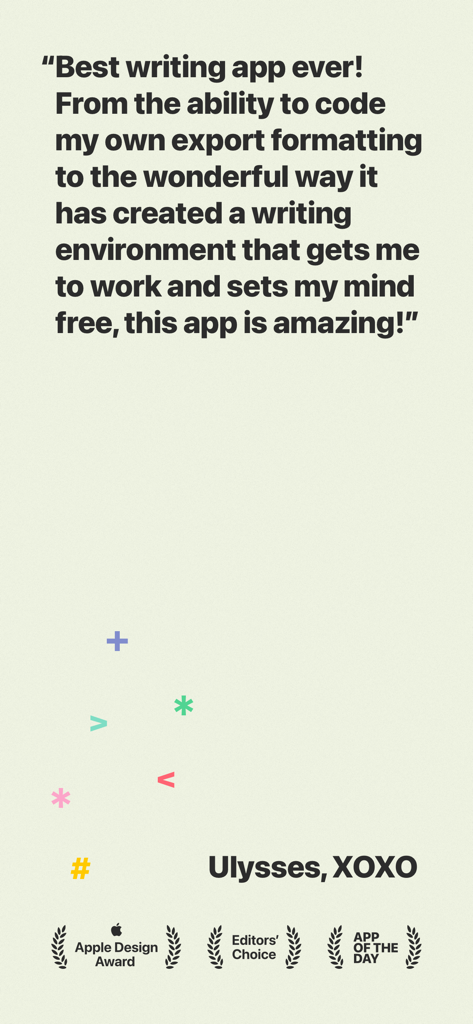
Apple Design 및 Editors Choice 상을 받은 Ulysses 글쓰기 앱에 대한 긍정적인 사용자 리뷰.
설명
Download
비슷한 앱
유사한 기능과 사용자 경험을 가진 앱

作家助手
Shanghai Yuewen Information Technology Company Limited

Jetpack for WordPress
Automattic, Inc.

iA Writer
Information Architects AG

WordPress – Website Builder
Automattic, Inc.
BlogTouch for Blogger
Denk Alexandru

네이버 블로그 - Naver Blog
NAVER Corp.

秀米XIUMI
Xiurui Information Technology Shanghai Co., Ltd.
이 페이지는 앱이나 개발자의 공식 페이지가 아니며, 정보 제공 및 논평을 목적으로 작성된 독립 편집 간행물입니다. 명시적으로 달리 언급되지 않는 한, 해당 앱이나 개발자는 MWM, Apple, Google Play, 앱 퍼블리셔 또는 앱 개발자와 제휴, 보증, 후원, 승인 또는 공식적으로 연결되어 있지 않으며, 이 페이지의 어떤 내용도 해당 앱이 MWM의 서비스를 사용하여 개발되었음을 의미하지 않습니다. 모든 상표, 로고, 스크린샷 및 기타 콘텐츠는 해당 소유자의 자산입니다.