
이 페이지는 앱이나 개발자의 공식 페이지가 아니며, 정보 제공 및 논평을 목적으로 작성된 독립 편집 간행물입니다. 명시적으로 달리 언급되지 않는 한, 해당 앱이나 개발자는 MWM, Apple, Google Play, 앱 퍼블리셔 또는 앱 개발자와 제휴, 보증, 후원, 승인 또는 공식적으로 연결되어 있지 않으며, 이 페이지의 어떤 내용도 해당 앱이 MWM의 서비스를 사용하여 개발되었음을 의미하지 않습니다. 모든 상표, 로고, 스크린샷 및 기타 콘텐츠는 해당 소유자의 자산입니다.


Velocity Keyboard
독특한 벨로시티 감지 알고리즘으로 iPad를 전문 MPE 컨트롤러로 변환하세요. 고급 피치 벤딩, 사용자 지정 스케일 및 8가지 MIDI CC 변조 소스로 AUv3 신디사이저를 완벽하게 제어할 수 있습니다.
다운로드
9K+사용자 평점
총 평가 수
200개발사
카테고리
Music지원 언어
1최신 버전
1.3.22크기
12.3 MB출시일
2019년 5월 8일전문적인 퍼포먼스 컨트롤
최신 모바일 프로듀서를 위해 설계된 고급 벨로시티 감지 및 MPE 호환 기능으로 가상 악기의 잠재력을 최대한 발휘하세요.
다이내믹 벨로시티 감지
어떤 유리 표면에서도 터치 힘을 인간적인 표현으로 변환하는 독특한 알고리즘으로 디지털 사운드에 생기를 불어넣으세요.
비교할 수 없는 MPE 표현력
3D 터치, Y축 슬라이딩, 정밀 피치 벤드 보정을 포함한 8개의 동시 제어 소스로 변조를 마스터하세요.
다음 스크린샷과 설명은 앱의 공식 스토어 목록에서 직접 가져온 것이며 앱 개발자의 자산입니다.
앱 스토어
스크린샷
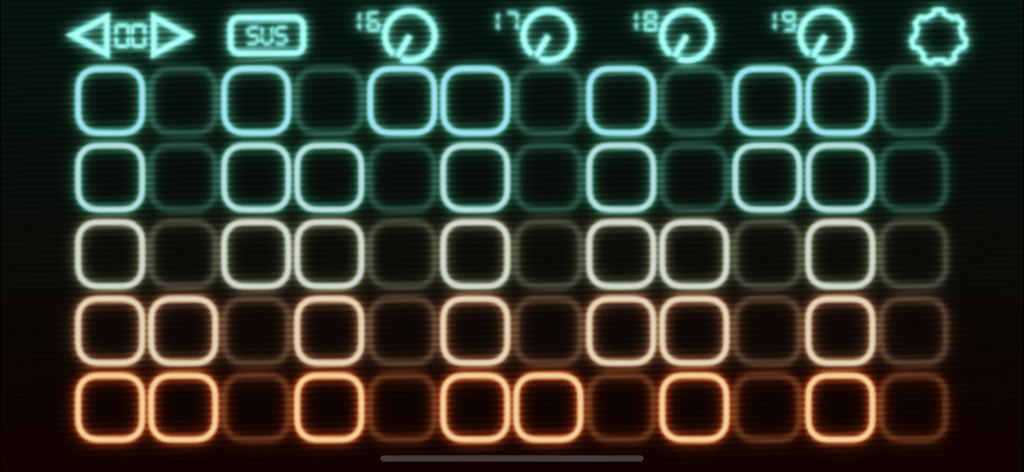
Velocity Keyboard 앱 인터페이스에는 음악적 표현을 위한 다채로운 터치 감지 패드 및 MIDI 제어 노브 그리드가 표시됩니다.
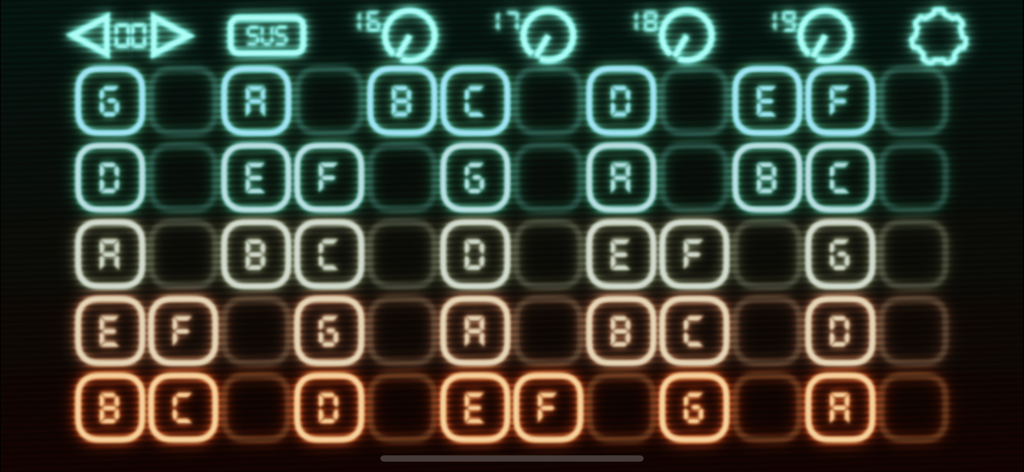
Velocity Keyboard 앱 인터페이스에는 MIDI 음악 제작을 위한 스케일 레이아웃의 음표 그리드가 표시됩니다.
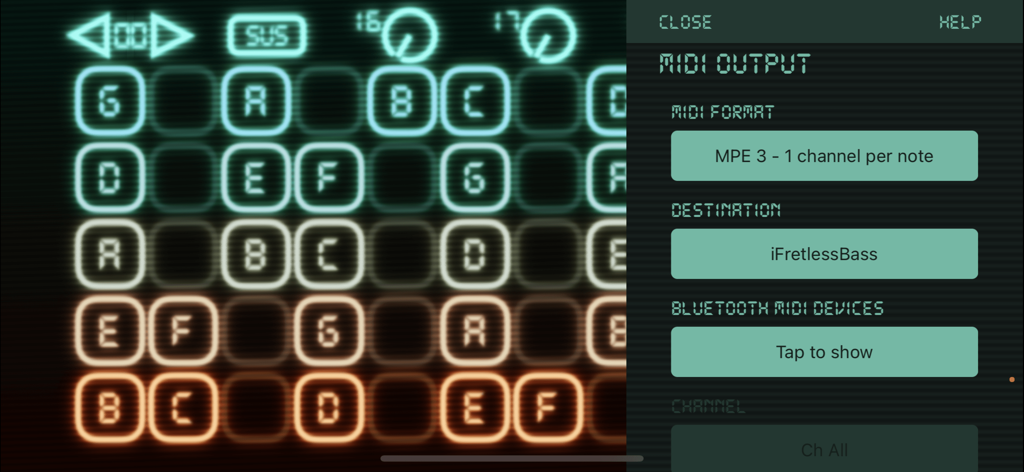
Velocity Keyboard MIDI 출력 설정 메뉴와 빛나는 음표 그리드 인터페이스
설명
Download
비슷한 앱
같은 카테고리의 상위 앱

Spotify: Music and Podcasts
Spotify

YouTube Music
Google LLC

Shazam: Find Music & Concerts
Apple Inc.

SoundCloud: The Music You Love
SoundCloud Global Limited & Co KG

Suno - AI Songs & Music
Suno Inc.

QQ音乐 - 听我想听
Tencent Technology (Shenzhen) Company Limited

Audiomack - Play Music Offline
Audiomack, Inc.

GuitarTuna: Tune & Play Guitar
Yousician Ltd

BandLab – Music Maker & Beats
BandLab Singapore Pte Ltd
이 페이지는 앱이나 개발자의 공식 페이지가 아니며, 정보 제공 및 논평을 목적으로 작성된 독립 편집 간행물입니다. 명시적으로 달리 언급되지 않는 한, 해당 앱이나 개발자는 MWM, Apple, Google Play, 앱 퍼블리셔 또는 앱 개발자와 제휴, 보증, 후원, 승인 또는 공식적으로 연결되어 있지 않으며, 이 페이지의 어떤 내용도 해당 앱이 MWM의 서비스를 사용하여 개발되었음을 의미하지 않습니다. 모든 상표, 로고, 스크린샷 및 기타 콘텐츠는 해당 소유자의 자산입니다.