Vocal Remover:AI audio tool

Vocal Remover:AI audio tool

다운로드: App Store
로고: Vocal Remover:AI audio tool

보컬 제거기: AI 오디오 도구 — 모든 크리에이터를 위한 프로급 스템 분리

고품질 클라우드 AI를 사용하여 보컬, 드럼, 악기를 즉시 분리하세요. 프로듀서, DJ, 노래방 애호가들이 스튜디오 수준의 정확도로 모든 트랙을 분해하는 데 필수적인 도구입니다.

개발사

益民 李

카테고리

Music

다운로드

5K+

사용자 평점

4.7/5

총 평가 수

100

지원 언어

7

스튜디오 엿보기

이 인터페이스를 사용하는 5K+ 명의 사용자.

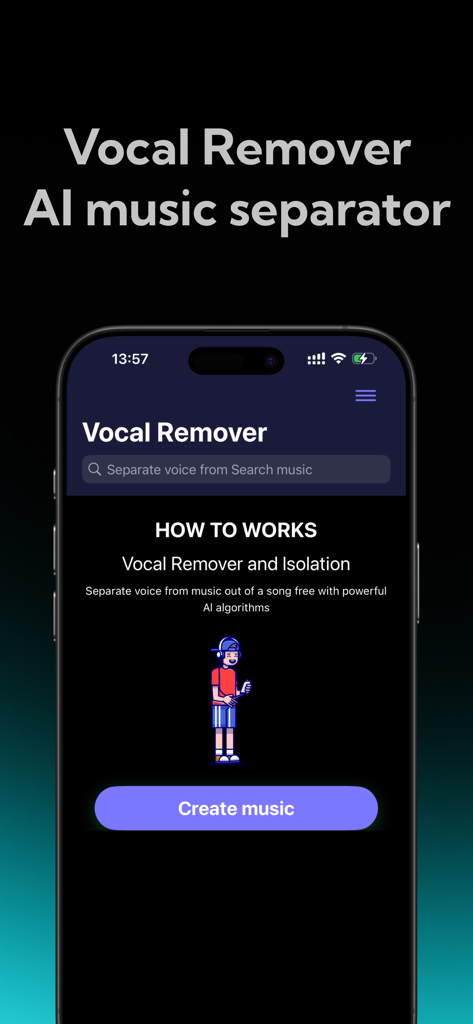
음악 분리 앱 보컬 제거 AI의 홈 화면과 '음악 만들기' 버튼이 표시된 휴대전화 화면.
음악 분리 앱 보컬 제거 AI의 홈 화면과 '음악 만들기' 버튼이 표시된 휴대전화 화면.

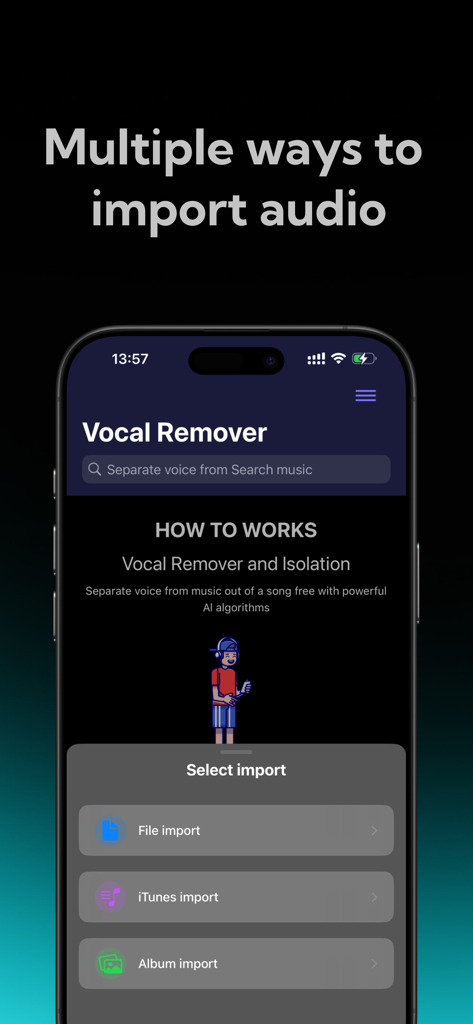
파일, iTunes, 사진 앨범에서 오디오를 가져오는 옵션을 보여주는 보컬 제거 앱 인터페이스
파일, iTunes, 사진 앨범에서 오디오를 가져오는 옵션을 보여주는 보컬 제거 앱 인터페이스

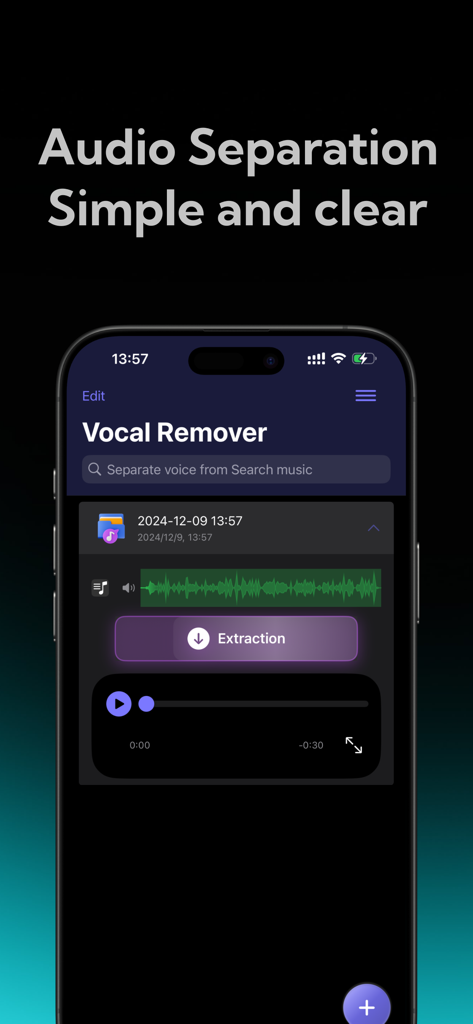
추출 버튼이 있는 간단하고 명확한 AI 오디오 분리를 보여주는 보컬 제거 모바일 앱 인터페이스
추출 버튼이 있는 간단하고 명확한 AI 오디오 분리를 보여주는 보컬 제거 모바일 앱 인터페이스

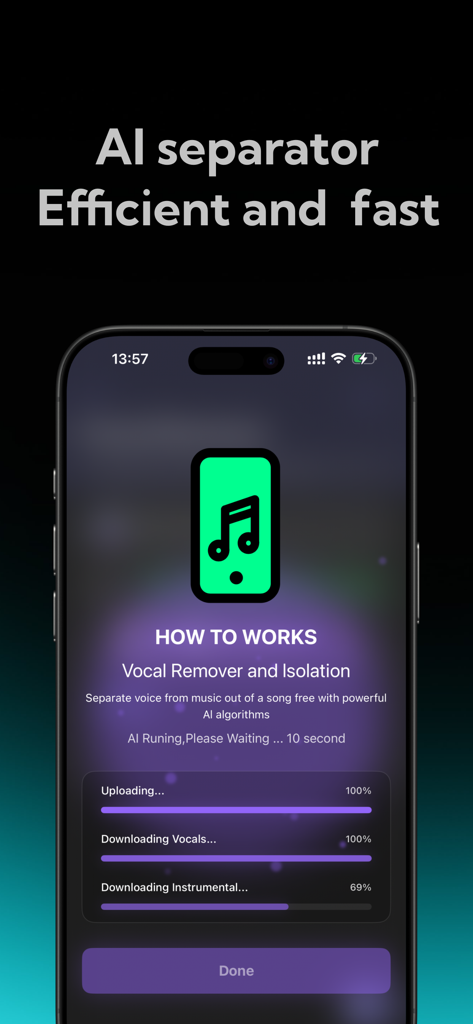
음악 트랙에서 보컬과 악기를 분리하는 AI 기반 진행 상황을 보여주는 모바일 앱 인터페이스
음악 트랙에서 보컬과 악기를 분리하는 AI 기반 진행 상황을 보여주는 모바일 앱 인터페이스

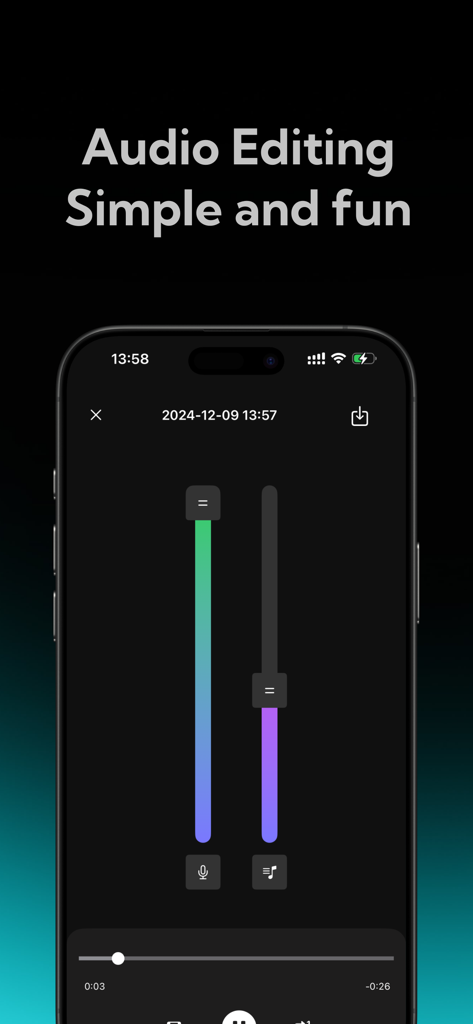
보컬 및 반주 볼륨 조절을 위한 수직 슬라이더가 있는 모바일 앱 인터페이스

보컬 및 반주 볼륨 조절을 위한 수직 슬라이더가 있는 모바일 앱 인터페이스

모든 노래를 창의적인 에셋으로 변환하세요

이 앱을 돋보이게 하는 도구, 5K+ 명의 사용자가 선택.

🎤

즉각적인 보컬 및 악기 분리

노래방이나 보이스오버 매시업에 완벽합니다. 업계 최고의 클라우드 AI를 사용하여 탭 한 번으로 고품질 보컬을 추출하세요.

🎛️

전문 멀티트랙 스템

드럼, 베이스, 키별로 트랙을 분해하세요. 독특한 리믹스, 샘플, 'Type Beats'를 만들려는 DJ와 프로듀서에게 이상적입니다.

번개처럼 빠른 클라우드 처리

휴대전화에 부담을 주지 않고 스튜디오 수준의 결과를 얻으세요. 안전한 클라우드 분석은 최대 오디오 충실도와 파일에 대한 완벽한 개인 정보를 보장합니다.

앱 소개

에 대해 알아야 할 모든 것 Vocal Remover:AI audio tool.

설명

Vocal Remover is a high-performance AI audio processing tool designed for music enthusiasts, audio creators, and professional sound engineers—and is also accessible for everyday users. Whether you want to create karaoke tracks, edit audio, teach music, or craft mixes, this app offers precise, high-quality track separation. With cloud-based AI technology, you can easily isolate vocals or accompaniment with a single tap, giving you endless creative freedom. Key Features 1. One-Tap Vocal and Accompaniment Separation a. Effortless Extraction: Simply upload your audio file, and Vocal Remover’s smart AI will quickly analyze it to separate the vocal and accompaniment tracks. Whether you’re working with songs, soundtracks, or other audio files, enjoy clear, noise-free separation suitable for any purpose. 2. Flexible Separation Modes a. Two-Track Separation: Quickly split vocals and accompaniment, ideal for those needing basic separation, such as for karaoke practice or creating accompaniment tracks. 3. AI-Powered, High-Quality Output a. With cutting-edge AI technology, Vocal Remover uses cloud-based analysis to precisely separate vocals from accompaniment, effectively filtering out noise and ensuring clear, high-fidelity audio output. Enjoy top-notch audio quality that maintains clarity and fidelity in separated tracks. b. Fast Processing: Whether working with high-quality files or extended audio clips, cloud-based AI algorithms deliver fast results in seconds, saving time and making audio processing efficient. 4. User-Friendly Interface a. Easy Operation, Beginner-Friendly: With an intuitive and clean design, even first-time users can navigate the app with ease. Simply upload your audio file, choose a separation mode, and the system handles the rest, making it accessible for users of all backgrounds. b. Multi-Track Editing: The five-track separation mode supports multi-track editing, enabling further customization and remixing of separated tracks—ideal for professional editing and creation. Ideal Use Cases ● Karaoke Enthusiasts: Want to practice singing but need a professional accompaniment? Vocal Remover can quickly isolate vocals, providing you with a karaoke-ready track in seconds. ● Education and Music Instruction: Music teachers and students can use this tool to deconstruct complex audio files, gaining insights into each track’s details and improving learning outcomes. ● Audio Researchers: Isolate different tracks to analyze audio components, supporting research and analytical work with accurate, separated data. Privacy and Security ● Secure Cloud Processing: Your audio files are processed on a secure cloud server and deleted immediately after, ensuring full privacy without being stored or shared. Subscription instructions and terms 1. Week Membership - $2.99 2. Year Membership - $29.99 GET AUDIO SEPARATION, UNLIMITED SONG UPLOADS 【Payment】The payment will be charged to the user's iTunes account upon purchase confirmation. 【Renewal】“Continuous Monthly/Quarterly/Annual” products are auto-renewable subscriptions. Upon purchase confirmation, fees will be deducted from your iTunes account. Subscriptions will auto-renew unless auto-renewal is turned off at least 24 hours before the end of the current subscription period. Within 24 hours before your subscription expires, Apple will automatically charge your iTunes account and your membership will be automatically extended for one subscription period upon successful payment. 【Cancel Renewal】To cancel auto-renewal, manually go to iOS Settings > Apple ID > Subscriptions, and cancel the “Vocal Remover: music separator” subscription. -- Terms of Service https://htmlpreview.github.io/?https://github.com/zhangxin1982/panger/blob/main/vocalAgreement.html -- Privacy Policy https://htmlpreview.github.io/?https://github.com/zhangxin1982/panger/blob/main/vocalPrivacy.html

최신 버전

2.1

크기

54.5 MB

출시일

2024년 12월 11일

전문적인 스템 분리 기능을 사용할 준비가 되셨나요?

수천 명의 크리에이터들이 고품질 클라우드 AI를 사용하여 몇 초 만에 보컬, 드럼, 악기를 분리하고 있습니다. 지금 바로 다음 프로젝트를 시작하세요.

다운로드: App Store

App information, icons, screenshots, and descriptions displayed on this page are sourced from the Apple App Store and are the property of their respective developers. Download estimates and rankings are based on MWM's proprietary models and may not reflect actual figures. This page is provided for informational and analytical purposes only.

Believe this page infringes your intellectual property? File a dispute