VRPlayer : 2D 3D 360° Video
다운로드: App Store

이 페이지는 앱이나 개발자의 공식 페이지가 아니며, 정보 제공 및 논평을 목적으로 작성된 독립 편집 간행물입니다. 명시적으로 달리 언급되지 않는 한, 해당 앱이나 개발자는 MWM, Apple, Google Play, 앱 퍼블리셔 또는 앱 개발자와 제휴, 보증, 후원, 승인 또는 공식적으로 연결되어 있지 않으며, 이 페이지의 어떤 내용도 해당 앱이 MWM의 서비스를 사용하여 개발되었음을 의미하지 않습니다. 모든 상표, 로고, 스크린샷 및 기타 콘텐츠는 해당 소유자의 자산입니다.


로고: VRPlayer : 2D 3D 360° Video
다운로드: App Store

VRPlayer : 2D 3D 360° Video

몰입형 미디어를 위한 최고의 파워 유저 도구입니다. 데스크탑 라이브러리를 스트리밍하고, 클라우드 저장소와 동기화하며, 게임 컨트롤러 및 키보드 지원을 통해 완벽하게 제어하세요.

주요 수치

다운로드

326K+

사용자 평점

3.3/5

총 평가 수

800

개발사

LEE DONG WON

카테고리

Entertainment

지원 언어

8

최신 버전

3.3.5

크기

112.7 MB

출시일

2015년 12월 17일
기능

파워 유저를 위한 최고의 미디어 허브

고급 데스크탑 스트리밍, 멀티 포맷 지원 및 완벽한 하드웨어 통합으로 VR 헤드셋의 잠재력을 최대한 활용하세요.

원활한 데스크탑 스트리밍

파일 전송은 건너뛰세요. VRPlayer Helper를 사용하여 MKV 및 AVI를 포함한 전체 PC 라이브러리를 실시간으로 헤드셋에 직접 스트리밍하세요.

몰입형 3D 및 360° 마스터리

정밀한 모션 트래킹과 줌 제어 기능을 갖춘 2D, SBS(Side-by-Side) 3D 및 360° 파노라마 동영상을 위한 유일한 플레이어입니다.

다음 스크린샷과 설명은 앱의 공식 스토어 목록에서 직접 가져온 것이며 앱 개발자의 자산입니다.

앱 스토어

스크린샷
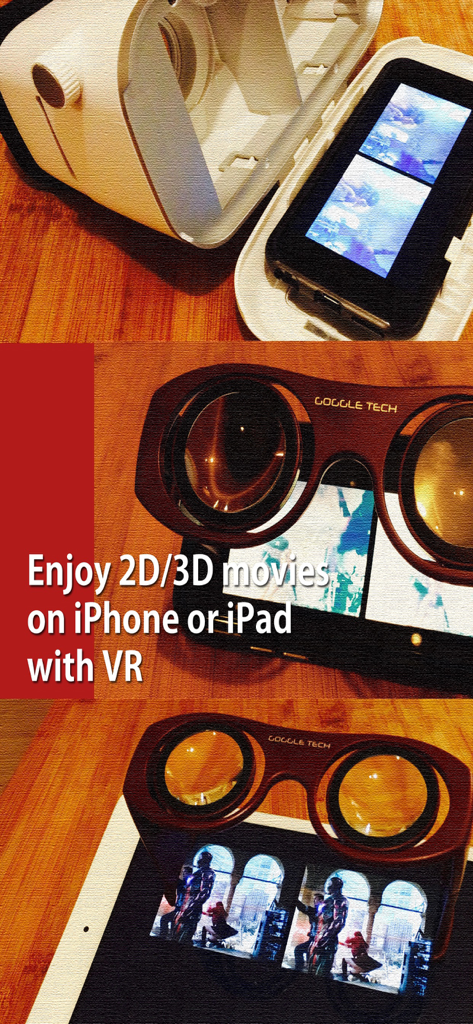
VRPlayer : 2D 3D 360° Video - VRPlayer로 3D 영화를 시청하기 위해 VR 고글을 사용하는 iPhone 및 iPad
VRPlayer로 3D 영화를 시청하기 위해 VR 고글을 사용하는 iPhone 및 iPad

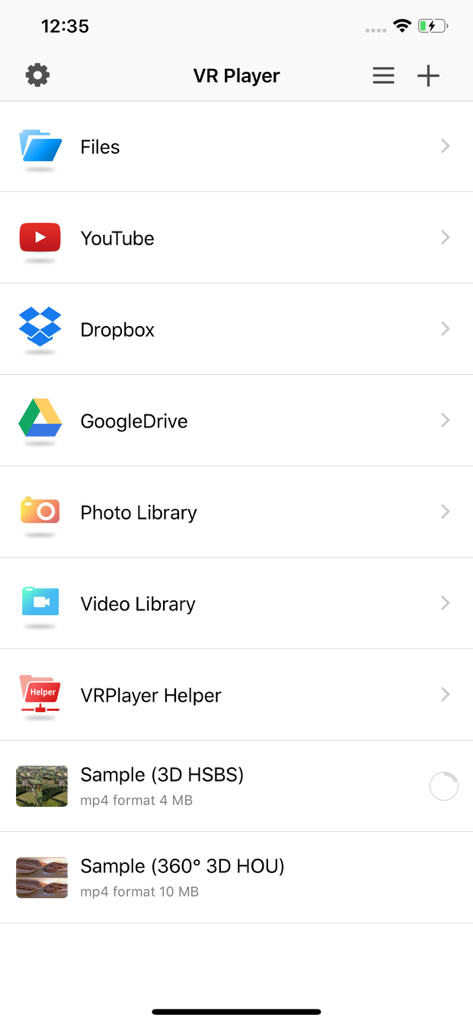
VRPlayer : 2D 3D 360° Video - 파일, YouTube, Dropbox, Google Drive 및 비디오 라이브러리의 미디어에 액세스하는 옵션을 표시하는 VRPlayer 앱의 메인 메뉴
파일, YouTube, Dropbox, Google Drive 및 비디오 라이브러리의 미디어에 액세스하는 옵션을 표시하는 VRPlayer 앱의 메인 메뉴

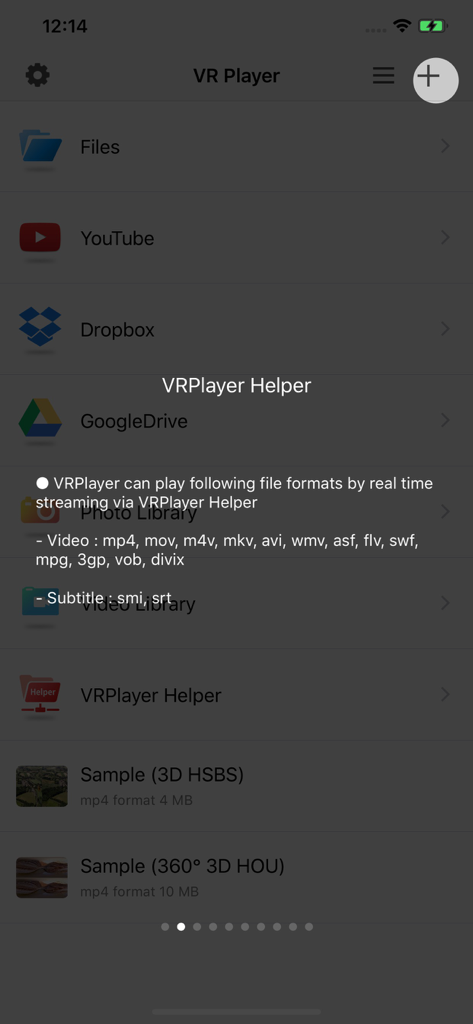
VRPlayer : 2D 3D 360° Video - 실시간 스트리밍을 위해 지원되는 비디오 포맷을 보여주는 VRPlayer 앱 화면
실시간 스트리밍을 위해 지원되는 비디오 포맷을 보여주는 VRPlayer 앱 화면

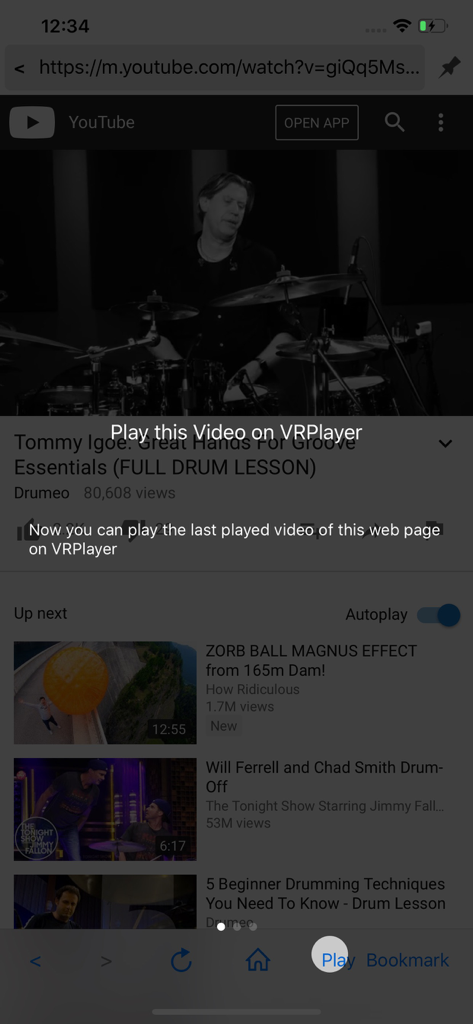
VRPlayer : 2D 3D 360° Video - YouTube 비디오와 VR 시청을 위해 앱 내에서 비디오를 재생하도록 하는 오버레이 프롬프트를 보여주는 VRPlayer 스크린샷
YouTube 비디오와 VR 시청을 위해 앱 내에서 비디오를 재생하도록 하는 오버레이 프롬프트를 보여주는 VRPlayer 스크린샷

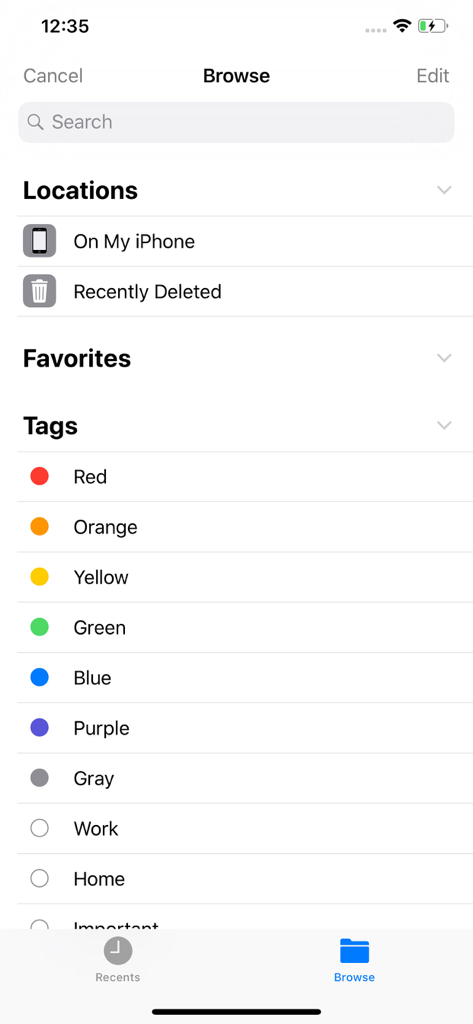
VRPlayer : 2D 3D 360° Video - 내 iPhone과 같은 파일 위치 및 다양한 색상 코드 조직 태그를 보여주는 VRPlayer 앱의 탐색 화면
내 iPhone과 같은 파일 위치 및 다양한 색상 코드 조직 태그를 보여주는 VRPlayer 앱의 탐색 화면

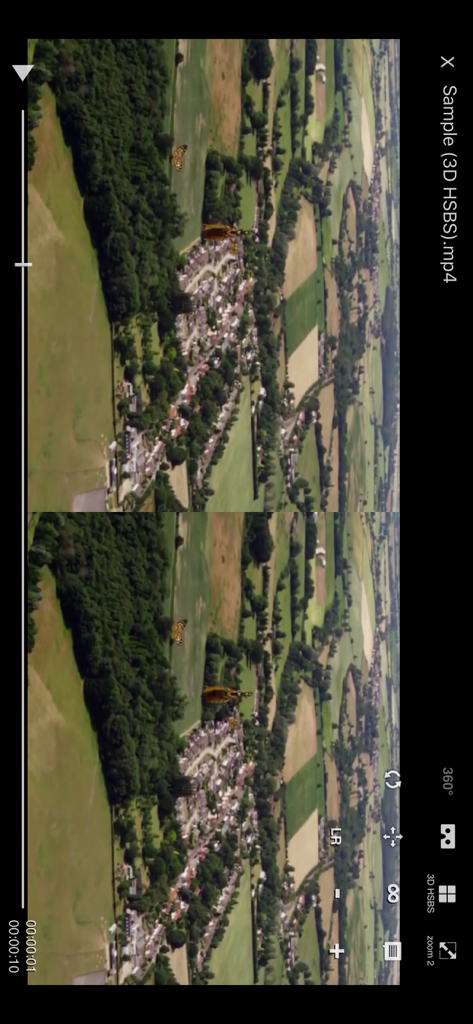
VRPlayer : 2D 3D 360° Video - 3D SBS 항공 비디오 재생을 보여주는 VRPlayer의 스마트폰 인터페이스
3D SBS 항공 비디오 재생을 보여주는 VRPlayer의 스마트폰 인터페이스

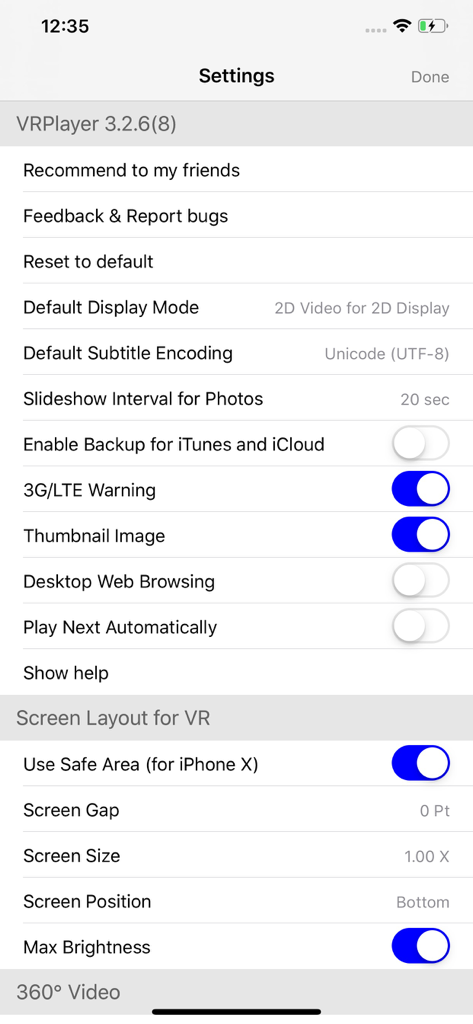
VRPlayer : 2D 3D 360° Video - VR 화면 레이아웃 및 비디오 디스플레이 옵션을 보여주는 VRPlayer 앱의 설정 메뉴

VR 화면 레이아웃 및 비디오 디스플레이 옵션을 보여주는 VRPlayer 앱의 설정 메뉴

설명

● VRPlayer can record screen/audio of your desktop and streaming it to VRPlayer via VRPlayer Helper. - to use this feature "VRPlayer Helper" should be installed and executed on your desktop. please select or add "VRPlayer Helper" item on vrplayer app and follow instruction first. - this feature is experimental for now. so there might be considerable amount of latency and unstability depends on network environment and system spec where helper is running ● VRPlayer can play not only general 2D movies but also 3D movies (half side by side or over and under) for VR (google cardboard) ● and support the following file formats. - video : mp4, mov, DRM free m4v - subtitle : smi, srt ● VRPlayer can play following file formats by real time streaming via VRPlayer Helper - Video : mp4, mov, m4v, mkv, avi, wmv, asf, flv, swf, mpg, 3gp, vob, divix - Subtitle : smi, srt ※ this app can not play DRM protected videos purchased from iTunes store. ● You can add or access following items - VRPlayer Helper (streaming server) - Folder - FTP Server - GoogleDrive, Dropbox - Video Library ※ VRPlayer Helper is embedded in your own VRPlayer app and the download URL provided by VRPlayer is your own iPhone's IP address itself not an external web server. so iPhone and the server PC should be in the same wifi network to download Helper. tap the "+"button at top right corner of VRPlayer and select VRPlayer Helper then you will see the URL from which you can download helper. ● You can control VRPlayer with keyboard - Bluetooth Keyboard - USB Keyboard (connected by camera kit) - Keyboard of PC on which VRPlayer Helper is installed ※ while navigating - up / down : move cursor by item - up / down + shift : move cursor by page - right / enter / space : select item - left / esc : back to previous ※ while playing - up / down : move cursor by button - enter : select button & do action - esc : stop & back to list - space : play & pause - right : move forward 5 seconds - left : move backward 5 seconds - right + shift : move forward 1 minute - left + shift : move backward 1 minute - up + shift : play previous video - down + shift : play next video - [ : slow down the playback rate - ] : speed up the playback rate - 1 : Toggle 360°/180° Video - 2 : Toggle VR Mode - 3 : Change 2D/3D Mode - 4 : Zoom In/Out - 5 : Back To Center / Motion Tracking - 6 : Motion Tracking Constraint - 7 : Loop - 8 : Audio/Subtitle ● You can control VRPlayer with Game Controller ※ supported controller - XBox controller - Playstation Dualshock controller - Other MFi certified game controller ※ while navigating - up / down : move cursor by item - up / down + RB : move cursor by page - right / A : select item - left / B : back to previous ※ while playing - up / down : move cursor by button - A : select button & do action - B : stop & back to list - X : play & pause - right : move forward 5 seconds - left : move backward 5 seconds - right + RB : move forward 1 minute - left + RB : move backward 1 minute - up + RB : play previous video - down + RB : play next video ● support panorama photo - enjoy your own panorama photos in VR ● Use multiple gestures to control playing - Tap the screen with two fingers to change 2D/3D screen mode. - Double tap the screen to zoom in/out. - Swipe right to skip forward 5 seconds. - Swipe left to skip back 5 seconds. - Swipe right with two fingers to speed up the playback rate. - Swipe left with two fingers to slow down the playback rate. - Long press with one finger to select audio or subtitle. - Drag & drop subtitle to change position. - Pinch in or out screen to change font size of subtitle.

Download

다운로드: App Store

이 페이지는 앱이나 개발자의 공식 페이지가 아니며, 정보 제공 및 논평을 목적으로 작성된 독립 편집 간행물입니다. 명시적으로 달리 언급되지 않는 한, 해당 앱이나 개발자는 MWM, Apple, Google Play, 앱 퍼블리셔 또는 앱 개발자와 제휴, 보증, 후원, 승인 또는 공식적으로 연결되어 있지 않으며, 이 페이지의 어떤 내용도 해당 앱이 MWM의 서비스를 사용하여 개발되었음을 의미하지 않습니다. 모든 상표, 로고, 스크린샷 및 기타 콘텐츠는 해당 소유자의 자산입니다.








