WebFrame Pro Kiosk

WebFrame Pro Kiosk

다운로드: App Store
로고: WebFrame Pro Kiosk

WebFrame Pro 키오스크: 안전한 iOS 디지털 디스플레이를 위한 엔터프라이즈급 솔루션

모든 iPad를 원격 관리되는 전체 화면 키오스크로 변환합니다. 웹 앱을 보호하고 사용자 변조를 제거하며 업계 최고의 EMM 및 MDM 통합으로 전체 기기에 배포합니다.

개발사

WireFrameRate, LLC

카테고리

Business

다운로드

30K+

사용자 평점

1.0/5

총 평가 수

0

지원 언어

1

모든 뷰에 전문성

이 인터페이스를 사용하는 30K+ 명의 사용자.

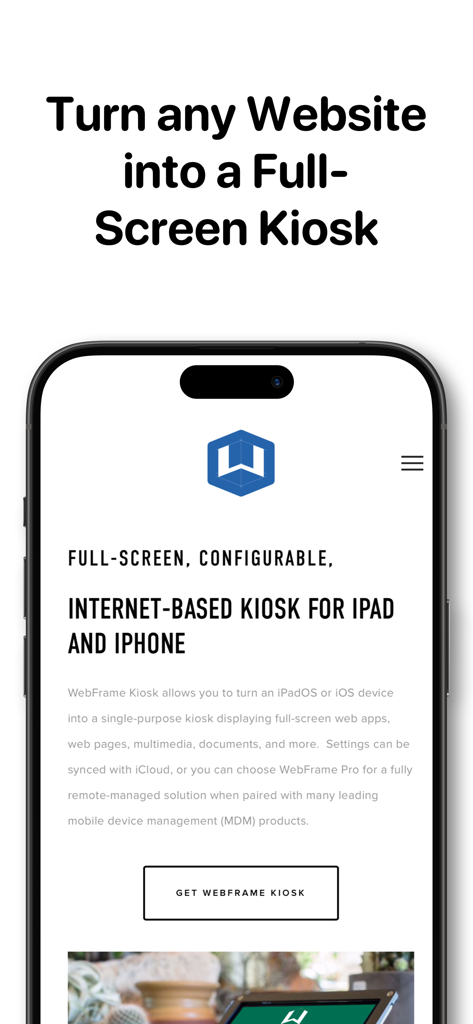
웹사이트를 전체 화면 iOS 키오스크로 변환하는 WebFrame Pro 키오스크 앱 인터페이스

웹사이트를 전체 화면 iOS 키오스크로 변환하는 WebFrame Pro 키오스크 앱 인터페이스

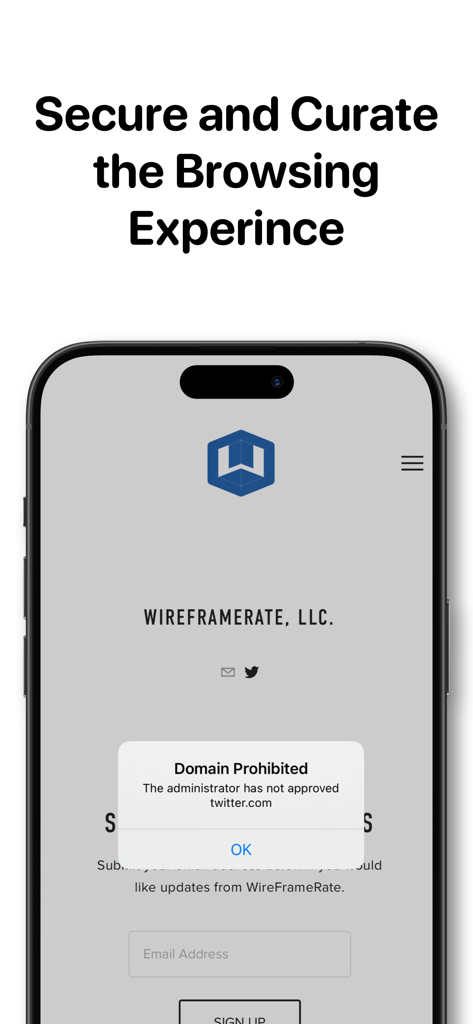
도메인 금지 알림을 보여주는 WebFrame Pro 키오스크 화면

도메인 금지 알림을 보여주는 WebFrame Pro 키오스크 화면

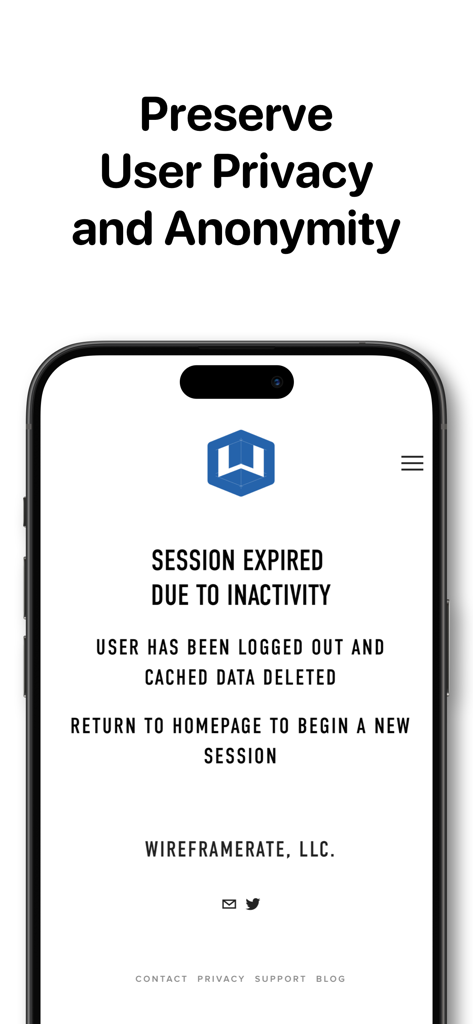
세션 만료 알림 및 사용자 개인 정보 보호를 위한 자동 데이터 삭제를 보여주는 WebFrame Pro 키오스크 화면

세션 만료 알림 및 사용자 개인 정보 보호를 위한 자동 데이터 삭제를 보여주는 WebFrame Pro 키오스크 화면

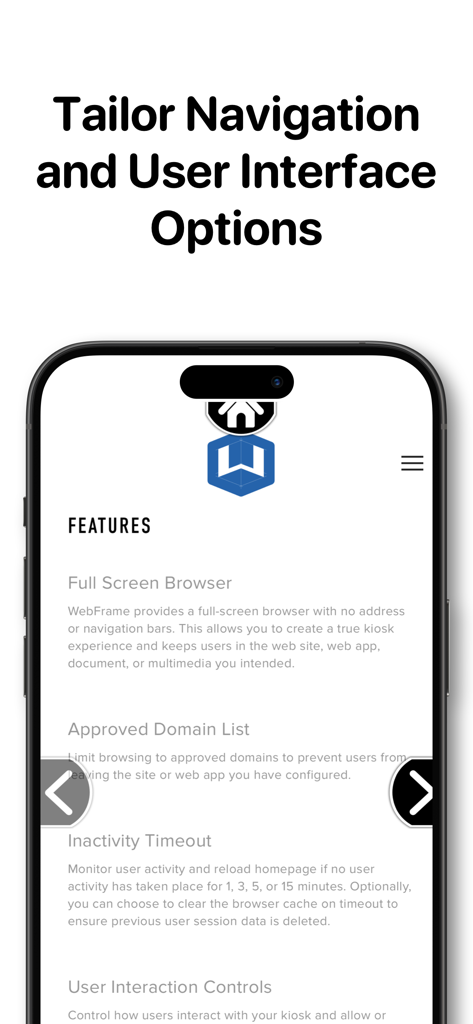
스마트폰 화면에서 탐색 및 사용자 인터페이스 사용자 지정 기능을 보여주는 WebFrame Pro 키오스크 앱 인터페이스

스마트폰 화면에서 탐색 및 사용자 인터페이스 사용자 지정 기능을 보여주는 WebFrame Pro 키오스크 앱 인터페이스

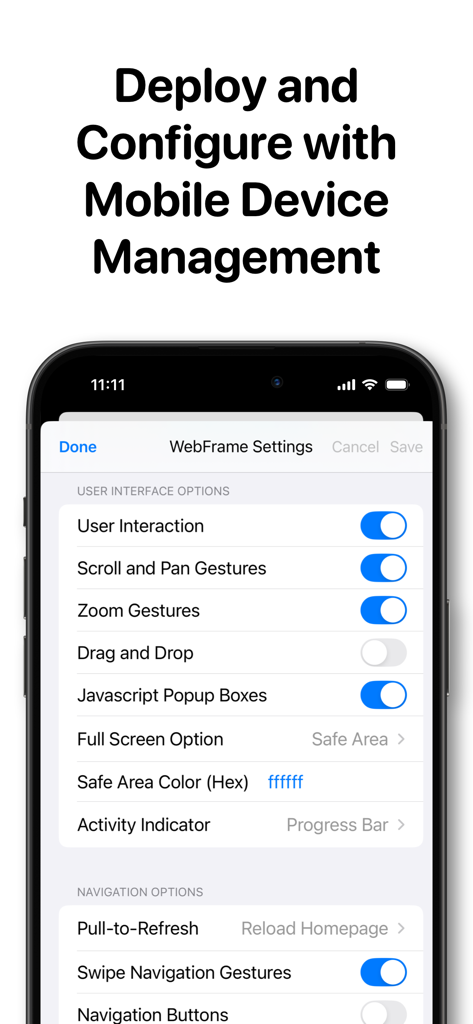
iPad에서 모바일 장치 관리 및 사용자 인터페이스 옵션 구성을 위한 WebFrame Pro 키오스크 설정 화면

iPad에서 모바일 장치 관리 및 사용자 인터페이스 옵션 구성을 위한 WebFrame Pro 키오스크 설정 화면

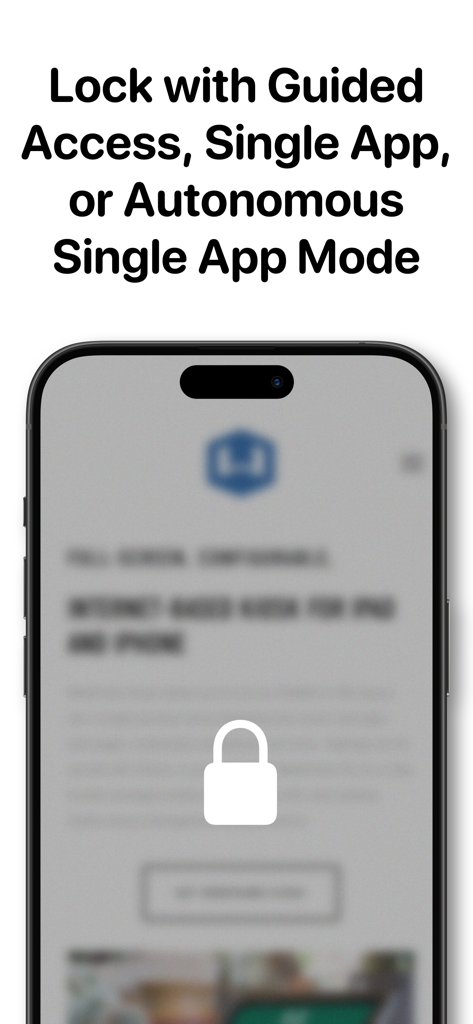
안내 액세스 및 단일 앱 모드 보안 기능을 설명하는 텍스트와 함께 잠금 아이콘을 보여주는 스마트폰 화면

안내 액세스 및 단일 앱 모드 보안 기능을 설명하는 텍스트와 함께 잠금 아이콘을 보여주는 스마트폰 화면

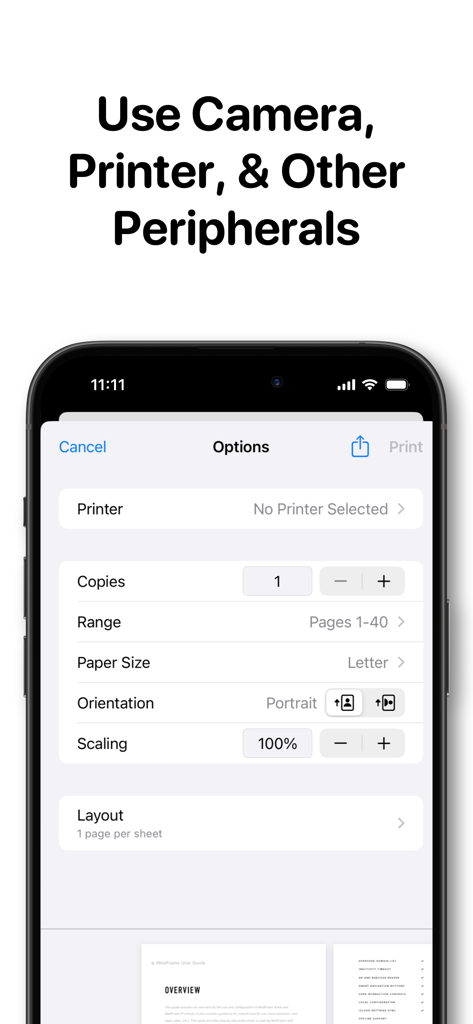
iPhone에서 WebFrame Pro 키오스크 앱 인쇄 옵션 및 주변 장치 설정 인터페이스

iPhone에서 WebFrame Pro 키오스크 앱 인쇄 옵션 및 주변 장치 설정 인터페이스

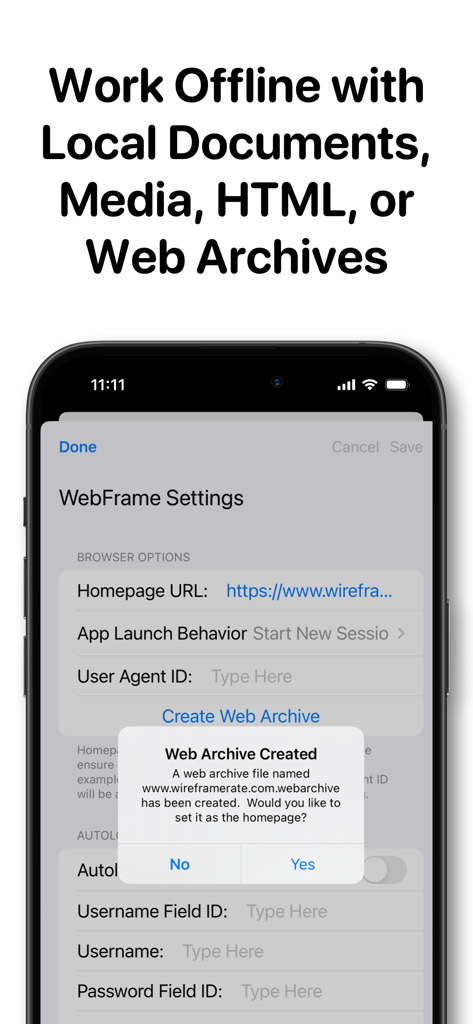
오프라인 키오스크 사용을 위한 웹 아카이브 생성을 보여주는 WebFrame Pro 앱 설정 인터페이스

오프라인 키오스크 사용을 위한 웹 아카이브 생성을 보여주는 WebFrame Pro 앱 설정 인터페이스

손쉬운 배포, 보안 및 확장

이 앱을 돋보이게 하는 도구, 30K+ 명의 사용자가 선택.

🛠️

엔터프라이즈 원격 관리

기존 MDM 솔루션을 통해 전체 기기 설정을 원격으로 관리하고 업데이트할 수 있는 AppConfig 지원으로 배포를 간소화합니다.

🔒

산업 등급 보안

단일 앱 모드, 고급 도메인 필터링 및 비활성 시간 초과를 통해 사용자 개인 정보를 위해 자동으로 캐시를 지워 완벽한 잠금을 보장합니다.

📱

몰입형 전체 화면 UI

탐색 모음 및 주소 표시줄을 제거하여 AR 및 QR 코드 스캐닝을 지원하는 깔끔하고 전용 웹 환경을 제공합니다.

앱 소개

에 대해 알아야 할 모든 것 WebFrame Pro Kiosk.

설명

WebFrame Pro allows you to turn an iOS device into a remotely manageable, single-purpose kiosk displaying full-screen web apps, web pages, multimedia, documents, and more. WebFrame Pro features the following capabilities: • Remotely Managed: WebFrame Pro is AppConfig-compliant, enabling it to be remotely deployed and configured by over 20 leading enterprise mobility management (EMM) solutions. • Full Screen Browser: WebFrame Pro provides a full-screen browser with no address or navigation bars. This allows you to create a true kiosk experience and keeps users in the web site, web app, document, or multimedia you intended. • Secure: Lock-down the kiosk with Guided Access Mode, or with MDM configure Single App Mode, or Autonomous Single App Mode. • Advanced Content Filter: Limit browsing to approved domains to prevent users from leaving the site or web app you have configured. Block tracking cookies, scripts, and other content. Create custom filters to hide images, force HTTPS, hide page elements, etc. • Offline Support: Store files locally and set to homepage URL. Supports HTML, .webarchive, documents, media, etc. • Inactivity Timeout: Monitor user activity and reload homepage, dim the screen, and/or load a blank screen if no user activity has taken place for a selected duration. Optionally, you can choose to clear the browser cache on timeout to ensure previous user session data is deleted. • Augmented Reality: Create an infinite showroom with augmented reality experiences. AR models in .USDZ or .Reality format will be loaded into an AR Quick View. • QR and Bar Code Reader: Allow customers to lookup products, allow employees to access and/or login to unlinked pages, or more. Reader returns string to JavaScript to handle as you wish. • Smart Navigation Buttons: WebFrame now supports navigation buttons that will automatically show and hide depending on the ability to navigate backward and forward. They can also be configured to dynamically slide offscreen as the page scrolls to minimize their visual impact. Finally, they can be repositioned vertically on the screen to prevent obscuring underlying page content. • User Interaction Controls: Control how users interact with your kiosk and allow or disallow swipe navigation, pull-to-refresh, enable or disable pan, scroll, or zoom gestures, or disable user interaction entirely. • Web Clip Support: Launch WebFrame Pro from a Web Clip with a custom icon and name. Web Clips can be created with Apple Configurator or EMM/MDM solutions. • Local Configuration: All configuration of WebFrame Pro is handled locally through the iOS Settings app or in-app settings protected with a passcode. • Autologin Support: Store username and password in settings to automatically login to the homepage URL.

최신 버전

3.16.0

크기

5.3 MB

출시일

2018년 10월 13일

디지털 경험을 안전하게 보호할 준비가 되셨습니까?

수천 명의 IT 전문가가 원격, 확장 가능하고 안전한 키오스크 관리를 위해 WebFrame Pro를 사용하고 있습니다. 지금 App Store에서 시작하세요.

다운로드: App Store

App information, icons, screenshots, and descriptions displayed on this page are sourced from the Apple App Store and are the property of their respective developers. Download estimates and rankings are based on MWM's proprietary models and may not reflect actual figures. This page is provided for informational and analytical purposes only.

Believe this page infringes your intellectual property? File a dispute