WhatsWeb - Click to Chat
다운로드: App Store

이 페이지는 앱이나 개발자의 공식 페이지가 아니며, 정보 제공 및 논평을 목적으로 작성된 독립 편집 간행물입니다. 명시적으로 달리 언급되지 않는 한, 해당 앱이나 개발자는 MWM, Apple, Google Play, 앱 퍼블리셔 또는 앱 개발자와 제휴, 보증, 후원, 승인 또는 공식적으로 연결되어 있지 않으며, 이 페이지의 어떤 내용도 해당 앱이 MWM의 서비스를 사용하여 개발되었음을 의미하지 않습니다. 모든 상표, 로고, 스크린샷 및 기타 콘텐츠는 해당 소유자의 자산입니다.

로고: WhatsWeb - Click to Chat
다운로드: App Store

WhatsWeb - Click to Chat

하나의 기기에서 두 개의 계정을 관리하여 전문적이고 개인적인 삶을 간소화하세요. 삭제된 메시지를 손쉽게 복구하고, 상태를 저장하고, 연락처가 아닌 사람에게 즉시 메시지를 보내세요. WhatsApp을 위한 가장 강력한 유틸리티입니다.

주요 수치

다운로드

92K+

사용자 평점

4.5/5

총 평가 수

2K+

개발사

Bhuvan Gupta

카테고리

Utilities

지원 언어

16

최신 버전

4.0

크기

61.7 MB

출시일

2024년 3월 13일
기능

메시징 워크플로우 마스터하기

하나의 장소에서 듀얼 계정을 관리하고, 손실된 데이터를 복구하고, 개인 정보를 유지하도록 설계된 강력한 도구로 커뮤니케이션의 잠재력을 최대한 발휘하세요.

듀얼 계정 관리

프리랜서 및 비즈니스 소유자에게 적합합니다. 단일 iPhone에서 두 개의 계정을 동기화하여 두 번째 기기 없이도 전문적인 대화와 개인적인 대화를 정리하세요.

즉석 메시지 복구

단 한 순간도 놓치거나 영수증을 잃어버리지 마세요. 삭제된 문자 메시지와 미디어 파일을 자동으로 복구하여 완전한 마음의 평화와 모든 상호 작용의 완전한 기록을 제공합니다.

다음 스크린샷과 설명은 앱의 공식 스토어 목록에서 직접 가져온 것이며 앱 개발자의 자산입니다.

앱 스토어

스크린샷
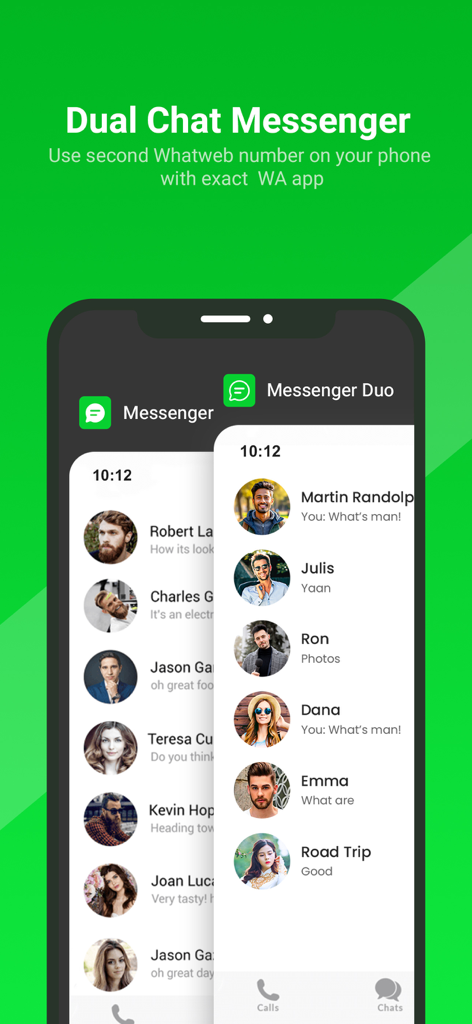
WhatsWeb - Click to Chat - 한 기기에서 두 개의 계정을 관리하기 위한 중첩된 듀얼 메신저 채팅 목록을 보여주는 스마트폰 화면
한 기기에서 두 개의 계정을 관리하기 위한 중첩된 듀얼 메신저 채팅 목록을 보여주는 스마트폰 화면

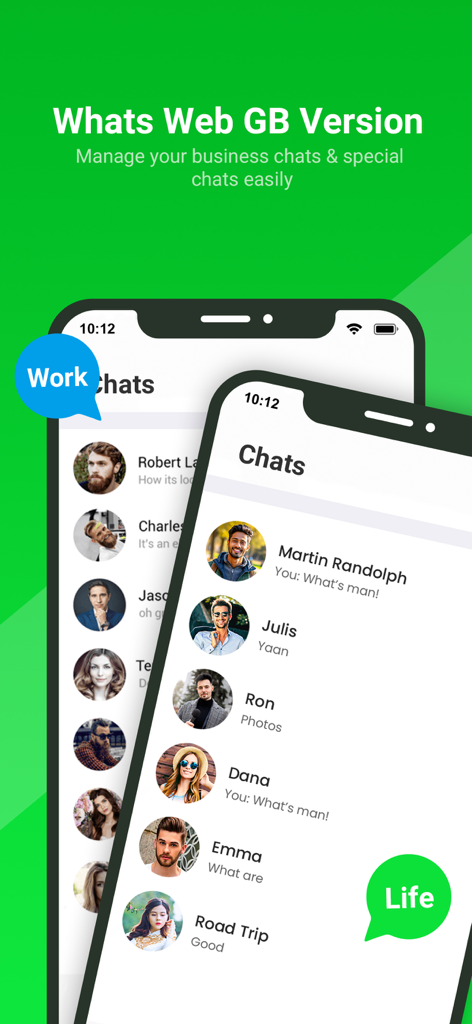
WhatsWeb - Click to Chat - 단일 모바일 기기에서 별도의 비즈니스 및 개인 채팅 목록을 표시하는 WhatsWeb 앱의 인터페이스
단일 모바일 기기에서 별도의 비즈니스 및 개인 채팅 목록을 표시하는 WhatsWeb 앱의 인터페이스

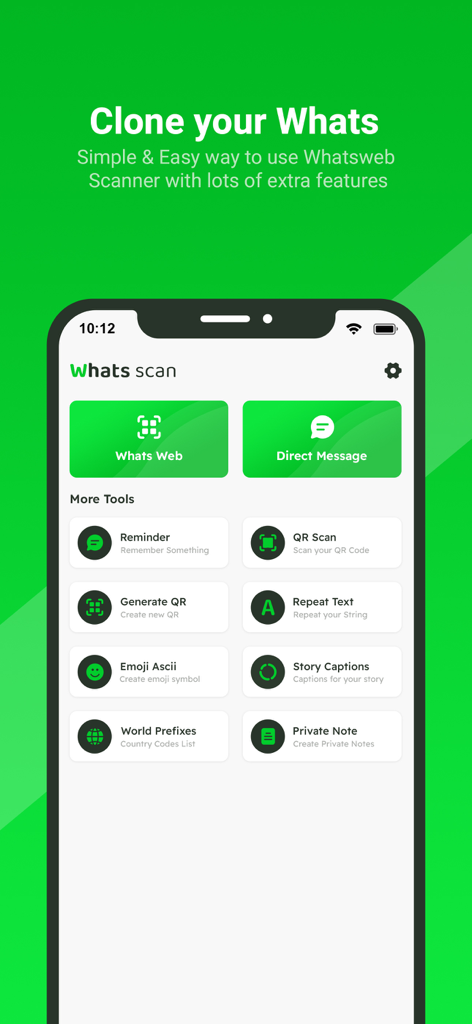
WhatsWeb - Click to Chat - 계정 복제 및 직접 메시징을 위한 도구를 보여주는 WhatsWeb 앱의 홈 화면
계정 복제 및 직접 메시징을 위한 도구를 보여주는 WhatsWeb 앱의 홈 화면

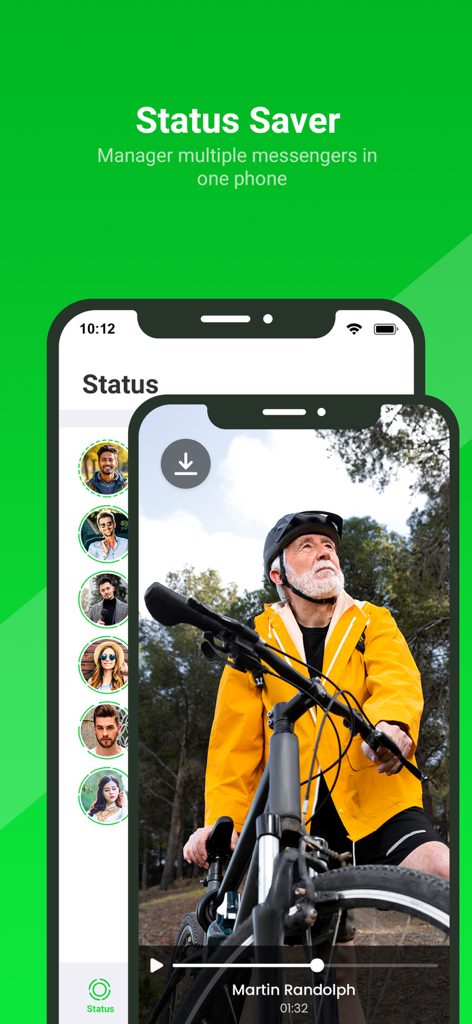
WhatsWeb - Click to Chat - 메신저 상태 업데이트를 다운로드하고 관리하기 위한 상태 저장 기능을 보여주는 WhatsWeb 앱 인터페이스
메신저 상태 업데이트를 다운로드하고 관리하기 위한 상태 저장 기능을 보여주는 WhatsWeb 앱 인터페이스

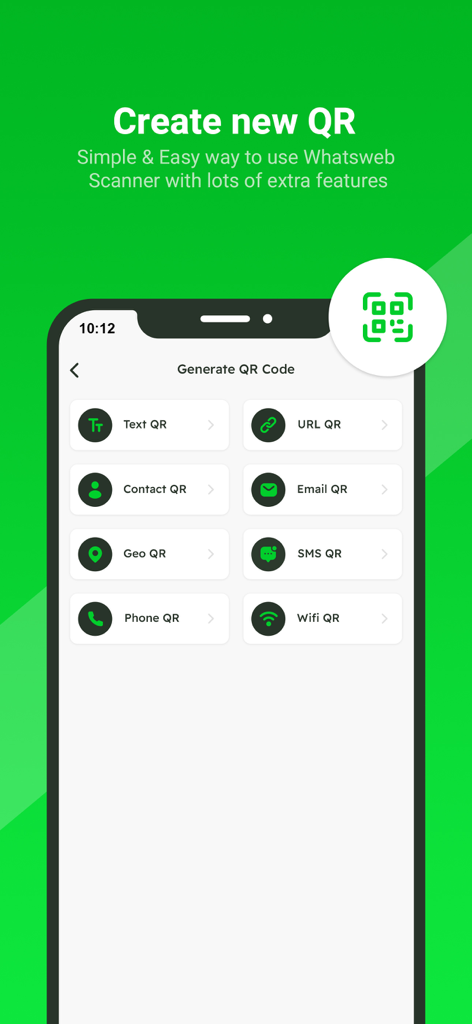
WhatsWeb - Click to Chat - 텍스트 URL 연락처 이메일 geo sms 전화 및 wifi QR 코드에 대한 옵션을 특징으로 하는 QR 코드 생성 인터페이스의 스크린샷
텍스트 URL 연락처 이메일 geo sms 전화 및 wifi QR 코드에 대한 옵션을 특징으로 하는 QR 코드 생성 인터페이스의 스크린샷

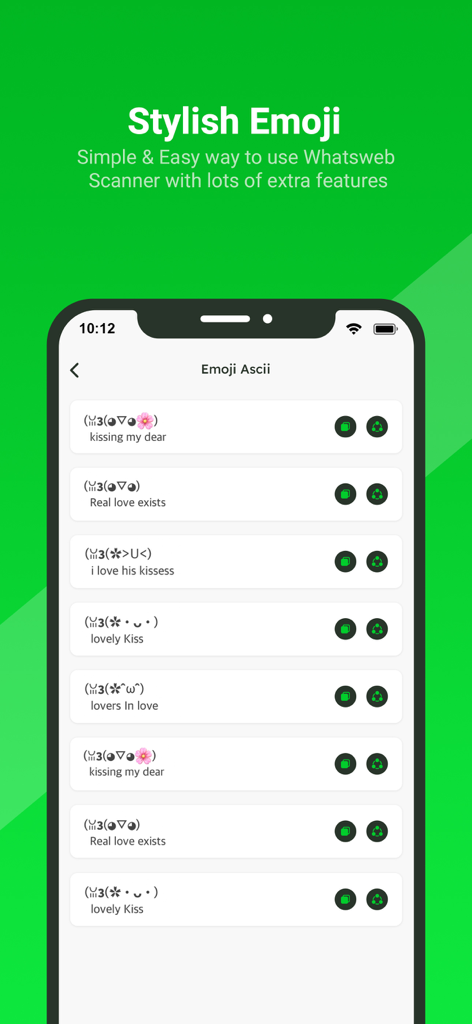
WhatsWeb - Click to Chat - WhatsWeb 모바일 애플리케이션 인터페이스 내의 스타일리시한 ASCII 이모티콘 및 카오모지의 목록.
WhatsWeb 모바일 애플리케이션 인터페이스 내의 스타일리시한 ASCII 이모티콘 및 카오모지의 목록.

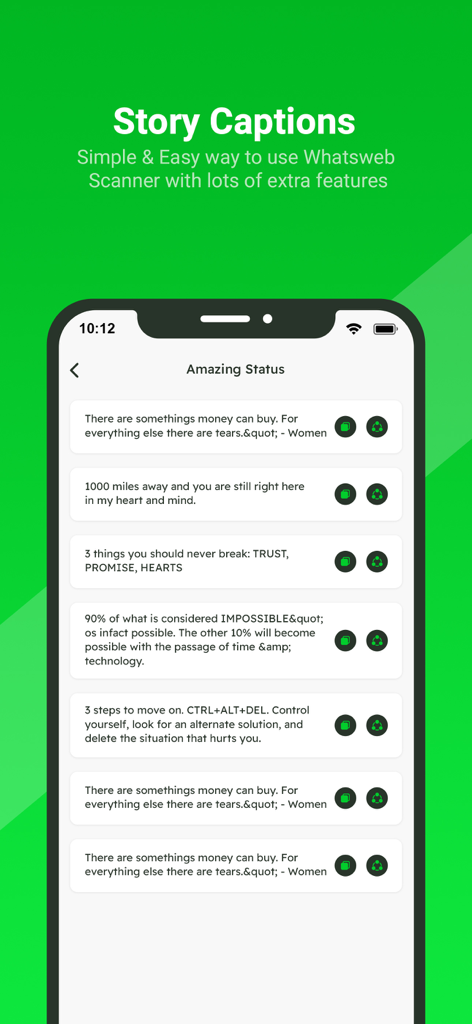
WhatsWeb - Click to Chat - WhatsWeb 모바일 애플리케이션 내의 스토리 캡션 및 상태 명언 목록
WhatsWeb 모바일 애플리케이션 내의 스토리 캡션 및 상태 명언 목록

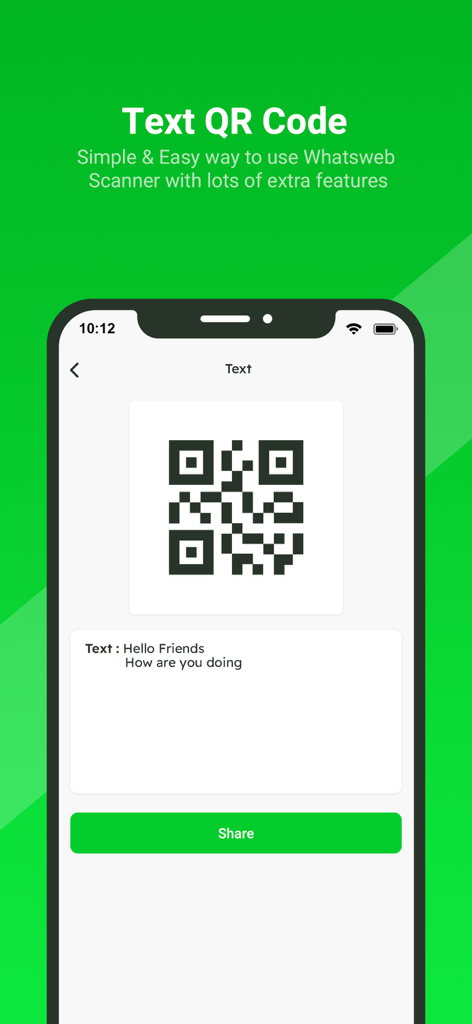
WhatsWeb - Click to Chat - 텍스트 메시지 QR 코드를 생성하고 공유하기 위한 WhatsWeb 앱 인터페이스
텍스트 메시지 QR 코드를 생성하고 공유하기 위한 WhatsWeb 앱 인터페이스

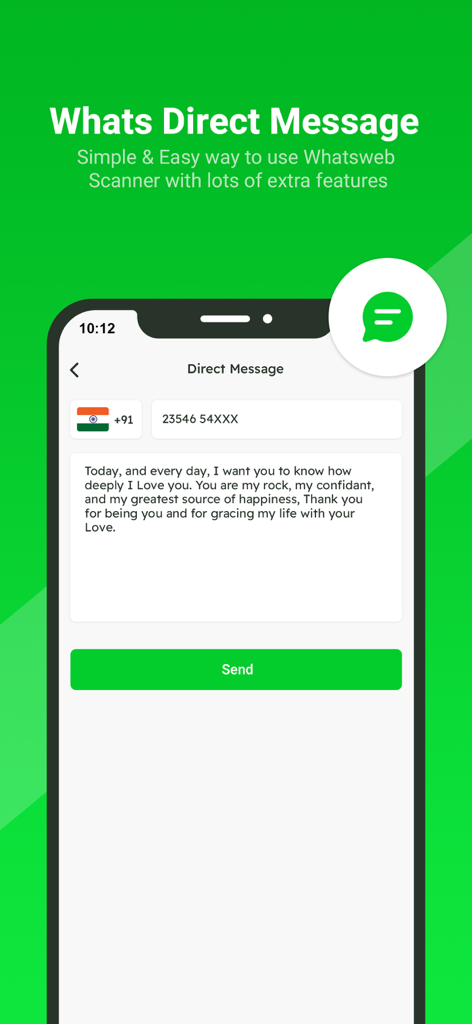
WhatsWeb - Click to Chat - 연락처를 저장하지 않고 메시지를 보내기 위한 직접 메시지 기능을 보여주는 앱 화면

연락처를 저장하지 않고 메시지를 보내기 위한 직접 메시지 기능을 보여주는 앱 화면

설명

Small app to open a WhatsApp chat with any number (you and that number). This free Whatscan for Whats Dual app automatically syncs all messages of the cloned WA account which enables you easily read and reply anytime. All downloaded Whatscan Web files from cloned WA accounts can also be managed effectively. Whatscan is a mobile application designed to enable users to access and manage multiple WhatsApp accounts simultaneously on a single device. Developed to cater to the growing need for managing personal and professional communications separately, Whatscan offers a convenient solution for users who wish to access two WhatsApp accounts without the hassle of constantly switching between them. It’s also a Status Saver that helps you download and repost WA status. And a practical message recovery app that supports restoring deleted WA messages. Why choose Whats Dual? - Fast, Simple & Easy to use Whats Dual Scanner - Clone WA accounts & Dual WA - Automatically sync all WA messages - One-click to recover deleted WA messages - Free Status Saver & Downloader; share and repost status - Download, read, and reply all WA messages - Efficiently manage downloaded files of cloned account - Lightweight - Dark Mode Whatscan Web You can clone WA accounts on another device or Dual WA on a single device with this powerful Whats Dual scanner. Easily read all messages of the cloned account on your device. Fast and Stable Connection Scan the QR code in Whats Dual and you can easily log in to the account. It works smoothly after logging in, no need to worry about unexpected logouts. Instantly Sync WA Messages You can read, reply and download all messages of cloned accounts in real time. Never miss a message. Recover Deleted Messages You can view deleted WA messages in WhatsDeleted. Easily recover all deleted text messages and media files. Status Saver Status Saver helps you easily download all images, GIFs and videos from WA status. You can also share these status with your friends or repost them to other media. Direct Chat Want to send a message but find out he's not in your contacts? With Direct Chat, you can directly send messages on WA or WA Business without adding contacts. Easily Manage Saved Files All downloaded Whats Dual files are well organized in Saved Files. You can centrally manage, view or share your downloaded images, videos or documents at any time. Am I Being Watched? No need to worry about your account being watched by others. This Whats Dual app can help you check if your WA account is being logged in by someone else. Try Whatscan and keep your account safe! How to use Whats Dual Step 1: Open the WA account you want to log into Step 2: Tap Three Dots / Settings, then tap Linked Devices Step 3: Tap Link A Device to scan the QR code in Whats Dual to log in Step 4: Now you can view all messages of the cloned account Get unlimited access to all premium Add on for Whats App Web Subscribe Monthly Whats Scan pro at $1.99 and Yearly Whats Scan Pro at $9.99 to use ads free versions of the premium app which can cancel anytime. • Privacy Policy: https://sites.google.com/view/bhuvangupta-pp • Terms of Use: https://sites.google.com/view/bhuvangupta-tos Very simple to use and a powerful tool for Whats Scan! Try this

Download

다운로드: App Store

이 페이지는 앱이나 개발자의 공식 페이지가 아니며, 정보 제공 및 논평을 목적으로 작성된 독립 편집 간행물입니다. 명시적으로 달리 언급되지 않는 한, 해당 앱이나 개발자는 MWM, Apple, Google Play, 앱 퍼블리셔 또는 앱 개발자와 제휴, 보증, 후원, 승인 또는 공식적으로 연결되어 있지 않으며, 이 페이지의 어떤 내용도 해당 앱이 MWM의 서비스를 사용하여 개발되었음을 의미하지 않습니다. 모든 상표, 로고, 스크린샷 및 기타 콘텐츠는 해당 소유자의 자산입니다.