YSoft SAFEQ

YSoft SAFEQ

다운로드: App Store
로고: YSoft SAFEQ

YSoft SAFEQ: 최신 기업을 위한 안전하고 끊김 없는 모바일 인쇄

하이브리드 근무자가 모바일 장치에서 직접 인쇄 작업을 제출, 관리 및 해제하도록 지원하세요. 클라우드 통합으로 안전하며 글로벌 팀 생산성을 위해 구축되었습니다.

개발사

Y Soft Corporation, a.s.

카테고리

Business

다운로드

4K+

사용자 평점

1.0/5

총 평가 수

0

지원 언어

18

진정한 생산성의 엿보기

이 인터페이스를 사용하는 4K+ 명의 사용자.

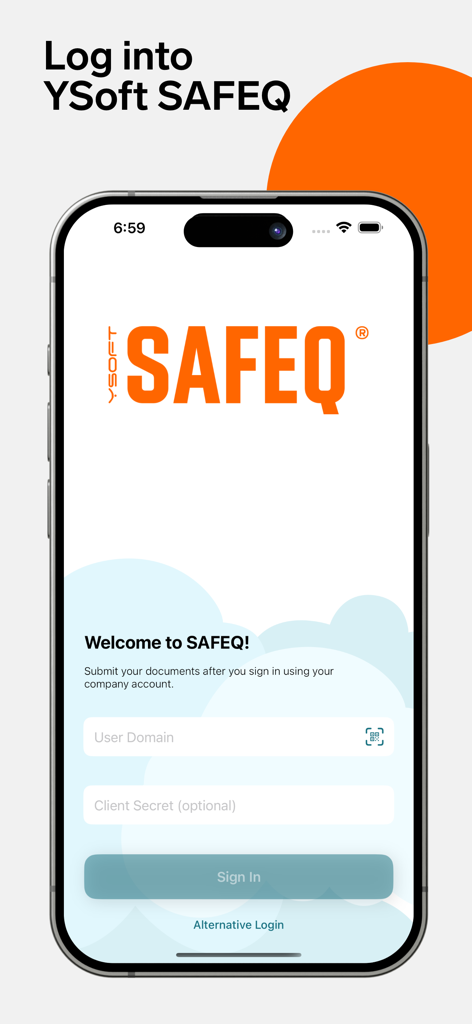
YSoft SAFEQ 앱 로그인 인터페이스, 보안 기업 인쇄를 위한 도메인 인증 필드 표시

YSoft SAFEQ 앱 로그인 인터페이스, 보안 기업 인쇄를 위한 도메인 인증 필드 표시

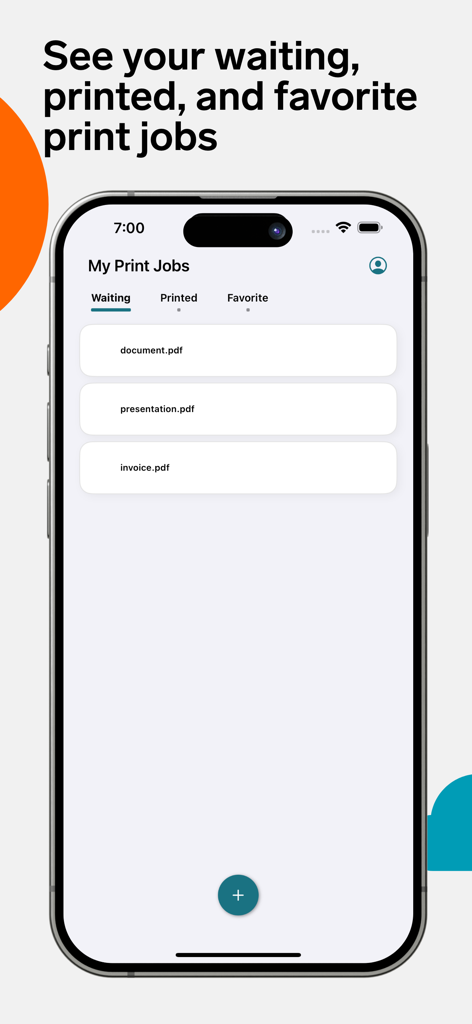
YSoft SAFEQ 앱 화면, 모바일 장치에서 대기 중인 인쇄 작업 목록 표시

YSoft SAFEQ 앱 화면, 모바일 장치에서 대기 중인 인쇄 작업 목록 표시

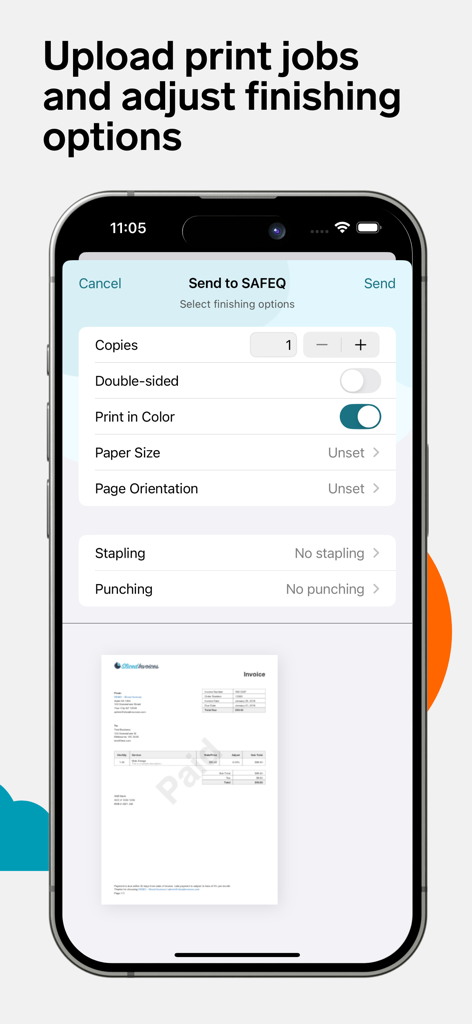
YSoft SAFEQ 모바일 인터페이스, 인쇄 후처리 옵션 및 문서 미리 보기 표시.

YSoft SAFEQ 모바일 인터페이스, 인쇄 후처리 옵션 및 문서 미리 보기 표시.

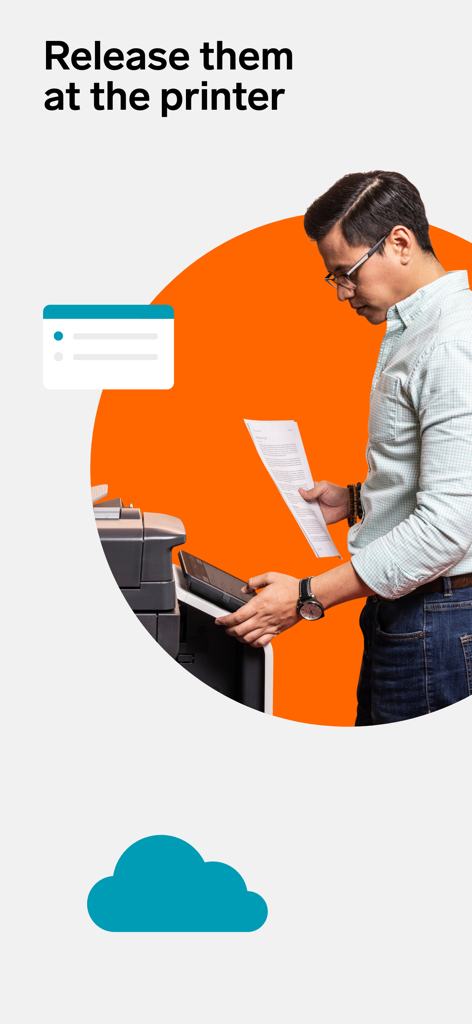
전문가가 YSoft SAFEQ를 사용하여 사무실 인쇄기에서 문서를 해제하는 모습

전문가가 YSoft SAFEQ를 사용하여 사무실 인쇄기에서 문서를 해제하는 모습

최신 직원을 위한 최신 인쇄

이 앱을 돋보이게 하는 도구, 4K+ 명의 사용자가 선택.

📱

진정한 모바일 생산성

iPhone 또는 iPad에서 직접 인쇄 대기열로 문서를 보내세요. 유선 PC의 필요성을 없애고 이동 중에도 작업을 관리하세요.

🔒

안전한 문서 해제

인쇄기 앞에 직접 있을 때만 작업을 해제하여 민감한 데이터를 보호하고 전문적인 업무를 위한 완전한 기밀을 보장하세요.

☁️

끊김 없는 클라우드 통합

OneDrive 및 Google Drive에 직접 연결하세요. 파일을 가져오고, 후처리 옵션을 선택하고, 선호하는 클라우드 생태계를 벗어나지 않고 인쇄하세요.

앱 소개

에 대해 알아야 할 모든 것 YSoft SAFEQ.

설명

More than 30K companies in 80+ countries use SAFEQ to power team productivity and accelerate IT transformation. Submit print jobs with ease through your phone or tablet! The YSoft SAFEQ mobile application works seamlessly across SAFEQ Cloud and SAFEQ 6 setups, giving your organization effortless, secure, and flexible printing. This app gives you the ability to submit print jobs with your chosen finishing options, view waiting, printed, and favorite print jobs and delete documents you no longer need to print —all from your mobile phone. You get a unified authentication experience whether you log in through the WebUI, PC Client, or mobile app. Once you’ve authenticated yourself, you’re all set to start. To submit prints using your phone, simply open the app and from within, you click on the "+" button, select a document (either from your device or from your apps such as OneDrive, Google Drive, etc.), edit any finishing options (copies, paper size, etc.), and click "Send". The job will be uploaded, and you can then release it by logging into your MFP and releasing it like you’re used to. You can also “Send to” or “Share with” the SAFEQ Mobile app directly from the documents you are working in. More about SAFEQ: https://www.ysoft.com/safeq Happy printing!

최신 버전

2025.11.27.1

크기

13.4 MB

출시일

2022년 9월 6일

최신 인쇄 기능을 손안에서 구현하세요

사무실의 불편함을 해소한 수천 명의 전문가와 함께하세요. 지금 YSoft SAFEQ 앱을 다운로드하여 워크플로를 안전하게 보호하고 언제 어디서나 인쇄하세요.

다운로드: App Store

App information, icons, screenshots, and descriptions displayed on this page are sourced from the Apple App Store and are the property of their respective developers. Download estimates and rankings are based on MWM's proprietary models and may not reflect actual figures. This page is provided for informational and analytical purposes only.

Believe this page infringes your intellectual property? File a dispute