
717 Parking

Skip the meter, avoid tickets, and extend your session remotely from your phone. Whether you are in Tampa, St. Pete, or 500+ cities nationwide, we make parking effortless.
Publisher
Category
NavigationDownloads
532K+User Rating
Total Ratings
3K+Locales
2Discover the interface used by 532K+ users.
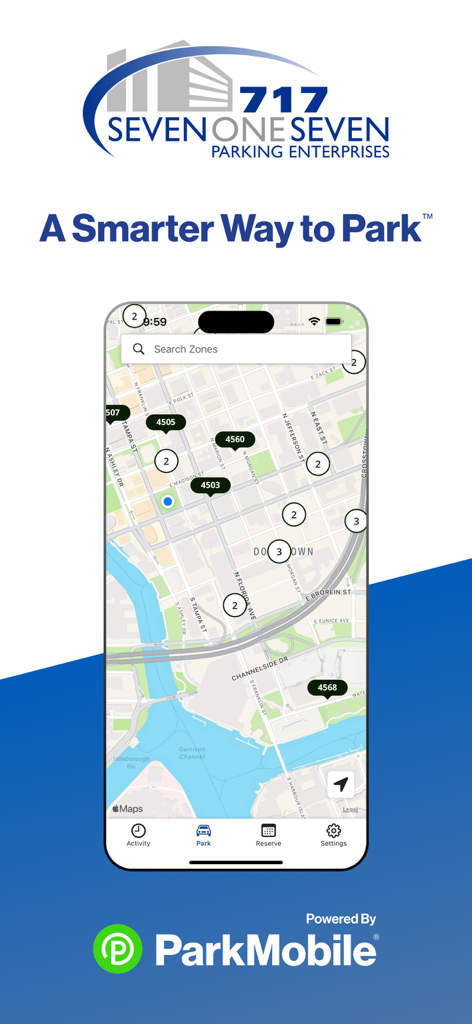
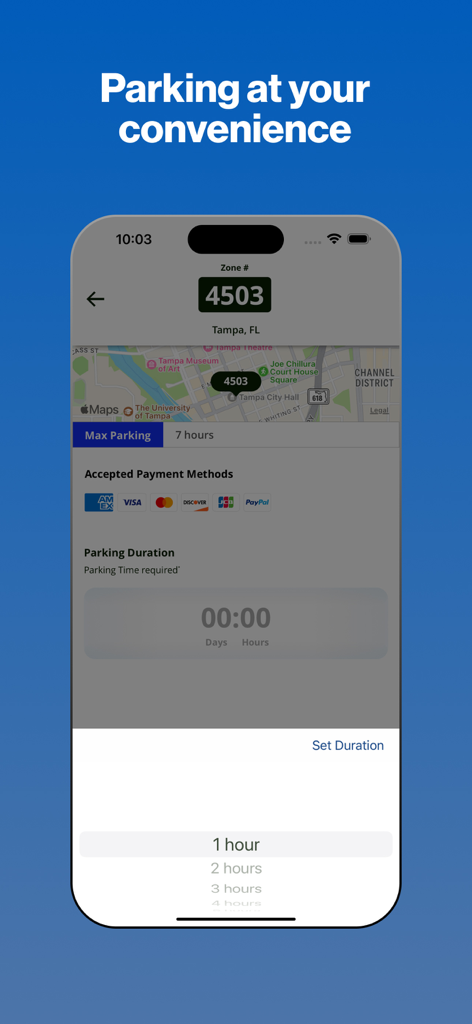
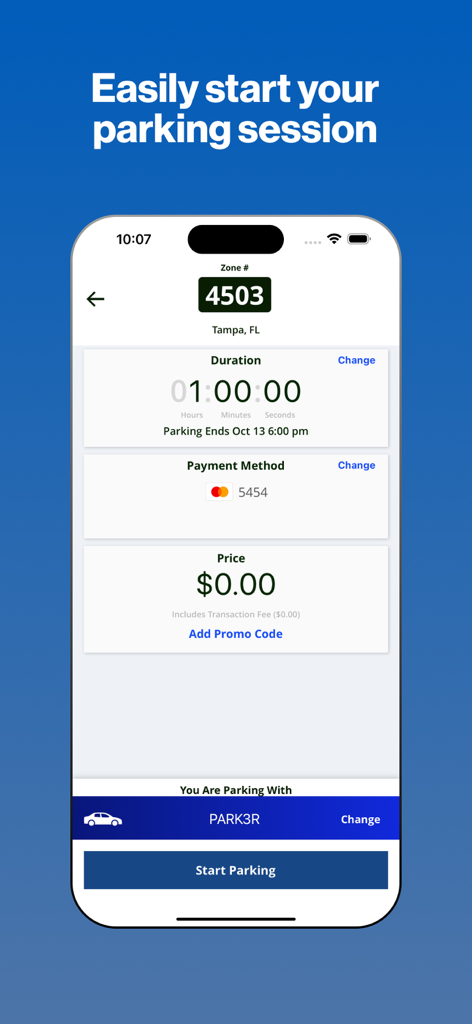
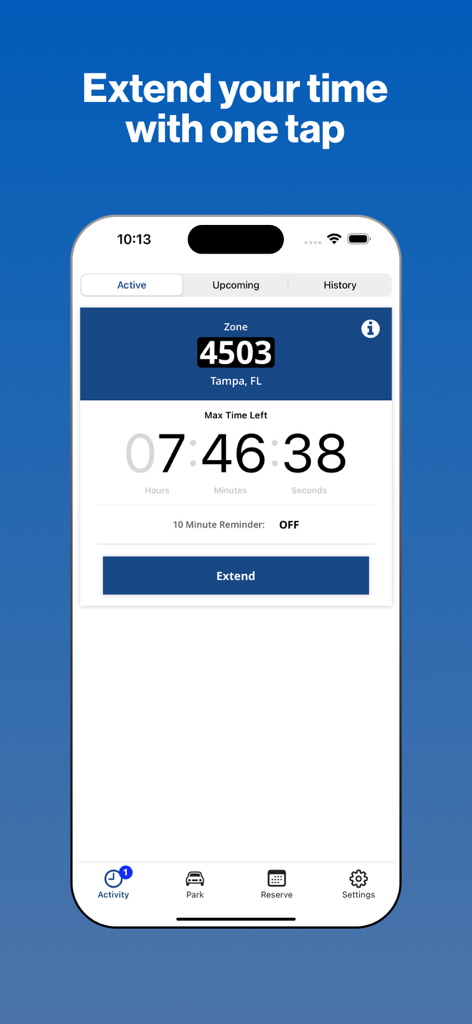
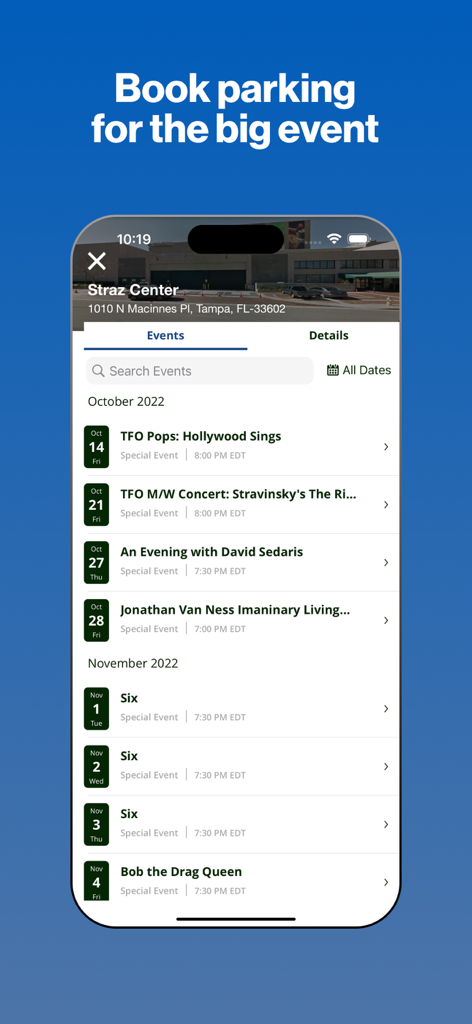
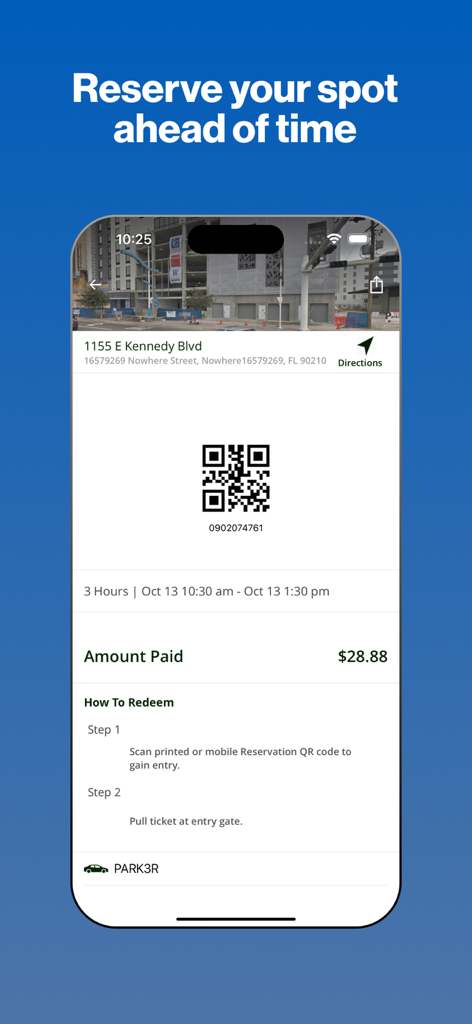
The tools that make this app stand out, trusted by 532K+ users.
Skip the kiosk and pay for your spot in seconds. Register your vehicle once and enjoy a seamless, coin-free experience every time you park.
Running late? Receive real-time alerts before your time expires and add more duration remotely without ever having to walk back to your car.
Book your spot ahead of time for events and easily export digital receipts for business reimbursements, keeping your professional life organized.
Insights from user reviews.
Sentiment Score
Summary
This mobile parking app receives overwhelmingly negative feedback, primarily due to a critical flaw where users cannot adjust their parking duration and are consequently overcharged for maximum time slots, often for short stays. Many customers also report receiving unfair tickets despite paying through the app, which are then compounded by unhelpful and unresponsive customer service that frequently refuses to reverse charges. Other significant complaints include various app glitches such as non-functional captchas, issues with QR scanning and zone recognition, and difficulties in deleting personal data or account information. While a few users find the app generally easy to use for locating and paying for parking, these positive aspects are largely overshadowed by the widespread frustration and financial grievances.
Common Themes
Everything you need to know about 717 Parking.
Description
Latest Version
25.22.0
Size
80.5 MB
First Released
Feb 26, 2018
Join over 500,000 drivers who skip the meter and manage everything from their phone. Download 717 Parking today and take the stress out of your next trip to Tampa, St. Pete, or Clearwater.
Everything you need to know about 717 Parking
The 717 Parking app provides a convenient way to pay for parking using your mobile device in Tampa, St. Petersburg, and Clearwater, Florida. It also works in over 500 other cities.
To create an account, download the 717 Parking app, enter your email and password, add your license plate number, and then add your method of payment.
Yes, you can extend your parking duration remotely from the 717 Parking app. The app also sends alerts before your session expires.
Yes, the 717 Parking app allows you to reserve parking spots ahead of time. You can search for locations, select dates/times, and complete the reservation.
The 717 Parking app works in over 500 cities nationwide, including Boston, San Francisco, Washington D.C., Atlanta, Chicago, Miami, New Orleans, Dallas, St. Louis, Minneapolis, and Pittsburgh.
Yes, the 717 Parking app offers 24/7/365 customer service. You can find support through their web, online help center, video tutorials, Twitter, and Facebook.
The 717 Parking app accepts multiple payment methods. Supported options include American Express, Visa, Mastercard, Discover, and PayPal.
Yes, you can track your parking expenses and easily export them for reimbursements directly from the 717 Parking app.
The 717 Parking app allows you to store up to five cars in your account.
Yes, the 717 Parking app includes a 'Find my car' feature that directs you back to the location where you parked your vehicle.
Apps with similar features and user experience

Parkmobile USA, Inc

Easy Park AS

SpotHero, Inc.

ParkWhiz, Inc.
Metropolis Technologies, Inc.

RingGo Ltd

Agence de mobilite durable de Montreal

SWM Services GmbH

City of Portland
App information, icons, screenshots, and descriptions displayed on this page are sourced from the Apple App Store and are the property of their respective developers. Download estimates and rankings are based on MWM's proprietary models and may not reflect actual figures. This page is provided for informational and analytical purposes only.
Believe this page infringes your intellectual property? File a dispute