
This page is not an official page of the app or its developer, but an independent editorial publication created for informational and commentary purposes. Unless expressly stated otherwise, neither the app nor its developer is affiliated with, endorsed by, sponsored by, authorized by, or otherwise officially connected with MWM, Apple, Google Play, the app publisher, or the app's developer, and nothing on this page implies that the app was developed using MWM's services. Any trademarks, logos, screenshots, and other content remain the property of their respective owners.

ABUKAI Expense Reports Receipt
Stop wasting your time on manual data entry. Simply snap a photo of your receipts and let our automagical engine handle the categorization, exchange rates, and reporting for you.
Downloads
35K+User Rating
Total Ratings
5K+Publisher
Category
FinanceLocales
11Latest Version
6.201Size
11.8 MBFirst Released
Aug 5, 2010Expense Reports That Write Themselves
Stop wasting your weekends on manual data entry. ABUKAI automates the entire process from receipt capture to corporate reimbursement, designed specifically for the busy road warrior.
One-Step Receipt Capture
Just snap a photo of any receipt while on the road. Our engine automatically extracts the vendor, date, and amount so you never have to type data again.
Automagical Categorization
Our system intelligently categorizes expenses and handles complex currency conversions, ensuring your reports are accurate and ready for approval instantly.
The following screenshots and description are sourced directly from the app's official store listing and are the property of the app developer.
App Store
Screenshots
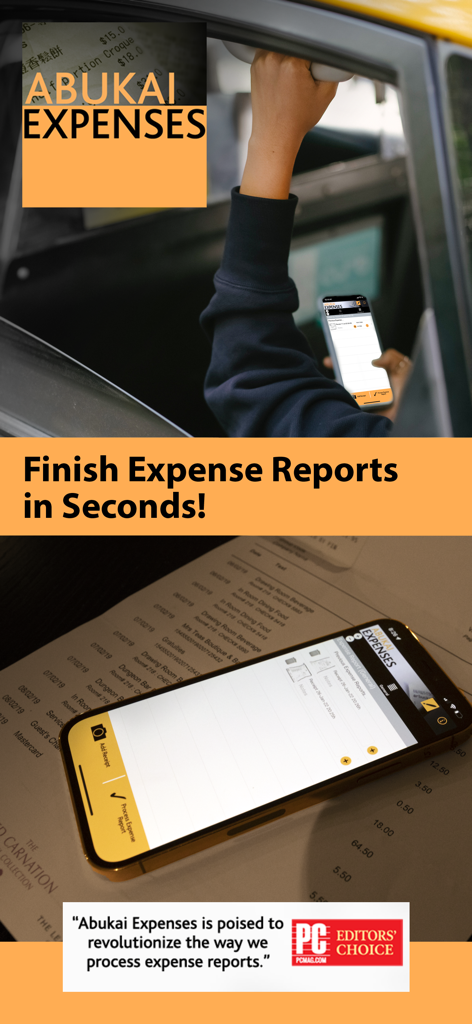
Smartphone displaying the ABUKAI app for automated receipt scanning and business expense reports.
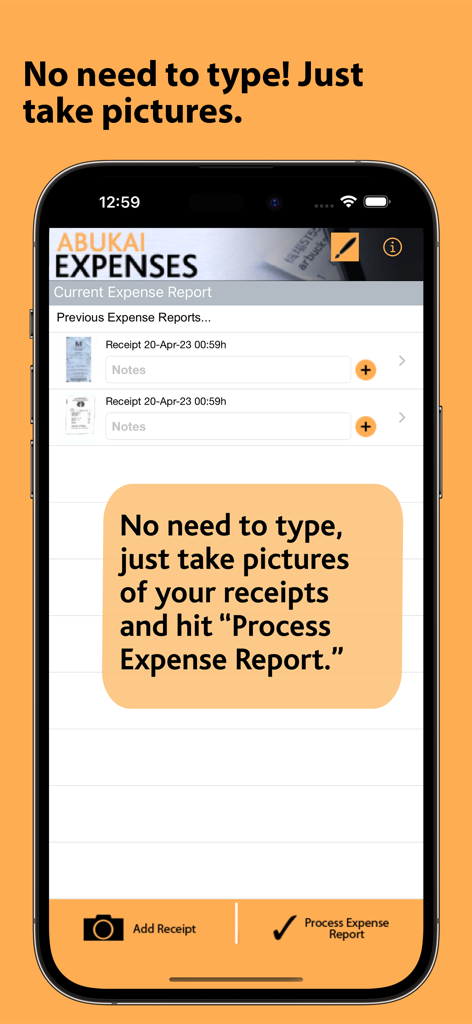
ABUKAI Expenses app interface showing a list of receipts and a button to process expense reports
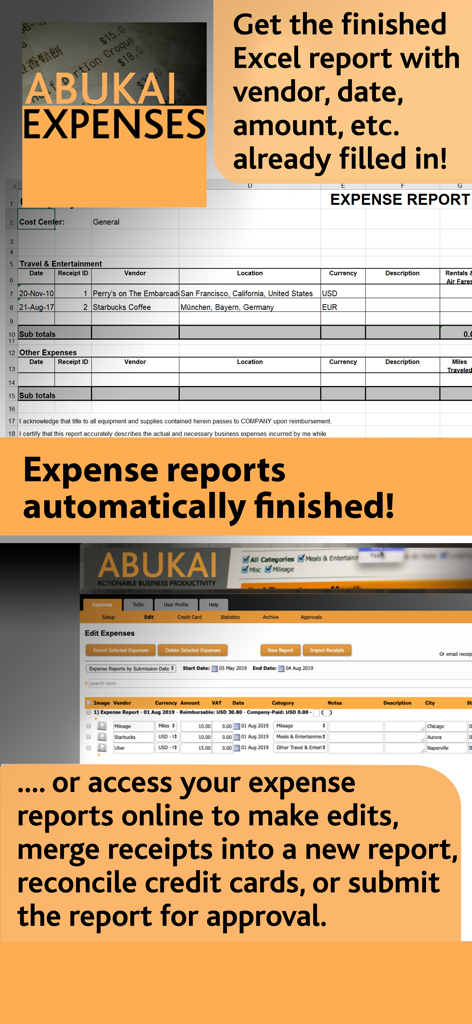
ABUKAI automated Excel expense report preview and online management portal interface.
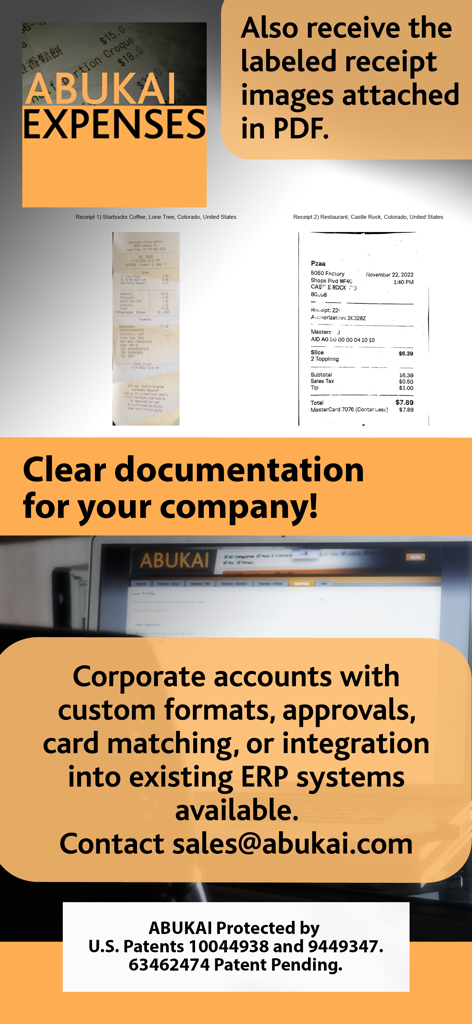
ABUKAI app display showing scanned receipts and corporate account integration features for expense reporting.
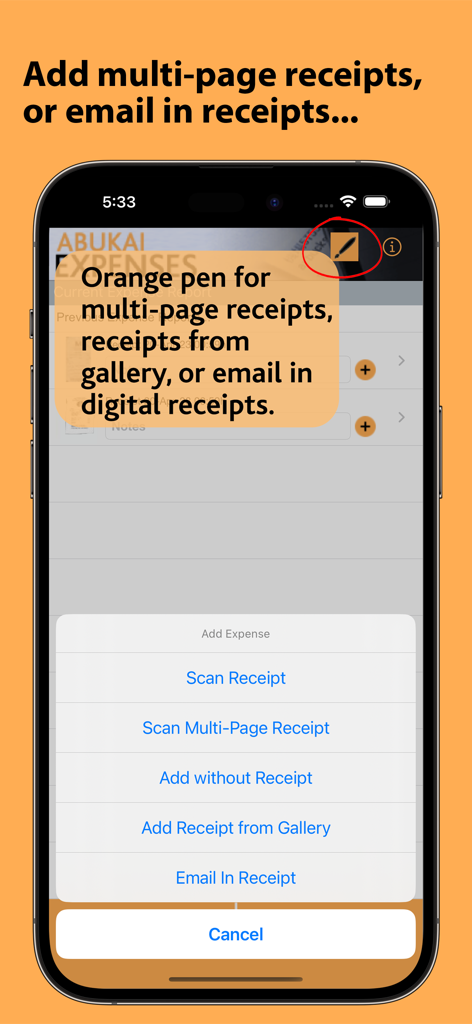
Screenshot of ABUKAI app showing menu options for scanning multi-page receipts and emailing in digital receipts.
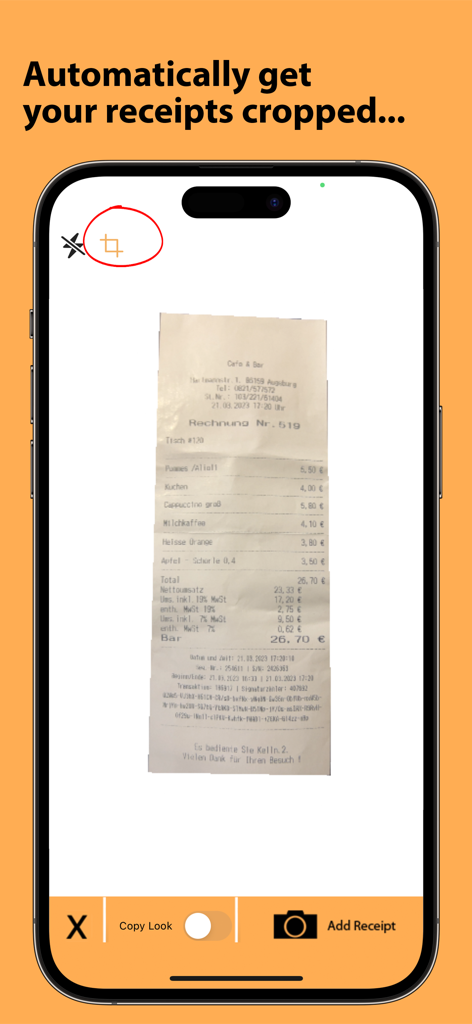
ABUKAI app showing automatic receipt cropping for expense reports
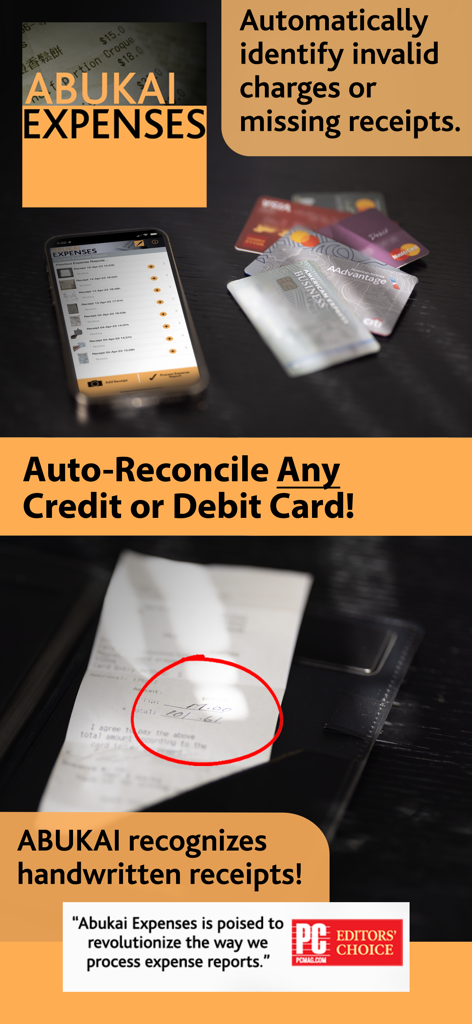
ABUKAI app features showcasing credit card auto-reconciliation and handwritten receipt recognition with PC Magazine endorsement
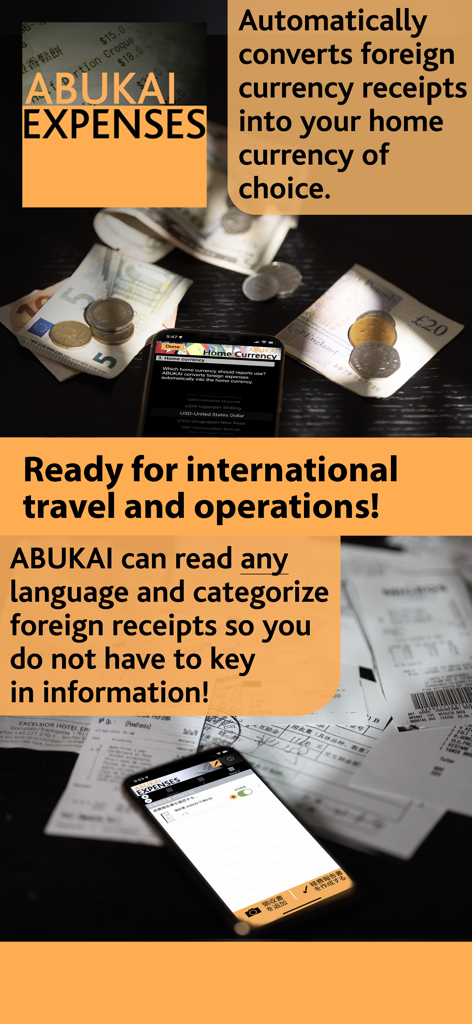
ABUKAI app interface demonstrating automatic foreign currency conversion and multi-language receipt scanning for international business travel.
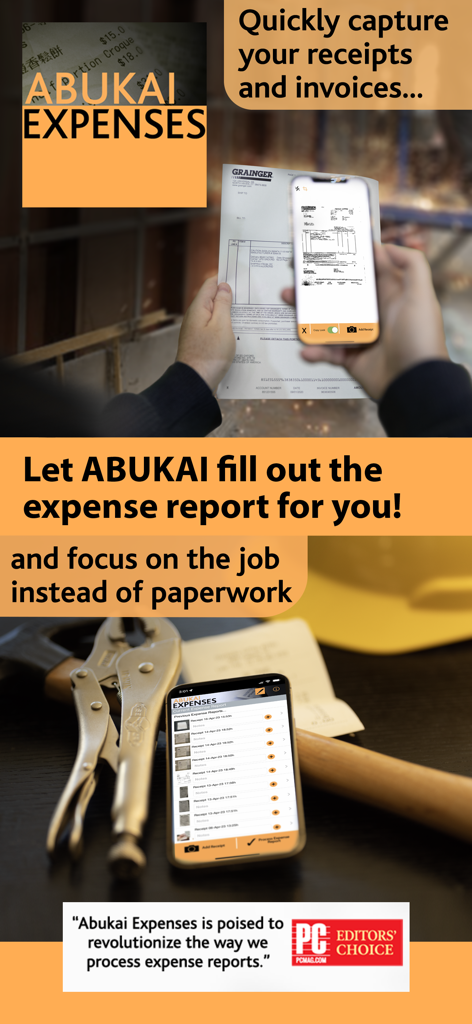
A user scanning a receipt with the ABUKAI app to automatically generate expense reports
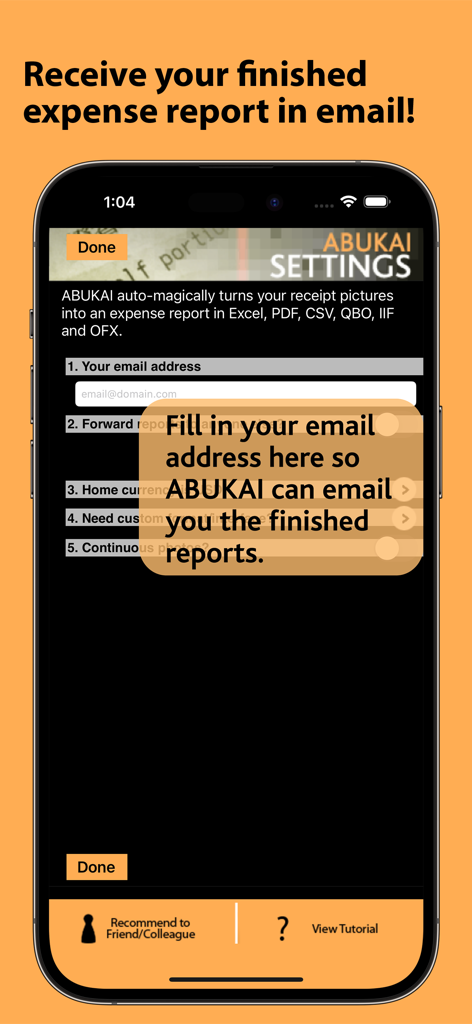
ABUKAI app settings screen showing email setup for receiving automated expense reports
Description
Download
More Like This
Top-ranked apps in the same category

电子税务局
State Administration of Taxation

UnionPay APP
China Unionpay Co.,Ltd.

养基宝 - 年轻人的养基神器
Shenzhen Xiaoduotou Information Technology Co.,Ltd.

PayPal - Pay, Send, Save
PayPal, Inc.

中国农业银行
AGRICULTURAL BANK OF CHINA LIMITED

Mercado Pago: cuenta digital
MercadoLibre S.A.

Kalshi: Trade on the Big Game
KALSHI INC.

中国工商银行
Industrial and Commercial Bank of China

个人所得税
State Administration of Taxation
This page is not an official page of the app or its developer, but an independent editorial publication created for informational and commentary purposes. Unless expressly stated otherwise, neither the app nor its developer is affiliated with, endorsed by, sponsored by, authorized by, or otherwise officially connected with MWM, Apple, Google Play, the app publisher, or the app's developer, and nothing on this page implies that the app was developed using MWM's services. Any trademarks, logos, screenshots, and other content remain the property of their respective owners.