
This page is not an official page of the app or its developer, but an independent editorial publication created for informational and commentary purposes. Unless expressly stated otherwise, neither the app nor its developer is affiliated with, endorsed by, sponsored by, authorized by, or otherwise officially connected with MWM, Apple, Google Play, the app publisher, or the app's developer, and nothing on this page implies that the app was developed using MWM's services. Any trademarks, logos, screenshots, and other content remain the property of their respective owners.


Afterplay - Game Emulator
Relive the glory days of 30+ classic consoles with seamless cloud saves across your iPhone, iPad, and Mac. From Pokémon trades to PlayStation epics, experience the ultimate nostalgia with modern features like auto-save, rewind, and retro achievements.
Downloads
0User Rating
Total Ratings
0Publisher
Category
EntertainmentLocales
1Latest Version
1.0.24Size
1.0 GBFirst Released
Jan 18, 2025Your Entire Childhood, Modernized
Experience 30+ classic consoles with the power of the cloud. Afterplay is the ultimate way to play, save, and share your favorite retro games on all your devices.
Seamless Cross-Device Play
Start your adventure on your iPhone during your commute and finish it on your Mac at home. Your progress syncs instantly across the cloud.
Master Every Level
Don't let 90s difficulty stop you. Use Rewind to undo mistakes, Fast Forward to skip the grind, and Auto-Save to protect every second of progress.
The following screenshots and description are sourced directly from the app's official store listing and are the property of the app developer.
App Store
Screenshots
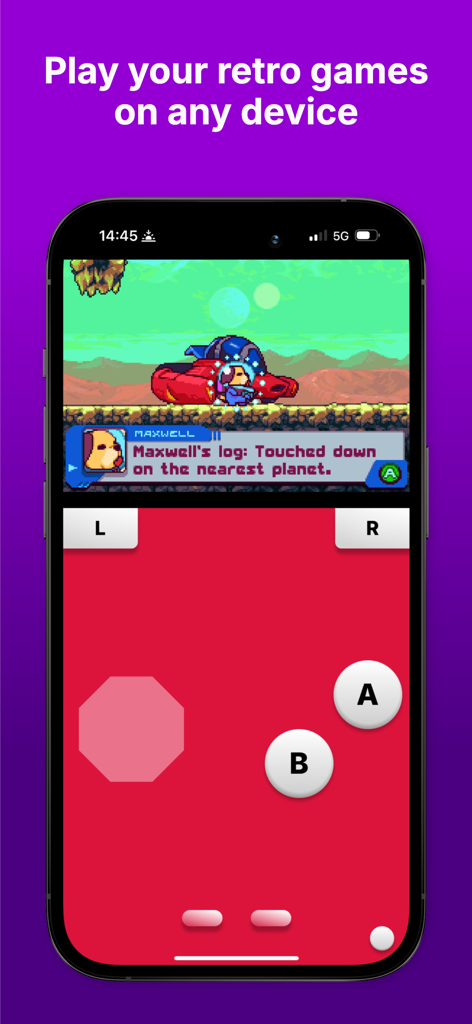
Afterplay emulator showing retro gameplay on an iPhone with virtual controller buttons
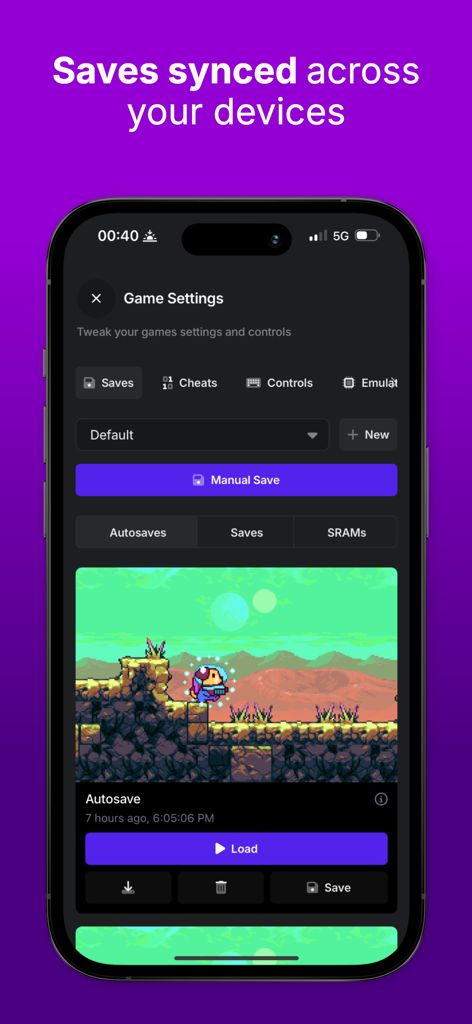
Afterplay emulator game settings screen displaying cross-device cloud save and autosave features

Two iPhones showing multiplayer retro gameplay using the Afterplay emulator link feature

Afterplay emulator interface demonstrating the link cable feature for playing retro games with friends.
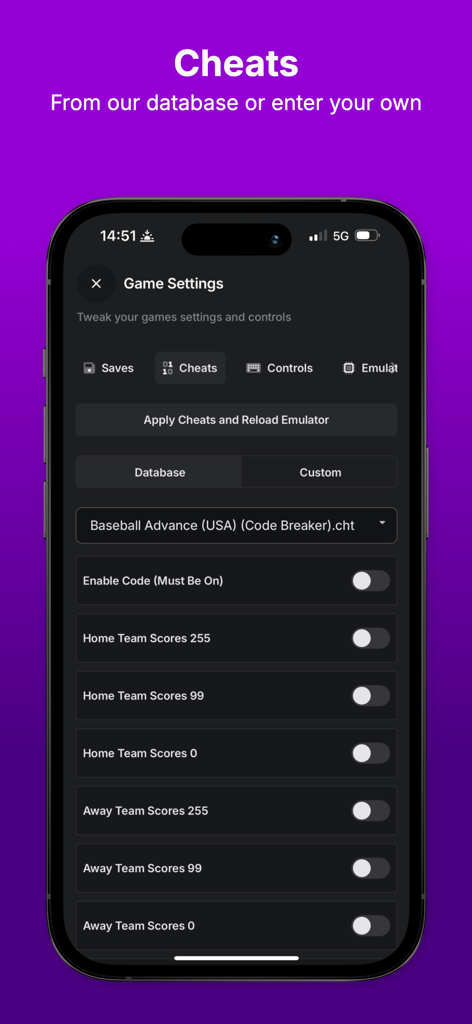
Afterplay game emulator cheat codes menu on iPhone
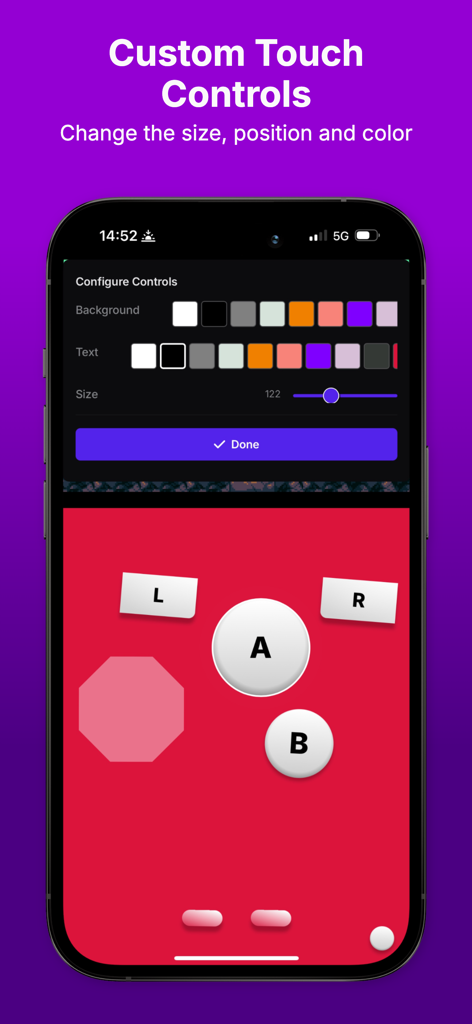
A menu interface in the Afterplay app showing customization settings for on-screen game controller buttons including color pickers and size sliders.
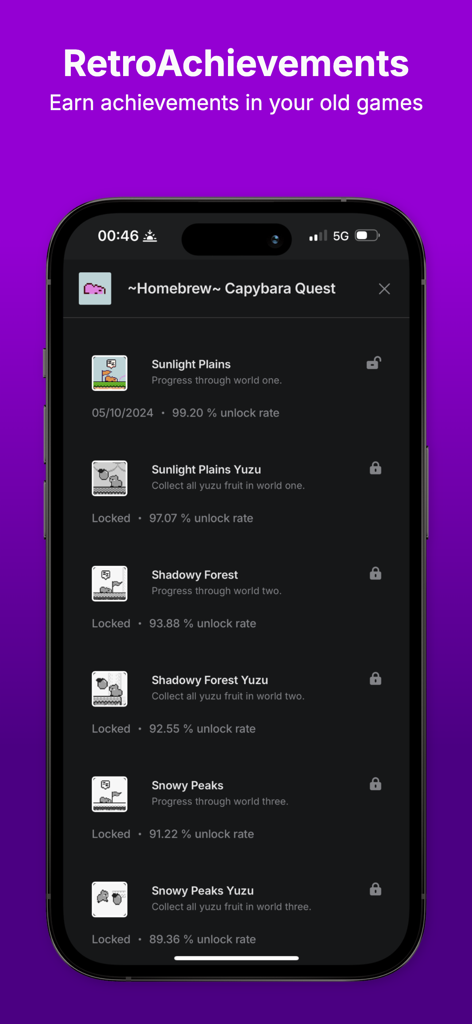
Afterplay emulator interface showing a list of RetroAchievements for a classic game
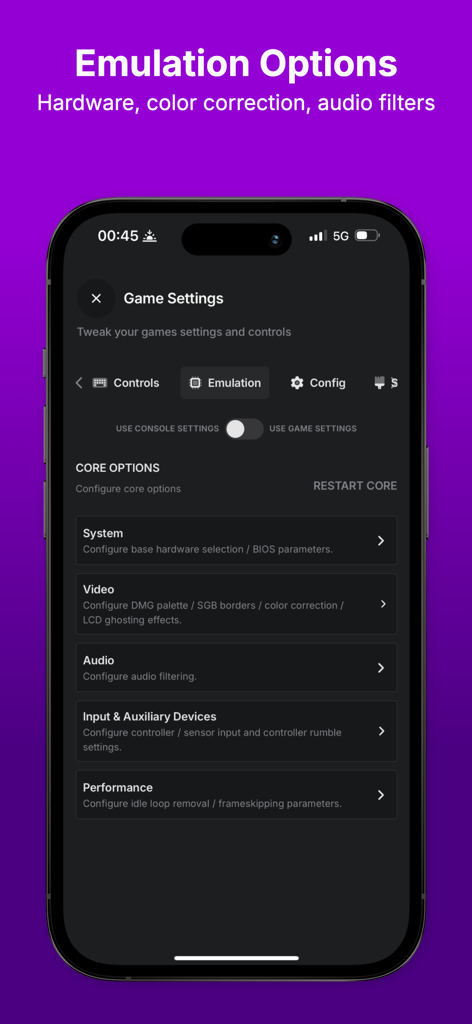
Settings menu in the Afterplay game emulator app showing various emulation options for hardware and performance
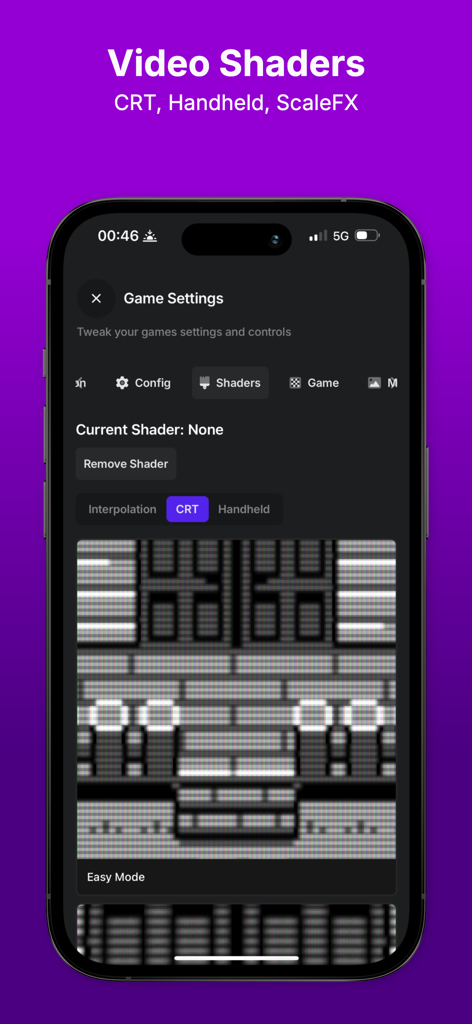
Afterplay emulator app showing video shader settings for CRT and handheld screens.
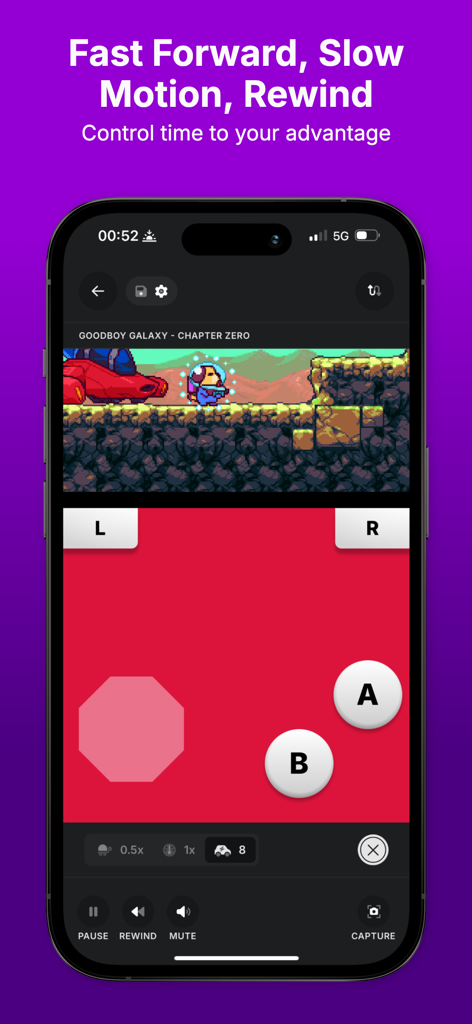
Afterplay game emulator interface on an iPhone displaying time manipulation features like fast forward and rewind for retro games
Description
Download
More Like This
Top-ranked apps in the same category

TikTok - Videos, Shop & LIVE
TIKTOK PTE. LTD.

Freecash - Get Paid Real Money
256 REWARDS LTD

Netflix
Netflix, Inc.

DramaBox - Stream Drama Shorts
STORYMATRIX PTE. LTD

HBO Max: Stream Movies & TV
WarnerMedia Global Digital Services, LLC

Amazon Prime Video
AMZN Mobile LLC

Disney+
Disney Electronic Content, Inc.

NetShort - Popular Dramas & TV
NETSTORY PTE. LTD.

Ticketmaster-Buy, Sell Tickets
Ticketmaster L.L.C
This page is not an official page of the app or its developer, but an independent editorial publication created for informational and commentary purposes. Unless expressly stated otherwise, neither the app nor its developer is affiliated with, endorsed by, sponsored by, authorized by, or otherwise officially connected with MWM, Apple, Google Play, the app publisher, or the app's developer, and nothing on this page implies that the app was developed using MWM's services. Any trademarks, logos, screenshots, and other content remain the property of their respective owners.