AI Note Taker - Voice Notes

AI Note Taker - Voice Notes


Download on App Store
Logo of AI Note Taker - Voice Notes

AI Note Taker - Voice Notes: Master Your Meetings and Lectures with AI

Stop struggling with manual notes. Transcribe audio, summarize YouTube videos, and chat with your recordings to extract key insights instantly. Your productivity, supercharged.

Download on App Store

Publisher

elis dlop

Category

Utilities

Downloads

98K+

User Rating

4.7/5

Total Ratings

200

Locales

1

Intelligence in Every Frame

Discover the interface used by 98K+ users.
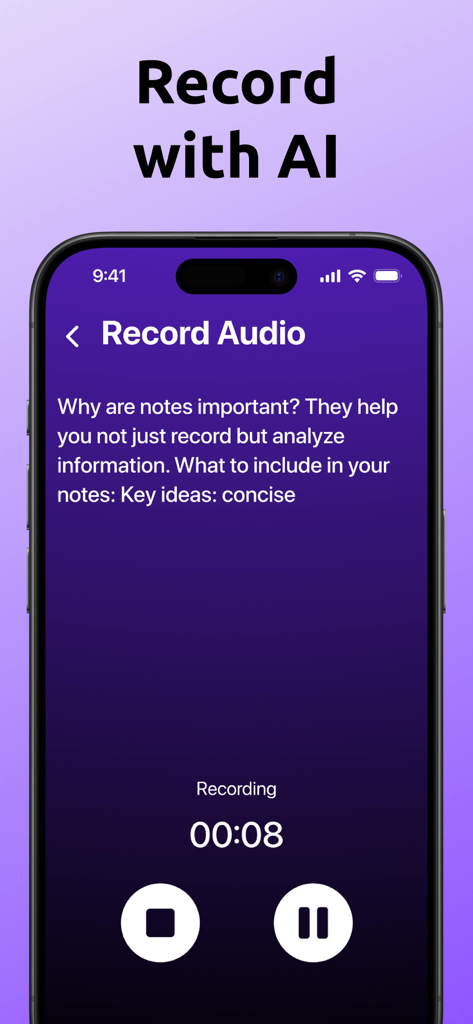
A mobile screen showing the AI Note Taker app recording audio with real time transcription of a voice note.

A mobile screen showing the AI Note Taker app recording audio with real time transcription of a voice note.

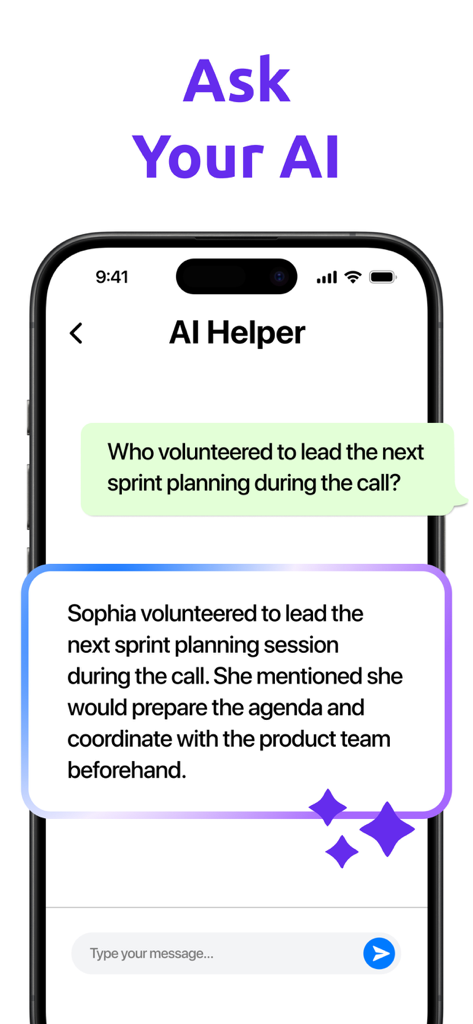
Interface of the AI Note Taker app showing an AI assistant answering a specific question about a meeting summary.

Interface of the AI Note Taker app showing an AI assistant answering a specific question about a meeting summary.

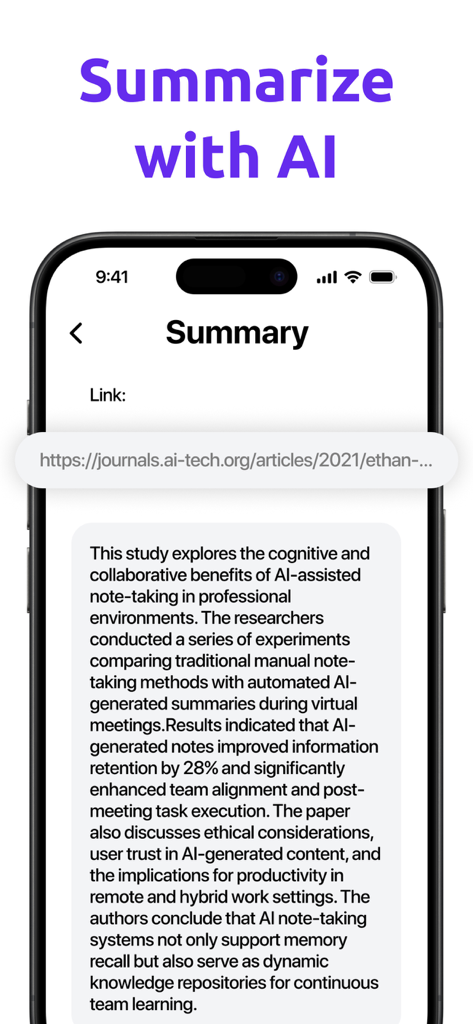
Interface of AI Note Taker app showing an AI-generated summary of a web article

Interface of AI Note Taker app showing an AI-generated summary of a web article

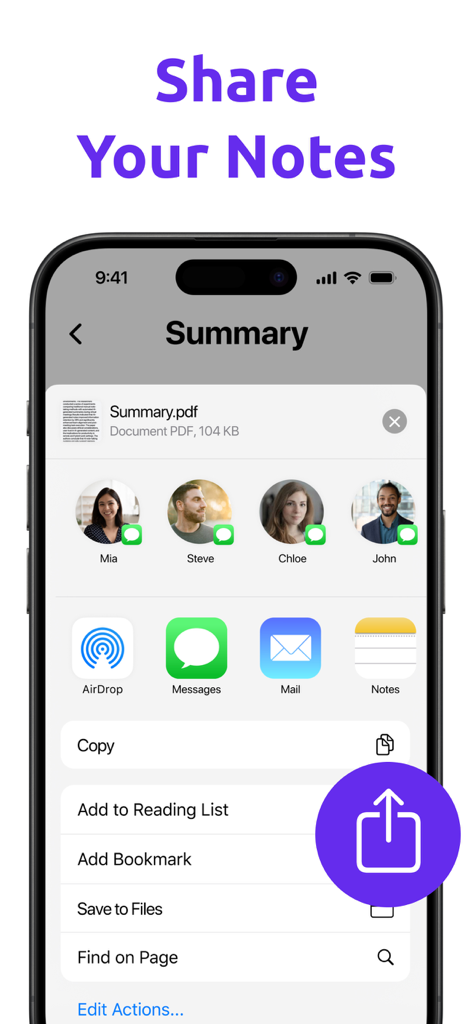
Mobile app interface showing options to share a PDF summary of notes with contacts and other apps

Mobile app interface showing options to share a PDF summary of notes with contacts and other apps

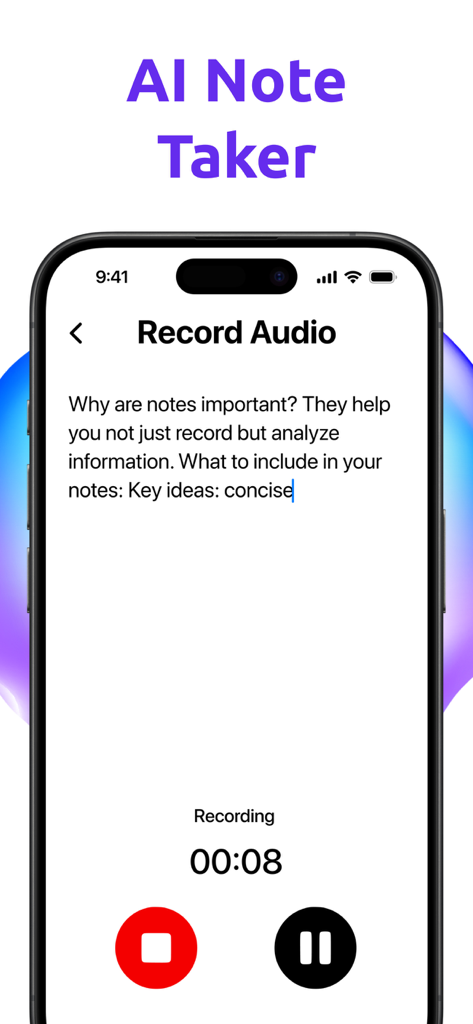
AI Note Taker app interface showing a voice recording in progress with real-time text transcription

AI Note Taker app interface showing a voice recording in progress with real-time text transcription

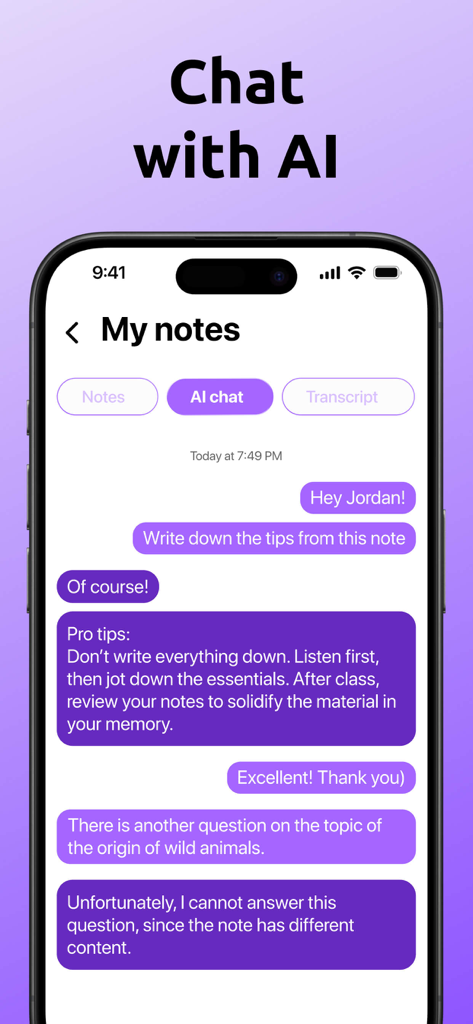
A smartphone showing the AI chat feature of the AI Note Taker app where a user asks for tips from their notes.

A smartphone showing the AI chat feature of the AI Note Taker app where a user asks for tips from their notes.

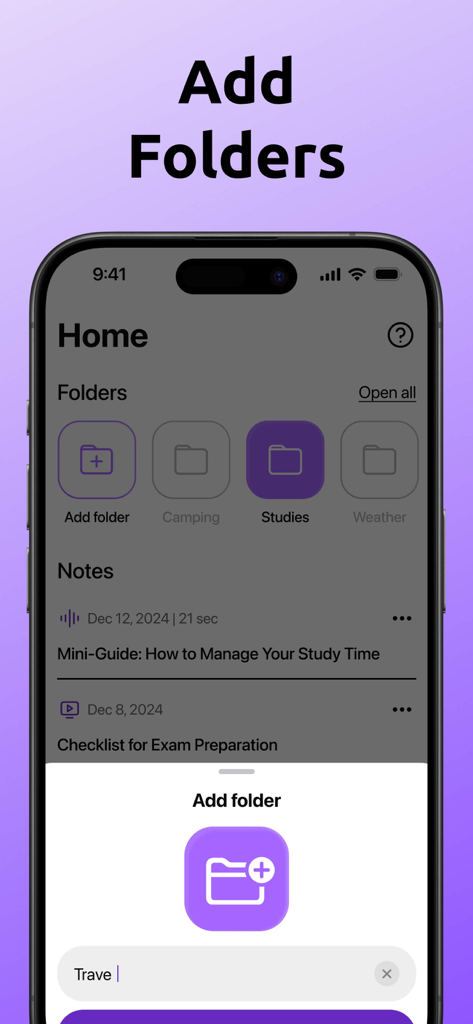
Screenshot of the AI Note Taker app interface showing folder organization and a pop up menu to create a new folder

Screenshot of the AI Note Taker app interface showing folder organization and a pop up menu to create a new folder

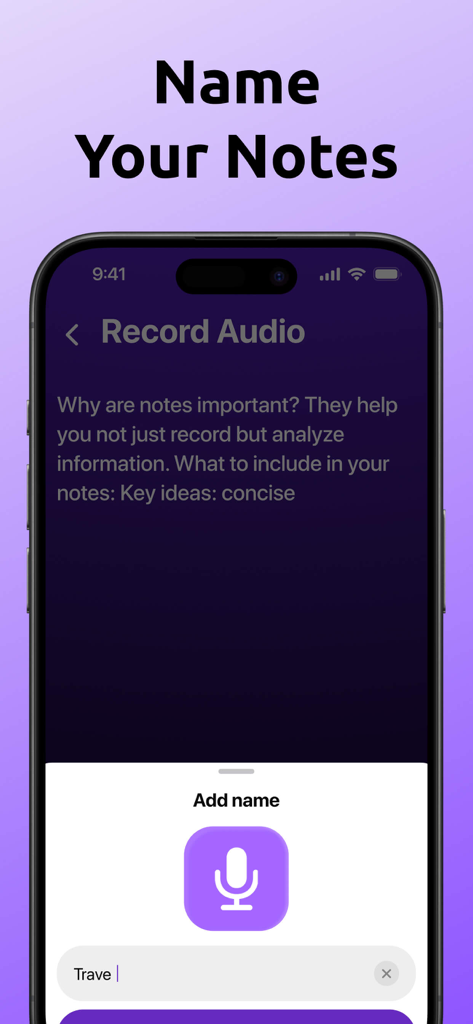
Interface showing the option to name a voice note recording after transcription in the AI Note Taker app.

Interface showing the option to name a voice note recording after transcription in the AI Note Taker app.

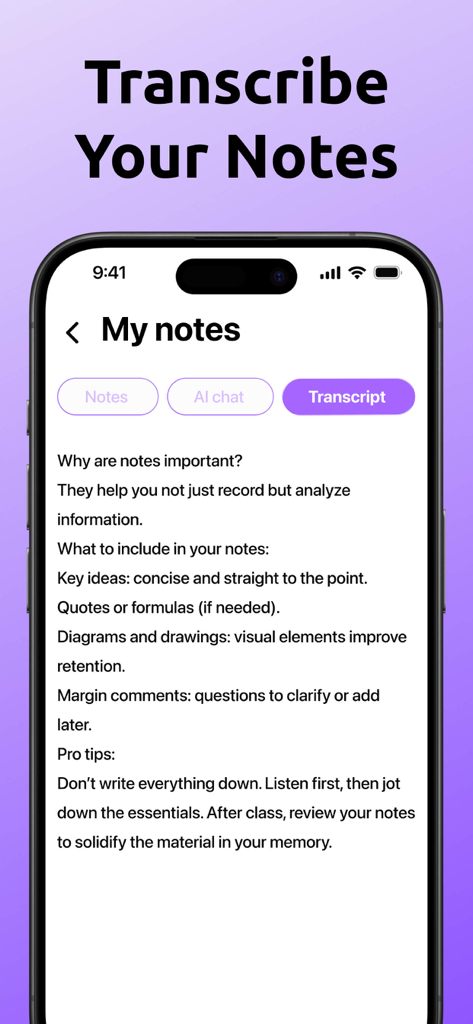
A mobile phone displaying a text transcription of audio notes in the AI Note Taker app

A mobile phone displaying a text transcription of audio notes in the AI Note Taker app

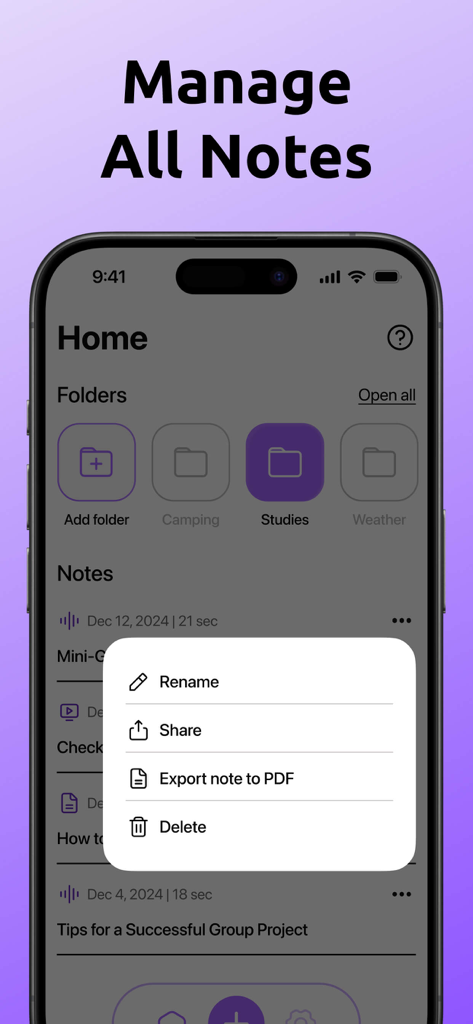
App interface showing note folders and a menu with options to rename, share, or export notes to PDF.

App interface showing note folders and a menu with options to rename, share, or export notes to PDF.

Turn Every Word Into Actionable Knowledge

The tools that make this app stand out, trusted by 98K+ users.

📺

Instant YouTube & Audio Transcription

Convert any video or voice recording into accurate text instantly. Perfect for capturing insights from long lectures or deep-dive research videos without manual typing.

🤖

Your Intelligent Second Brain

Don't just store notes—interact with them. Ask our AI Assistant to summarize key takeaways, extract action items, or answer specific questions from your recordings.

📂

Pro-Grade Organization & Export

Keep your workflow seamless with folder-based collections and one-tap PDF exports, designed for sharing professional meeting minutes or structured study guides.

About the app

Everything you need to know about AI Note Taker - Voice Notes.

Description

Our application is the perfect assistant for creating notes based on audio recordings, making the process of collecting and organizing information easier than ever. Ideal for students, professionals, and anyone who values efficient information handling! Key Features: - Accurate speech-to-text transcription — supports multiple languages - Import existing audio files and PDF documents - One-tap audio recording with pause and stop functions - Import videos from YouTube to extract text from video content - Built-in AI assistant — answers questions based on your notes' content - Translate transcriptions into other languages - Convenient editing and export to PDF - Organize notes into folders and create topic-based collections Smart Assistant: Right after installation, you'll take a short onboarding quiz to help the AI assistant better understand your goals and needs. The app also includes tutorial cards to help you quickly get started and make the most of its features. A subscription is required to access all features. You can cancel anytime through your device’s subscription settings. This application contains auto-renewable subscriptions and In-App Purchases 1 week - $4.99 1 month - $12.99 1 year - $39.99 Lifetime - $59.99 Privacy Policy Link: https://docs.google.com/document/d/1t_9xwhBxYcFLdnd9reWZ1MT834eEM68n5cL-qSm6WB4/edit?usp=sharing Terms of Use Link: https://www.apple.com/legal/internet-services/itunes/dev/stdeula/

Latest Version

1.0.11

Size

312.8 MB

First Released

Aug 21, 2025

Turn every word into your competitive advantage

Join over 98,000 students and professionals who have stopped manual note-taking. Download now to transform your meetings and lectures into searchable, AI-powered insights instantly.

Download on App Store

App information, icons, screenshots, and descriptions displayed on this page are sourced from the Apple App Store and are the property of their respective developers. Download estimates and rankings are based on MWM's proprietary models and may not reflect actual figures. This page is provided for informational and analytical purposes only.

Believe this page infringes your intellectual property? File a dispute