
This page is not an official page of the app or its developer, but an independent editorial publication created for informational and commentary purposes. Unless expressly stated otherwise, neither the app nor its developer is affiliated with, endorsed by, sponsored by, authorized by, or otherwise officially connected with MWM, Apple, Google Play, the app publisher, or the app's developer, and nothing on this page implies that the app was developed using MWM's services. Any trademarks, logos, screenshots, and other content remain the property of their respective owners.

Transkriptor - Speech to Text
Stop wasting time on manual note-taking. Transcribe audio and video with precision, generate instant AI summaries, and chat with your transcripts to get the insights you need in seconds.
Downloads
1M+User Rating
Total Ratings
8K+Publisher
Category
ProductivityLocales
33Latest Version
2.1.13Size
153.7 MBFirst Released
Mar 13, 2022Turn Every Conversation into Actionable Intelligence
Stop transcribing and start executing. Transkriptor leverages advanced AI to distill your meetings, voice memos, and videos into organized, ready-to-use professional assets.
Chat with Your Transcripts
Skip the long read. Use our AI assistant to instantly extract action items, summarize hours of audio, and draft follow-up emails directly from your recordings.
Lightning-Fast Video Conversion
Transform webinars and YouTube content into searchable text or captions. High-accuracy conversion for MP4, WAV, and MP3 files tailored for your professional workflow.
Frequently Asked Questions
Everything you need to know about Transkriptor - Speech to Text
Can Transkriptor convert audio to text?
Yes, Transkriptor converts voice notes to text with high accuracy. It supports various audio formats like MP3, WAV, and M4A for transcription.
What is Transkriptor?
Transkriptor is an AI-powered speech-to-text app and productivity tool. It transcribes meetings, converts voice notes and videos to text, and offers AI assistance for summaries and email drafting.
Does Transkriptor offer a free transcription plan?
Yes, Transkriptor offers a free plan. This plan provides 90 minutes of transcription credits and allows users to explore features like AI chat and AI summary.
Can Transkriptor transcribe video content to text?
Yes, Transkriptor converts video to text. This feature is ideal for creating captions, transcribing video content, or generating notes from webinars and YouTube videos.
What AI features does Transkriptor include?
Transkriptor includes an AI Assistant for summaries and email drafting, AI Chat for interacting with transcripts, and AI Voice Memos for automatic transcription precision.
Does Transkriptor support multiple languages for transcription?
Yes, Transkriptor supports transcription in over 40 languages. It also offers translation into over 100 languages for global users and multilingual environments.
How does Transkriptor ensure data security and privacy?
Transkriptor ensures data security and privacy by securely storing user data and keeping it confidential. It never shares user information with third parties.
What export formats does Transkriptor provide for transcripts?
Transkriptor allows users to download transcripts in multiple formats. These include PDF, DOCX, TXT, and SRT, which are suitable for documentation, sharing, and archiving.
Can I record audio directly within the Transkriptor app?
Yes, Transkriptor includes an integrated audio recorder. Users can capture lectures, thoughts, or spoken content directly from their device and navigate recordings with AI chat.
Does Transkriptor identify different speakers in a transcript?
Yes, Transkriptor automatically tags different speakers in transcripts. This feature makes it easier to follow conversations involving multiple voices and participants.
Can Transkriptor generate summaries from transcripts?
Yes, Transkriptor's AI assistant generates AI summaries. This enhances workflow by providing concise overviews of notes and transcripts.
How can users interact with their transcripts in Transkriptor?
Users interact with their transcripts directly using Transkriptor's AI Chat feature. They can ask questions, extract important details, and obtain summaries through a user-friendly interface.
The following screenshots and description are sourced directly from the app's official store listing and are the property of the app developer.
App Store
Screenshots
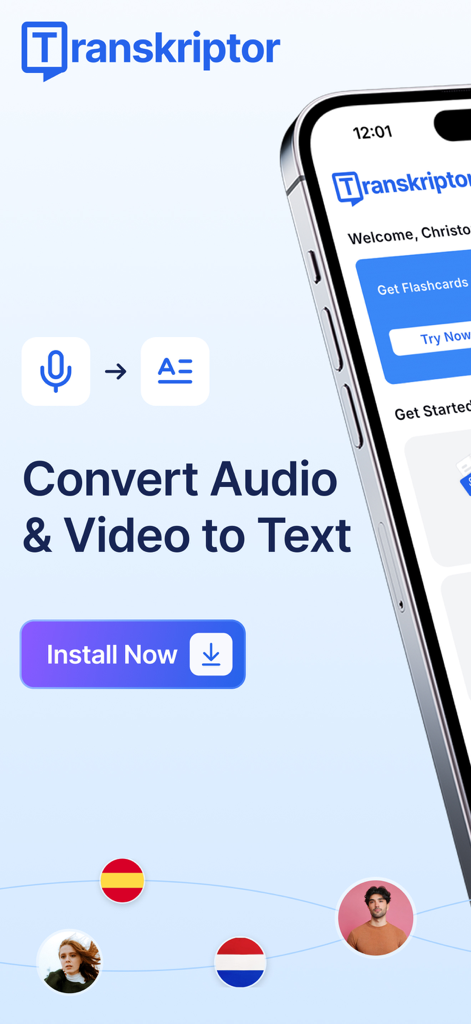
Transkriptor app screen showcasing audio and video to text conversion features with an install button
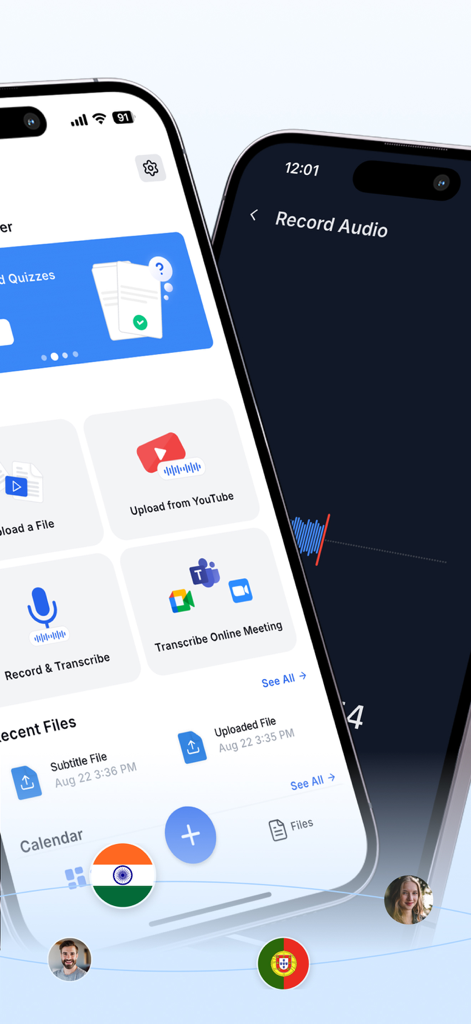
Two iPhones displaying the Transkriptor app interface with options to record audio, upload from YouTube, and transcribe online meetings from Zoom and Microsoft Teams.
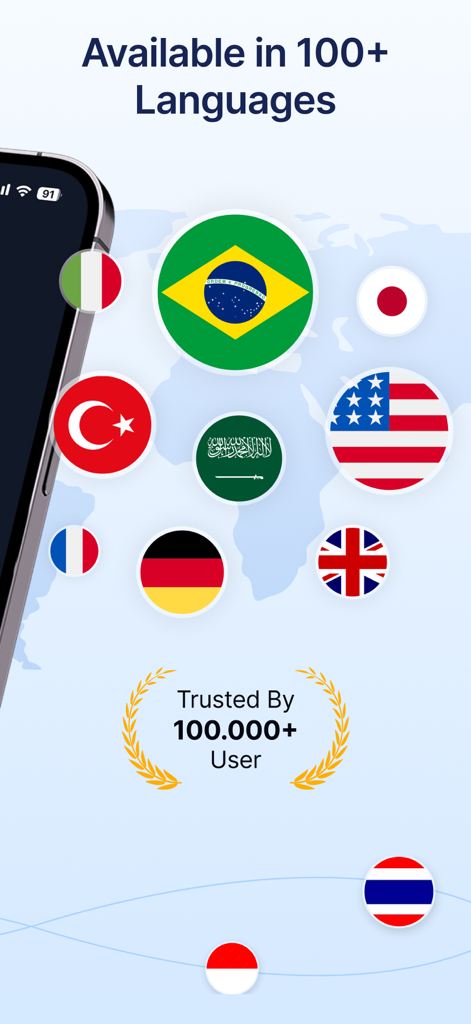
Transkriptor app interface showing support for over 100 languages with various international flags and a user trust badge
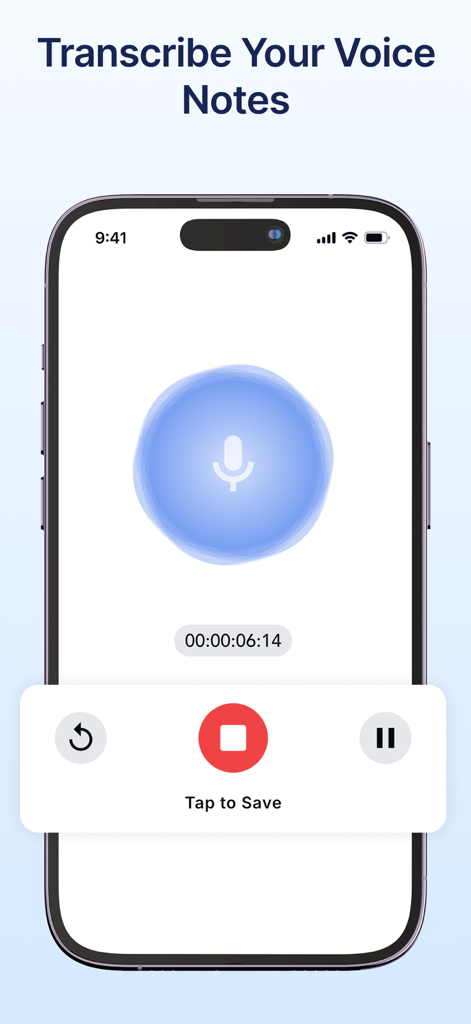
Mobile app interface showing the voice recording feature with a microphone icon and a timer for transcribing voice notes.
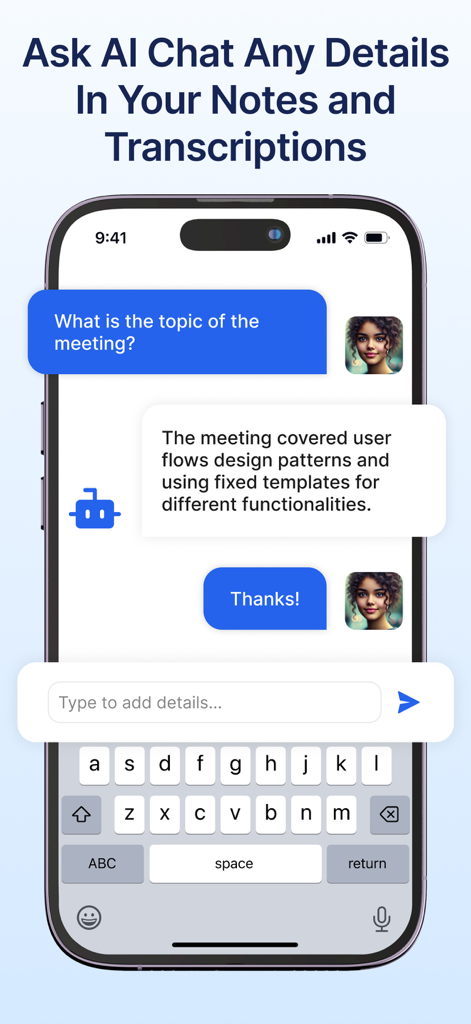
Mobile app screen showing Transkriptor AI chat summarizing meeting notes
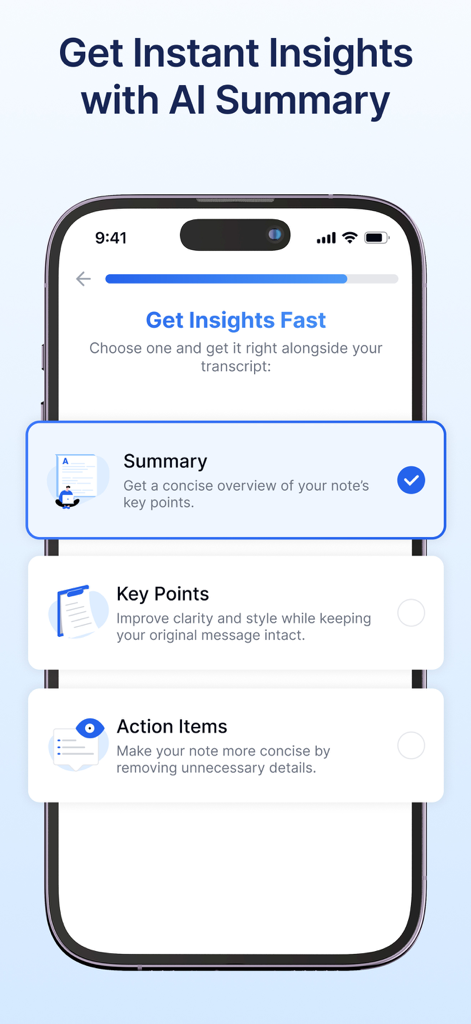
A smartphone screen displaying the Transkriptor app with AI summary options for transcription including Summary Key Points and Action Items.
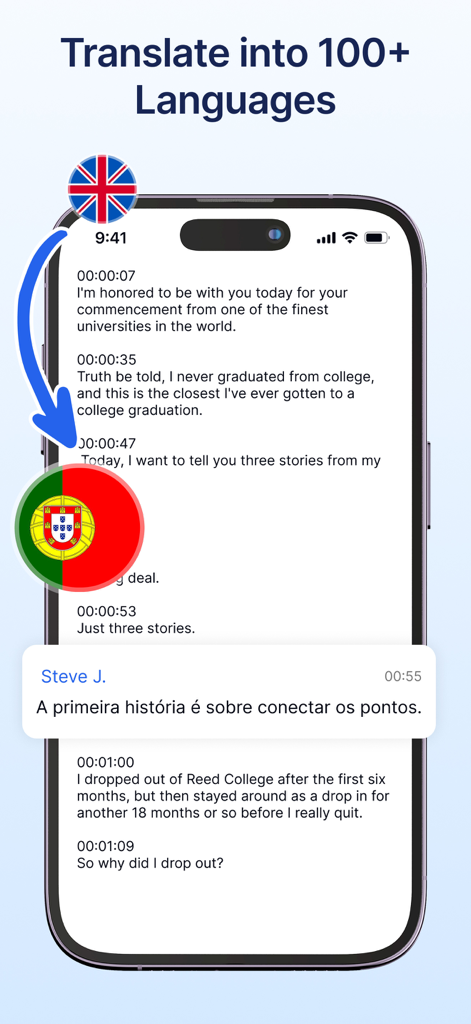
iPhone screen displaying the Transkriptor app interface translating an English speech transcript into Portuguese
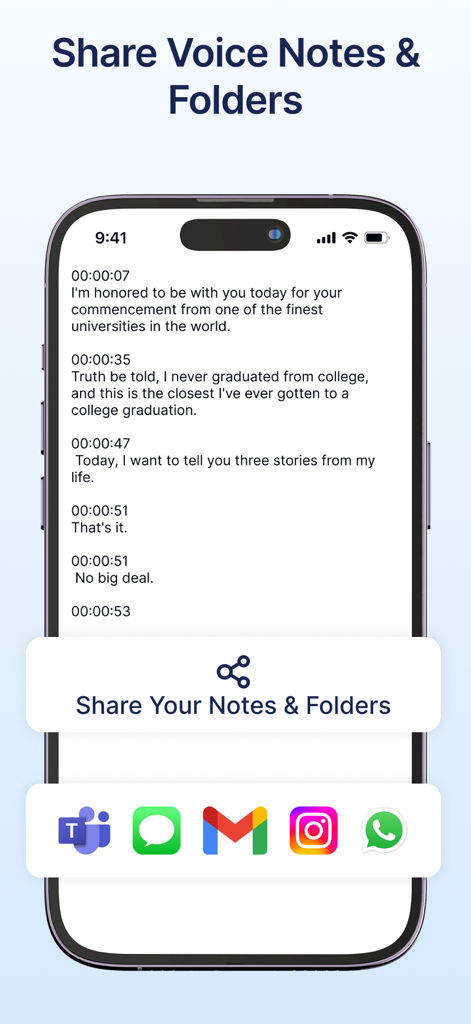
Smartphone screen showing a text transcription with a sharing menu featuring icons for Microsoft Teams Gmail and WhatsApp
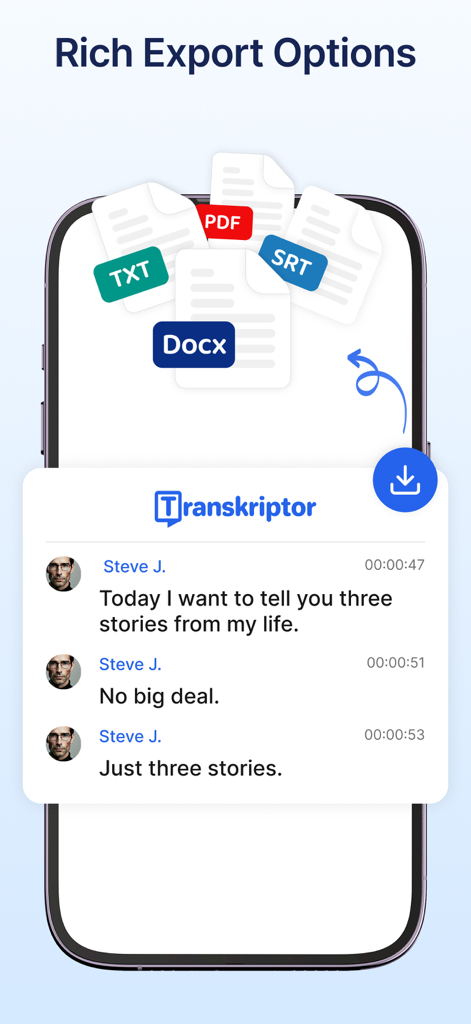
Transkriptor app screen showing speech to text transcription with export options in PDF Docx SRT and TXT formats
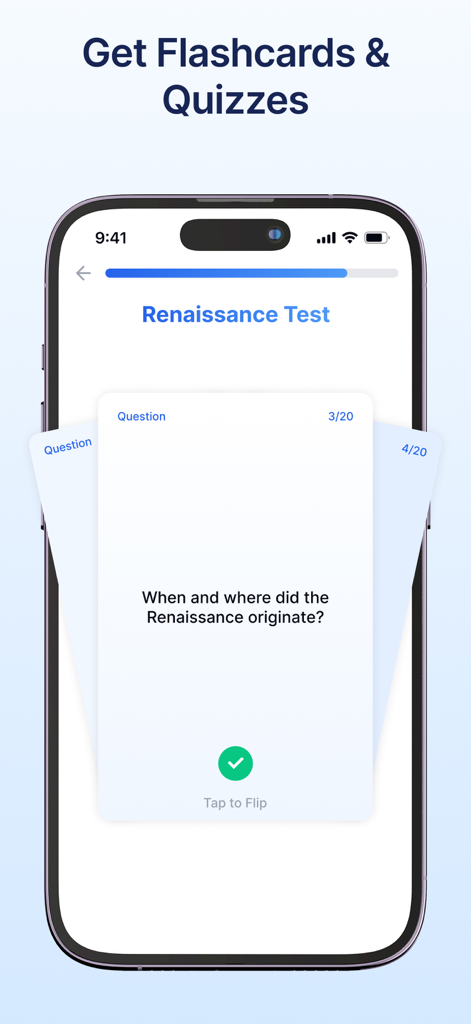
Transkriptor app interface showing AI-generated flashcards and study quizzes on a smartphone
Description
Download
More Like This
Apps with similar features and user experience

Plaud: AI Note Taker
PLAUD LLC

Notee: AI Note Taker
GM UniverseApps Limited

클로바노트 - 음성 그 이상의 기록
NAVER Corp.

录音专家-专业录音转文字助手
Chongqing Yeyuegua Technology Co., Ltd

听脑AI - 实时录音转文字总结助手
Shanghai Xiuyu Network Technology Co., Ltd

Granola - AI Meeting Notes
Granola inc

Minutes: AI Meeting Note Taker
Minutes AI, LLC

Fireflies: AI notetaker
FIREFLIES.AI CORP.

Anotar: Work Meeting Recorder
Genio Tech, LLC
This page is not an official page of the app or its developer, but an independent editorial publication created for informational and commentary purposes. Unless expressly stated otherwise, neither the app nor its developer is affiliated with, endorsed by, sponsored by, authorized by, or otherwise officially connected with MWM, Apple, Google Play, the app publisher, or the app's developer, and nothing on this page implies that the app was developed using MWM's services. Any trademarks, logos, screenshots, and other content remain the property of their respective owners.