AI PDF Editor, Easy PDF Suite

AI PDF Editor, Easy PDF Suite

Download on App Store
Logo of AI PDF Editor, Easy PDF Suite

AI PDF Editor, Easy PDF Suite: Smart, Fast, and Professional Document Management

Transform your iPhone into a desktop-class PDF workstation. Edit text, convert formats, and secure files instantly with advanced AI-powered tools designed for your on-the-go workflow.

Download on App Store

Publisher

Geeta Viradiya

Category

Reference

Downloads

600

User Rating

1.0/5

Total Ratings

0

Locales

1

Precision at Your Fingertips

Discover the interface used by 600 users.
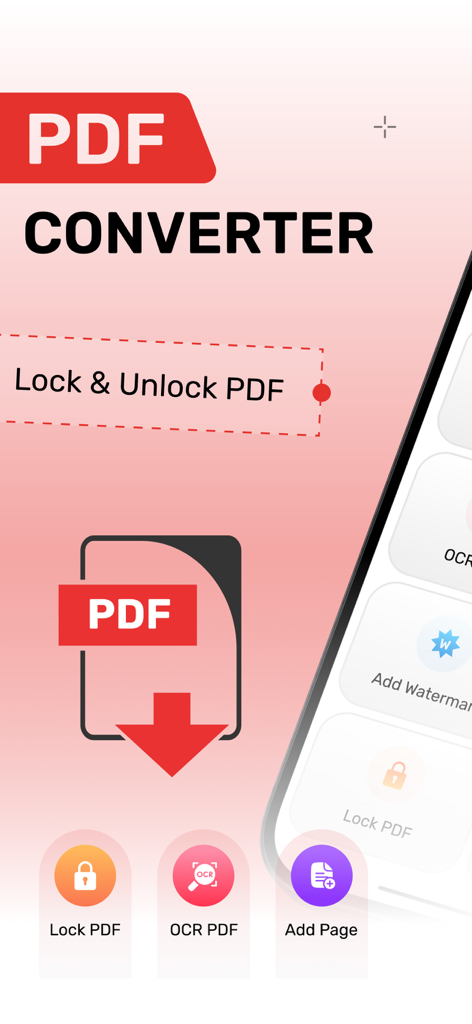
AI PDF Editor interface showing lock, unlock, and OCR document tools

AI PDF Editor interface showing lock, unlock, and OCR document tools

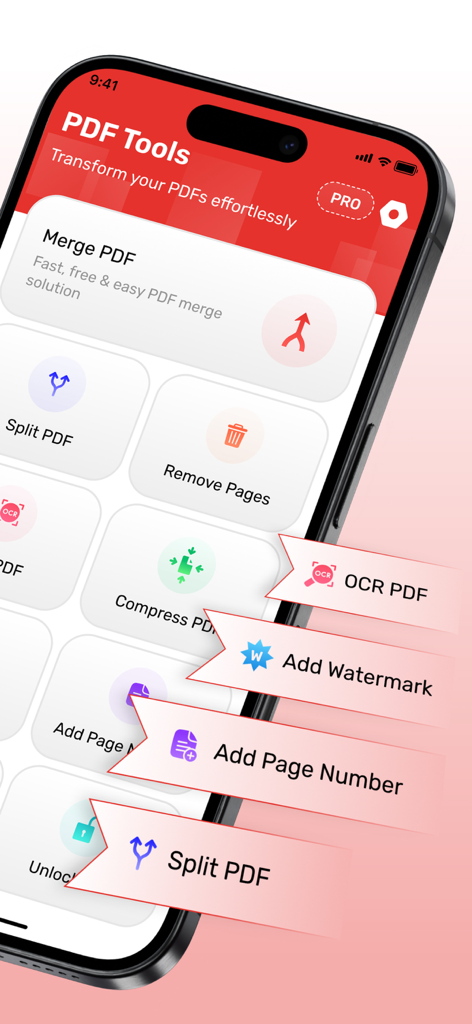
Mobile interface of the AI PDF Editor showing tools like merge split and OCR

Mobile interface of the AI PDF Editor showing tools like merge split and OCR

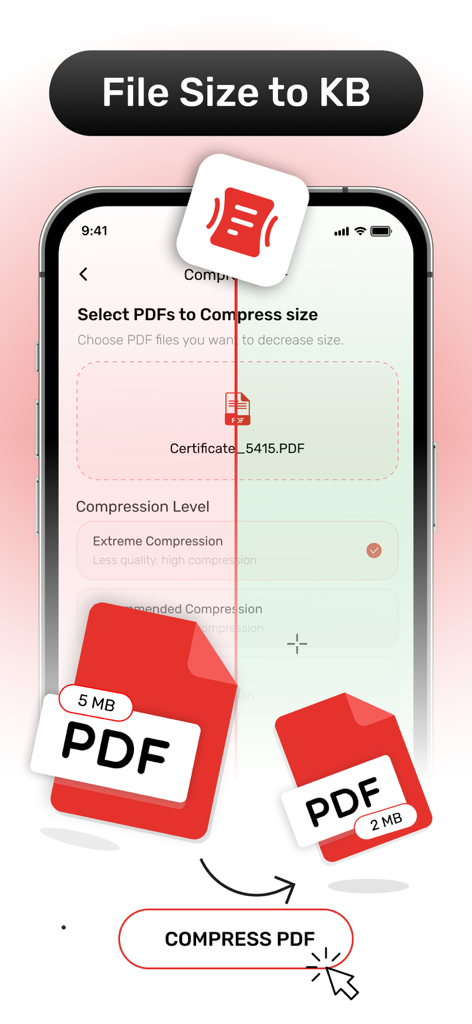
Mobile app screen showing PDF compression tool to reduce file size.

Mobile app screen showing PDF compression tool to reduce file size.

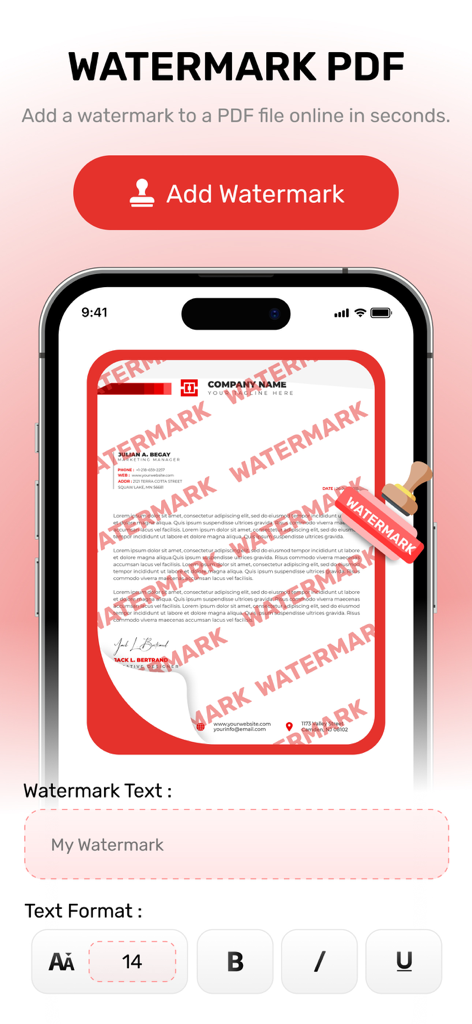
Smartphone screen showing the watermark feature of the AI PDF Editor app for adding text overlays to documents

Smartphone screen showing the watermark feature of the AI PDF Editor app for adding text overlays to documents

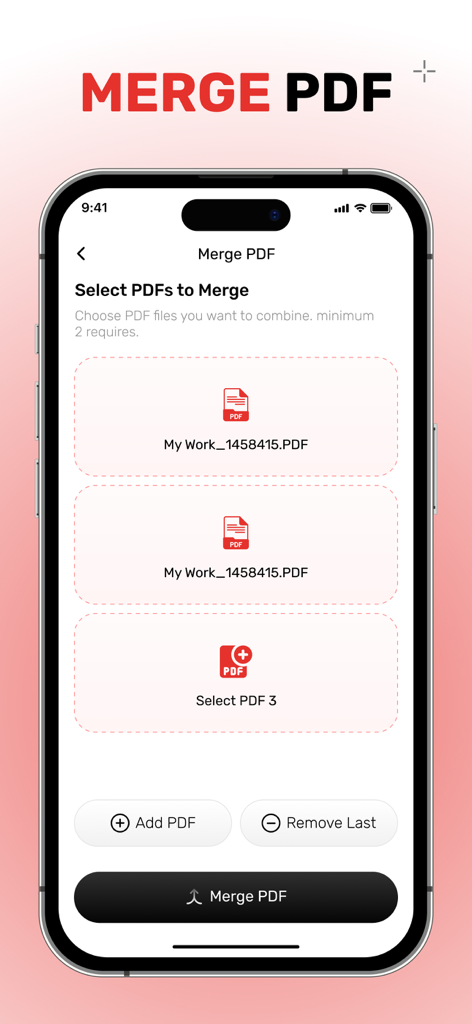
iPhone app screen for merging multiple PDF documents in AI PDF Editor

iPhone app screen for merging multiple PDF documents in AI PDF Editor

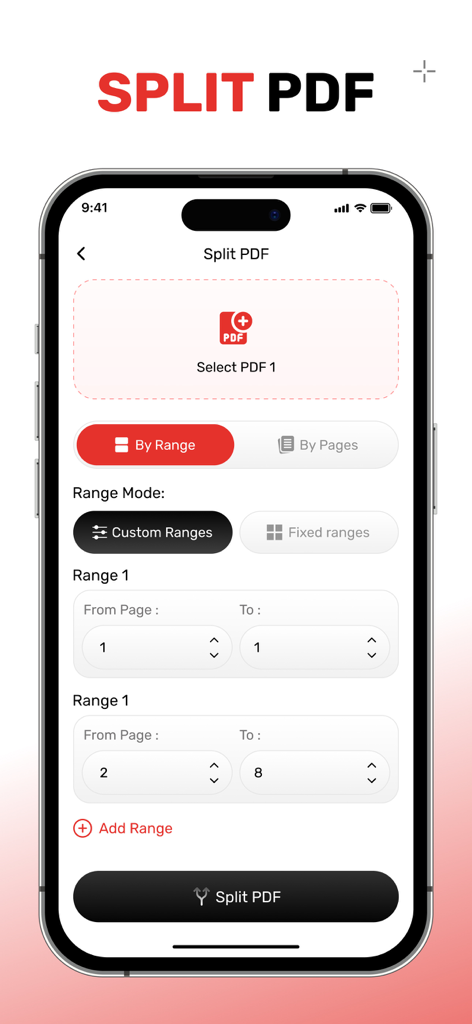
Split PDF tool interface showing custom page range selection in the AI PDF Editor mobile app

Split PDF tool interface showing custom page range selection in the AI PDF Editor mobile app

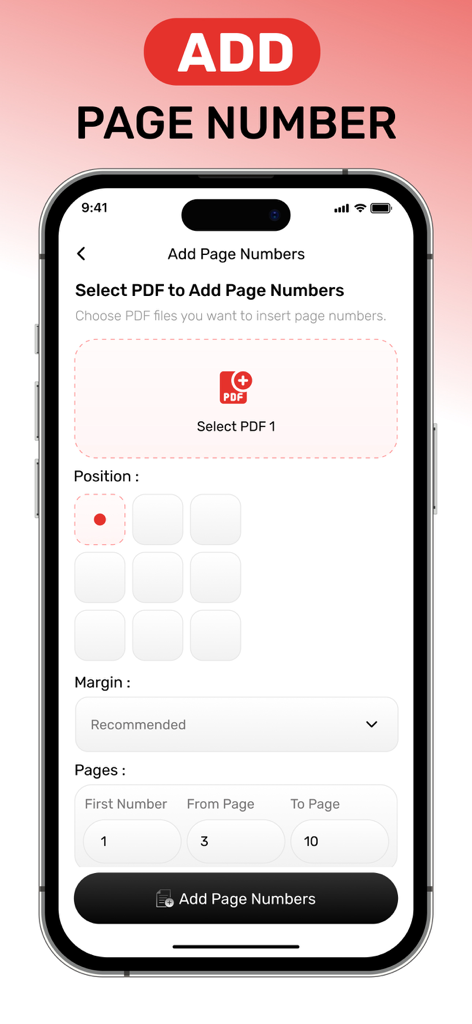
Interface of the AI PDF Editor app showing settings for adding page numbers to a document

Interface of the AI PDF Editor app showing settings for adding page numbers to a document

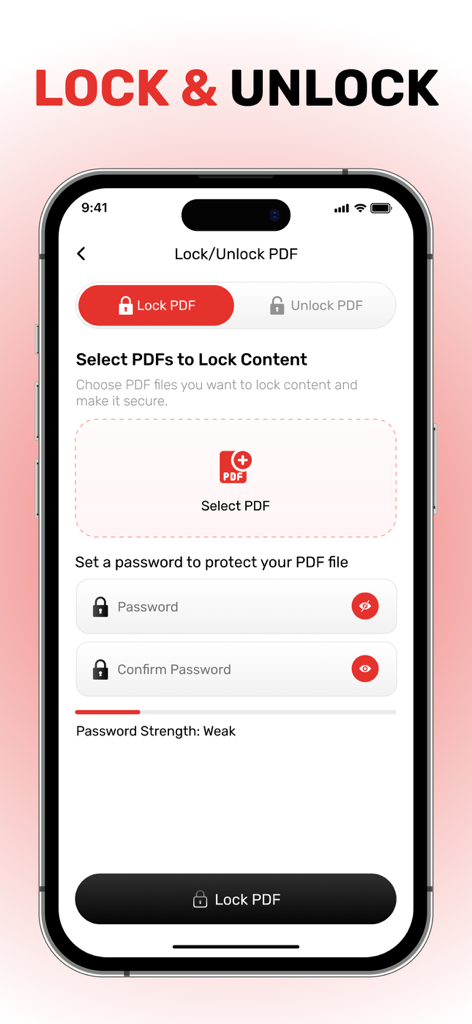
AI PDF Editor app interface showing password protection settings to lock PDF documents.

AI PDF Editor app interface showing password protection settings to lock PDF documents.

Master Your Documents with AI

The tools that make this app stand out, trusted by 600 users.

🪄

Smart AI-Powered Editing

Edit text, images, and links instantly. AI handles the complex formatting so you can fix documents on the go without the manual hassle.

🔄

Perfect Format Conversion

Transform PDFs into editable Word, Excel, or PowerPoint files while keeping your original layout 100% intact. No more re-typing data.

🛡️

Secure & Professional Polish

Merge reports, split files, and protect sensitive data with watermarks and passwords. Create client-ready documents in seconds.

About the app

Everything you need to know about AI PDF Editor, Easy PDF Suite.

Description

All of the tools you require to work with PDFs in one location. You have access to all the tools you need to use PDFs. With a few clicks, you can combine, divide, compress, rotate, convert, unlock, and watermark PDFs. Transform the way you manage and edit PDFs on your iPhone with advanced AI tools! AI PDF Editor, PDF Tools: TPDF is a powerful iOS app designed to streamline your PDF editing experience. Whether you're looking to edit text, annotate, convert, or organize your PDF documents, this app uses cutting-edge AI technology to make the process easier and faster than ever before. Key Features: * AI-Powered PDF Editing: Edit text, images, and links in your PDF documents with ease using AI-powered smart tools. * PDF to Word/Excel/PowerPoint: Quickly convert PDFs to editable Word, Excel, or PowerPoint formats without losing any formatting. * PDF Merging and Splitting: Combine multiple PDFs into one or split a large PDF into smaller, more manageable files. * Secure Your Files: Add password protection or watermark your PDFs to ensure your documents are kept secure. Why Choose TPDF? With its user-friendly interface and AI-powered tools, TPDF makes it possible to handle all your PDF-related tasks from one app. Whether you're editing for work, school, or personal use, TPDF offers unmatched versatility and efficiency. Download AI PDF Editor, PDF Tools: TPDF now and take control of your PDF documents with the future of AI-powered editing! AI PDF Editor, PDF Tools: TPDF offers you 2 unique plans. Subscribe to have unlimited access to premium version of the app. One Week - $6.99 One Year - $44.99 * Subscription payments will be charged to your iTunes account at confirmation of your purchase and upon commencement of each renewal term. Subscription with a free trial period will automatically renew to a paid subscription. You can cancel your subscription or free trial in the iTunes settings at least 24-hours before the end of the free trial period. The cancellation will take effect the day after the last day of the current subscription period and you will be downgraded to the free service. More Details : https://appsatgeetaviradiya.blogspot.com/2025/02/geeta-viradiyas-privacy-policy.html https://appsatgeetaviradiya.blogspot.com/2025/02/geeta-viradiyas-terms-of-use.html

Latest Version

2.0

Size

49.2 MB

First Released

Mar 25, 2025

Ready to Master Your PDFs with the Power of AI?

Join thousands of busy professionals and students who edit, convert, and secure documents on the fly. Experience the ultimate mobile workflow—download TPDF today.

Download on App Store

App information, icons, screenshots, and descriptions displayed on this page are sourced from the Apple App Store and are the property of their respective developers. Download estimates and rankings are based on MWM's proprietary models and may not reflect actual figures. This page is provided for informational and analytical purposes only.

Believe this page infringes your intellectual property? File a dispute