
AImagica- AI Photo&Video Magic


Turn one photo into ten unique styles like ClayStyle, Anime, and dancing videos. Save hours with batch processing and create viral-ready HD content in just three taps.
Publisher
Category
UtilitiesDownloads
5K+User Rating
Total Ratings
0Locales
1Discover the interface used by 5K+ users.
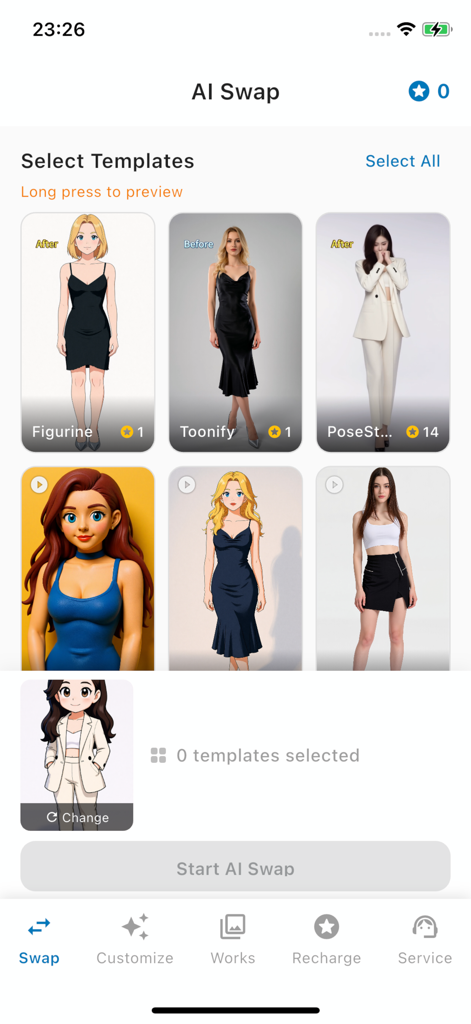
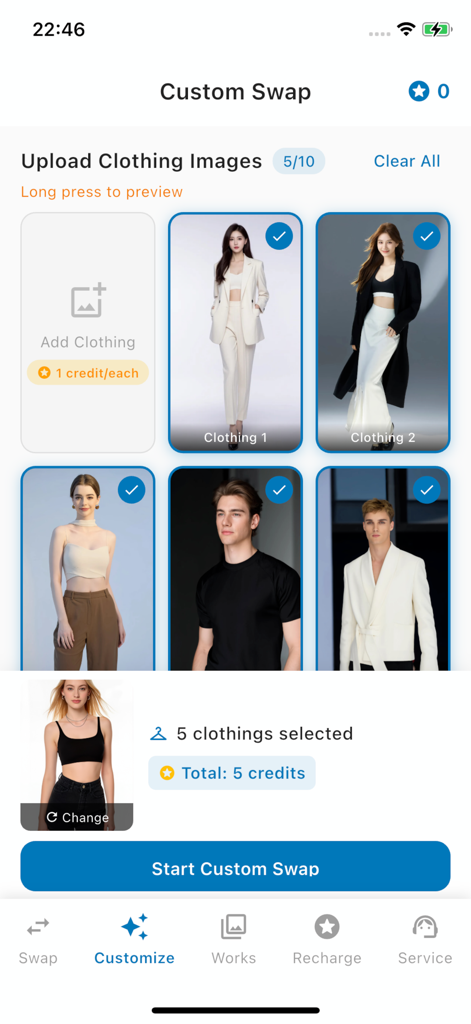
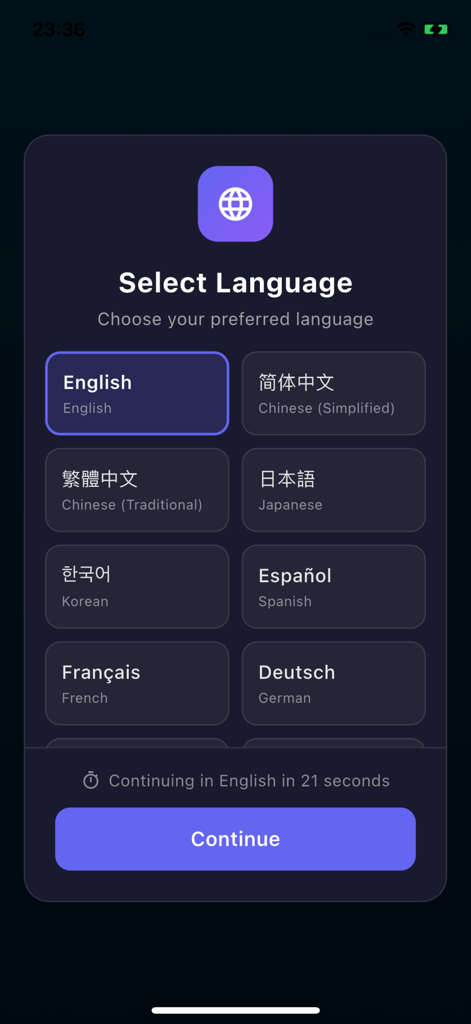
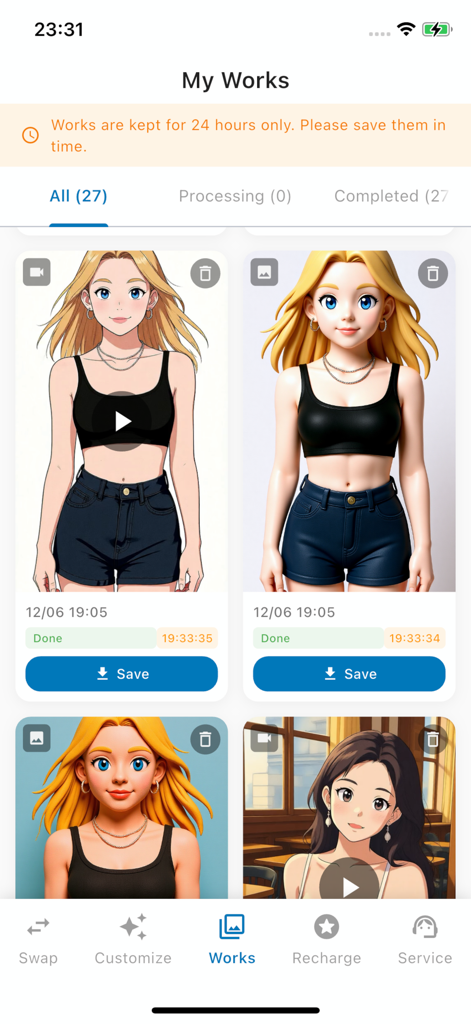
The tools that make this app stand out, trusted by 5K+ users.
Stop wasting time. Apply up to 10 unique AI styles to your photo simultaneously and pick the perfect aesthetic for your feed in seconds.
Get the hottest looks including ClayStyle, Toonify, and Figurine. Stay ahead of social media trends and give your profile a unique vibe.
Bring your static photos to life with AI Pose Videos. Turn any selfie into an HD dancing video that is guaranteed to stop the scroll.
Everything you need to know about AImagica- AI Photo&Video Magic.
Description
Latest Version
1.3.6
Size
34.3 MB
First Released
Dec 10, 2025
Join thousands of creators turning snapshots into viral masterpieces. Download AImagica now to batch-process 10 unique AI styles in seconds and own the feed.
Everything you need to know about AImagica- AI Photo&Video Magic
AImagica is an AI-powered app that transforms photos into stunning artwork using multiple creative tools and efficient batch processing. It offers styles like Toonify, Figurine, and Custom Swap.
AImagica offers multiple AI styles including Toonify for anime/cartoon art, Figurine for doll versions, ClayStyle for clay art, AI Pose Videos, and Custom Swap for personalized transformations.
Yes, AImagica features batch processing, allowing users to process up to 10 different styles simultaneously. Users upload once to get multiple creative results with one-tap generation.
Yes, AImagica supports HD video output at 720p. The app's multi-style AI engine also includes a template library with video previews.
AImagica features a simple 3-step workflow: Upload, Select, and Generate. This streamlined process allows for efficient creation of AI art.
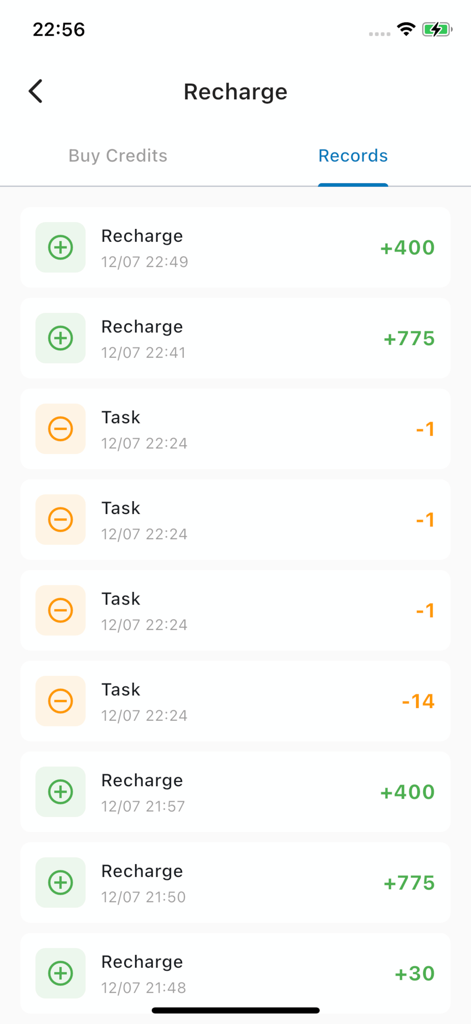
AImagica uses a flexible credit system. Tasks like adding clothing for custom swaps cost credits. Users can view their credit balance and recharge credits within the app.
Yes, you can save your generated works. The "My Works" gallery keeps creations for 24 hours only, requiring users to save them within that timeframe.
AImagica supports multiple languages including English, Chinese (Simplified and Traditional), Japanese, Korean, Spanish, French, and German. Users can select their preferred language.
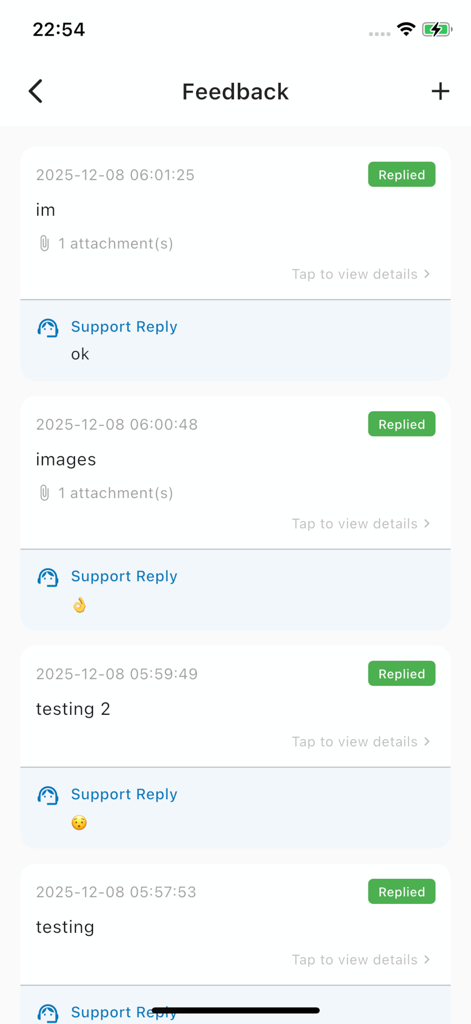
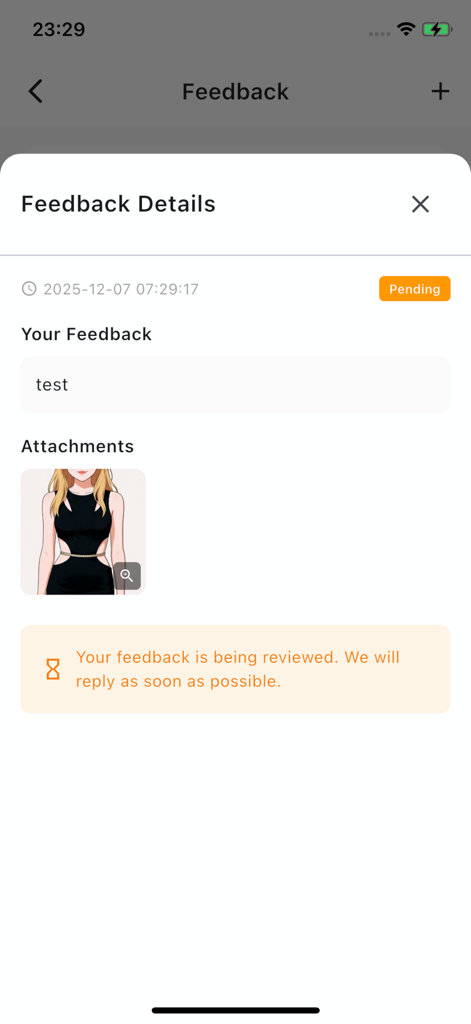
Users can provide feedback directly within AImagica. The app shows a history of submitted feedback and support replies. Feedback details confirm reviews are handled.
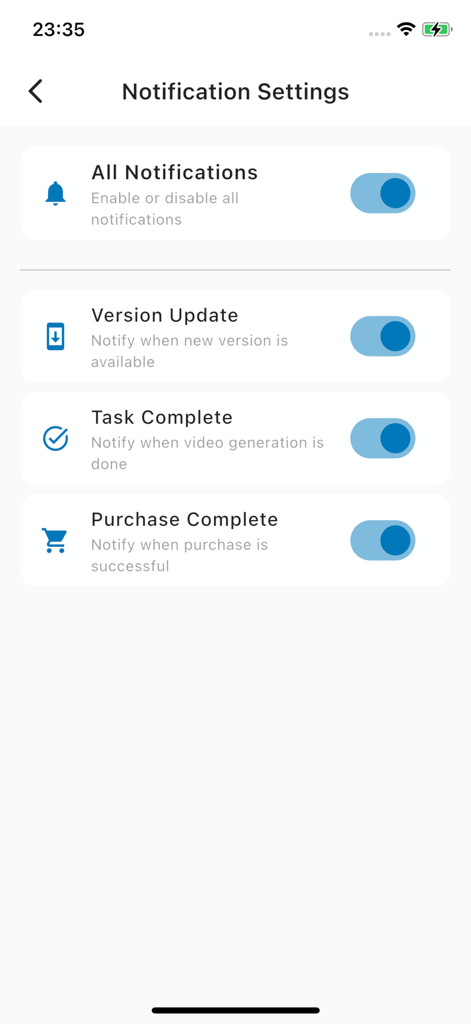
Yes, AImagica provides notification settings. Users can enable or disable notifications for version updates, task completion, and purchase completion.
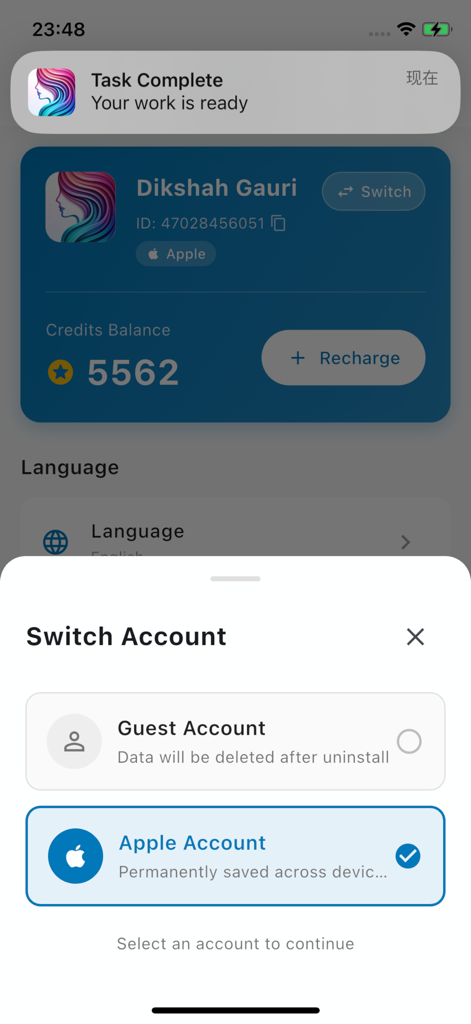
Yes, AImagica allows linking an Apple Account. This ensures data is permanently saved across devices, unlike a guest account where data is deleted upon uninstall.
Yes, custom swap features in AImagica typically consume credits. For example, uploading each clothing image for a custom swap costs one credit.
Users can recharge credits in AImagica by navigating to the "Recharge" section. The app displays records of past recharges and credit expenditures.
Yes, AImagica states that works are kept for 24 hours only. Users must save their creations within this timeframe to prevent deletion.
Apps with similar features and user experience

OpenAI OpCo, LLC

New Port LLC

li lin

Noam Barzik

Wombo Studios, Inc.

Engcraft, LLC

HUYNH DUONG VAN

琴慧 冯

KRNL SRL
App information, icons, screenshots, and descriptions displayed on this page are sourced from the Apple App Store and are the property of their respective developers. Download estimates and rankings are based on MWM's proprietary models and may not reflect actual figures. This page is provided for informational and analytical purposes only.
Believe this page infringes your intellectual property? File a dispute