
This page is not an official page of the app or its developer, but an independent editorial publication created for informational and commentary purposes. Unless expressly stated otherwise, neither the app nor its developer is affiliated with, endorsed by, sponsored by, authorized by, or otherwise officially connected with MWM, Apple, Google Play, the app publisher, or the app's developer, and nothing on this page implies that the app was developed using MWM's services. Any trademarks, logos, screenshots, and other content remain the property of their respective owners.


DreamFace: AI Video Generator
Transform photos into lifelike avatars, clone your voice in 19 languages, and generate viral AI dance videos in seconds. The ultimate all-in-one studio for the next generation of creators.
Downloads
2M+User Rating
Total Ratings
63K+Publisher
Category
EntertainmentLocales
16Latest Version
6.22.0Size
225.6 MBFirst Released
May 20, 2022Turn Your Imagination into Viral Content
Join over 2 million creators using professional-grade AI to animate photos, clone voices, and dominate social media feeds with zero editing skills.
Instant Talking Avatars
Turn any photo into a realistic presenter or brand spokesperson. Clone your voice in 19 languages to create faceless content that scales.
Viral-Ready AI Dance
Animate characters with AI motion transfer. Sync any face to trending music or mimic professional dance moves for TikTok and Reels.
Frequently Asked Questions
Everything you need to know about DreamFace: AI Video Generator
What is DreamFace?
DreamFace is an AI Video & Avatar Generator. It enables users to create talking avatars, AI dance videos, and lip-sync animations by transforming photos, text, and voices into HD video and audio content.
Can DreamFace generate AI voices in multiple languages?
Yes, DreamFace supports Zero-Shot AI Voice Cloning in 19 languages. These include English, Mandarin Chinese, German, Spanish, French, Hindi, Italian, Japanese, Korean, Portuguese, and more, for global content creation.
How does DreamFace create talking avatars?
DreamFace creates talking avatars from photos or videos. It generates accurate lip-sync videos matching speech, using either your own voice or cloned voices, and turns scripts into realistic talking avatar videos.
Does DreamFace offer full-body animation for avatars?
Yes, DreamFace provides full-body animation support with its Dream Avatar 3.0 feature. This allows for more dynamic and expressive character movements in generated videos, expanding creative possibilities.
Can I make my pet sing with the DreamFace app?
Yes, DreamFace features a 'Pet Video' tool. It enables users to make their pets talk or sing by syncing their mouth movements to audio or text, creating engaging and fun content.
What is DreamAct in DreamFace?
DreamAct is DreamFace's AI Dance & Acting Video Maker. It animates characters using AI-powered motion transfer, allowing users to create dynamic clips by combining a reference dance/acting video and an avatar photo.
How can DreamFace help podcasters?
DreamFace's 'Avatar Podcast' feature helps podcasters create professional videos using AI presenters. They can turn scripts into voice-driven videos and customize avatars to act as brand spokespeople, enhancing their content.
Does DreamFace include image editing tools?
Yes, DreamFace offers AI Image Tools. These include Text-to-Image for generating images from prompts, Image-to-Image for modifying or restyling photos, along with enhancement and background removal capabilities.
Can DreamFace remove unwanted objects from photos?
Yes, DreamFace provides 'Background & Object Removal' tools with AI precision. These include AI Circle for instant selection, Magic Eraser for small flaws, and Passersby Remover to eliminate unwanted people.
Does DreamFace offer voice translation?
Yes, DreamFace's Voice Studio includes a Voice Translator feature. This tool allows users to translate speech in real time, enhancing the app's versatility for multilingual content creation.
What kind of AI video creation features does DreamFace have?
DreamFace offers Text-to-Video to convert scripts into clips, Image-to-Video to animate still images, and Key Frame Control for customizing video start and end frames, supporting diverse AI-generated video content.
Are technical skills required to use DreamFace?
No, DreamFace is designed for accessibility. The app description explicitly states that no editing or technical skills are required to utilize its various features, making it user-friendly for all creators.
The following screenshots and description are sourced directly from the app's official store listing and are the property of the app developer.
App Store
Screenshots
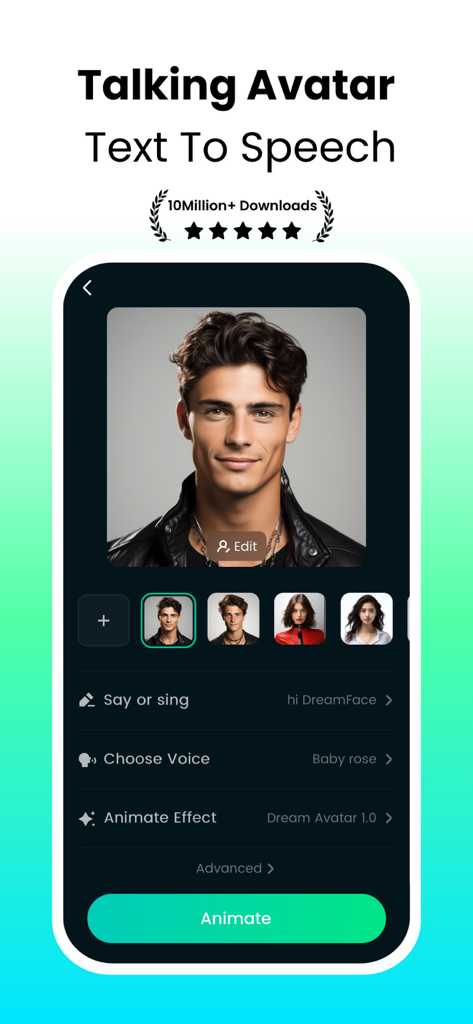
DreamFace app interface showing a male talking avatar and text to speech settings.
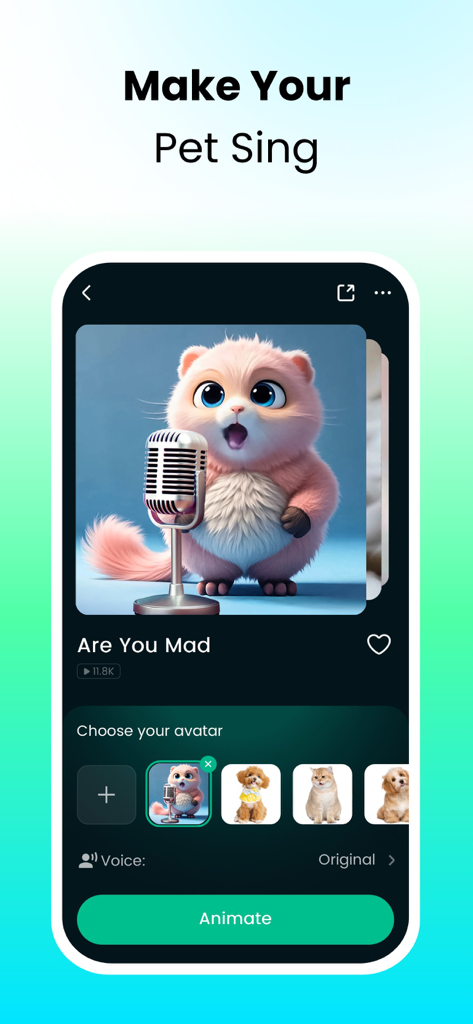
DreamFace app interface showing the make your pet sing feature with a pink fluffy animal avatar behind a microphone
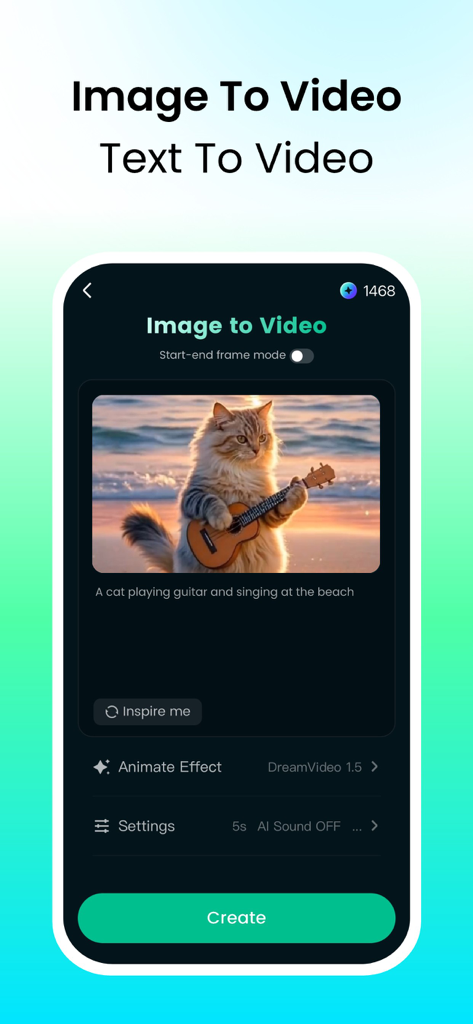
DreamFace app interface showing the Image to Video feature with an AI generated cat playing guitar
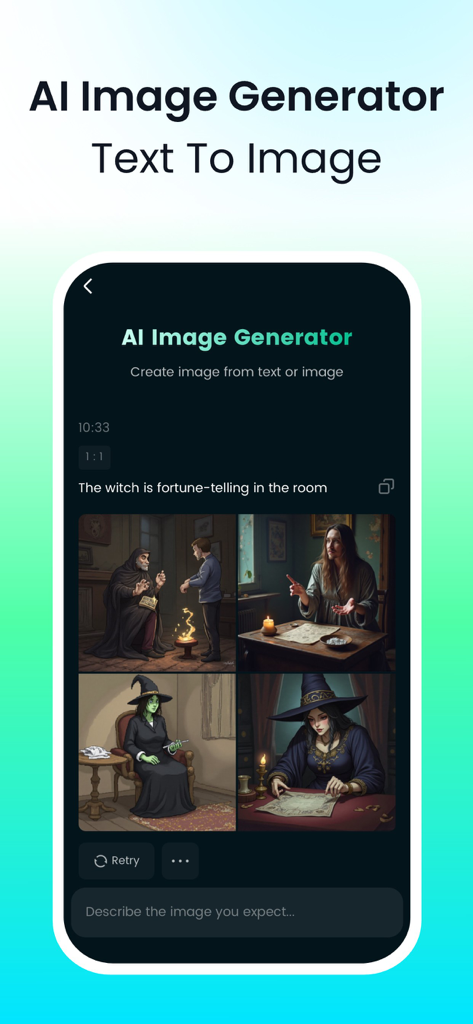
DreamFace app interface showing four AI-generated images of a witch from a text prompt
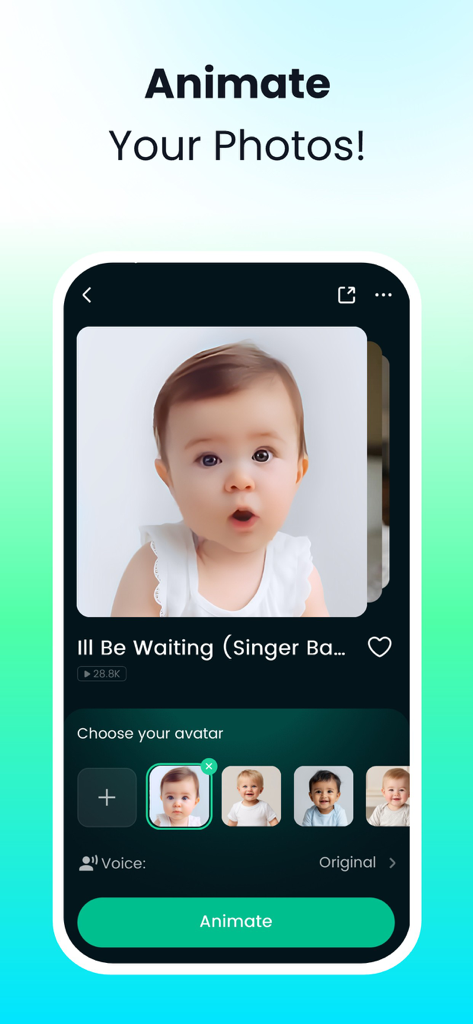
DreamFace app interface showing the animate your photos feature with a baby avatar portrait
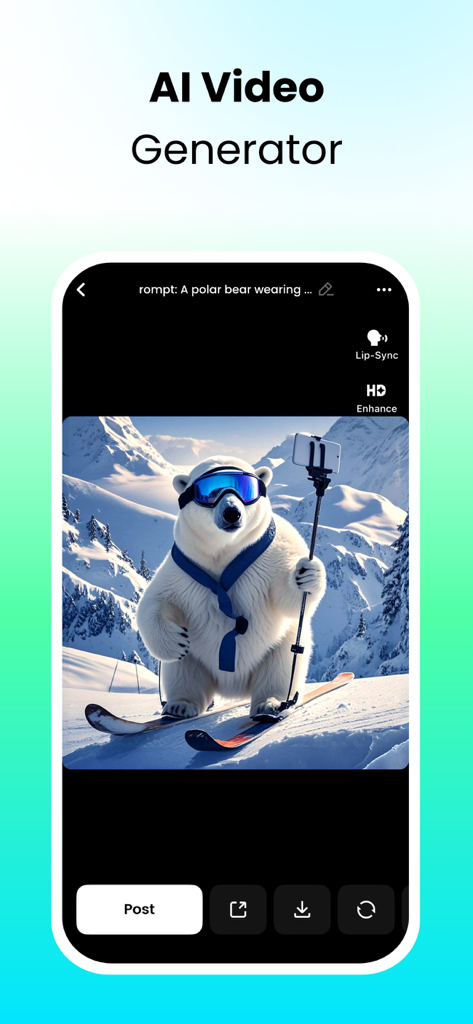
AI video generator screen showing a polar bear skiing in the mountains
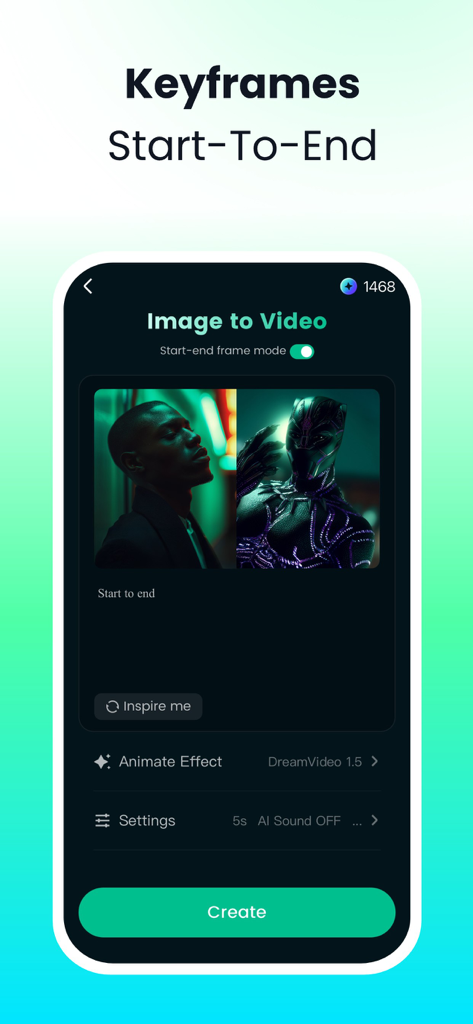
DreamFace mobile app showing the keyframes feature for image to video generation.
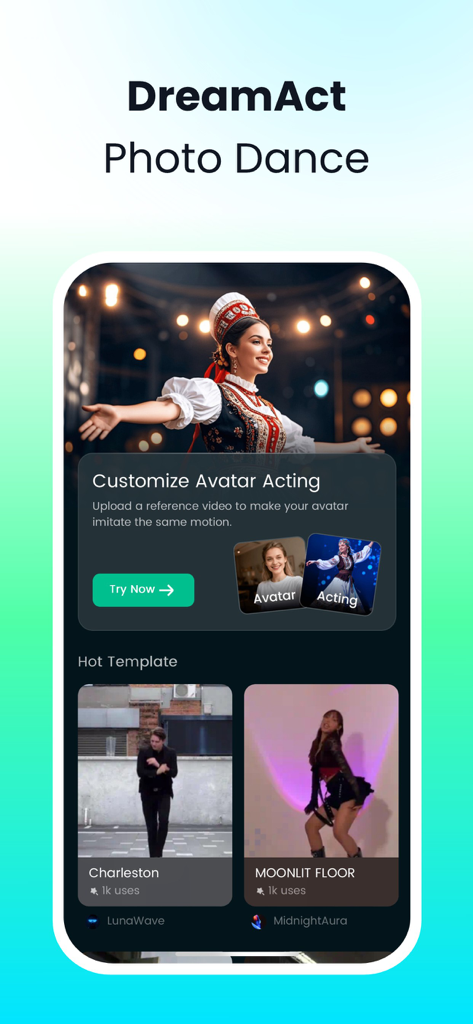
DreamFace app screen showing the DreamAct photo dance feature and video templates
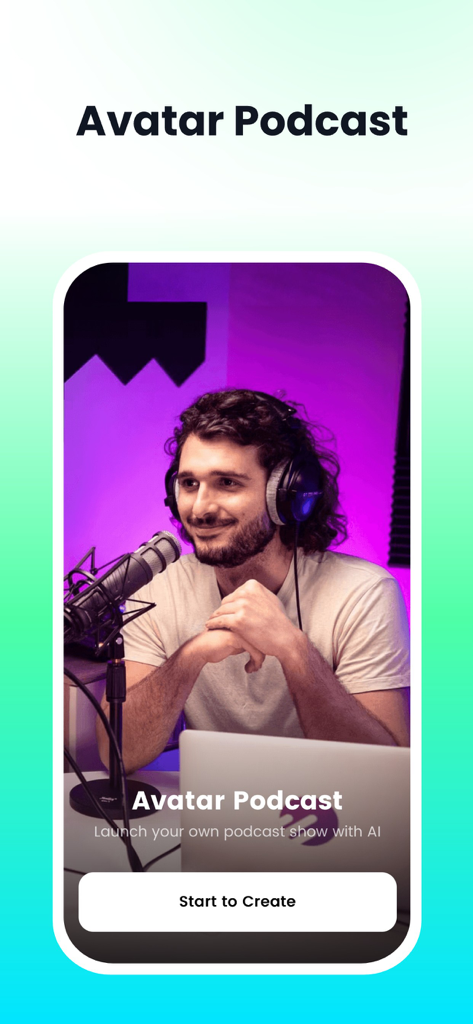
Interface of the Avatar Podcast feature showing a man with headphones and a professional microphone in a studio setting
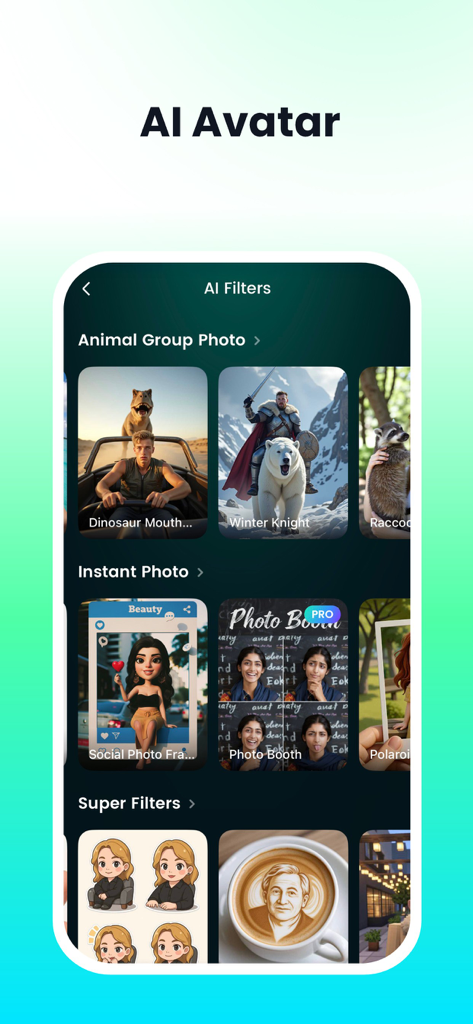
Selection of AI filters in the DreamFace app featuring various artistic styles and character transformations.
Description
Download
More Like This
Apps with similar features and user experience

Sora by OpenAI
OpenAI OpCo, LLC
AI Video Generator - Viddo AI
li lin
MiniMax AI - Video Generator
Noam Barzik

WOMBO Dream - AI Art Generator
Wombo Studios, Inc.

AI Canvas - AI Image Generator
Engcraft, LLC
Cat Language Keyboard DIY
HUYNH DUONG VAN
AI Art Generator Image
琴慧 冯

Loopsie: AI Image Effects
KRNL SRL
AI Art:AI Drawing & AI Image
Sobbei Co.Ltd
This page is not an official page of the app or its developer, but an independent editorial publication created for informational and commentary purposes. Unless expressly stated otherwise, neither the app nor its developer is affiliated with, endorsed by, sponsored by, authorized by, or otherwise officially connected with MWM, Apple, Google Play, the app publisher, or the app's developer, and nothing on this page implies that the app was developed using MWM's services. Any trademarks, logos, screenshots, and other content remain the property of their respective owners.