
This page is not an official page of the app or its developer, but an independent editorial publication created for informational and commentary purposes. Unless expressly stated otherwise, neither the app nor its developer is affiliated with, endorsed by, sponsored by, authorized by, or otherwise officially connected with MWM, Apple, Google Play, the app publisher, or the app's developer, and nothing on this page implies that the app was developed using MWM's services. Any trademarks, logos, screenshots, and other content remain the property of their respective owners.


AirBeam Video Surveillance
Experience lag-free 1080p monitoring with two-way audio and multi-cam support. No expensive hardware, no monthly subscriptions—just the Apple devices you already love.
Downloads
394K+User Rating
Total Ratings
1K+Publisher
Category
Photo & VideoLocales
2Latest Version
2.5.5Size
33.3 MBFirst Released
Apr 26, 2011Professional Surveillance, No New Hardware Required
Why buy expensive cameras when you already own the best optics? AirBeam transforms your spare iPhones, iPads, and Macs into a high-definition monitoring network in seconds.
Upcycle Your Apple Devices
Breathe new life into your old devices. Set up a multi-camera home security system or baby monitor instantly with zero technical configuration required.
Real-Time HD Performance
Experience crystal-clear 1080p video and 2-way audio with ultra-low latency. See and hear every detail exactly as it happens without the lag of traditional IP cameras.
The following screenshots and description are sourced directly from the app's official store listing and are the property of the app developer.
App Store
Screenshots
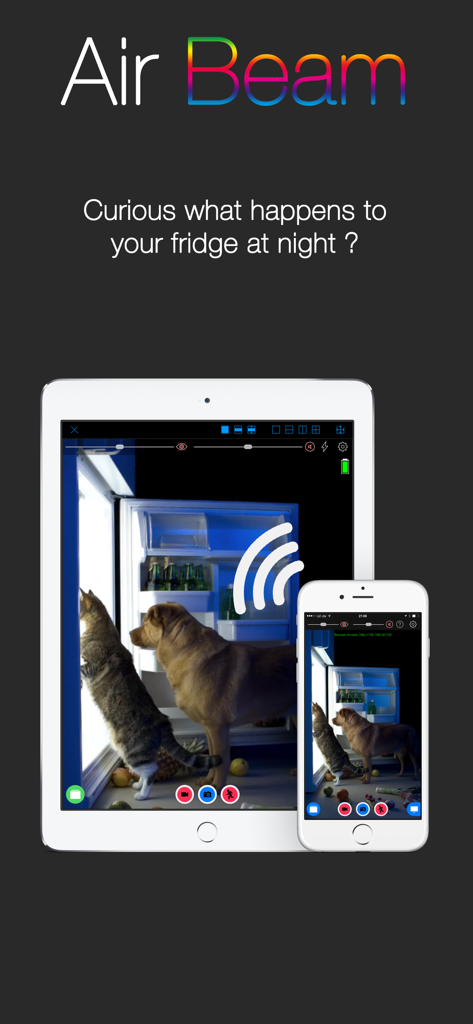
AirBeam app interface showing pet monitoring on an iPad and iPhone
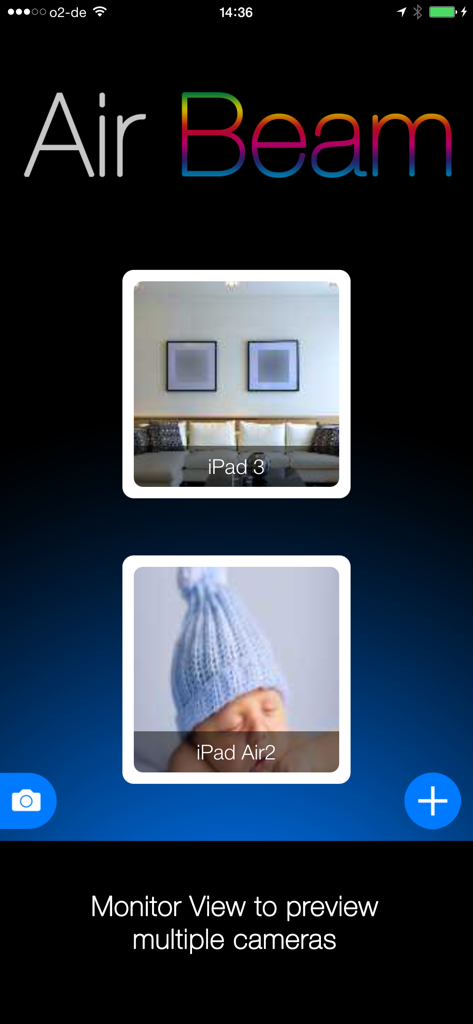
AirBeam app interface showing monitor view with multiple live camera previews for home security and baby monitoring.

AirBeam app interface showing a live video feed of a sleeping baby in a blue hat
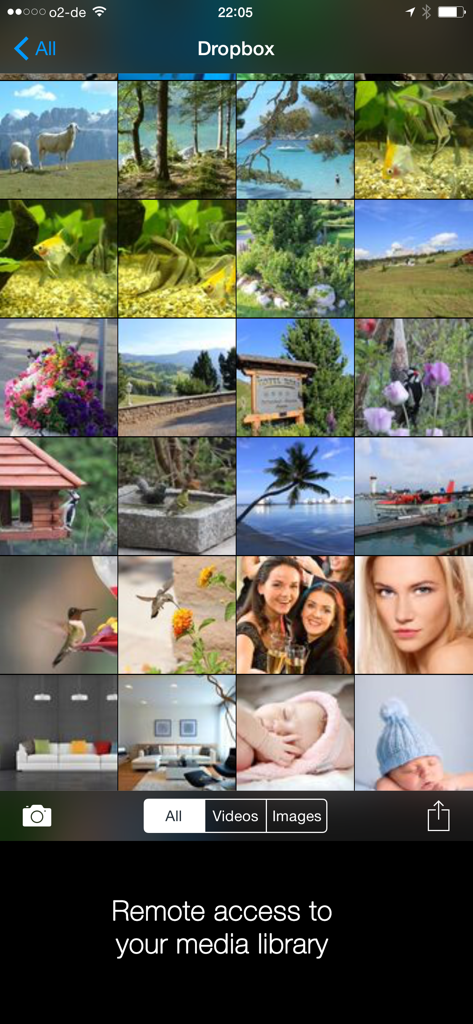
AirBeam app interface displaying a grid of photos and videos with remote access to a Dropbox media library.
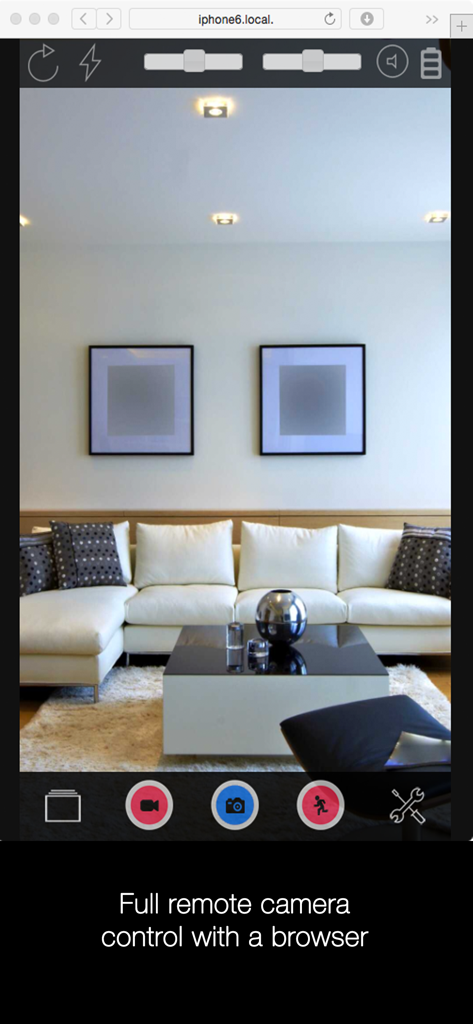
Web browser interface for remote camera monitoring showing a living room
Description
Download
More Like This
Apps with similar features and user experience

Alfred Camera: Home Security
Alfred Systems Inc.

Nani – Baby Monitor
Bitlink GmbH

Home Security Camera - Visory
Tapnetic LLC

Baby Monitor 3G
TappyTaps s.r.o.

Bibino Baby Monitor: Nanny Cam
TappyTaps s.r.o.

Cloud Baby Monitor
VIGI Limited

Cam V360 - Security Camera PRO
HEALTH, FITNESS, WELNESS, MEDICAL - IT SOLUTIONS LLC

Barkio: Dog Monitor & Pet Cam
TappyTaps s.r.o.

Camy — Live Video Monitoring
Zipo Apps Ltd.
This page is not an official page of the app or its developer, but an independent editorial publication created for informational and commentary purposes. Unless expressly stated otherwise, neither the app nor its developer is affiliated with, endorsed by, sponsored by, authorized by, or otherwise officially connected with MWM, Apple, Google Play, the app publisher, or the app's developer, and nothing on this page implies that the app was developed using MWM's services. Any trademarks, logos, screenshots, and other content remain the property of their respective owners.