
This page is not an official page of the app or its developer, but an independent editorial publication created for informational and commentary purposes. Unless expressly stated otherwise, neither the app nor its developer is affiliated with, endorsed by, sponsored by, authorized by, or otherwise officially connected with MWM, Apple, Google Play, the app publisher, or the app's developer, and nothing on this page implies that the app was developed using MWM's services. Any trademarks, logos, screenshots, and other content remain the property of their respective owners.


Amor Cleaner:AI Clean Up
Stop struggling with 'Storage Full' alerts. Use AI-driven precision to delete duplicates, compress large videos, and organize your digital life—all with 100% secure, offline processing.
Downloads
66K+User Rating
Total Ratings
1K+Publisher
Category
UtilitiesLocales
25Latest Version
1.1.14Size
113.7 MBFirst Released
Nov 6, 2024Master Your Storage with AI Precision
Stop fighting with 'Storage Full' alerts. Amor Cleaner uses intelligent AI to organize your gallery and reclaim gigabytes of space while keeping your data 100% private.
Smart AI Decluttering
End decision fatigue. Our AI instantly identifies duplicates and blurry photos, suggesting the best shot to keep so you can clear the clutter with a single tap.
Privacy-First Processing
Your memories stay on your device. All AI analysis happens locally with no internet required, ensuring your personal photos never leave your phone.
Frequently Asked Questions
Everything you need to know about Amor Cleaner:AI Clean Up
What does Phone Cleaner do?
Phone Cleaner optimizes phone storage by organizing photos, videos, contacts, and calendar data. It uses smart scanning and AI-driven analysis to declutter your device efficiently.
How does Phone Cleaner manage duplicate photos?
Phone Cleaner intelligently identifies and removes similar or blurry duplicate photos using AI. This feature helps users keep only their best memories while freeing up valuable storage space.
Can Phone Cleaner compress videos and photos?
Yes, Phone Cleaner compresses video and photo file sizes without sacrificing quality. It offers options to reduce files to various levels, such as 20% or 50% of their original size, saving space.
Does Phone Cleaner merge duplicate contacts?
Yes, Phone Cleaner provides contact deduplication functionality. Users can merge duplicate entries with a single tap, streamlining their address book for easier organization and access.
Is Phone Cleaner secure and private with user data?
Phone Cleaner ensures privacy and security by processing all data locally, without requiring an internet connection. It also includes a final review before deletion, ensuring user control.
What subscription plans does Phone Cleaner offer?
Phone Cleaner offers flexible subscription options including weekly and yearly plans for unlimited access to its features. A 3-day free trial is also available for new users.
How do I cancel my Phone Cleaner subscription?
To cancel your Phone Cleaner subscription, you must turn off auto-renewal through your iPhone settings. This must be done at least 24 hours before the current subscription cycle ends.
Can Phone Cleaner clean up old calendar events?
Yes, Phone Cleaner can eliminate past calendar events. It allows users to review and select old entries for cleaning, helping to organize and declutter their calendar data.
Does Phone Cleaner delete files automatically?
No, Phone Cleaner does not delete any files, including photos, without user permission. It provides smart recommendations and always prompts for a final review before any deletion occurs.
The following screenshots and description are sourced directly from the app's official store listing and are the property of the app developer.
App Store
Screenshots
Amor Cleaner app promotional screen for iPhone storage cleanup showing user trust and rating stats
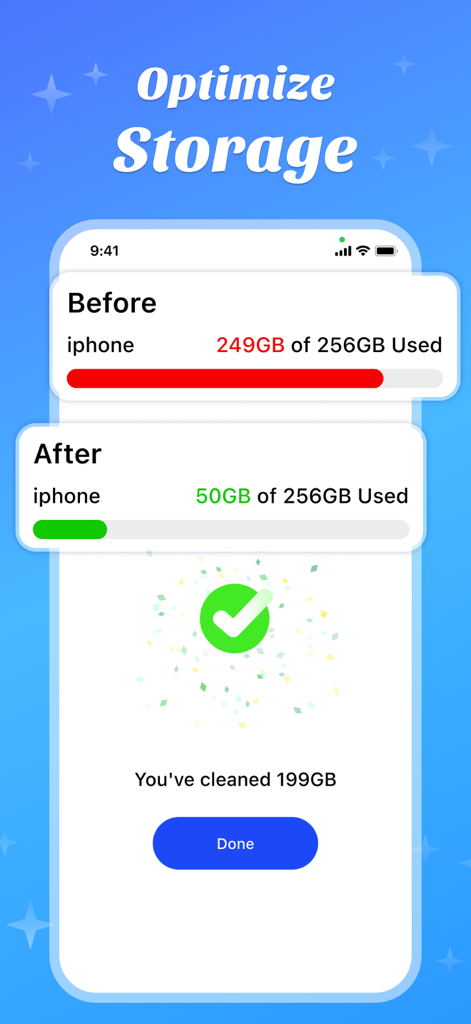
A before and after view showing 199GB of storage cleaned on an iPhone
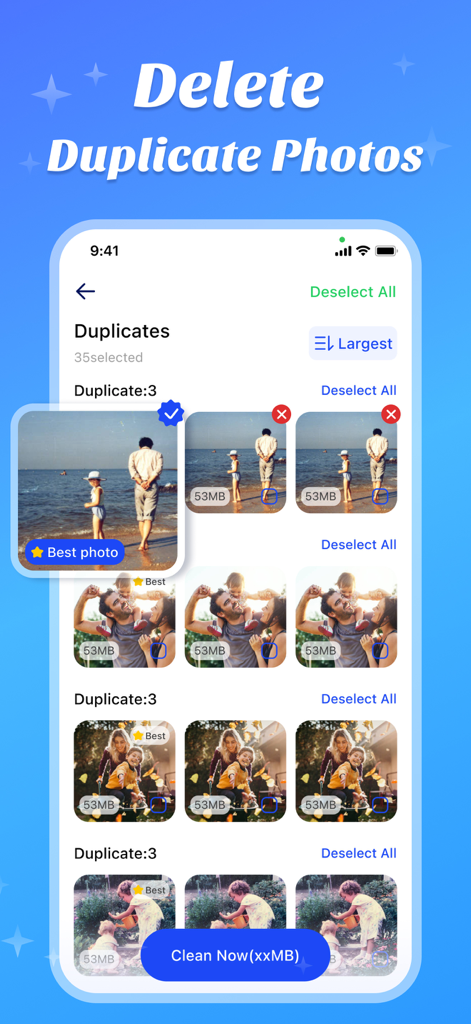
A screenshot of the Amor Cleaner app displaying the duplicate photo cleaning feature with AI suggesting the best photo to keep.
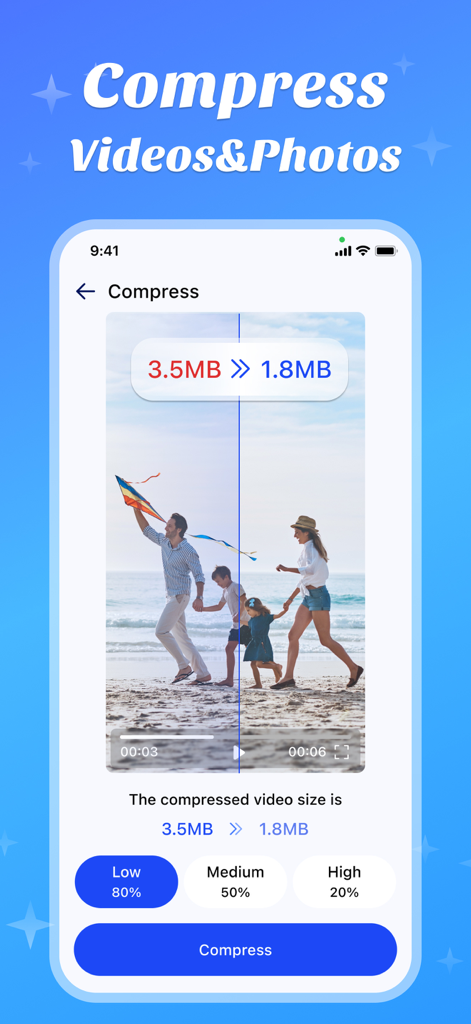
Amor Cleaner app interface demonstrating video and photo compression to save storage space

Interface of Amor Cleaner showing how to merge duplicate contacts on a smartphone
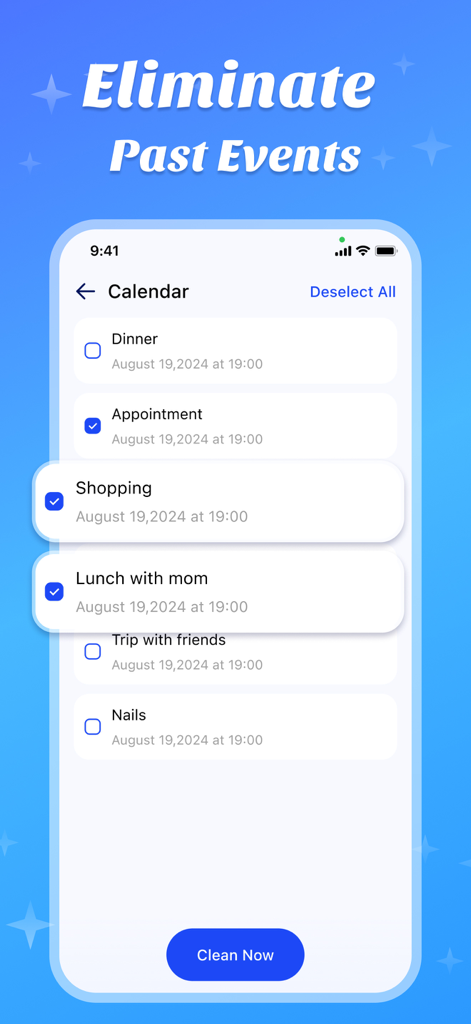
Amor Cleaner app interface showing the Eliminate Past Events screen with a list of calendar entries and a Clean Now button
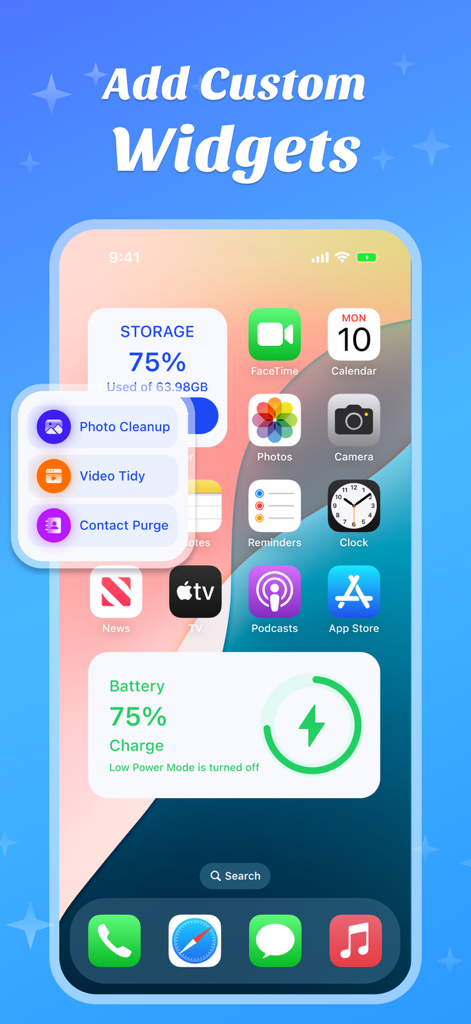
Amor Cleaner app interface showing custom iPhone widgets for storage monitoring and quick photo cleanup tasks
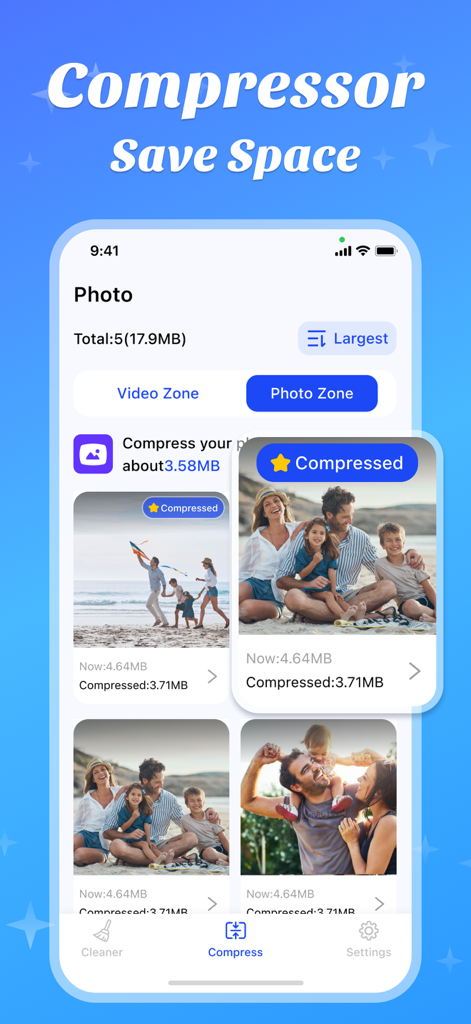
Amor Cleaner app interface showing photo compression feature to save storage space
Description
Download
More Like This
Apps with similar features and user experience

Photo Cleaner ®
Luca Companjen

Slider - Photo Cleaner
June Ninth LLC

linger - Photo Cleaner
立波 王

相册助手 - 丝滑有趣,无痛整理
Beijing Yunli Network Technology Co., Ltd

Photo Deleter: Photo Sorter
AtEase Technology Co., Ltd

Easy Clean: Photo Cleaner
VVDev LLC

Tidyfoto: Clean Up Storage
Unbing Ltd

清理大师-相册空间整理,照片视频清理
丽梅 崔

手机管家-图片压缩、文字识别
小刚 曾
This page is not an official page of the app or its developer, but an independent editorial publication created for informational and commentary purposes. Unless expressly stated otherwise, neither the app nor its developer is affiliated with, endorsed by, sponsored by, authorized by, or otherwise officially connected with MWM, Apple, Google Play, the app publisher, or the app's developer, and nothing on this page implies that the app was developed using MWM's services. Any trademarks, logos, screenshots, and other content remain the property of their respective owners.