
This page is not an official page of the app or its developer, but an independent editorial publication created for informational and commentary purposes. Unless expressly stated otherwise, neither the app nor its developer is affiliated with, endorsed by, sponsored by, authorized by, or otherwise officially connected with MWM, Apple, Google Play, the app publisher, or the app's developer, and nothing on this page implies that the app was developed using MWM's services. Any trademarks, logos, screenshots, and other content remain the property of their respective owners.


Apply@HLB
Skip the branch and the paperwork. Whether you are a student, a global traveler, or a business owner, start your digital banking journey today and earn up to RM120 instant cashback.
Downloads
172K+User Rating
Total Ratings
300Publisher
Category
FinanceLocales
1Latest Version
1.0.129Size
84.6 MBFirst Released
Oct 7, 2020Bank on Your Terms Without the Wait
Skip the branch visits and heavy paperwork. Apply@HLB brings full-service digital banking to your smartphone with instant rewards and global flexibility.
5-Minute Digital Setup
Open your account anywhere using only your NRIC. Our seamless eKYC process means you go from download to banking in minutes.
Travel-Ready Multi-Currency
Spend like a local and save on FX fees. Access 12 foreign currencies with competitive rates, perfect for digital nomads and frequent travelers.
Frequently Asked Questions
Everything you need to know about Apply@HLB
What is the Apply@HLB app?
Apply@HLB is an application that allows users to easily open a Hong Leong Bank account online, anytime and anywhere, with a few simple steps.
Who can open a bank account using the Apply@HLB app?
Malaysian individuals aged 12 and above can open a personal bank account. Sole proprietors can also apply for a business bank account via Apply@HLB.
What do I need to open an account with Apply@HLB?
To open an account using the Apply@HLB app, you only need your NRIC. The process can be completed in just 5 minutes.
Does the Apply@HLB Pay&Save Account come with a debit card?
Yes, a Pay&Save Account opened through Apply@HLB includes an HLB Debit Card if you do not have one. The issuance fee is waived.
What are the fees for the HLB Debit Card from Apply@HLB?
The card issuance fee for the HLB Debit Card is waived. An annual fee of RM8.00 applies from the second year onwards.
What is the HLB Wallet feature mentioned in Apply@HLB?
The HLB Wallet/-i allows users to earn up to RM120 Instant Cashback for Duitnow transfers, QR payments, online bill payments, and mobile reloads via HLB Connect.
Can I open a multi-currency account using Apply@HLB?
Yes, the Pay&Save Account/-i offers a Multi-Currency Feature. Users can access 12 foreign currencies and convert MYR at competitive rates. HLB Wallet+ also provides multi-currency perks.
How do I open a bank account using the Apply@HLB app?
Users select an account type (personal or business), scan their NRIC, and take a selfie to match their face to the NRIC. The process is designed for simplicity.
Is my money protected with an account opened through Apply@HLB?
Yes, Hong Leong Bank is a Member of PIDM. Deposits are protected by PIDM up to RM250,000 for each depositor.
The following screenshots and description are sourced directly from the app's official store listing and are the property of the app developer.
App Store
Screenshots
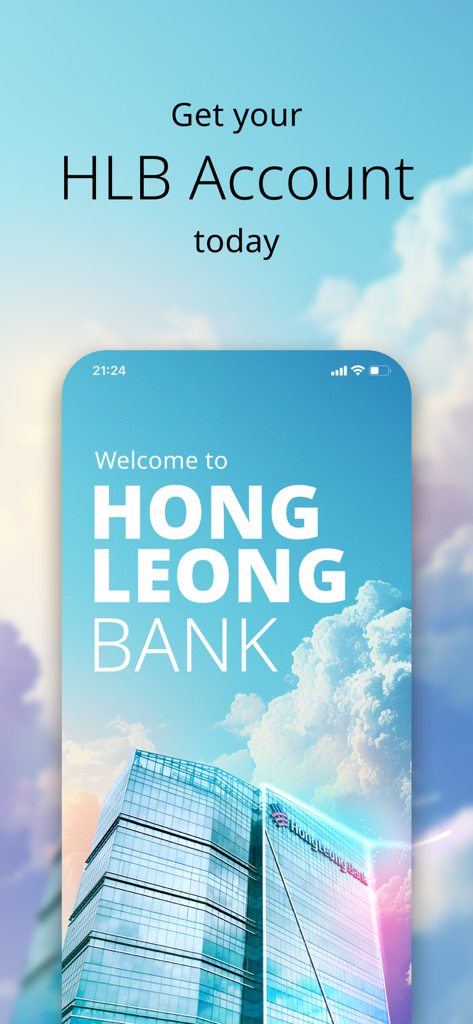
Welcome screen for the Hong Leong Bank Apply@HLB mobile app
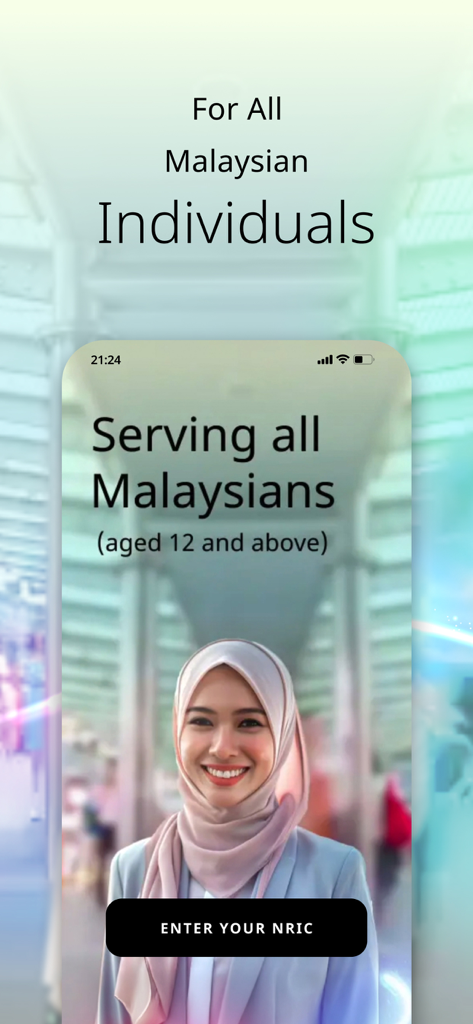
Apply@HLB mobile app screen showing account opening for Malaysian individuals aged 12 and above with a button to enter NRIC
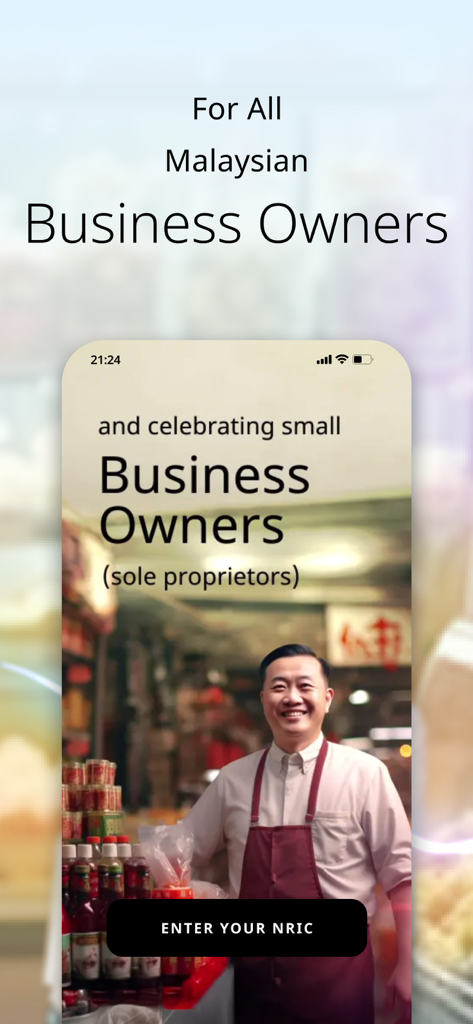
Apply HLB mobile app screen featuring Malaysian small business owners and sole proprietors with a button to enter NRIC.
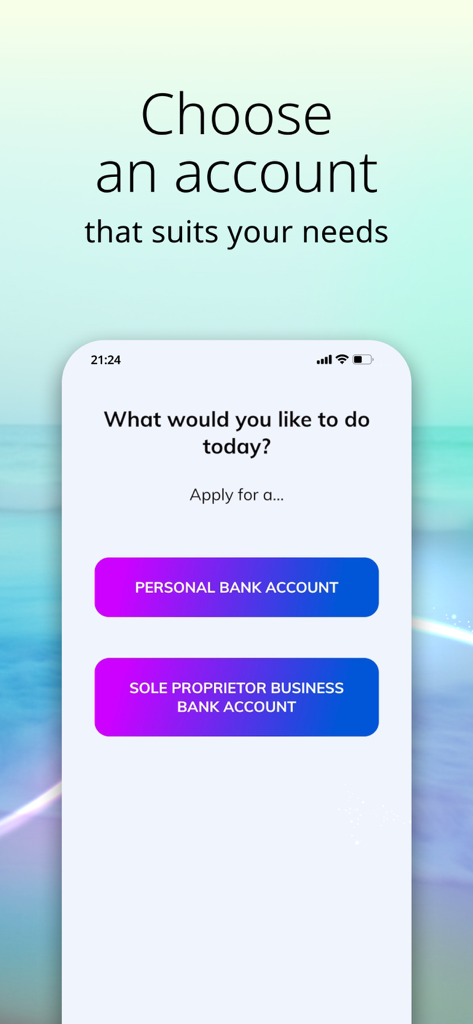
Apply@HLB app interface showing options to choose between opening a Personal Bank Account or a Sole Proprietor Business Bank Account.
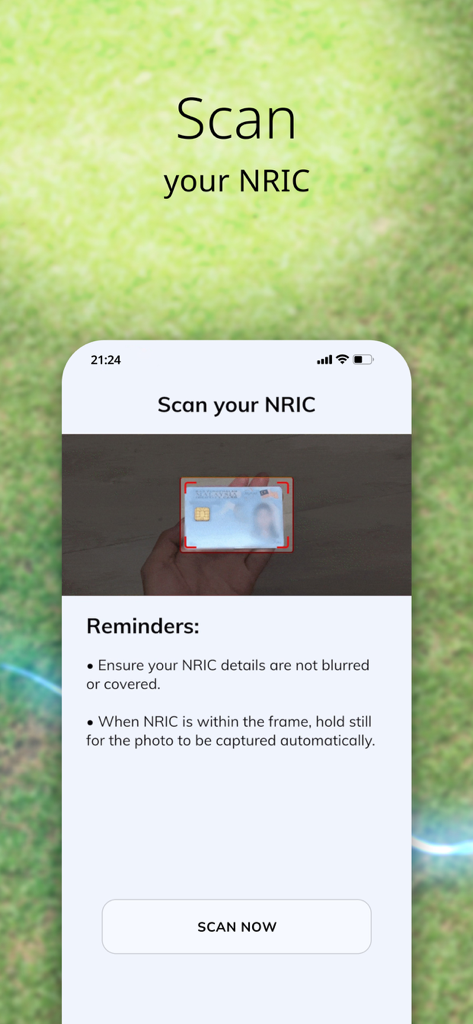
Mobile screen showing the step to scan a Malaysian NRIC identity card within the Apply@HLB app
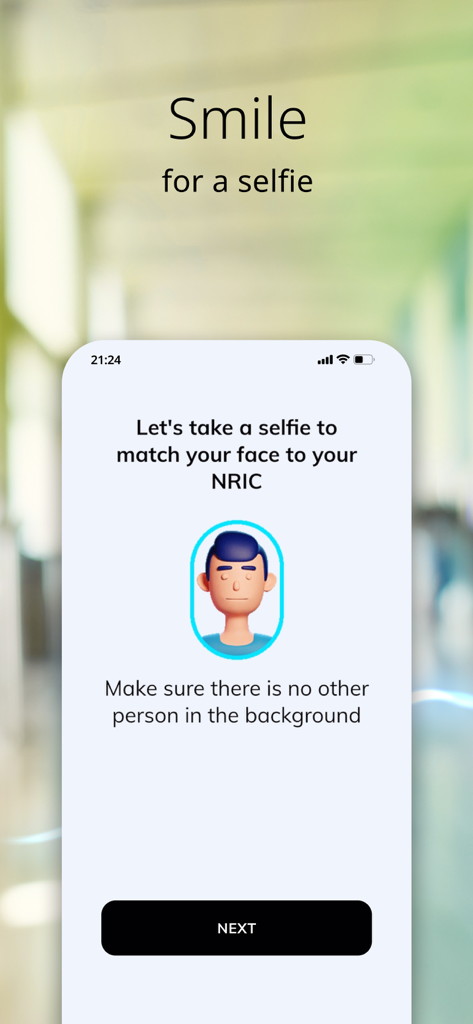
Mobile app screen prompting user to take a selfie to match their face to their NRIC for bank account opening
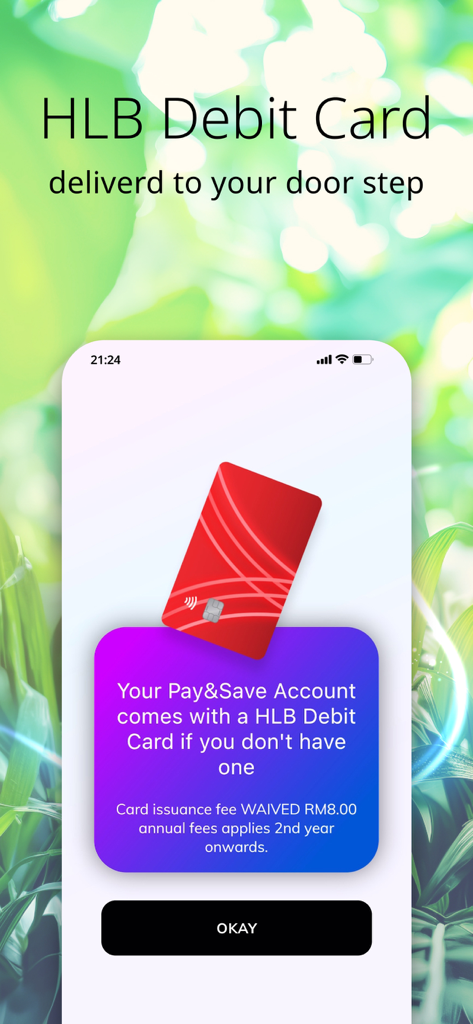
Apply@HLB app screen showing HLB Debit Card delivery to doorstep for Pay and Save accounts
Description
Download
More Like This
Apps with similar features and user experience
ADCB Hayyak
Abu Dhabi Commercial Bank

A money
AIRA & AIFUL PUBLIC COMPANY LIMITED
BIDV Home
BANK FOR INVESTMENT AND DEVELOPMENT OF VIETNAM

Max
VIETNAM INTERNATIONAL COMMERCIAL JOINT STOCK BANK
RHB MyHome
RHB Bank Berhad

Lebara SIM Activation
Lebara Media Services Limited

Eminevim Görüntülü Sözleşme
EMIN EVIM EMIN OTOMOTIV ILETISIM ORGANIZASYON PAZARLAMA SANAYI VE TICARET ANONIM SIRKETI
This page is not an official page of the app or its developer, but an independent editorial publication created for informational and commentary purposes. Unless expressly stated otherwise, neither the app nor its developer is affiliated with, endorsed by, sponsored by, authorized by, or otherwise officially connected with MWM, Apple, Google Play, the app publisher, or the app's developer, and nothing on this page implies that the app was developed using MWM's services. Any trademarks, logos, screenshots, and other content remain the property of their respective owners.