
This page is not an official page of the app or its developer, but an independent editorial publication created for informational and commentary purposes. Unless expressly stated otherwise, neither the app nor its developer is affiliated with, endorsed by, sponsored by, authorized by, or otherwise officially connected with MWM, Apple, Google Play, the app publisher, or the app's developer, and nothing on this page implies that the app was developed using MWM's services. Any trademarks, logos, screenshots, and other content remain the property of their respective owners.
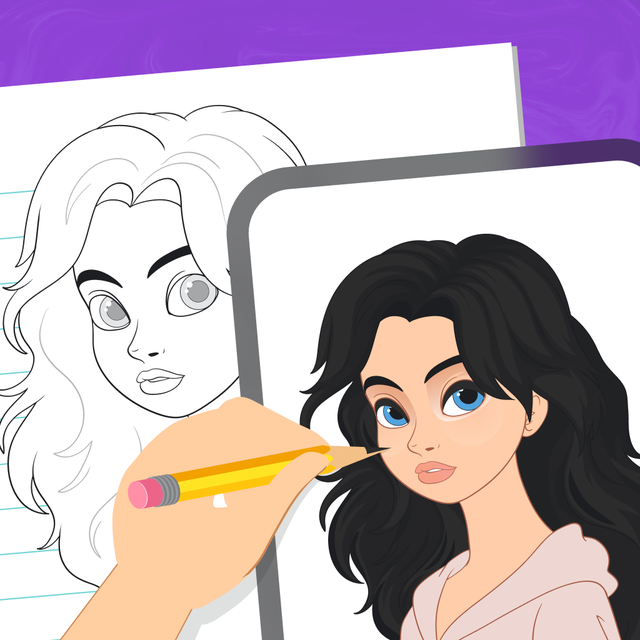

AR Drawing Sketch: Draw, Trace
Transform your ideas into physical masterpieces. Generate unique AI art or upload photos, and use your phone as a projector to trace perfect sketches every time.
Downloads
100User Rating
Total Ratings
0Publisher
Category
Graphics & DesignLocales
1Latest Version
3.0Size
156.6 MBFirst Released
Nov 24, 2025Unleash Your Inner Artist with AR Magic
Bridge the gap between digital inspiration and physical creation. Our advanced AR technology helps you sketch, trace, and create professional-looking art regardless of your skill level.
Precision AR Projector
Stop struggling with proportions. Project any image onto your paper through your camera and trace with perfect accuracy every time.
AI Inspiration Engine
Beat artist's block instantly. Use our built-in AI to generate unique images from your imagination and start drawing them right away.
Frequently Asked Questions
Everything you need to know about AR Drawing Sketch: Draw, Trace
What is AR Drawing Sketch: Draw, Trace?
AR Drawing Sketch: Draw, Trace is an app that allows users to generate images or upload photos and then use them as a projector for drawing. It helps transform ideas into art.
How does AR Drawing Sketch: Draw, Trace help with drawing?
AR Drawing Sketch: Draw, Trace features a drawing projector function. This superimposes an image onto paper, allowing users to accurately reproduce details and trace outlines.
Can users upload their own photos to AR Drawing Sketch: Draw, Trace?
Yes, users can upload their own photos to AR Drawing Sketch: Draw, Trace. These uploaded images can then be used as a base for drawing with the projector function.
Does AR Drawing Sketch: Draw, Trace include an AI image generation feature?
Yes, AR Drawing Sketch: Draw, Trace includes built-in generation tools to create unique images. Users can also create pictures with AI by describing them.
Is AR Drawing Sketch: Draw, Trace easy to use for new artists?
Yes, AR Drawing Sketch: Draw, Trace features a user-friendly interface. Its simplicity allows users to concentrate on creativity rather than complex technical aspects, benefiting both budding and experienced artists.
Where can I find the Privacy Policy for AR Drawing Sketch: Draw, Trace?
The Privacy Policy for AR Drawing Sketch: Draw, Trace is available at https://www.freeprivacypolicy.com/live/ed7e6bf2-445d-469e-a4b8-88803f21c6c2. Users agree to it by using the app.
What are the Terms of Use for AR Drawing Sketch: Draw, Trace?
The Terms of Use for AR Drawing Sketch: Draw, Trace can be found at https://www.apple.com/legal/internet-services/itunes/dev/stdeula/. Usage of the app implies agreement to these terms.
Does AR Drawing Sketch: Draw, Trace offer drawing templates?
Yes, AR Drawing Sketch: Draw, Trace offers various drawing templates. Users can choose from these templates to use as a basis for their artistic projects.
Can I record my drawing process in AR Drawing Sketch: Draw, Trace?
Yes, AR Drawing Sketch: Draw, Trace allows users to record videos of their drawing process. A "Record" option is visible within the drawing interface.
Does AR Drawing Sketch: Draw, Trace have a flashlight option?
Yes, AR Drawing Sketch: Draw, Trace includes a flashlight option. This feature is integrated into the drawing interface to assist users during their creative process.
The following screenshots and description are sourced directly from the app's official store listing and are the property of the app developer.
App Store
Screenshots
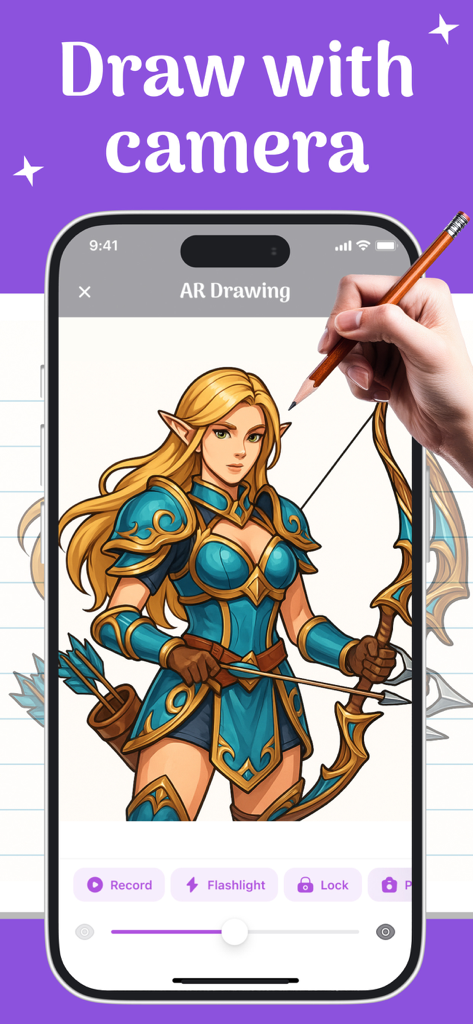
A hand tracing a fantasy character using the AR Drawing Sketch app on an iPhone
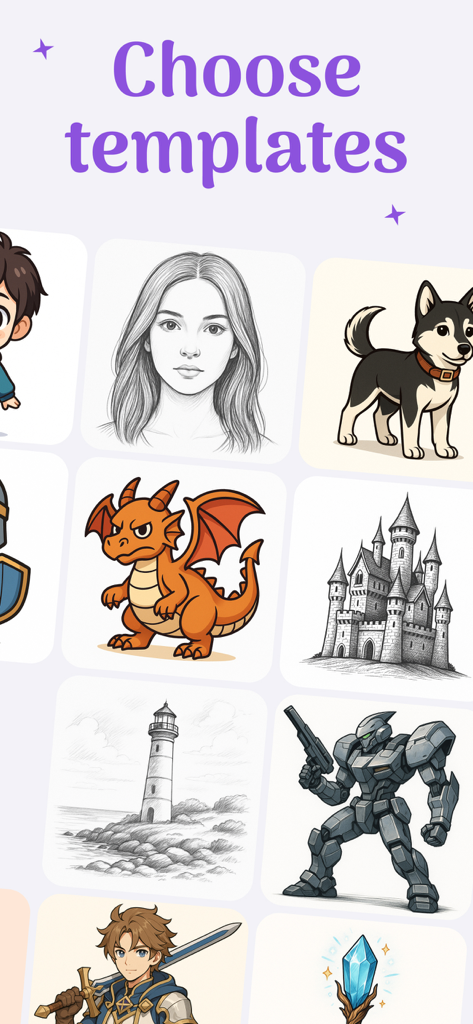
A variety of drawing templates in the app including a portrait, a dragon, a robot, and a castle.
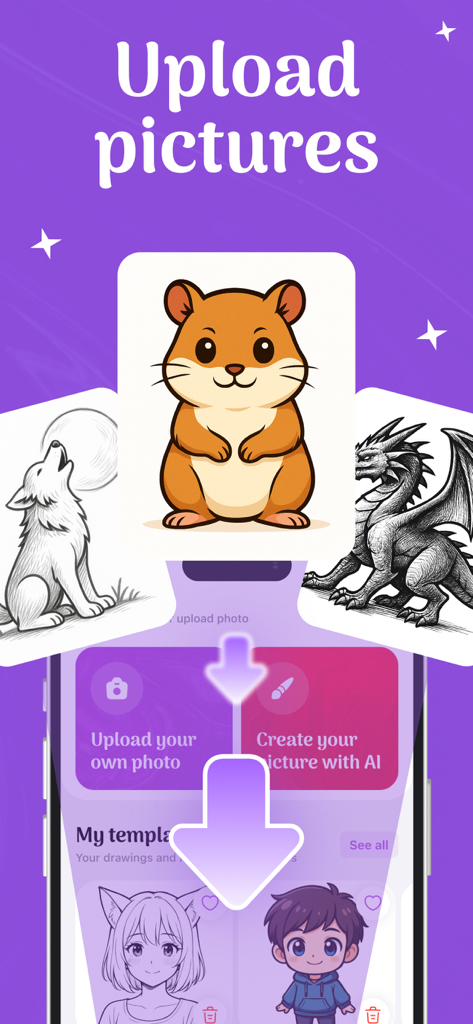
App screen showing the option to upload photos or generate AI images for tracing with various animal and character templates.
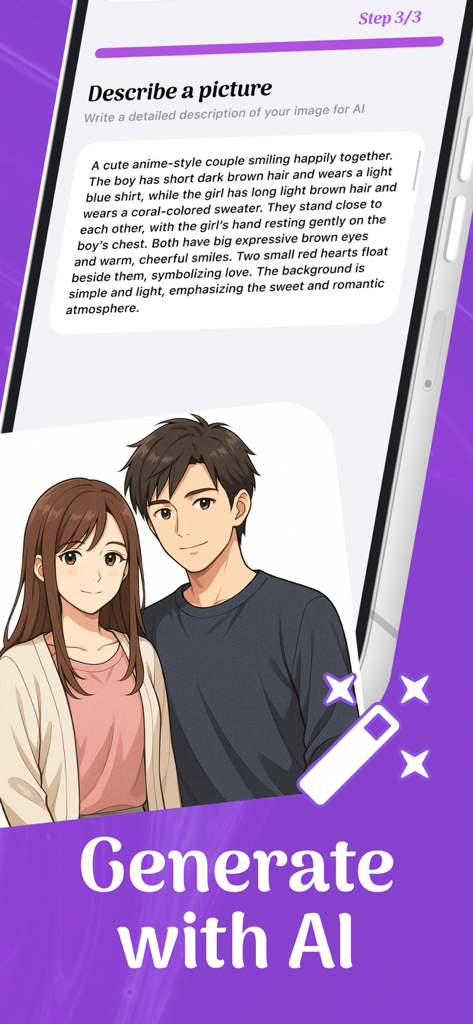
Mobile app interface for generating anime art using AI text prompts
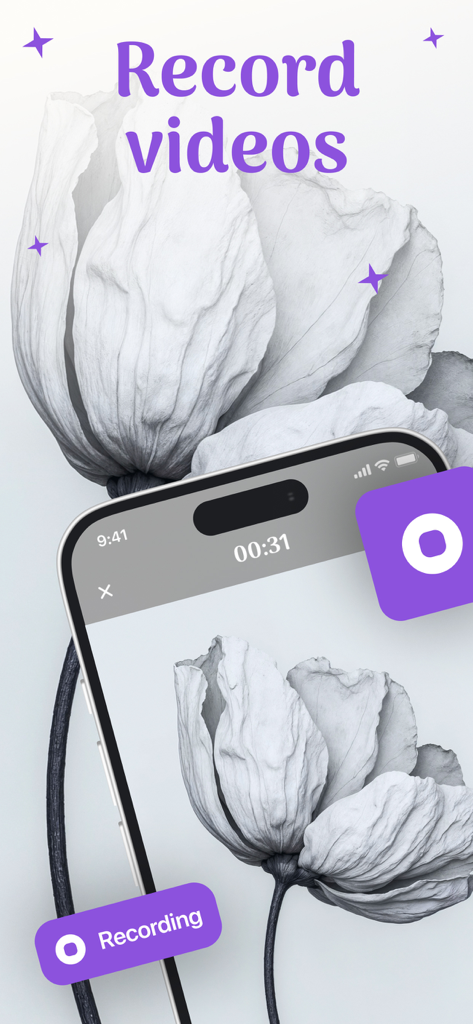
An iPhone screen displaying the video recording feature of the AR Drawing Sketch app while sketching a white flower
Description
Download
More Like This
Top-ranked apps in the same category

Kling AI: AI Image&Video Maker
LOHAS GAMES PTE. LTD.

iScreen - Widgets & Wallpaper
Xiamen ShenZhuo Information Technology Co., Ltd.

Dreamina AI: Image&Video Maker
BYTEDANCE PTE. LTD.

Home AI - AI Interior Design
HUBX YAZILIM HIZMETLERI ANONIM SIRKETI

ibis Paint X
ibis inc.

ThemeKit: Widget & Icon Themes
Woohoo Tech. Ltd.

Sketchbook®
Sketchbook, Inc.

Colorful Widget- Widget&Themes
Guangzhou ZHIFENG Information Technology Co.,Ltd.

ReRoom AI: Interior Design
GM UniverseApps Limited
This page is not an official page of the app or its developer, but an independent editorial publication created for informational and commentary purposes. Unless expressly stated otherwise, neither the app nor its developer is affiliated with, endorsed by, sponsored by, authorized by, or otherwise officially connected with MWM, Apple, Google Play, the app publisher, or the app's developer, and nothing on this page implies that the app was developed using MWM's services. Any trademarks, logos, screenshots, and other content remain the property of their respective owners.