
This page is not an official page of the app or its developer, but an independent editorial publication created for informational and commentary purposes. Unless expressly stated otherwise, neither the app nor its developer is affiliated with, endorsed by, sponsored by, authorized by, or otherwise officially connected with MWM, Apple, Google Play, the app publisher, or the app's developer, and nothing on this page implies that the app was developed using MWM's services. Any trademarks, logos, screenshots, and other content remain the property of their respective owners.


AR Tracing Projector: ArtSync
Turn your device into a high-precision creative tool. Effortlessly trace any image onto any surface with professional layers, pixel-perfect control, and built-in time-lapse recording to share your process on social media.
Downloads
0User Rating
Total Ratings
0Publisher
Category
Graphics & DesignLocales
2Latest Version
1.2Size
126.7 MBFirst Released
Nov 8, 2023Master Every Stroke with AR Precision
Transform your iPhone or iPad into a powerful art projector. Whether you're customizing sneakers for Etsy or sketching your next masterpiece, ArtSync makes professional-grade tracing effortless for any surface.
Rock-Solid AR Tracing
Lock your image onto any surface with advanced AR anchoring. Sketch with pixel-perfect precision without the image ever drifting, perfect for intricate DIY projects.
Pro-Grade Multi-Layer Editing
Organize complex designs with layers and sublayers. Experiment with different versions of your art using the same logic as Procreate or Photoshop.
The following screenshots and description are sourced directly from the app's official store listing and are the property of the app developer.
App Store
Screenshots
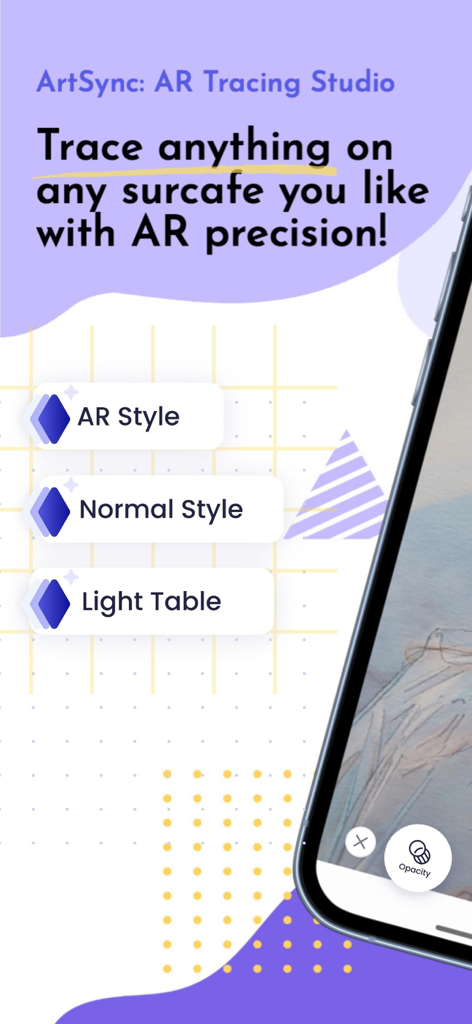
ArtSync app interface showing AR Style Normal Style and Light Table tracing options
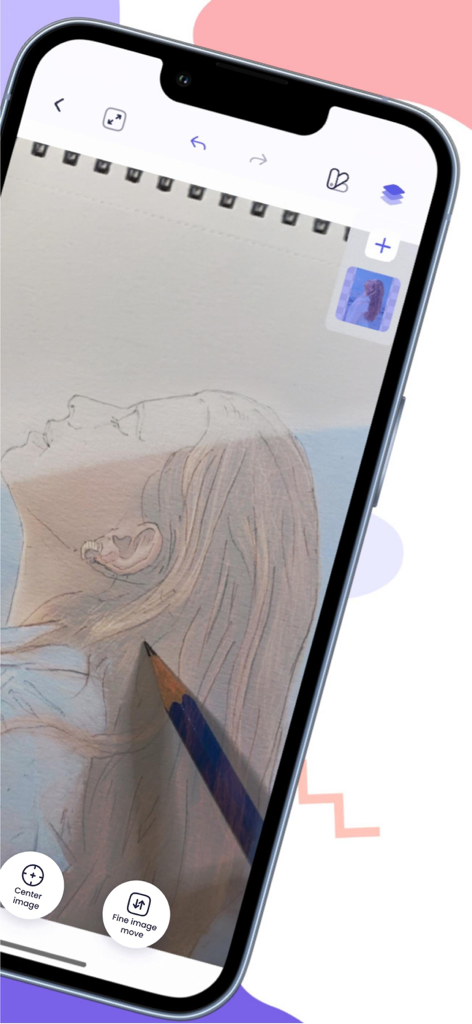
ArtSync app interface showing AR tracing of a portrait with a pencil
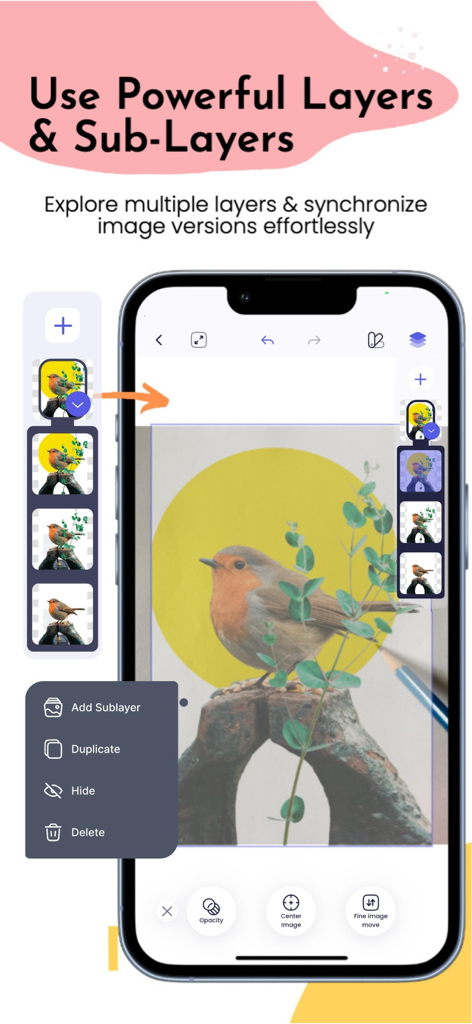
ArtSync app interface demonstrating the layers and sublayers feature for image tracing
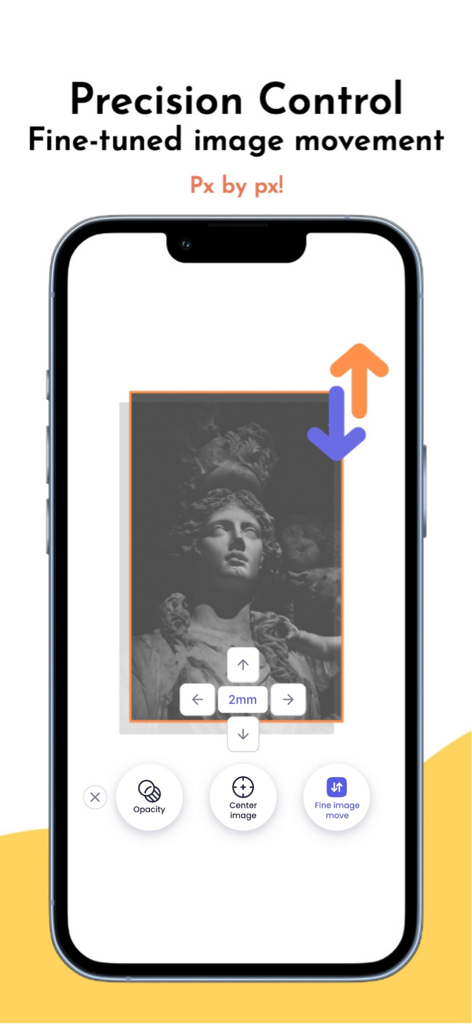
ArtSync app interface demonstrating precision control for fine tuning image placement pixel by pixel.
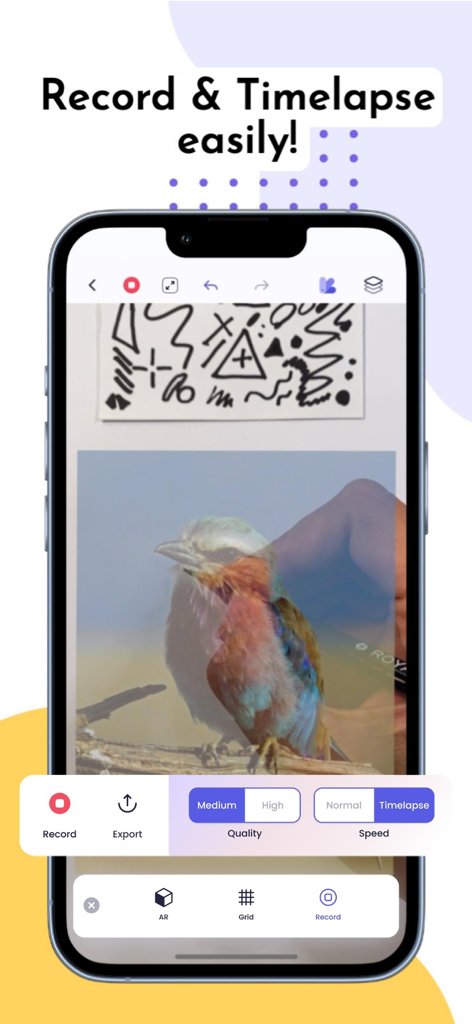
ArtSync mobile app interface showing AR tracing of a bird with recording and timelapse options
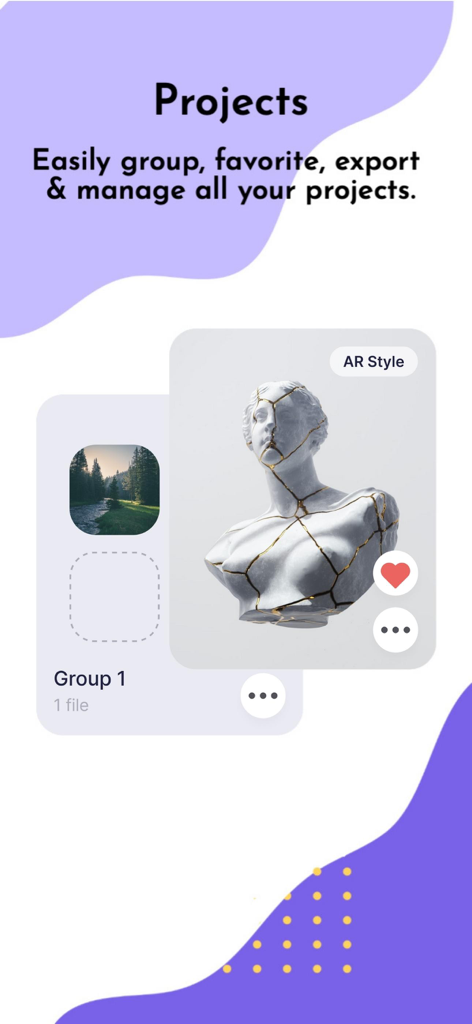
ArtSync app screen for managing and organizing AR tracing projects
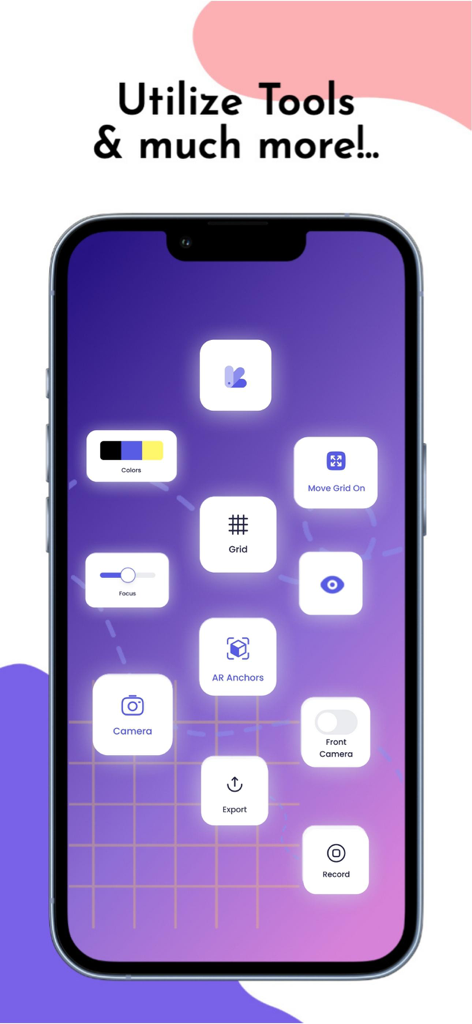
Smartphone screen showing ArtSync app tools including AR anchors grid camera and recording options
Description
Download
More Like This
Top-ranked apps in the same category

iScreen - Widgets & Wallpaper
Xiamen ShenZhuo Information Technology Co., Ltd.

Kling AI: AI Image&Video Maker
LOHAS GAMES PTE. LTD.

Home AI - AI Interior Design
HUBX YAZILIM HIZMETLERI ANONIM SIRKETI

ibis Paint X
ibis inc.

ThemeKit: Widget & Icon Themes
Woohoo Tech. Ltd.

Dreamina AI: Image&Video Maker
BYTEDANCE PTE. LTD.

Sketchbook®
Sketchbook, Inc.

Colorful Widget- Widget&Themes
Guangzhou ZHIFENG Information Technology Co.,Ltd.

AR Drawing: Sketch & Paint
Digital Solutions Technologies Limited
This page is not an official page of the app or its developer, but an independent editorial publication created for informational and commentary purposes. Unless expressly stated otherwise, neither the app nor its developer is affiliated with, endorsed by, sponsored by, authorized by, or otherwise officially connected with MWM, Apple, Google Play, the app publisher, or the app's developer, and nothing on this page implies that the app was developed using MWM's services. Any trademarks, logos, screenshots, and other content remain the property of their respective owners.