
This page is not an official page of the app or its developer, but an independent editorial publication created for informational and commentary purposes. Unless expressly stated otherwise, neither the app nor its developer is affiliated with, endorsed by, sponsored by, authorized by, or otherwise officially connected with MWM, Apple, Google Play, the app publisher, or the app's developer, and nothing on this page implies that the app was developed using MWM's services. Any trademarks, logos, screenshots, and other content remain the property of their respective owners.


ARadar
The ultimate safety companion for bike commuters. Connect your Garmin Varia directly to your wrist for haptic traffic alerts, voice feedback, and seamless Strava sync—no cycling computer required.
Downloads
39K+User Rating
Total Ratings
100Publisher
Category
SportsLocales
1Latest Version
2.6Size
12.4 MBFirst Released
May 26, 2022Ride Safer with Intelligence on Your Wrist
The essential bridge for Apple enthusiasts to turn their watch into a powerful rearview safety system without the need for bulky hardware.
Instant Haptic Safety
Feel approaching vehicles through precise wrist vibrations and voice feedback, ensuring you stay aware even in noisy city streets.
Streamlined Cockpit
Save hundreds on extra gear. Connect your Garmin Varia or Bryton Gardia directly to your Apple Watch for a minimalist and clutter-free ride.
The following screenshots and description are sourced directly from the app's official store listing and are the property of the app developer.
App Store
Screenshots
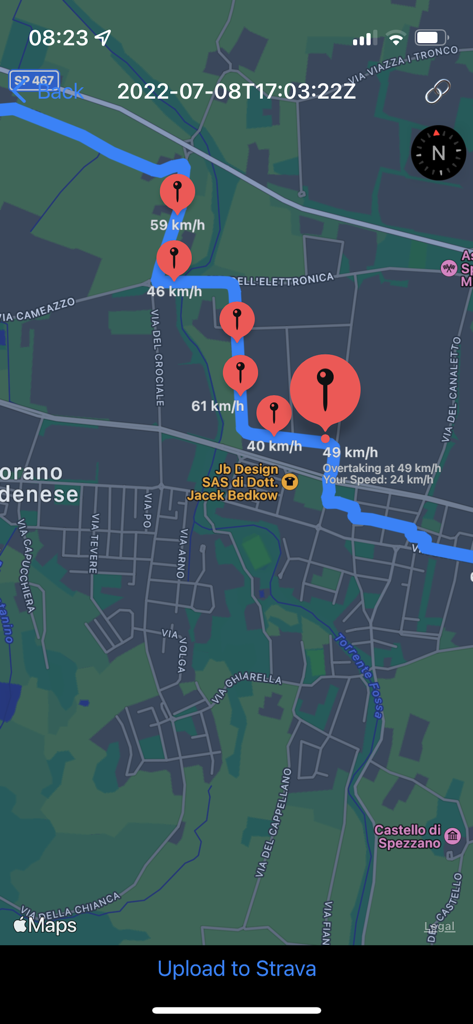
Map view of a cycling route in the ARadar app showing red pin markers with vehicle overtaking speeds and a button to upload to Strava
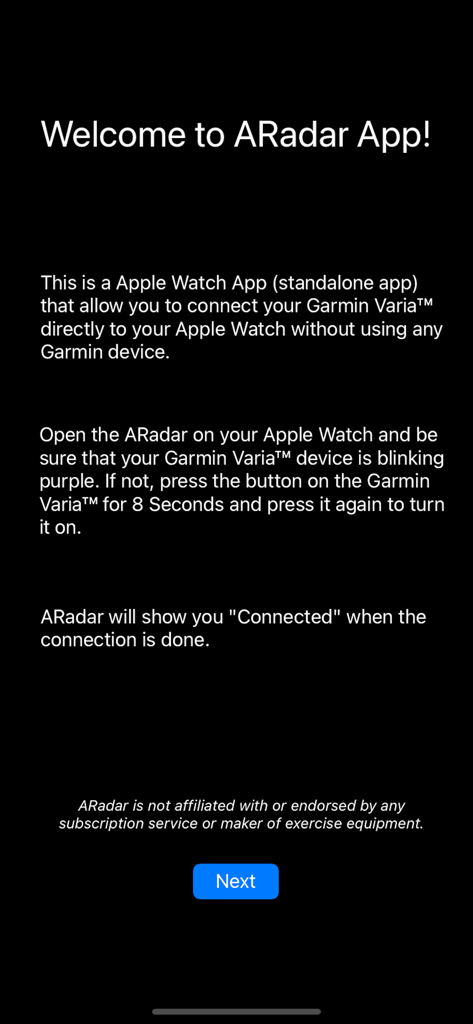
Welcome screen of the ARadar app displaying instructions for connecting a Garmin Varia radar directly to an Apple Watch.
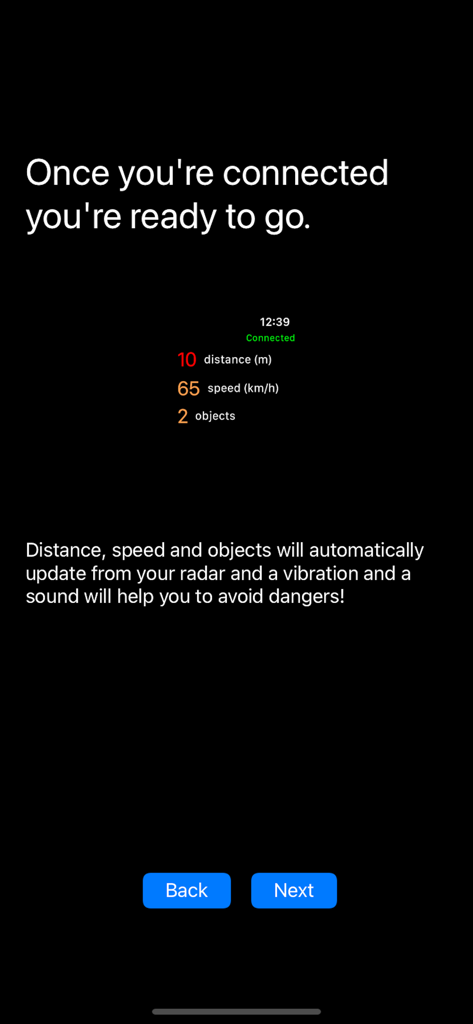
ARadar app interface showing real-time distance and speed data for objects detected by a bike radar

A screen from the ARadar app with a message saying Have a safe Ride and Enjoy ARadar app
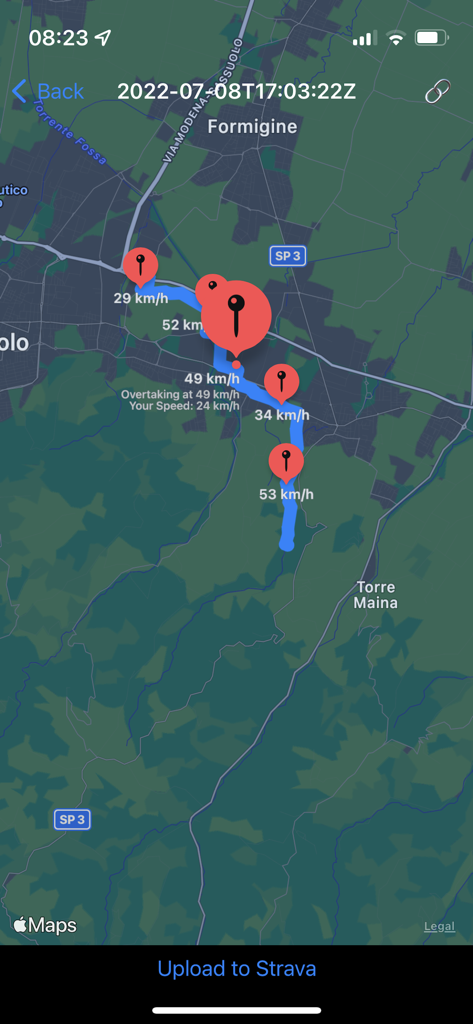
A map in the ARadar app showing a bike route with markers for vehicle overtaking speeds
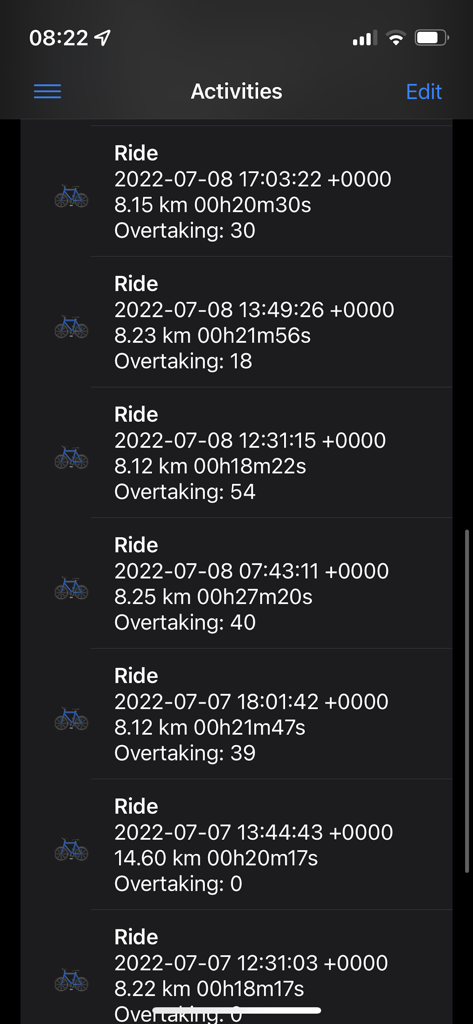
ARadar activity history screen displaying list of past rides with distance and overtaking stats
Description
Download
More Like This
Top-ranked apps in the same category

得物 - 得到美好事物
Shanghai Dewu Information Group Co., Ltd.

懂球帝 - 足球篮球体坛数据
Hainan Football-Loving Girl Network Technology Co., Ltd.

Underdog Sports
Underdog Sports, Inc.

虎扑-评分篮球足球游戏影视
Shanghai Kuanghui Network Technology Co., LTD

ESPN: Live Sports & Scores
Disney Electronic Content, Inc.

Flashscore: Live Scores & News
Livesport s.r.o.

Polymarket
Blockratize Inc

DAZN: Stream Live Sports
DAZN Limited

DraftKings Sportsbook & Casino
DRAFTKINGS LLC.
This page is not an official page of the app or its developer, but an independent editorial publication created for informational and commentary purposes. Unless expressly stated otherwise, neither the app nor its developer is affiliated with, endorsed by, sponsored by, authorized by, or otherwise officially connected with MWM, Apple, Google Play, the app publisher, or the app's developer, and nothing on this page implies that the app was developed using MWM's services. Any trademarks, logos, screenshots, and other content remain the property of their respective owners.