ArtLoop: Ar Drawing Lessons
Download on App Store

This page is not an official page of the app or its developer, but an independent editorial publication created for informational and commentary purposes. Unless expressly stated otherwise, neither the app nor its developer is affiliated with, endorsed by, sponsored by, authorized by, or otherwise officially connected with MWM, Apple, Google Play, the app publisher, or the app's developer, and nothing on this page implies that the app was developed using MWM's services. Any trademarks, logos, screenshots, and other content remain the property of their respective owners.
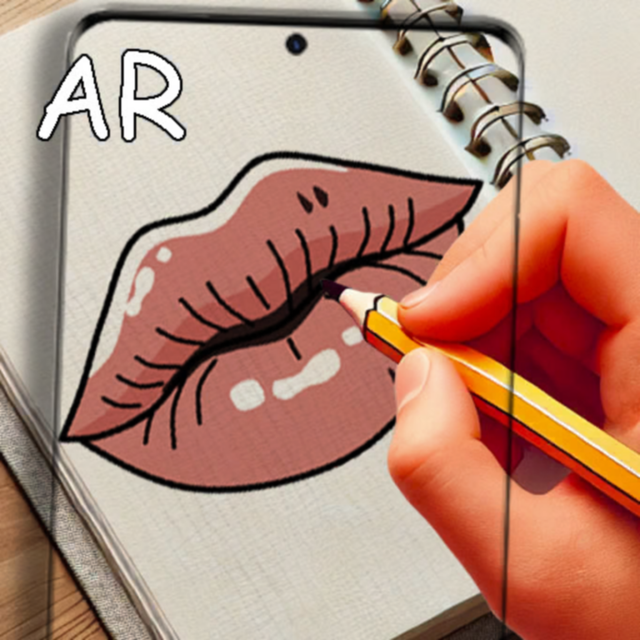

Logo of ArtLoop: Ar Drawing Lessons
Download on App Store

ArtLoop: Ar Drawing Lessons

The ultimate shortcut for aspiring artists. Trace stunning anime, kawaii characters, and landscapes using augmented reality, then record and share your creative process on social media.

Key Figures

Downloads

13K+

User Rating

1.0/5

Total Ratings

0

Publisher

Anhelina Denezhko

Category

Graphics & Design

Locales

1

Latest Version

1.2.1

Size

105.2 MB

First Released

May 1, 2025
Features

Master Your Sketching Skills with AR Magic

Stop fearing the blank page. ArtLoop uses Augmented Reality to guide your hand, helping you create professional-level art from your very first session.

Precision AR Tracing

Project any design onto your sketchbook using your camera. Master proportions and complex outlines instantly by tracing digital guides in real-time.

Trending Lesson Library

Access step-by-step tutorials for Anime, Kawaii characters, and aesthetic calligraphy. Learn the styles that are trending across social media today.

The following screenshots and description are sourced directly from the app's official store listing and are the property of the app developer.

App Store

Screenshots
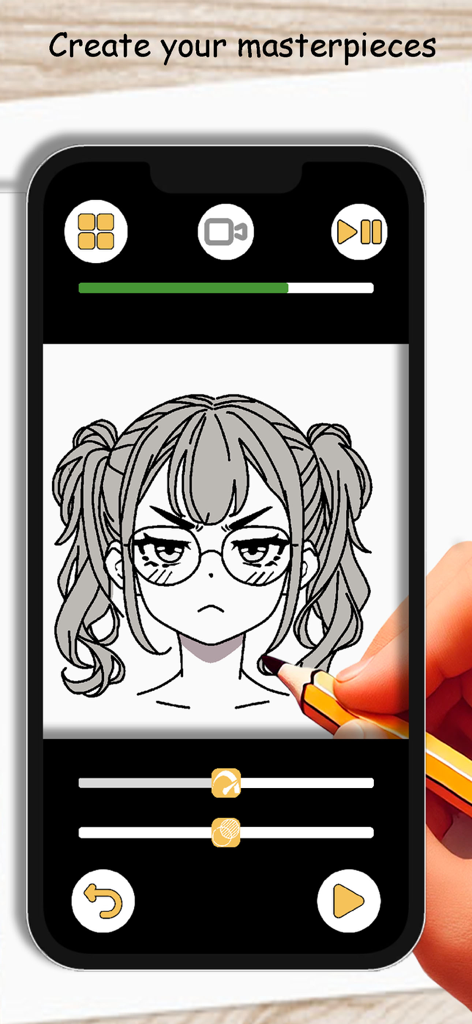
ArtLoop: Ar Drawing Lessons - A person using a pencil to trace an anime girl character from a smartphone screen using the ArtLoop AR drawing app.
A person using a pencil to trace an anime girl character from a smartphone screen using the ArtLoop AR drawing app.

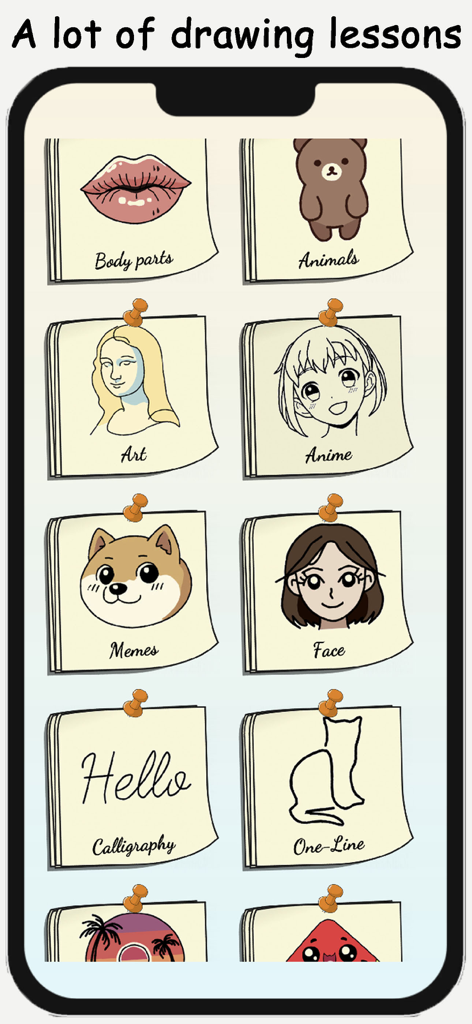
ArtLoop: Ar Drawing Lessons - A screen showing various drawing lesson categories like Anime, Memes, and Calligraphy in the ArtLoop app.
A screen showing various drawing lesson categories like Anime, Memes, and Calligraphy in the ArtLoop app.

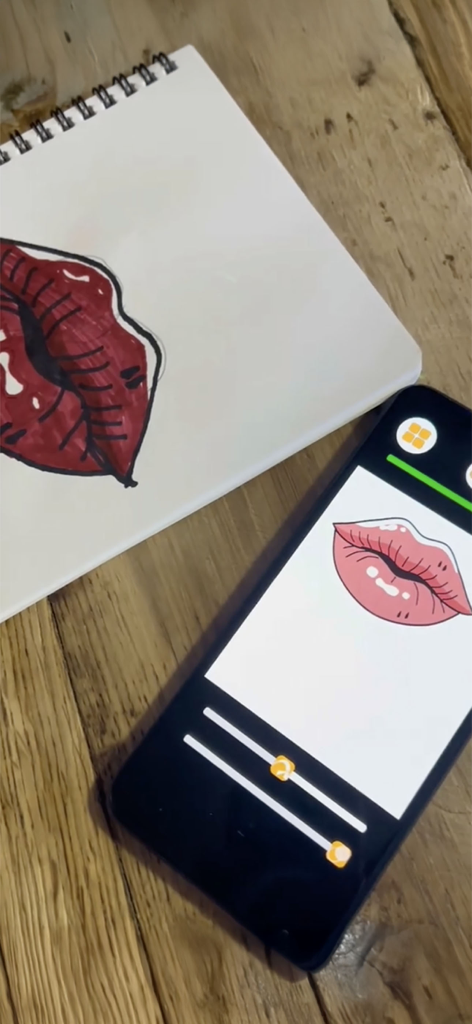
ArtLoop: Ar Drawing Lessons - A smartphone using ArtLoop AR technology to trace a lips illustration into a physical sketchbook
A smartphone using ArtLoop AR technology to trace a lips illustration into a physical sketchbook

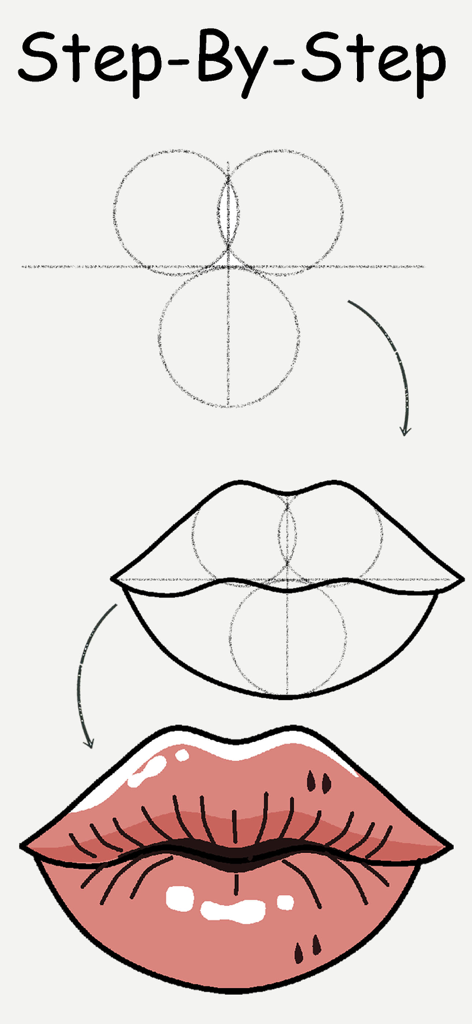
ArtLoop: Ar Drawing Lessons - Step by step tutorial for drawing lips with the ArtLoop app

Step by step tutorial for drawing lips with the ArtLoop app

Description

Unleash your inner artist with AR Drawing Lessons: Sketch Art! This innovative app combines the magic of Augmented Reality with step-by-step tutorials to help you learn to sketch like a pro. Perfect for beginners and seasoned sketch artists alike, this app provides an easy and fun learning experience that will spark your creativity and enhance your artistic skills. Key Features: Step-by-Step Tutorials: Learn how to create art through detailed lessons that guide you from start to finish. Whether you want to sketch animals, anime, kawaii characters, or fantastic landscapes, we have tutorials that fit your style. Creative Templates: Get inspired with our diverse collection of creative templates. Use these designs as a base for your creations or practice your skills as you learn to paint and illustrate. Augmented Reality Projection: Experience your artworks in a whole new dimension! Use our AR projector feature to visualize your creations in real-world settings. The augmented reality capability enhances your artistic process and helps you understand proportions better. Video Recording: Capture your artistic journey! Record your progress as you improve your techniques, so you can revisit your process and share your achievements with friends and family. Save and Share Drawings: Love your artwork? Save your creations effortlessly and share them on social media with just a few taps. Show the world your talent and inspire other budding artists! Intuitive Interface: Designed for users of all ages, our intuitive interface makes it easy to navigate. Just select a lesson, trace the outlines, and learn to create at your own pace. Regular Updates: Stay inspired with regular updates that introduce new tutorials and templates. Our dedicated team is committed to bringing fresh content to help you enhance your artistic skills continuously. Artistic Exploration: From one-line sketches to complex fantasy creatures, the AR Drawing Lessons app encourages you to explore new styles and techniques. Let your creativity flow and experiment with different forms of art. Additional Features: Artistic Helper: Your ultimate assistant to make learning easy and enjoyable. Practice on Any Surface: Use your tablet or any drawing pad to trace and create stunning artworks. Calligraphy Lessons: Explore the elegance of calligraphy with step-by-step guides. Proportions Made Easy: Master proportions and details with the AR tracer feature, perfect for beginners. Realistic Eye Sketches: Learn to illustrate expressive eyes and enhance your skills with detailed tutorials. Picture Gallery: Save all your sketches in one place and easily organize your artistic journey. Whether you're a kid, an adult, or a seasoned artist looking for a portable drawing helper, this app is suitable for everyone aged 10 to 50. Get started today and discover how easy it is to sketch with AR Drawing Lessons: Sketch Art. Join a community of creative individuals and elevate your skills. Download AR Drawing Lessons: Sketch Art now and start your artistic journey today! Create, learn, tracing, and explore – the world of art awaits you.

Download

Download on App Store

This page is not an official page of the app or its developer, but an independent editorial publication created for informational and commentary purposes. Unless expressly stated otherwise, neither the app nor its developer is affiliated with, endorsed by, sponsored by, authorized by, or otherwise officially connected with MWM, Apple, Google Play, the app publisher, or the app's developer, and nothing on this page implies that the app was developed using MWM's services. Any trademarks, logos, screenshots, and other content remain the property of their respective owners.







