
This page is not an official page of the app or its developer, but an independent editorial publication created for informational and commentary purposes. Unless expressly stated otherwise, neither the app nor its developer is affiliated with, endorsed by, sponsored by, authorized by, or otherwise officially connected with MWM, Apple, Google Play, the app publisher, or the app's developer, and nothing on this page implies that the app was developed using MWM's services. Any trademarks, logos, screenshots, and other content remain the property of their respective owners.


Artmator
Transform your tablet into a desktop-class workstation. Create scalable logos, technical floor plans, and stunning illustrations with the precision of Bezier paths, full cloud integration, and a seamless vector workflow.
Downloads
50K+User Rating
Total Ratings
0Publisher
Category
EntertainmentLocales
10Latest Version
2.42Size
10.8 MBFirst Released
Aug 19, 2019Design Without Limits
Turn your iPad into a professional creative studio with desktop-class vector tools designed for precision, speed, and seamless mobility.
Pro-Grade Vector Precision
Create crisp logos and infinitely scalable graphics with a powerful pen tool and bezier curves that never lose quality, no matter the size.
Seamless Cloud Workflow
Work from anywhere by opening and auto-saving files directly from iCloud, Dropbox, or Box using native iOS Files app integration.
The following screenshots and description are sourced directly from the app's official store listing and are the property of the app developer.
App Store
Screenshots
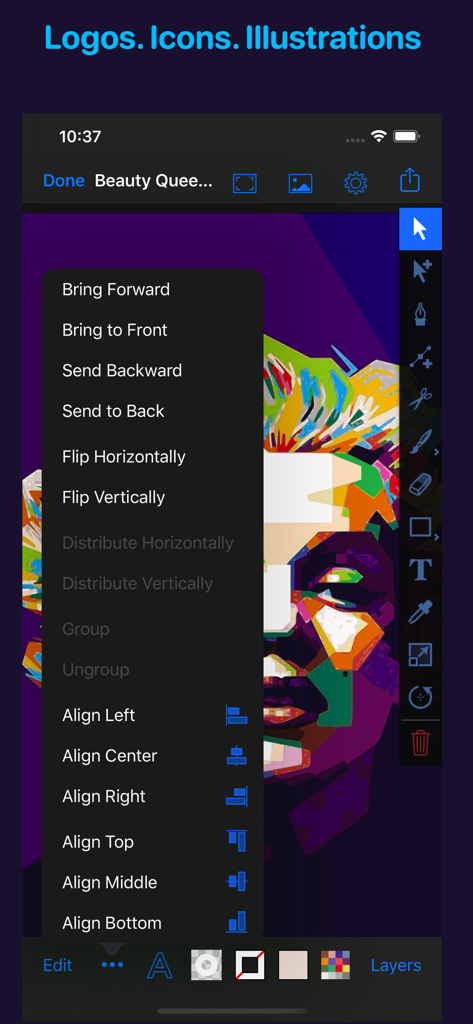
Artmator app interface showing a colorful vector portrait and a menu for object alignment and arrangement
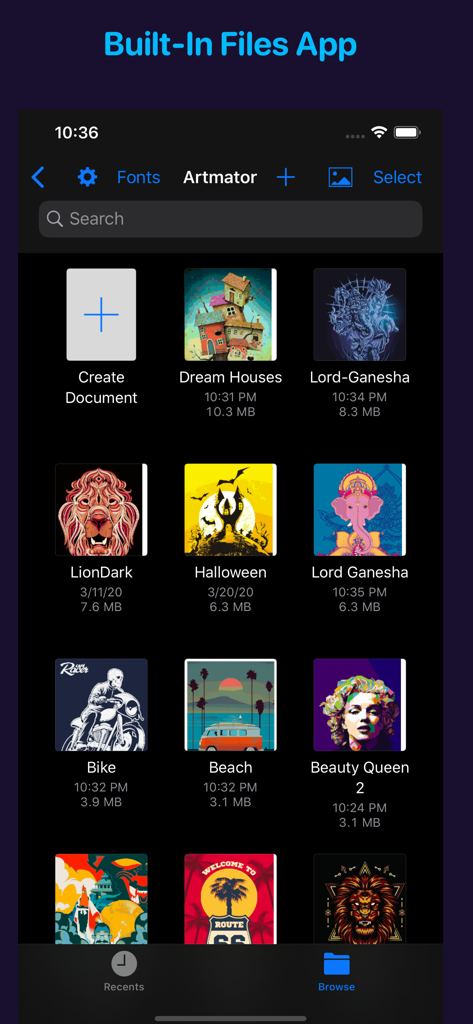
Artmator app gallery view showing vector illustration projects and integrated Files app management in dark mode
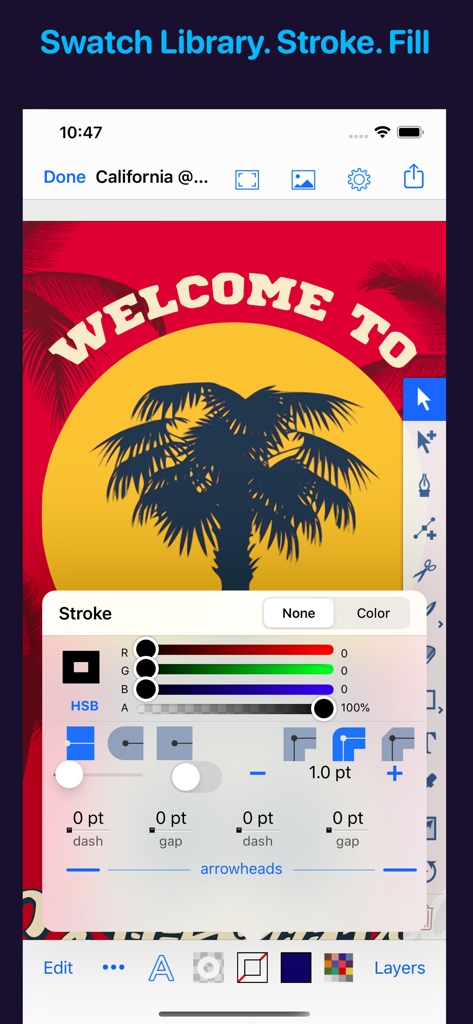
Artmator mobile interface showing advanced stroke settings and a vector palm tree illustration
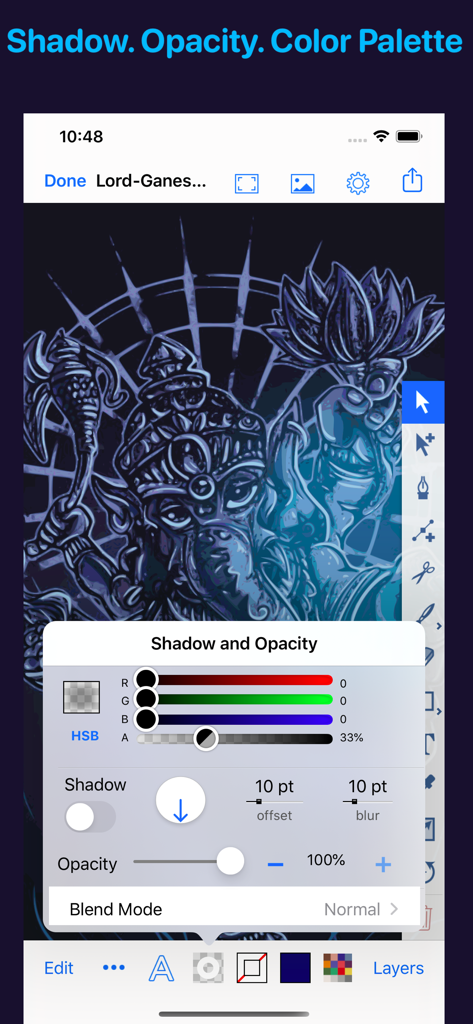
Interface of Artmator vector app showing shadow and opacity adjustment controls
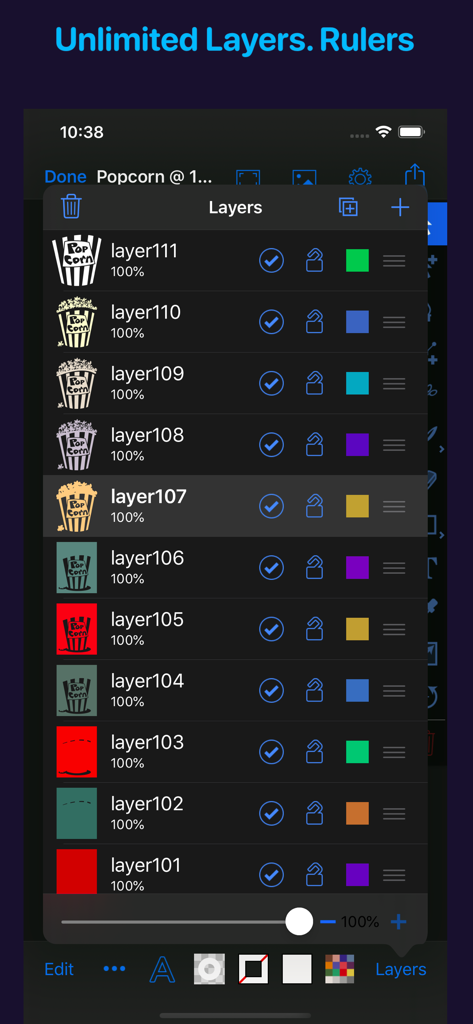
Screenshot of Artmator vector drawing app showing the unlimited layers panel with various illustration components
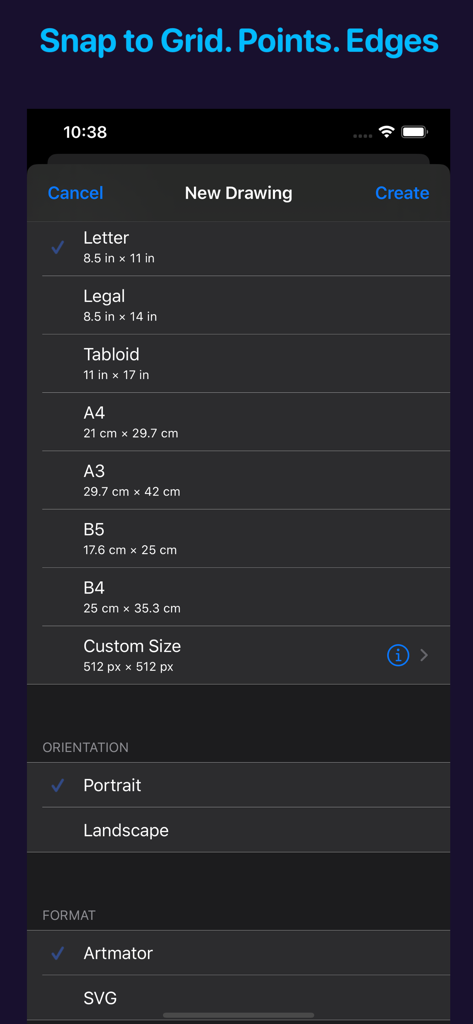
Artmator app interface for setting up a new drawing with various page sizes and vector formats
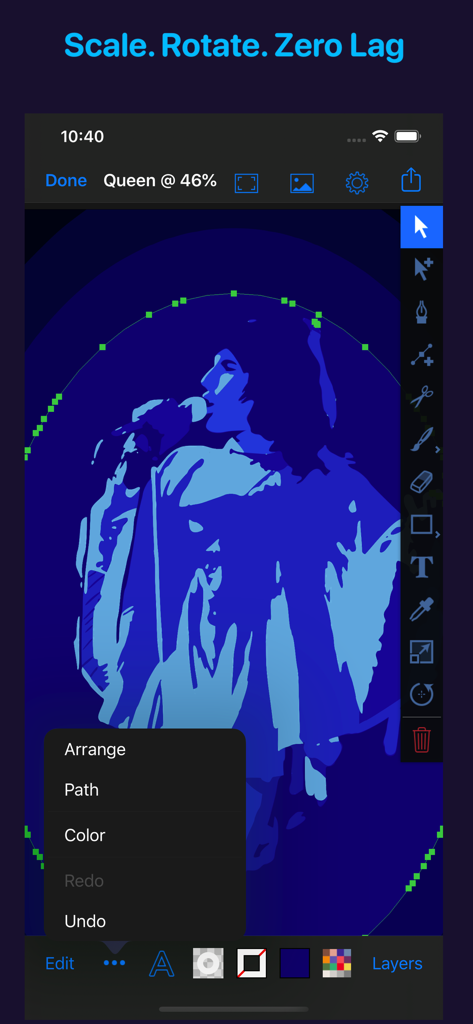
Artmator app interface showing a blue vector illustration of a person with a selection of professional design tools and an open editing menu.
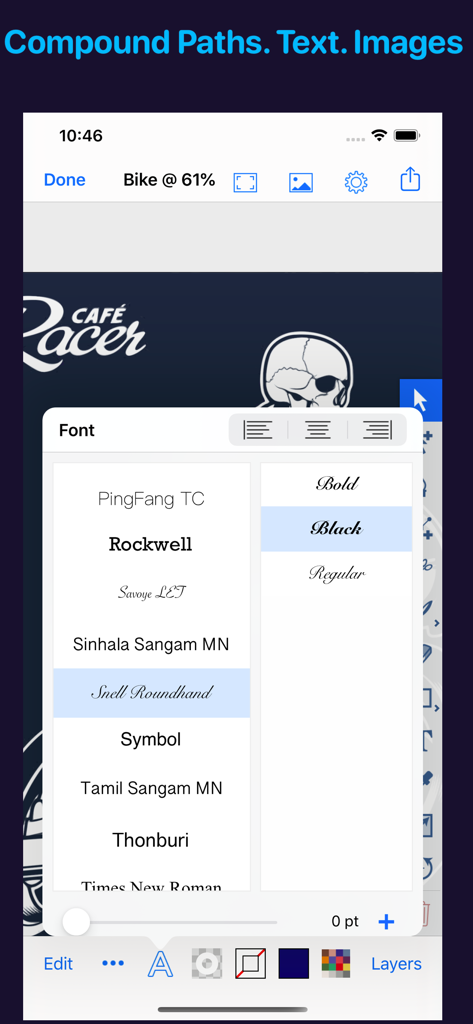
Artmator app font selection menu over a vector logo design on an iPhone
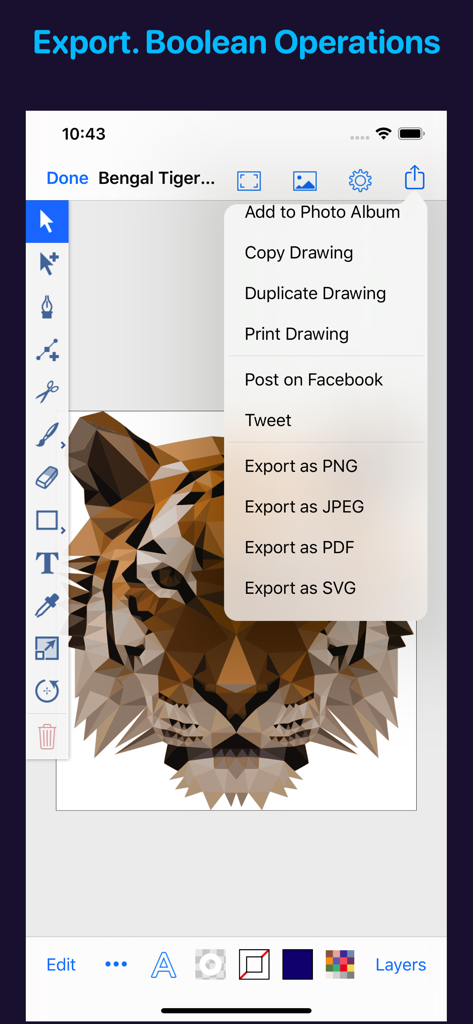
Artmator app interface showing a low poly tiger vector illustration and an open export menu with SVG and PDF options
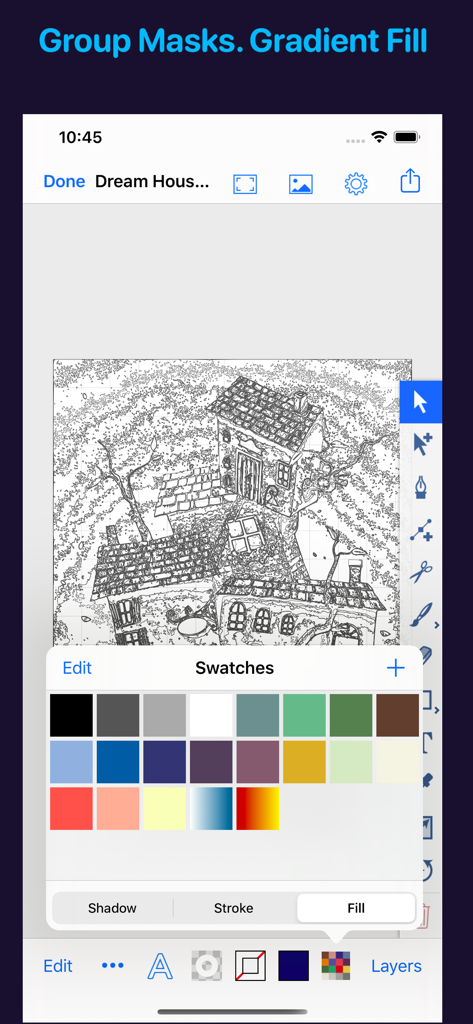
Artmator mobile app interface showing a vector line drawing of a house with an open color swatches palette
Description
Download
More Like This
Top-ranked apps in the same category

TikTok - Videos, Shop & LIVE
TIKTOK PTE. LTD.

Netflix
Netflix, Inc.

Freecash - Get Paid Real Money
256 REWARDS LTD

DramaBox - Stream Drama Shorts
STORYMATRIX PTE. LTD

HBO Max: Stream Movies & TV
WarnerMedia Global Digital Services, LLC

Amazon Prime Video
AMZN Mobile LLC

NetShort - Popular Dramas & TV
NETSTORY PTE. LTD.

ReelShort - Stream Drama & TV
New Leaf Publishing, Inc.

Disney+
Disney Electronic Content, Inc.
This page is not an official page of the app or its developer, but an independent editorial publication created for informational and commentary purposes. Unless expressly stated otherwise, neither the app nor its developer is affiliated with, endorsed by, sponsored by, authorized by, or otherwise officially connected with MWM, Apple, Google Play, the app publisher, or the app's developer, and nothing on this page implies that the app was developed using MWM's services. Any trademarks, logos, screenshots, and other content remain the property of their respective owners.